AI Manga Cleaner
Erase dialogue, narration, and hand-drawn SFX from manga pages while the AI redraws the artwork underneath. Built for scanlators and indie translators.
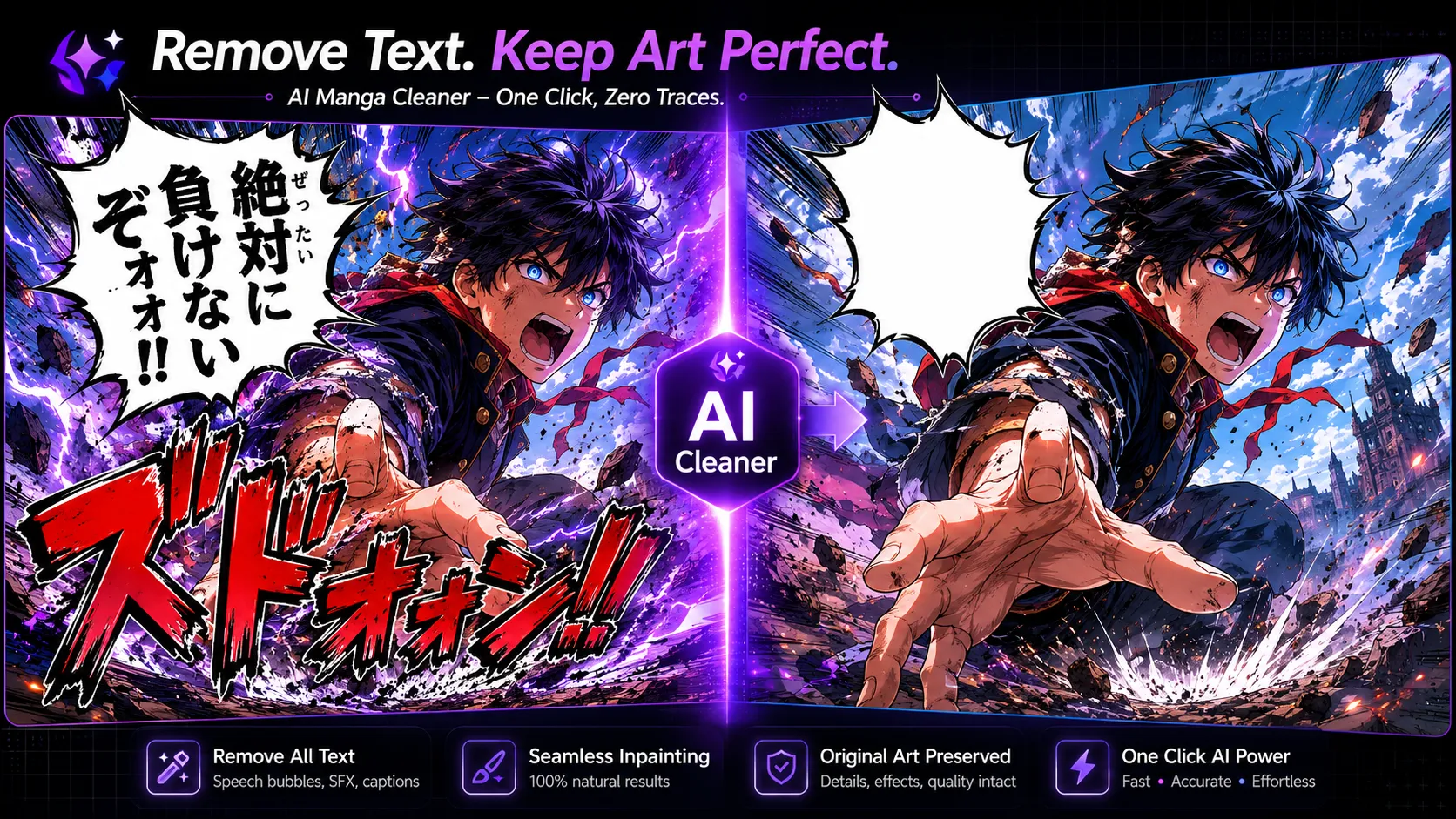

Erase dialogue, narration, and hand-drawn SFX from manga pages while the AI redraws the artwork underneath. Built for scanlators and indie translators.
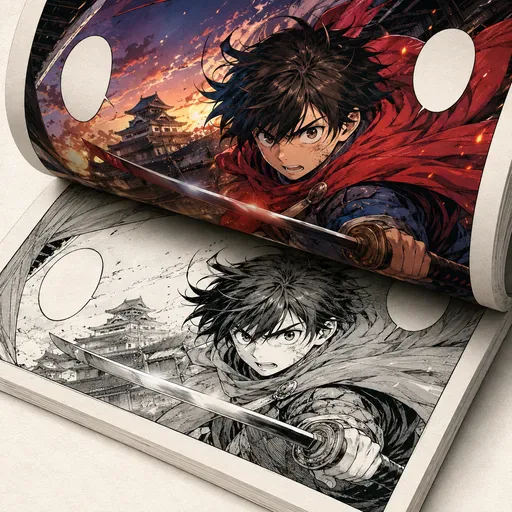
Add colour to black-and-white manga, comics and line art while aiming to preserve the original lines.
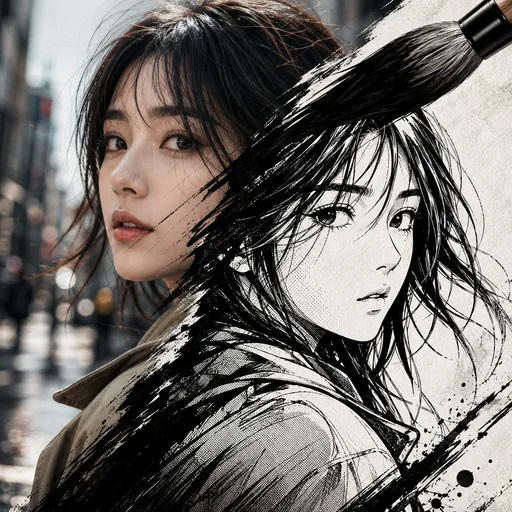
Upload a photo and choose from 1 of 12 manga styles. The built-in prompt updates automatically, while the original subject and scene remain recognisable.
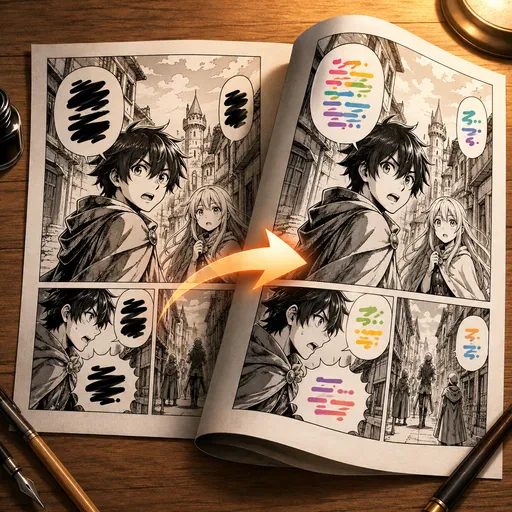
Translate manga by detecting speech bubbles, translating their text and re-rendering it in a similar style.
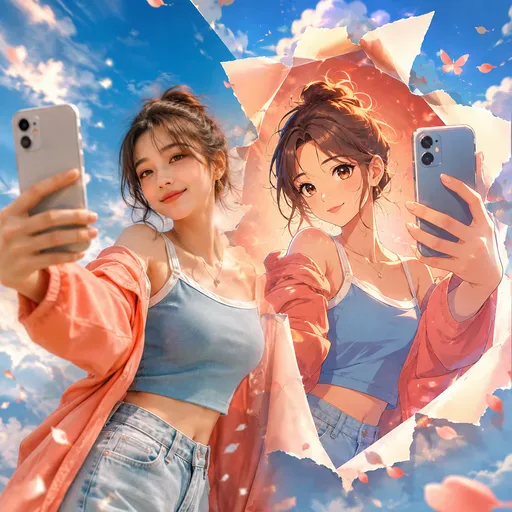
Upload a portrait, selfie, pet photo or group picture, then choose an anime style. The result aims to retain the features that make the original recognisable.
Text removal on manga pages calls for care: speech bubble outlines, screentones and artwork can sit close to the lettering. Use the controls to specify whether to clear dialogue, narration, hand-drawn sound effects or signs. The selected model redraws the edited areas, and results can vary, particularly when lettering overlaps detailed artwork.
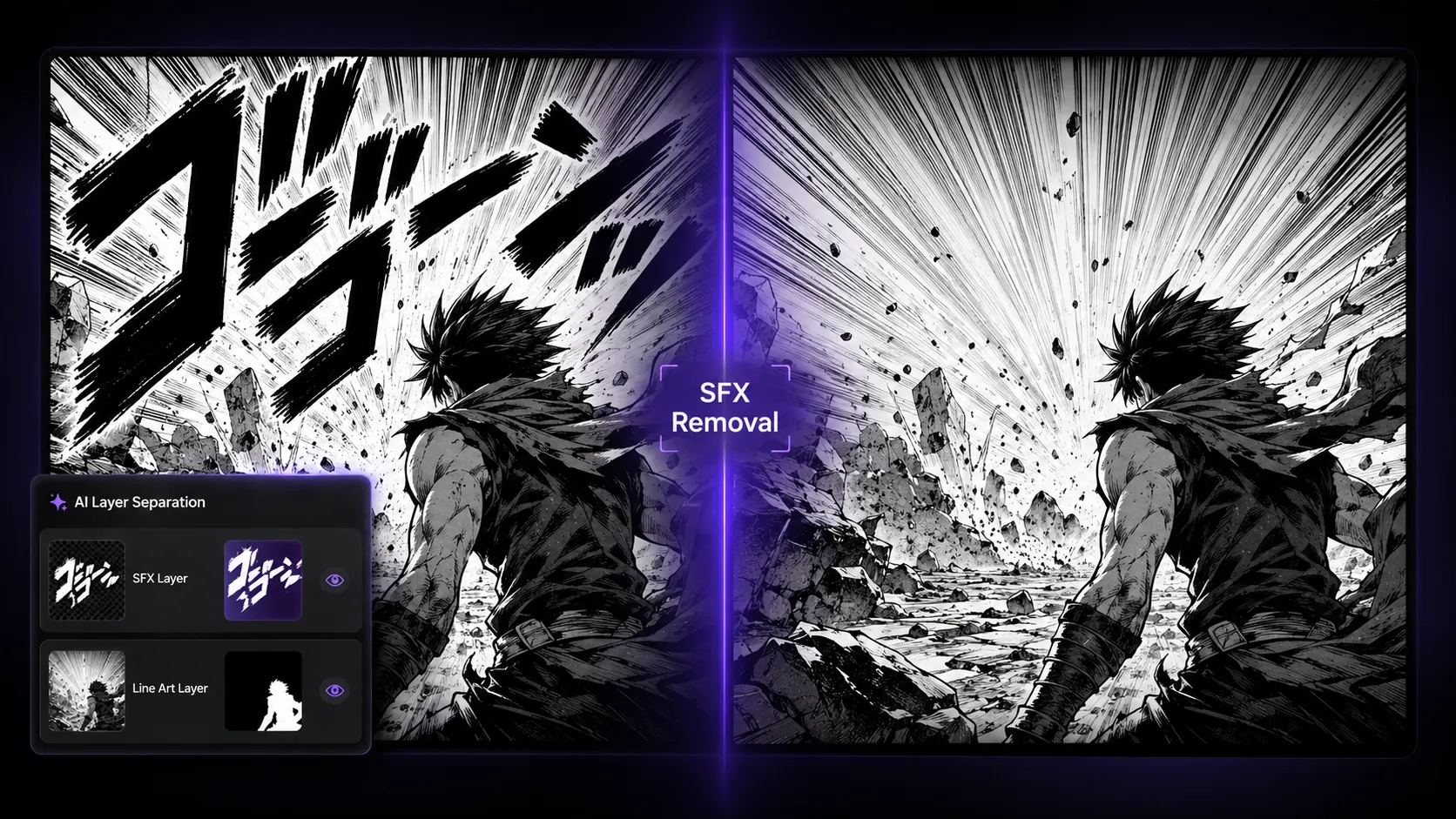
Hand-drawn sound effects can overlap speed lines, action effects and screentones. Ask the model to remove the lettering and redraw what is underneath. Review the result closely: lines or textures may not match the original exactly, and complex areas can need manual touch-ups.
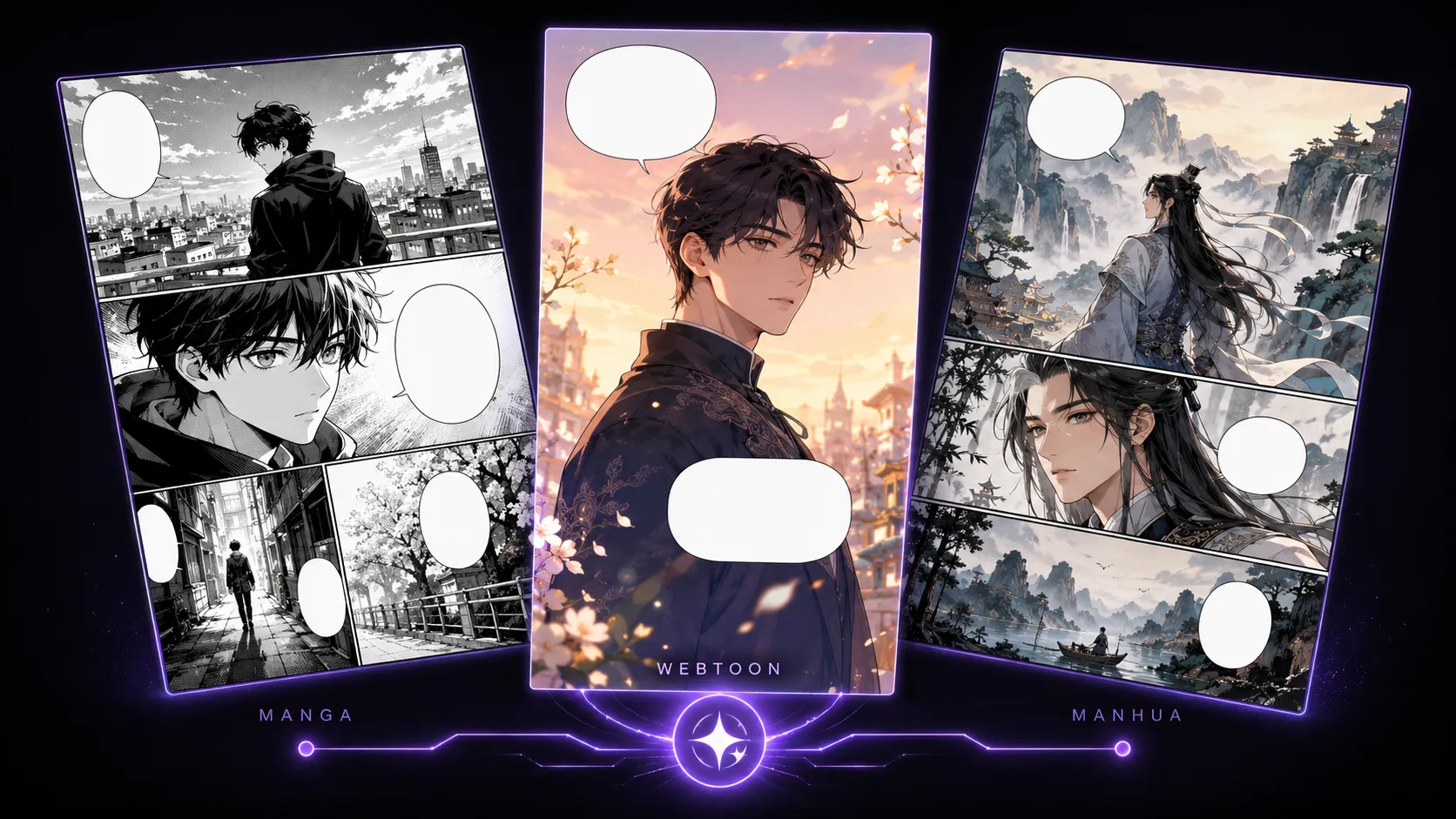
Colour pages and vertical-scroll layouts may include gradients, soft shading and transitions between panels. You can ask the selected model to remove text and redraw those areas to blend with the surrounding image. Results depend on the page and model, so check gradients, lighting and signboards before adding new lettering.
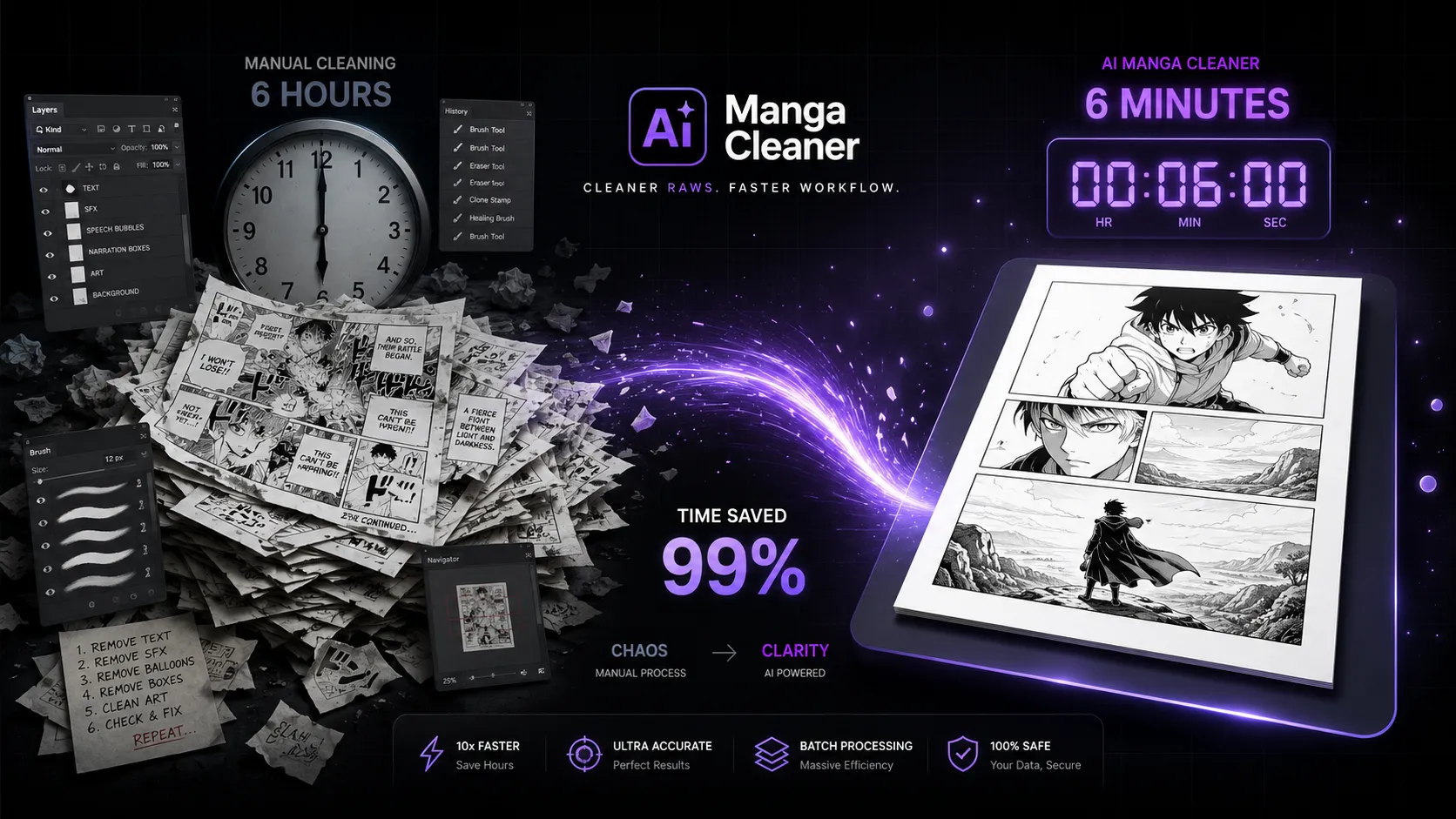
Page cleanup can be one step in a scanlation workflow. For example, a complex page with overlapping sound effects may need careful editing in an image editor. Use the model to try an initial cleanup, then review the result and make any needed touch-ups. Time and output quality depend on the page and selected model.

GPT Image 2 is an OpenAI image model for generating and editing images. It can render text in multiple languages and ...

Generate and edit images with Nano Banana Pro. Sign-in and account credits are required; review the displayed cost be...

Create videos from text prompts, animate an image or use video input in supported modes. Choose a generation mode and...

Create videos from text prompts or images with Sora 2. Choose from the available options, then review the displayed c...

ByteDance's AI video model combines text, images, video clips and audio in one prompt. Use its @-reference system to ...