Sketch to 3D Image
Turn a sketch into a 3D-style image with AI.
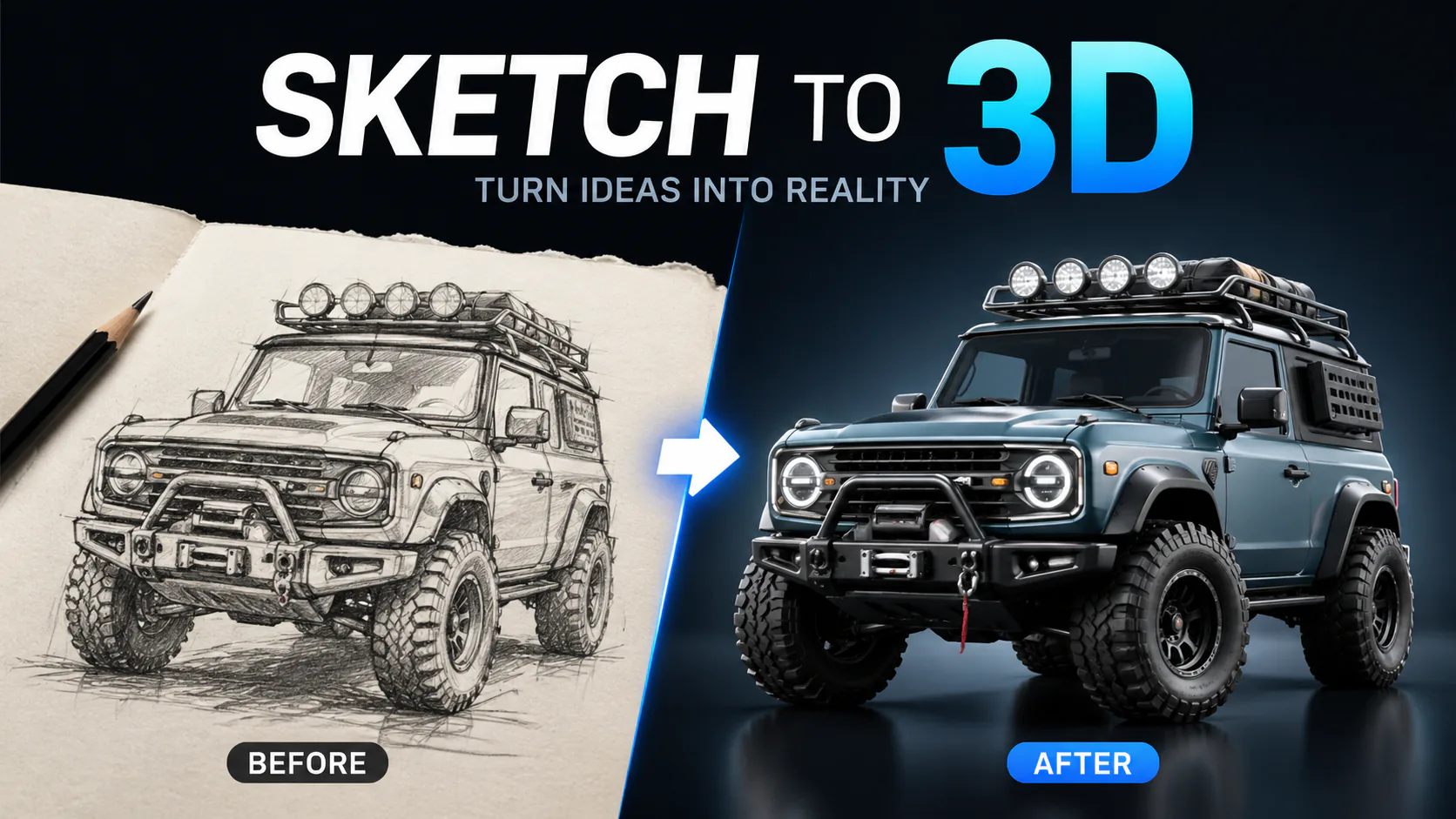

Turn a sketch into a 3D-style image with AI.
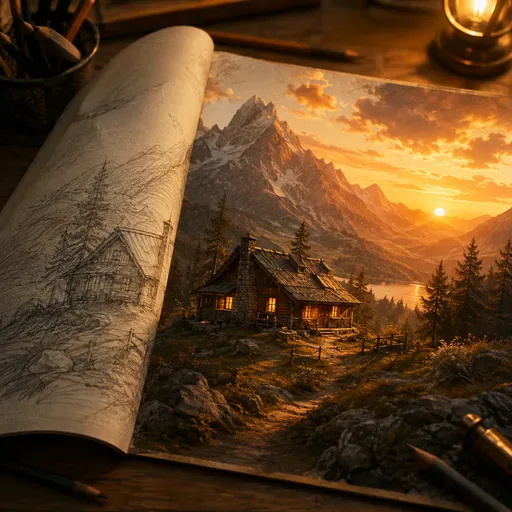
Convert sketches and line drawings into photorealistic images with AI.

Create a 3D-looking effect from a flat 2D image using AI-generated depth.
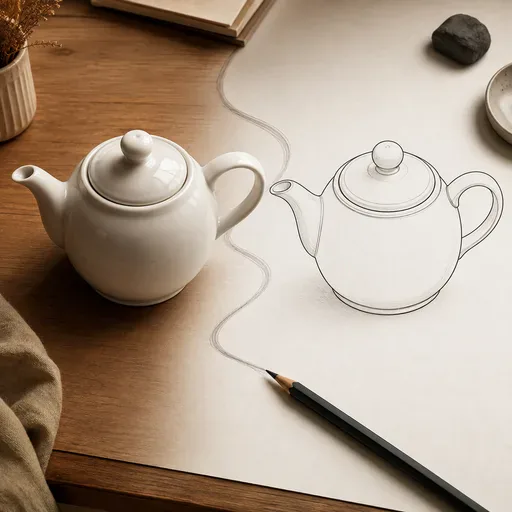
Create clean line art from a photo, with adjustable line weight and style.

Upload clean line art or a rough sketch, choose a colour treatment and line fidelity, then add colour while preserving the drawing’s composition.
Use an AI image model to turn a 2D sketch or drawing into a 3D-style image. Choose a supported model and describe the materials, lighting and visual style you want. This can help explore product concepts, game-inspired visuals, architectural ideas and other creative directions. The output is an image, not a downloadable 3D model or game asset.

GPT Image 2 is an OpenAI image model for generating and editing images. It can render text in multiple languages and ...

Generate and edit images with Nano Banana Pro. Sign-in and account credits are required; review the displayed cost be...

Create videos from text prompts, animate an image or use video input in supported modes. Choose a generation mode and...

Create videos from text prompts or images with Sora 2. Choose from the available options, then review the displayed c...

ByteDance's AI video model combines text, images, video clips and audio in one prompt. Use its @-reference system to ...