Loading generator...
AI Manga Filter
AI Manga Filter

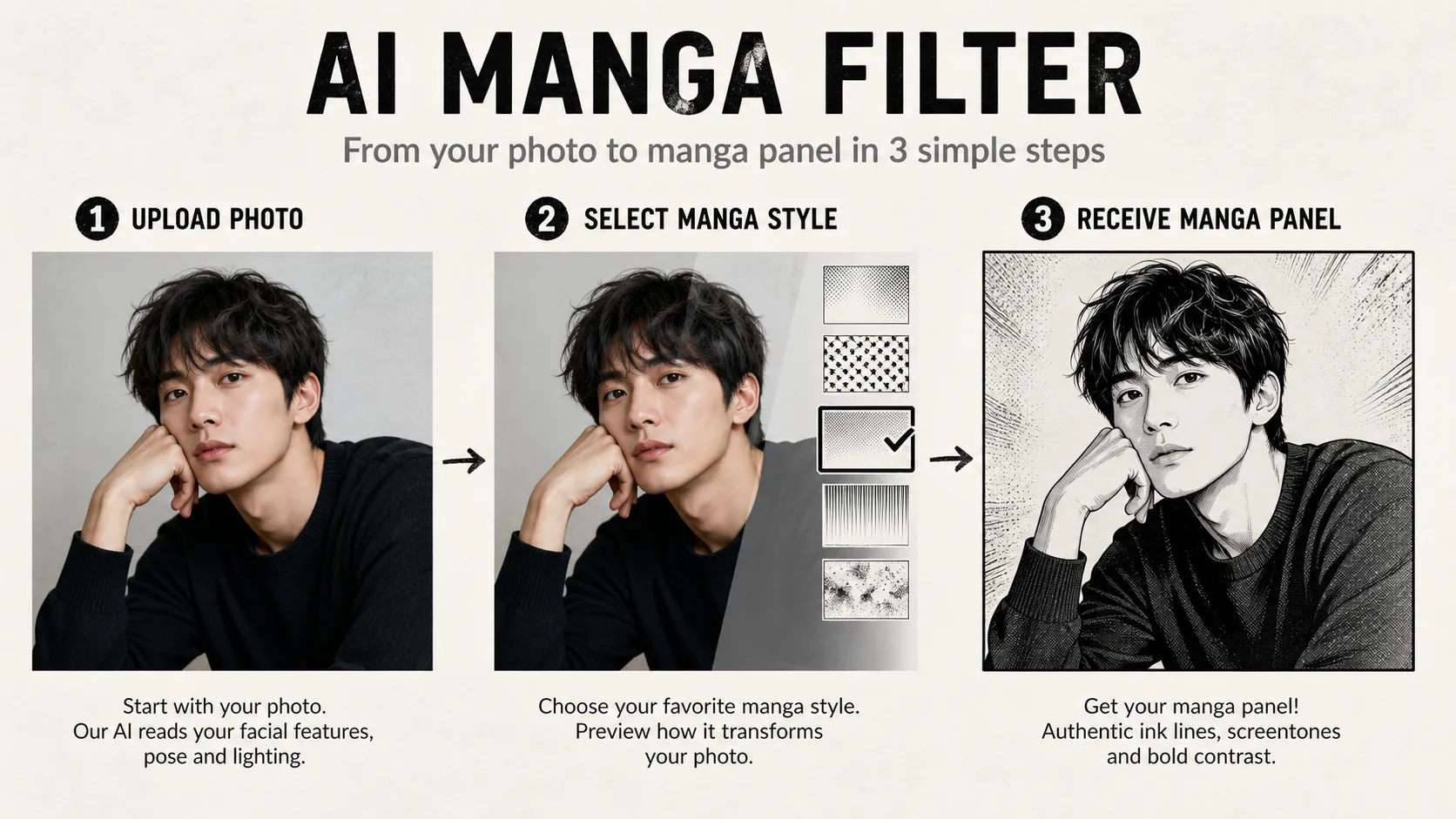
How to Turn a Photo into Manga in 3 Steps

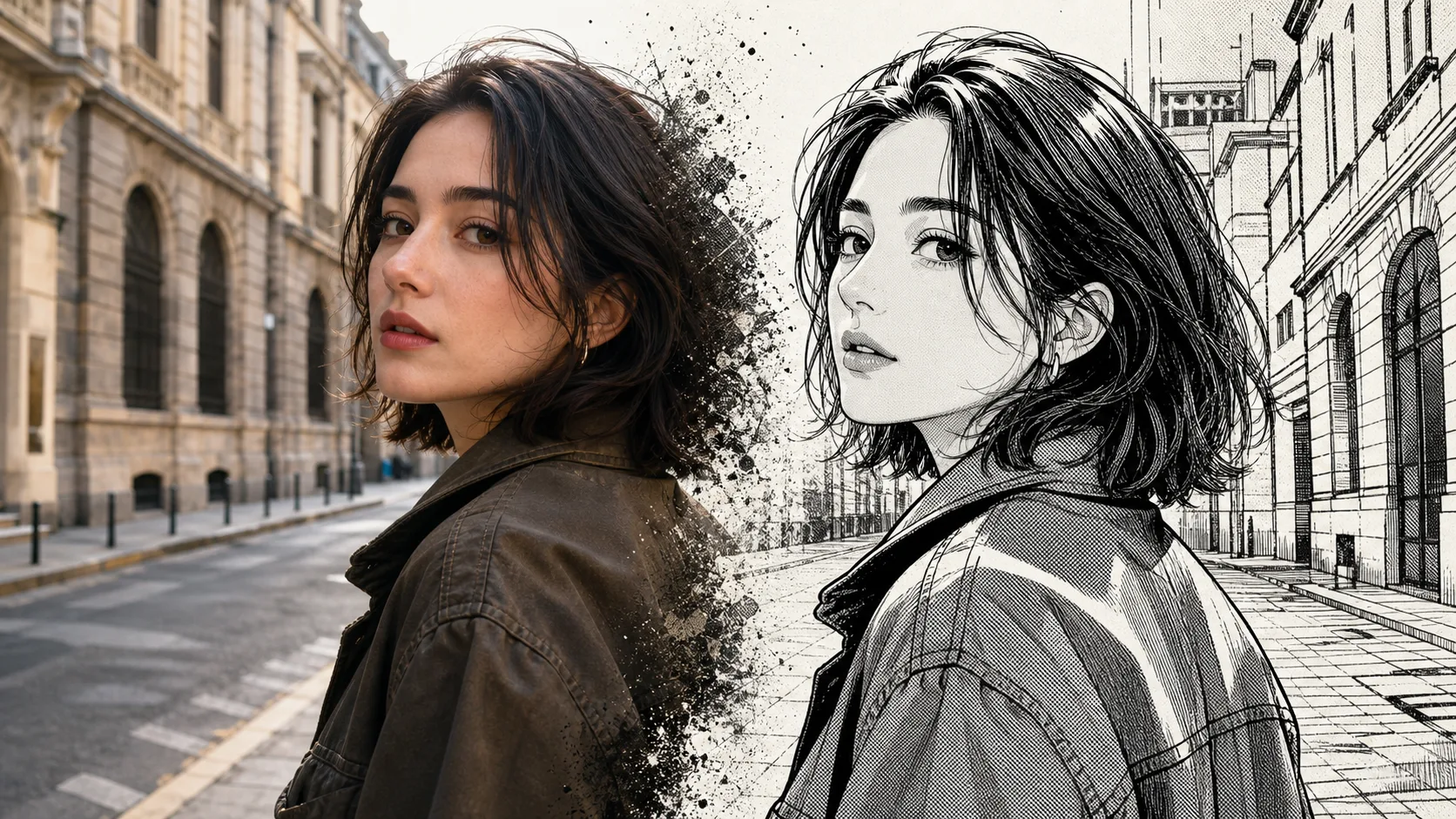
Start with the original JPG, PNG, or WebP rather than a compressed chat-app copy. Choose how strongly to transform the existing image: a light pass keeps more of the source's photographic feel, medium adds readable manga ink, and a strong pass pushes black areas and hatching further but is more likely to alter small details. Then pick one of the 12 familiar manga styles. The selected style updates the built-in prompt while keeping the source composition in view.
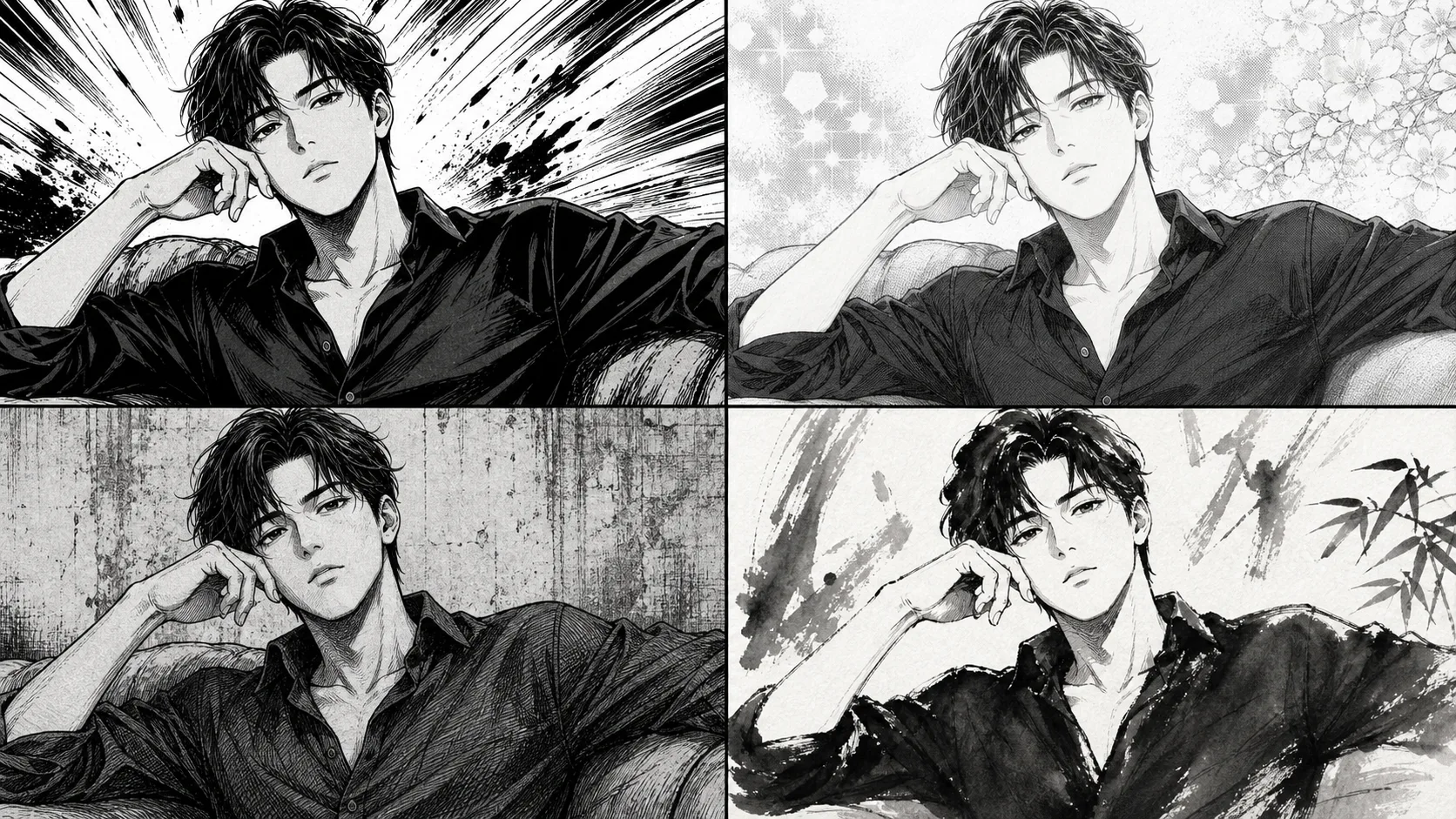
Upload a clear source

Use the camera original when possible, with the long edge around 1024 pixels or more. Messenger screenshots and repeated JPG exports introduce ringing around eyes and hair, which the manga conversion may mistake for real lines.

Pick one manga style

Pick the intended use before chasing a look: Classic B&W Manga for ink, Cel-Shaded Animation for flat color, Shojo for softer portraits, Gekiga for high-contrast drama, and Korean Webtoon for polished vertical-comic lines.

Let the style guide the redraw

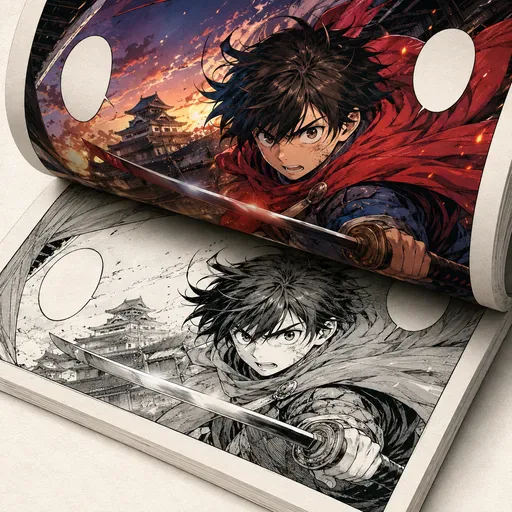
The selected style automatically supplies the built-in prompt. Classic B&W Manga emphasizes crisp ink and screentone, Cel-Shaded Animation keeps flat color layers readable, and Manga Line Art stays focused on clean contours. A sharper source still gives more reliable fine detail.

AI Manga Filter
AI Manga Filter

12 Familiar Manga Styles in One Tool

The manga filter is a transformation of an existing image, not a single look. Classic B&W Manga and Manga Line Art focus on ink structure; Cel-Shaded Animation, Modern Anime, and 90s Retro Anime bring readable color language; Shonen and Shojo shape the line energy; Cute Chibi simplifies proportions; Dark Manga and Realistic Gekiga push contrast; Ghibli Fantasy and Korean Webtoon guide atmosphere and finish. Start from the visual direction your project already uses, then make one controlled change at a time.

Shonen to Seinen

Shonen Manga is a good first test for an energetic portrait, while Realistic Gekiga adds weight through dense hatching. On a noisy original, that extra contrast can exaggerate grain instead of improving it.

Shojo to Josei

Shojo Manga and Ghibli Fantasy are gentler choices for portraits and warm scenes. They can hide minor skin noise, but they may also soften a rugged face or small costume details that you wanted to keep.

Genre flavors

Dark Manga, Modern Anime, Cute Chibi, and Korean Webtoon mainly influence the scene language. They do not guarantee accurate logos, uniforms, or invented lettering, so keep exact branding out of the must-preserve part of the image.

AI Manga Filter

Keep Faces, Pets, and Group Photos Recognizable

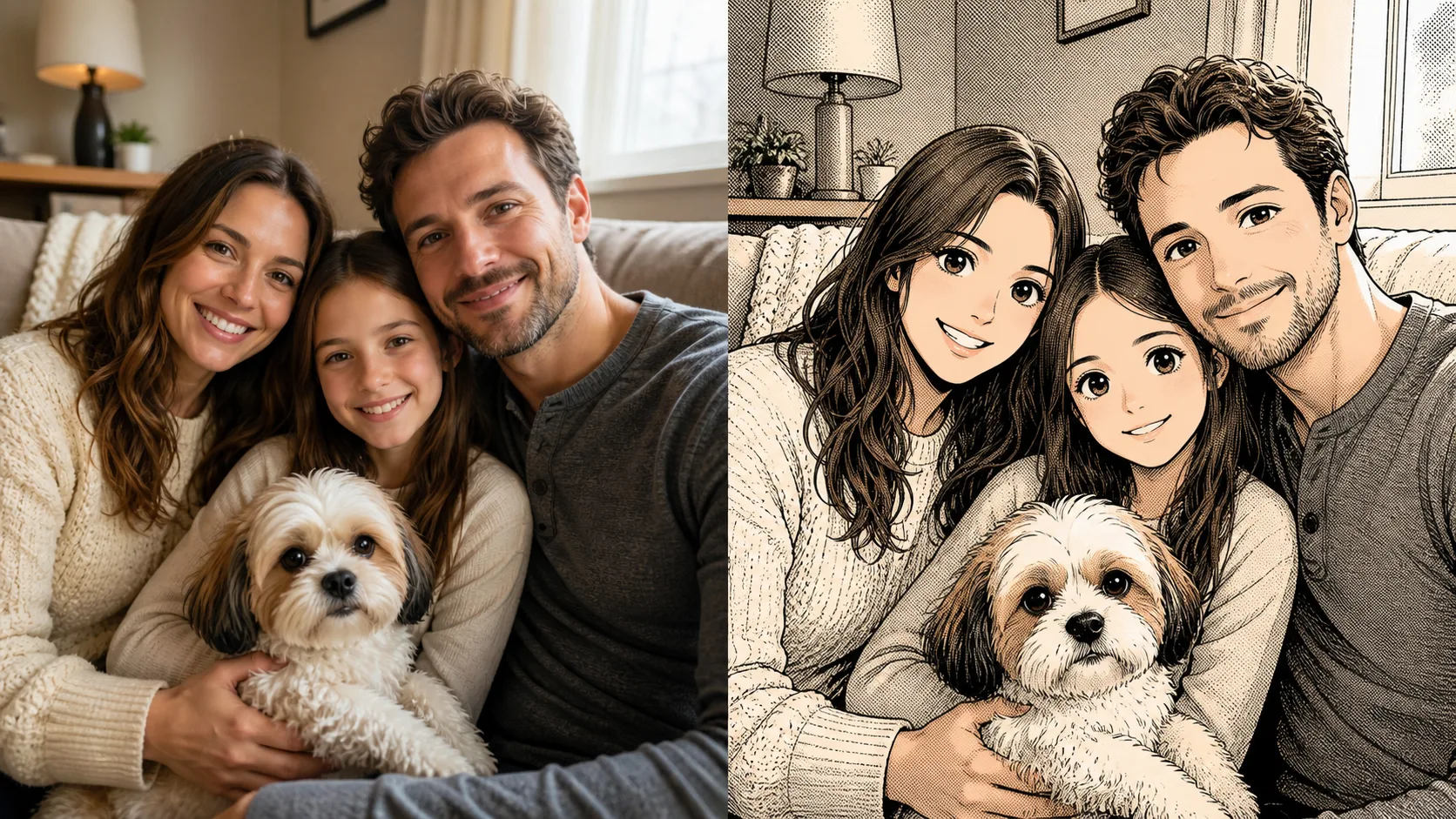
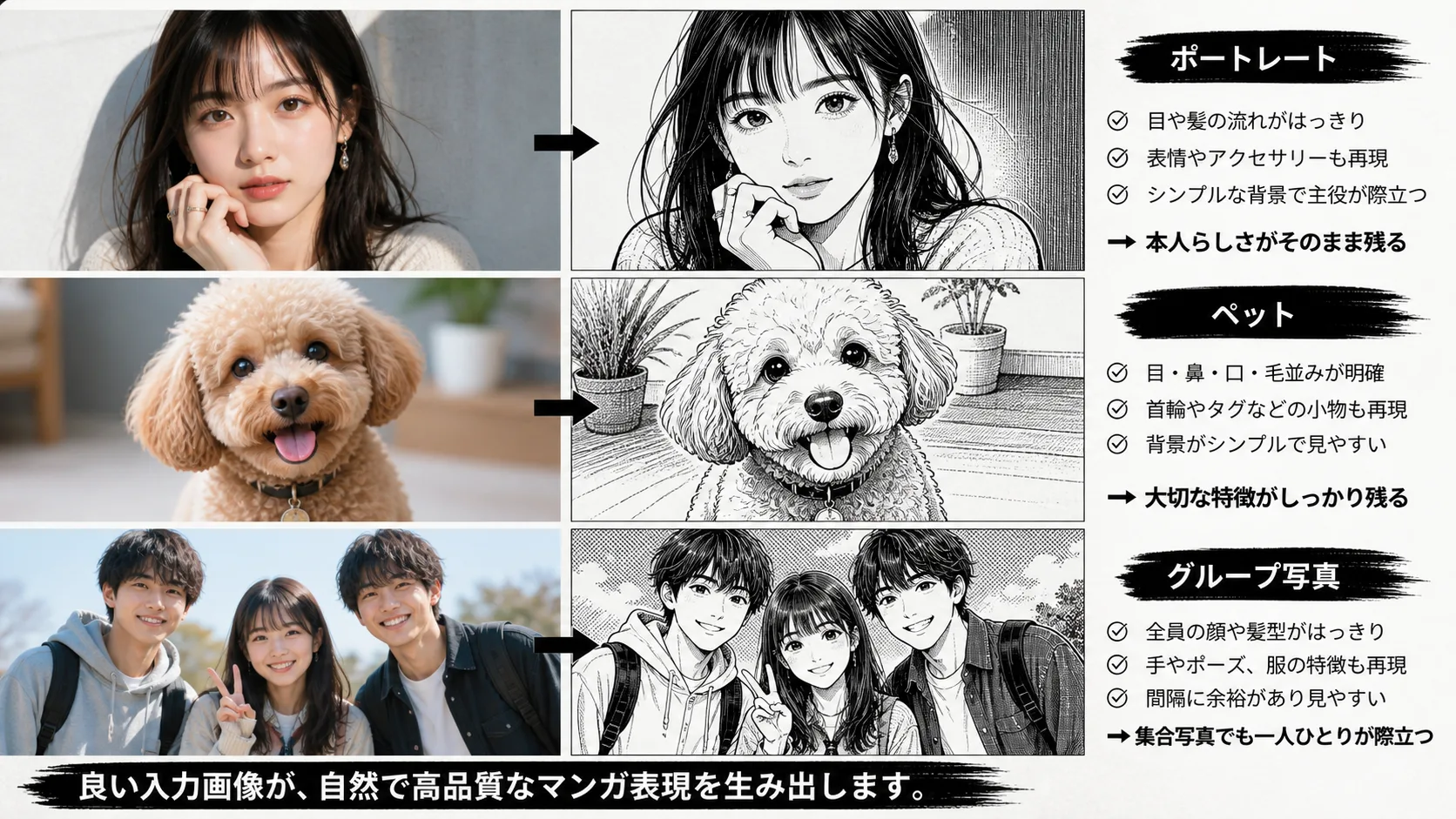
Identity preservation is strongest when the source has visible eyes, an unobstructed face, and natural lighting. The conversion should keep the same face proportions, hairstyle, expression, clothing, pose, people count, composition, and scene; treat those as protected details. Pets need the coat pattern large in frame, while group photos need space between faces and hands. Low-resolution screenshots often lose glasses, jewelry, and fine ink detail, so crop closer before generating.
AI Manga Filter

Portrait likeness

A front or three-quarter portrait with clear eyes gives the model useful landmarks. Heavy beauty filters, sunglasses, and a face hidden by hair remove exactly the details a line redraw needs.

Pet markings

Keep the coat pattern visible and avoid a distant full-body crop. Cute Chibi or Classic B&W Manga can preserve a distinctive patch and eye color, but tiny whiskers are not a reliable detail.

Distinct group faces

Space faces apart and avoid overlapping hands. If the group is important, make a closer crop or process a smaller group first; crowded shots are where faces, hands, and clothing merge most often.

AI Manga Filter
AI Manga Filter

Where Manga Filters Honestly Struggle

A manga filter is a stylizer, not a repair tool or a typography tool. Low-resolution uploads lose fine lines, busy backgrounds compete with the subject, and small text or logos turn into decorative scribble. Crossed hands can gain or lose fingers, motion-blurred eyes can become mismatched, glasses and jewelry may disappear, clothing edges can merge into the background, and fine tattoos rarely survive. A cleaner crop or a better source usually helps more than adding style words. Compare eyes, hairline, hands, accessories, clothing, and scene details before you download.

Low-res and busy backgrounds

Small or noisy photos drop detail in the ink pass. Crop the subject, simplify a cluttered background if possible, and retry from the original instead of sharpening an already-compressed screenshot.

Fine text and logos

Shirt text, signs, and small tattoos are reinterpreted as ink. If spelling or a logo is legally or commercially important, mask it before conversion and add the exact version in an editor afterward.

Group hands

Overlapping or crossed hands may merge or gain extra fingers. Separate the subjects or use a closer crop; do not treat a plausible-looking hand at thumbnail size as proof that the details are correct.

AI Manga Filter questions from real projects
AI Manga Filter questions from real projects
01Which photos keep facial likeness best in manga style?

Use a sharp front or three-quarter portrait with visible eyes and the long edge around 1024 pixels or more. Ask for a light or medium transformation when likeness is the priority, and avoid heavy sunglasses, deep shadow across one eye, beauty filters, and tiny faces in group shots because they remove the landmarks the existing-image conversion needs.

02Can I get a pure black-and-white manga result with no color?

Yes. Choose Classic B&W Manga or Manga Line Art. Shonen gives a cleaner energetic outline, while Realistic Gekiga adds dense hatching and large black areas; if the original is already noisy, start with Classic B&W Manga because a strong Gekiga treatment can make the grain more obvious.

03Can the manga filter handle pets or group photos?

It can, with limits. Pets work best when the face and coat markings fill the frame; Sumi-e keeps a restrained brush feel, while Chibi intentionally simplifies proportions. Groups are safer when faces and hands do not overlap. If a hand or face is hidden, crop or split the subjects instead of expecting the manga filter to reconstruct it.

04Why do screentones sometimes look noisy or pixelated?

Screentones are halftone dot patterns, so low-resolution or heavily compressed uploads can alias into visible noise. Start from a sharp original, keep the background simple, and judge the result at the size you will publish. If it still looks grainy, switch to Classic B&W Manga or Manga Line Art rather than trying to fix every dot with prompt words.

05What source image size works best for the manga filter?

Aim for roughly 1024 pixels or more on the long edge, with visible eyes and natural light. A camera original or an unedited phone photo is usually better than a larger-looking screenshot. Very large files do not recover hidden detail, while small, blurry, repeatedly compressed images lose eyes, fingers, glasses, and accessories.

06Can I print the result as a manga page?

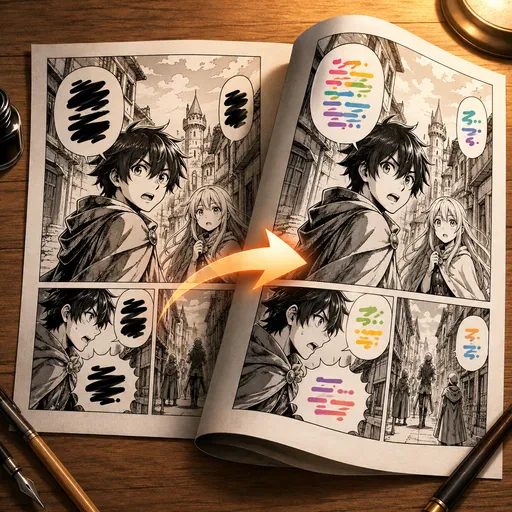
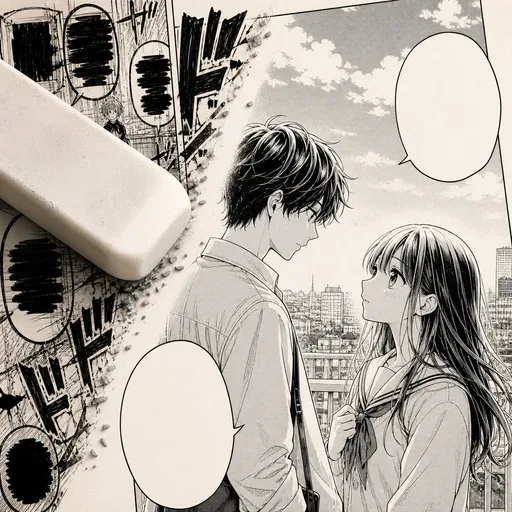
Use it as a single illustration, cover concept, or panel base, then assemble the page in an editor. Classic B&W Manga or Manga Line Art is easier to adjust for print; screentone texture should be checked against the printer's line-screen guidance because fine dots can merge. The tool does not create panel borders, balloons, lettering, or a paginated comic by itself.

07What happens to small text, logos, or tattoos in the photo?

Treat small lettering as fragile. Manga restyling can redraw logos, shirt text, signs, and fine tattoos into decorative ink. If exact spelling or a real logo must survive, crop it out or cover it before conversion and restore it manually afterward; a clearer prompt cannot guarantee letter-by-letter accuracy.

08Can it transform pets, landscapes, or objects as well as people?

Yes, as long as the important shapes and markings are visible. A pet’s coat pattern, a street’s perspective, or an object’s silhouette can survive the redraw, but tiny labels and hidden details are fragile. Use a light or medium transformation when structure matters more than dramatic ink.

09How should I choose light, medium, or strong manga transformation?

Choose light when the result should still feel close to the photo, medium for the usual balance of likeness and manga line work, and strong when bold blacks, hatching, and genre mood matter more. Compare the eyes, hairline, hands, accessories, and background after each result before choosing the most usable version.

User Reviews

User Reviews

The 90s Jump preset nailed the look of the magazines I grew up with. My cosplay photo became a proper action panel in seconds.

D

Daniel K.

Comic Hobbyist

Sumi-e gave my landscape shot a brushy ink mood I could not get from a normal filter. Great for quick concept thumbnails.

Y

Yuki T.

Art Student

Gekiga B&W is exactly the gritty high-contrast style my noir story needs. I still redraw word balloons by hand, but the art base is solid.

M

Marco R.

Indie Publisher

Shojo Soft made my selfie look like a covershot. One honest caveat: tiny text on my shirt turned into scribble, so I cropped it out.

H

Hannah L.

Social Creator

My cat came out adorable in Chibi style and the white patch stayed put, which mattered more to me than a dramatic background.

P

Priya N.

Pet Blogger

Dark Fantasy preset is my go-to for character portraits. Group shots of four players blended two hands, so I regenerate one at a time now.

L

Leo M.

TTRPG Artist

Screentone finish looks authentic at web size. At full zoom the dots get a bit noisy on my old phone photo, so I use sharper uploads.

S

Sara V.

Zine Maker

Start Creating with Nano Banana Pro

Create stunning images today