Nano Banana Pro
  • Home
  • Assets
  • Pricing
AI Tools
AI Tools
Image
AI Comic GeneratorRemove BackgroundObject EraserImage Upscaler
Video
Video UpscaleAI Video EditorAI Video Extend
Nano Banana ProNano Banana Pro

Choose a video

MP4 / MOV · ≤ 60 s · ≤ 200 MB

Processing options

Tencent Video Upscale
Output resolution
Maximum frame rate

Online Video Upscaler

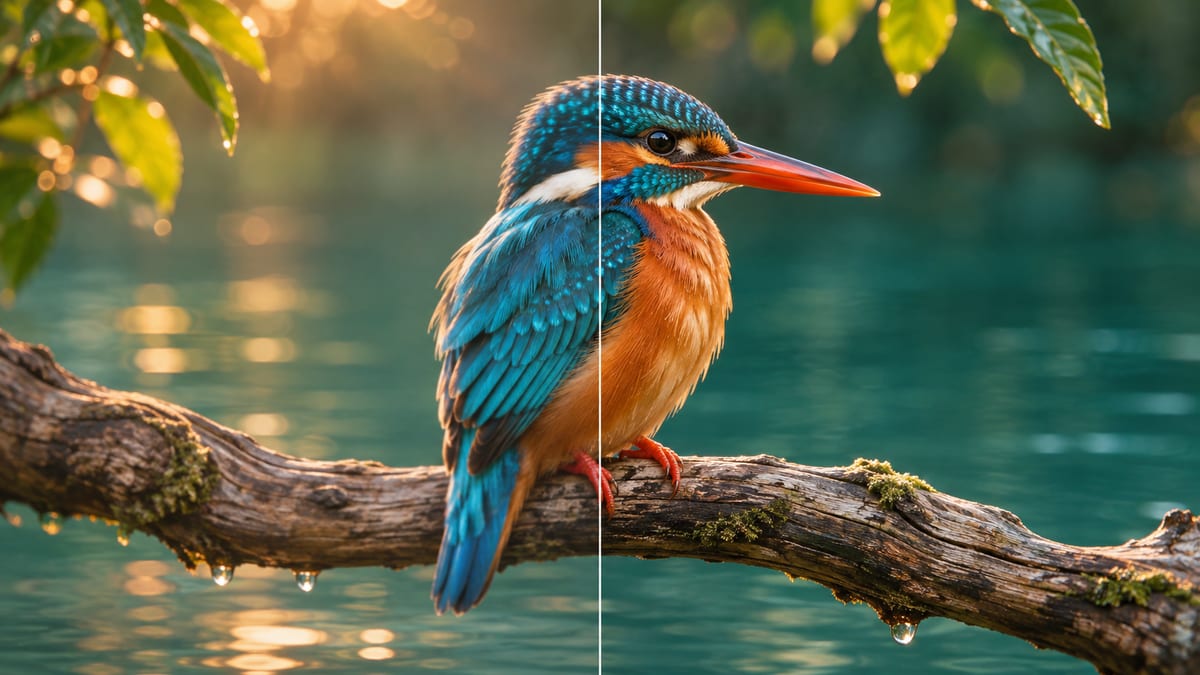
Choose an output resolution for an existing MP4 or MOV. Compare the upscaled clip with the original before downloading.
Video Upscale
Video Upscale

How to use it

Upload the original clip, choose a generated video from your library, or paste a direct video link.

1. Choose a video

Use the least compressed copy. If the clip mixes live action and animation, trim a representative section before uploading.

2. Processing options

Choose a resolution at least as high as the source and suited to delivery. Match the enhancement mode to the footage and set the frame-rate cap separately.

3. Your result

Compare at the final display size. Pause on text and faces, then play moving edges at normal speed to check for flicker before downloading.

Video Upscale

Core features

Output resolution

Choose 720p, 1080p, 2K or 4K where the original resolution allows. Match the size to your delivery format.

Enhancement mode

Pick a mode for live action, animation, faces or fine details. Set the frame-rate cap separately.

Video Upscale

Where to use it

Prepare a product clip for a larger screen

If an older product demo looks soft on a shop display, try an export at the display resolution. Pause on labels and logos, then play the camera move to check for shimmer.

Reuse an animation in a new edit

Try the animation mode on a short export. Check thin outlines during movement before replacing the original clip.

FAQ

Frequently asked questions

Use MP4 or MOV. Local uploads allow up to 200 MB. Direct HTTPS links allow up to 24 MB. Source duration: ≤ 60 s.

Start with your delivery size. For a 1080p timeline, compare the 1080p result first. Choose a larger output when your delivery or crop calls for it.

Upscaling can make a clip easier to view at a larger size. Compare the original and result at the same display size, especially faces, small lettering and moving edges, before downloading the version you want to use.

The enhancer does not downscale. Choose an output at least as large as the source or resize the source in your editor first.

A cap is an upper limit. It does not request a fixed output frame rate. Check the downloaded clip before matching it to your timeline.

Start with the animation mode. Check line art during fast motion and inspect flat colors for noise or halos.

Select a source and wait for its metadata to load. Check the estimate again after changing settings, before you submit.

Use a public, direct HTTPS link to an MP4 or MOV file. If it opens a viewing page, asks for login or has expired, upload the file instead.

Video Upscale

Open the tool
Nano Banana Pro
Nano Banana ProNano Banana Pro

Nano Banana Pro gives you access to advanced AI image models for creating professional-quality images.

Email
FAQShowcasesChangelogAPIManga ColorizerCyberpunk
العربيةDeutschEnglishEspañolFrançais繁體中文日本語한국어Bahasa MelayuTürkçeไทยTiếng ViệtPortuguês (Brasil)中文עבריתPolski
© 2026 Nano Banana Pro· All rights reserved
Privacy PolicyTerms of ServiceRefund PolicyRefund RequestAbout Us
HomeNEWToolsAssetsProfile