AI Image Upscaler
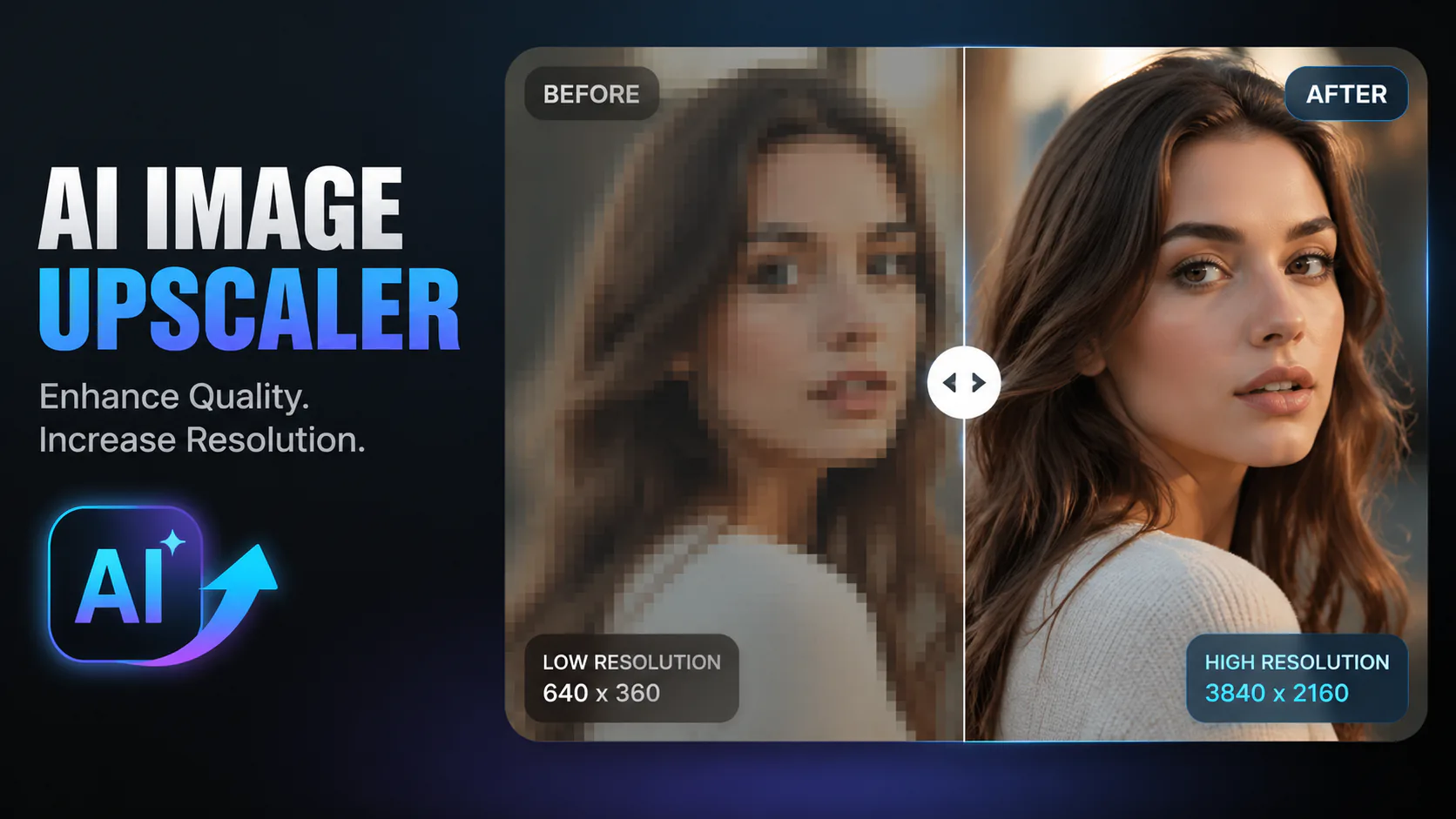
Upload an image, choose a supported model and its available output resolution, then generate a clearer-looking version.

Remove unwanted objects, people, text or imperfections from a photo. The model fills the selected area based on its surroundings, so results can vary.

Use AI to work on damaged, blurry or aged photos. Generated details may differ from the original, especially where the source image has lost information.

Use AI to remove watermarks, logos or other unwanted elements from an image. Only edit images you have permission to modify.

Remove watermarks from generated images using advanced AI inpainting technology.
This page uses a shared image-to-image generation workflow. Upload an image, select a supported model and choose from its available output resolutions to explore a clearer-looking version. The model generates a new image based on your reference and prompt; it is not a dedicated super-resolution tool, and it may alter or invent details.
Upload an image, choose a supported model and its available output resolution, then describe the changes you want. Sign in to generate and check the credit cost shown for the selected model.

Available resolution options depend on the model. Nano Banana Pro offers 1K, 2K and 4K; other models may have different settings.
Prompt the model to make the image look clearer or reduce visible noise. The output may change details, so compare it with your original.
Choose from the output resolutions supported by your selected model. Nano Banana Pro offers 1K, 2K and 4K; availability depends on the selected model and settings.
For portraits, you can ask the model to keep facial features and natural skin texture. Review the result, as the model may change a person’s appearance.
Upload your image, select a supported model and choose from its available output resolutions. For example, Nano Banana Pro offers 1K, 2K and 4K options. The result depends on the model and prompt; a chosen resolution does not guarantee a particular enlargement or recovery of lost details.
You can try an old or damaged photo as a reference and prompt the selected model to make it look clearer or reduce visible noise. Results vary, and the model may alter details. Review the output carefully, especially if accuracy matters.
Supported formats and upload limits depend on the selected model and settings. Check the upload controls for the model you choose. Nano Banana Pro supports PNG and JPG, with a 10 MB upload setting.
The result depends on the selected model, input image and prompt. A model may produce a clearer-looking image, but it can also change details or leave the image soft. Compare the result with your original before using it.
Available resolutions depend on the selected model. Nano Banana Pro offers 1K, 2K and 4K options. Check the model settings before generating; the tool does not guarantee output above 4K.
Generation time varies with the selected model and other factors. Check the task status while it runs; no fixed completion time is guaranteed.
Reference images may be processed by the provider for the selected model. Storage and retention depend on the published account and storage policy. Review that policy before uploading sensitive images.
Yes. You can upload digital art, AI-generated images or illustrations as a reference. The selected model’s output may change details, so review it before use.

GPT Image 2 is an OpenAI image model for generating and editing images. It can render text in multiple languages and ...

Generate and edit images with Nano Banana Pro. Sign-in and account credits are required; review the displayed cost be...
Create videos from text prompts, animate an image or use video input in supported modes. Choose a generation mode and...

Create videos from text prompts or images with Sora 2. Choose from the available options, then review the displayed c...

ByteDance's AI video model combines text, images, video clips and audio in one prompt. Use its @-reference system to ...