Nano Banana Pro
  • Home
  • Assets
  • Pricing
AI Tools
AI Tools
Image
AI Comic GeneratorRemove BackgroundObject EraserImage Upscaler
Video
Video UpscaleAI Video EditorAI Video Extend
Nano Banana ProNano Banana Pro

AI Watercolor Generator

AI Toolbox
AI Watercolor Engine

SUPPORTS: JPG, JPEG, PNG, WEBP • MAX 30 MB

Auto

AI Watercolor Generator

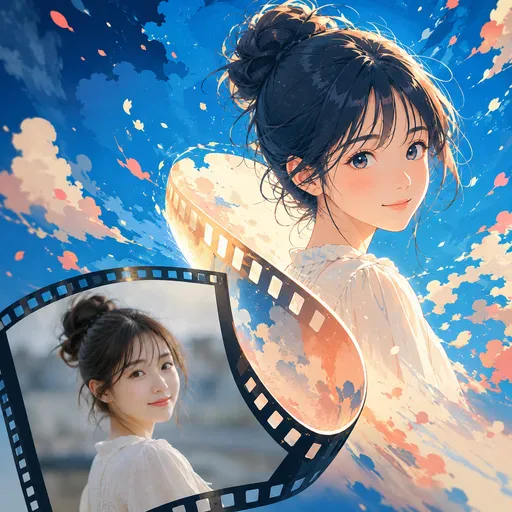
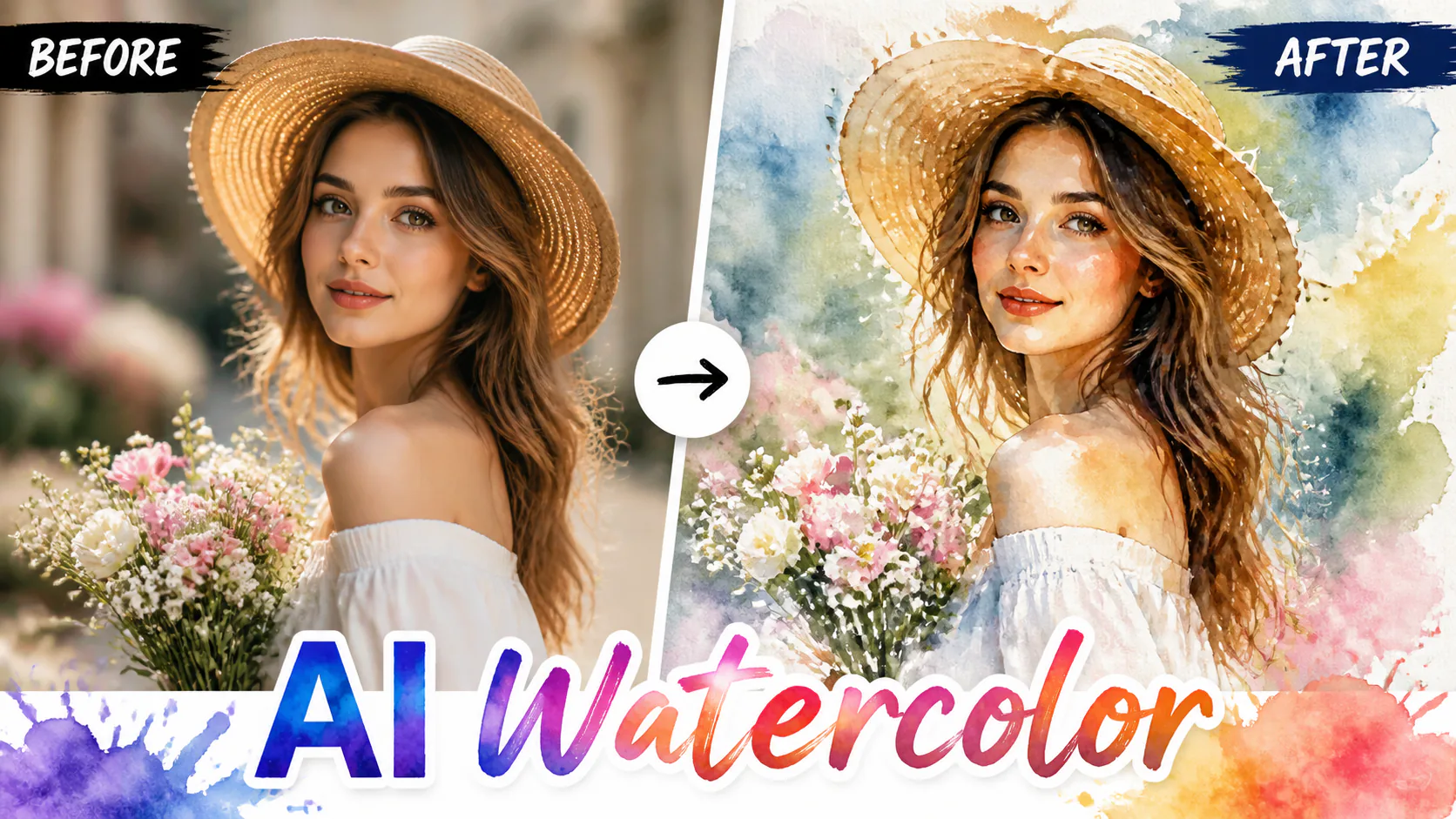
AI Watercolor Generator is built for people who need to make soft watercolor portraits, cards, wall-art concepts, and gentle social visuals from ordinary photos. Use it when you want paper texture, pigment edges, and a handmade look instead of a glossy filter.
AI Watercolor Generator

Related AI tools

  • Oil Painting

    Oil Painting

    Turn your photos into oil-painting-style images with visible brushstrokes and canvas texture.

  • AI Anime Filter

    AI Anime Filter

    Turn a portrait into an anime-style avatar, manga-inspired profile picture or character image for social accounts. Keep the person recognisable while changing details such as the hair, eyes, colours and illustration mood.

  • Neon Glow

    Neon Glow

    Add neon glow effects to photos with vivid colours, luminous edges and a cyberpunk feel.

  • AI Cyberpunk Filter

    AI Cyberpunk Filter

    Give portraits or city photos a neon sci-fi look for game profiles, posters, thumbnails or social posts. Describe futuristic lighting, holographic details and cinematic contrast while keeping the subject clear.

AI Watercolor Generator

Turn photos into soft watercolor portraits, cards and wall art

Upload a photo and use a supported model to create a watercolor-style image. Choose a look with soft washes, flowing pigment edges and paper-like texture; the result depends on the model and your source image.

AI Watercolor Generator

Features

Watercolor-inspired pigment flow

Create flowing colour and blended edges for a watercolor-inspired look. The result depends on the selected model and prompt.

Paper Texture

Add a paper-like texture to the watercolor-style image. The final appearance varies with the selected model and source photo.

Multiple Styles

Choose a look from soft washes to bold pigments, or describe your own watercolor style.

Resolution options

Choose an output resolution available for your selected model. Higher resolution may suit cards and wall-art concepts, but print results depend on image dimensions and quality.

AI Watercolor Generator

How to Create Watercolor Art?

1. Upload a photo. 2. Choose a watercolor style and supported model. 3. Check the displayed credit cost and generate. 4. Review the result, then download or share it.

FAQ

AI Watercolor Generator questions from real projects

AI Watercolor transforms your photos into watercolor paintings. The AI simulates pigment flow, paper texture, and brush techniques to create authentic watercolor art.

We offer Soft Wash, Bold Pigment, Minimalist, Wet-on-Wet, and Portrait Watercolor styles.

Results can vary with the photo and selected model. Describe the details you want to retain, then review the generated image.

Choose a model and output resolution suited to your print dimensions. Check the generated image at print size, as results vary by model and input.

Sign in to check your account credit balance and the displayed cost before generating.

Generation time varies by selected model and demand. Check the task status while it processes.

Illustrative projectTry turning a photo into a card design with a soft watercolor wash, visible paper texture and flowing pigment edges.
Illustrative projectTry giving a wedding photo a soft watercolor look for an album concept. Results depend on the source image and selected model.
Illustrative projectUse a photo as a starting point for a watercolor-style classroom activity. Compare the composition and colours in the original and generated images.
Project Ideas

Project Ideas

Explore creative examples
Illustrative projectTry turning a photo into a card design with a soft watercolor wash, visible paper texture and flowing pigment edges.
Illustrative projectTry giving a wedding photo a soft watercolor look for an album concept. Results depend on the source image and selected model.
Illustrative projectUse a photo as a starting point for a watercolor-style classroom activity. Compare the composition and colours in the original and generated images.
AI Models You May Like

AI Models You May Like

  • GPT Image 2
    Image

    GPT Image 2

    GPT Image 2 is an OpenAI image model for generating and editing images. It can render text in multiple languages and ...

  • Nano Banana Pro
    Image

    Nano Banana Pro

    Generate and edit images with Nano Banana Pro. Sign-in and account credits are required; review the displayed cost be...

  • Veo 3.1
    Video

    Veo 3.1

    Create videos from text prompts, animate an image or use video input in supported modes. Choose a generation mode and...

  • Sora 2
    Video

    Sora 2

    Create videos from text prompts or images with Sora 2. Choose from the available options, then review the displayed c...

  • Seedance 2.0
    Video

    Seedance 2.0

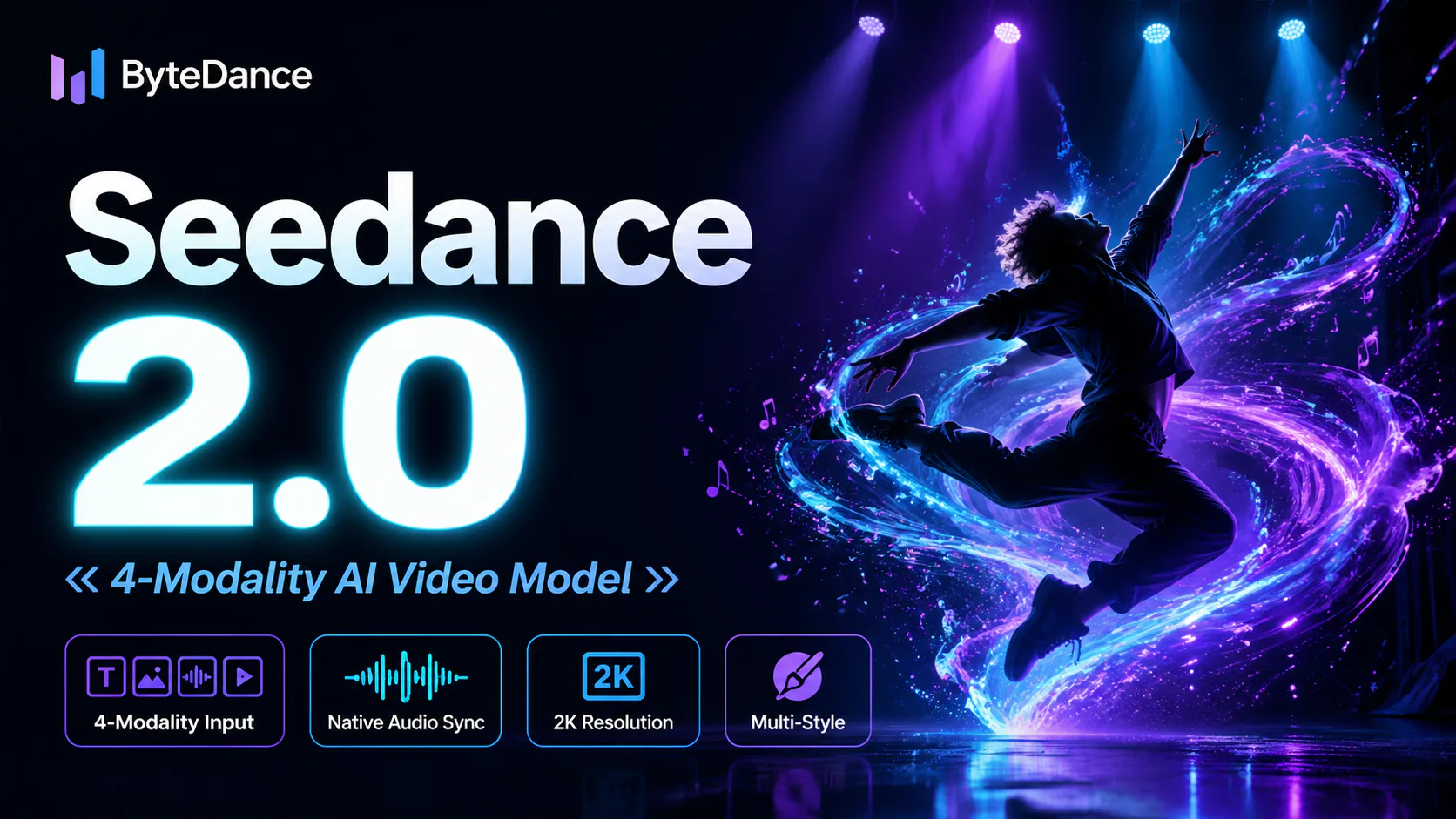
    ByteDance's AI video model combines text, images, video clips and audio in one prompt. Use its @-reference system to ...

Start Creating with Nano Banana Pro

Create stunning images today
Get Started
Nano Banana Pro
Nano Banana ProNano Banana Pro

Nano Banana Pro gives you access to advanced AI image models for creating professional-quality images.

Email
FAQShowcasesChangelogAPIManga ColorizerCyberpunk
العربيةDeutschEnglishEspañolFrançais繁體中文日本語한국어Bahasa MelayuTürkçeไทยTiếng ViệtPortuguês (Brasil)中文עבריתPolski
© 2026 Nano Banana Pro· All rights reserved
Privacy PolicyTerms of ServiceRefund PolicyRefund RequestAbout Us
HomeNEWToolsAssetsProfile