Loading generator...
AI Comic Generator: Create Comics from Text Prompts Free

Create a Comic in 3 Decisions

Describe one scene with a clear beginning and payoff, choose a visual tradition, then select a panel layout. The generator handles gutters and progression, but a focused story beat works better than an entire novel chapter.

AI Comic Generator: Create Comics from Text Prompts Free

Comic Styles and Layouts That Serve the Story

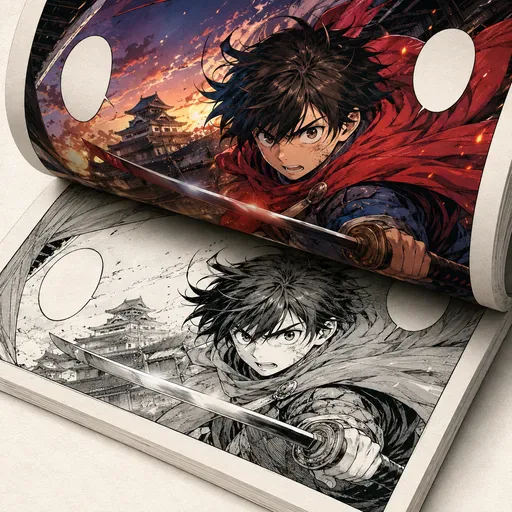
Manga suits expressive pacing, Western fits cinematic pages, Webcomic favors mobile readability, and Superhero emphasizes action. Three panels are dependable; six panels demand shorter dialogue and simpler staging.

AI Comic Generator: Create Comics from Text Prompts Free

Character Consistency Across Panels

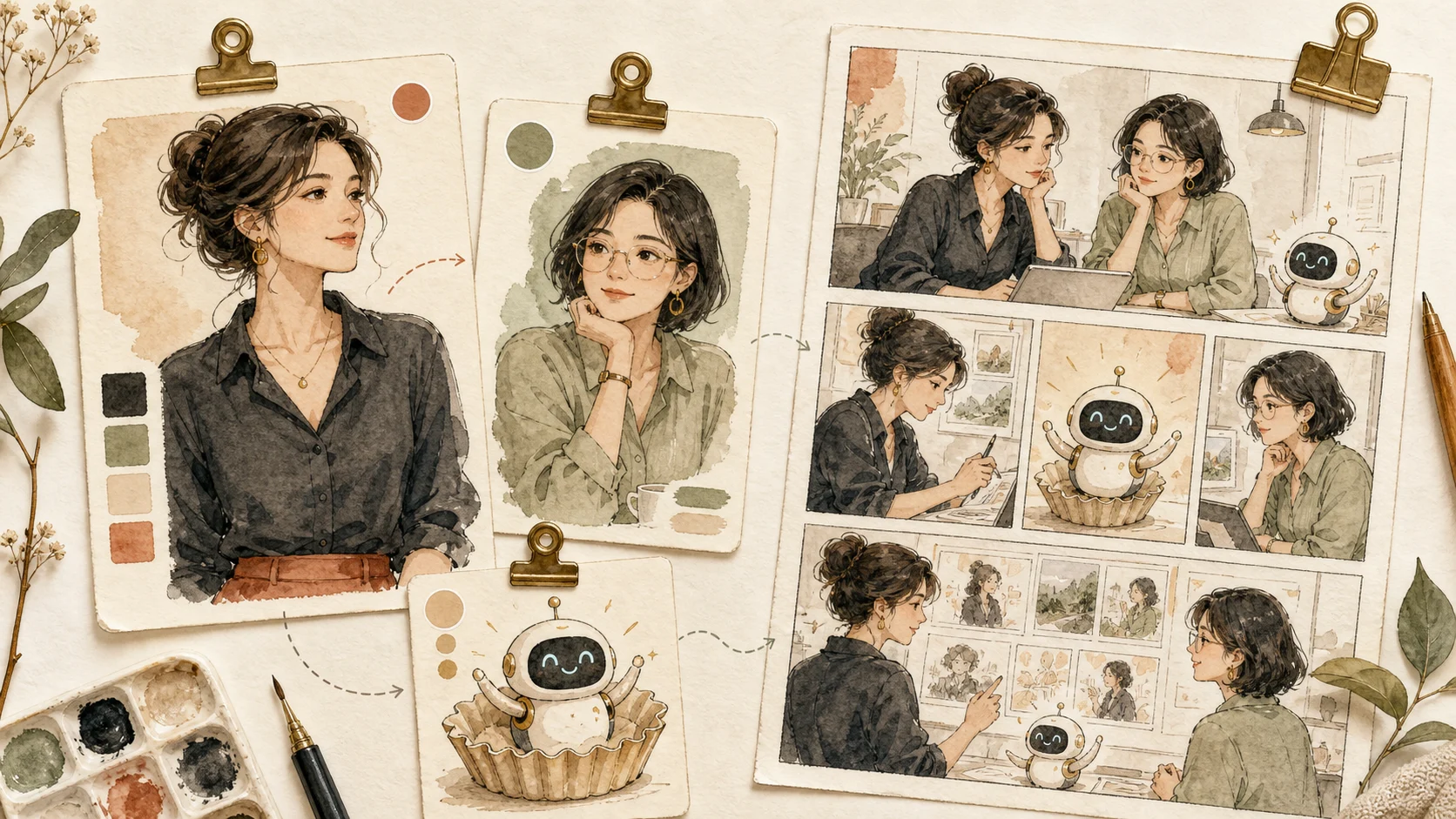
Strict lock is useful for recurring heroes and product mascots. Balanced allows natural acting. Expressive gives stronger poses but needs a closer check of eyes, costume details, and color continuity.

AI Comic Generator: Create Comics from Text Prompts Free

Where AI Comic Pages Still Need Editing

Long dialogue, exact spelling, crowded action, and recurring hands remain weak spots. Treat the first output as a visual draft: review reading order, bubble text, character identity, and repeated backgrounds before publishing.

AI Consistent Character Generator questions from real projects

AI Consistent Character Generator questions from real projects

01Can AI keep the same character across comic panels?

Strict mode protects face, hair, outfit, and palette across panels, but consistency still drops when the prompt changes age, costume, or camera angle too aggressively.

02Which panel layout is easiest for a first comic?

A three-panel strip is the safest start: setup, turn, and payoff. Six panels give more story room but make faces and lettering smaller.

03Can I colorize or translate a generated comic afterward?

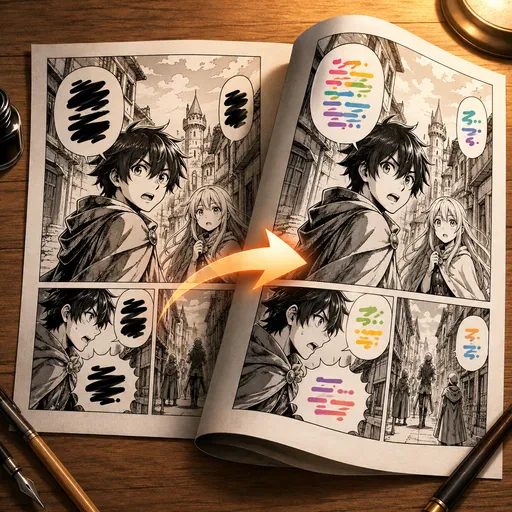
Yes. Export the page, use Manga Colorizer for black-and-white pages or Line Art Colorizer for clean sketches, then run Manga Translator to localize speech bubbles.

04Can this keep the same face across every panel

It is designed for that, but the input matters. A clear reference with visible hairline, eyes, nose, and outfit cues gives the model more anchors. Extreme side profiles, masks, heavy sunglasses, or low-resolution faces can still drift.

05Should I use Strict, Balanced, or Expressive lock

Use Strict for model sheets, avatars, and continuity checks. Balanced is better for brand content because it allows lighting and pose changes. Expressive is useful for storyboards, but you should inspect eyes, mouth, hands, and costume details.

06Does it output separate images or one sheet

It outputs one square multi-panel sheet. That makes it easier to compare identity consistency at a glance and avoids mismatched exports from separate generations.

07Which panel count is most reliable

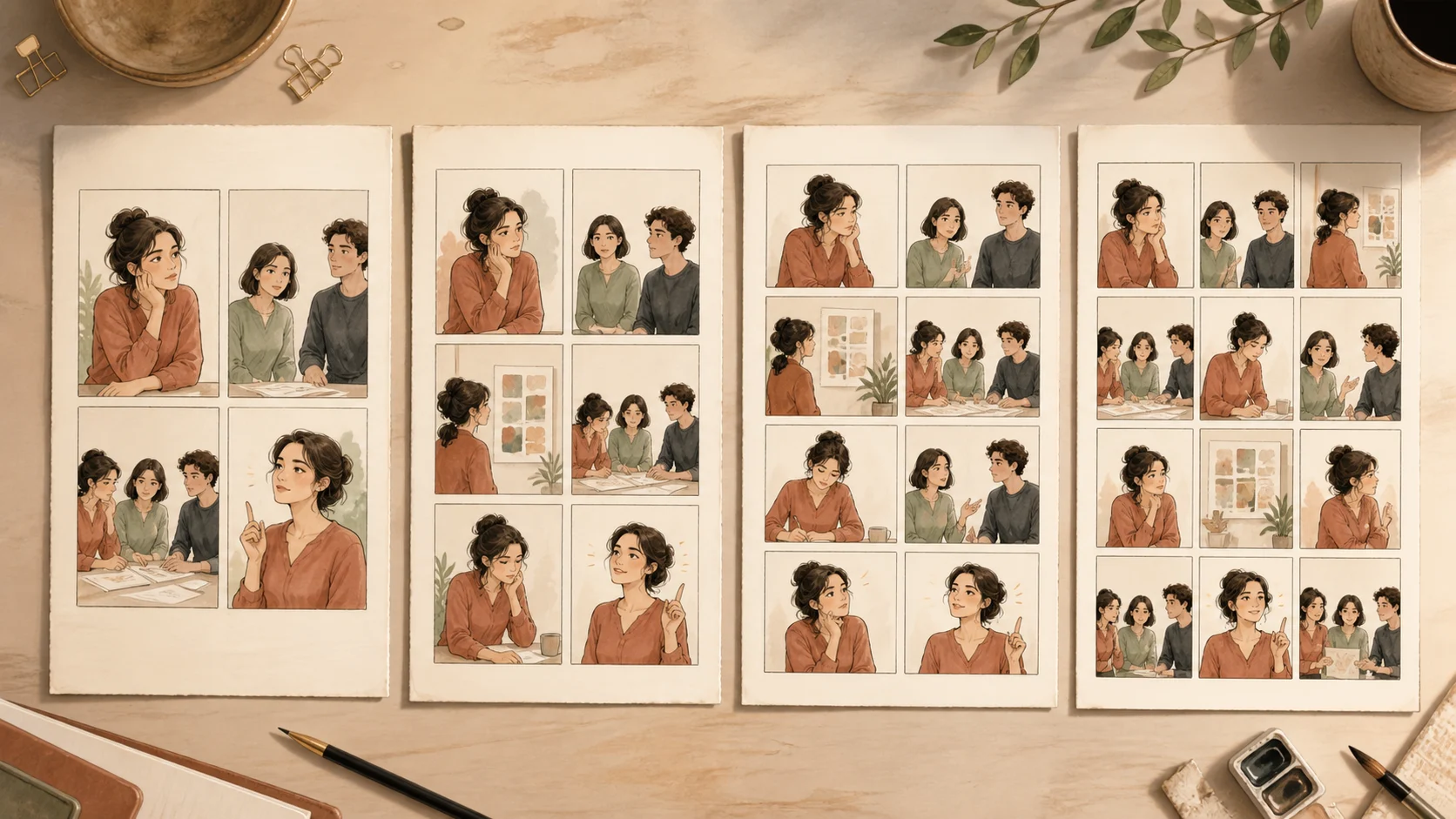
Four panels is the safest default. Three panels gives larger faces and cleaner inspection. Six panels is useful for storyboards, but smaller faces increase the chance of identity drift.

Where character lock helps

Where character lock helps

Strict lock made the four panels usable for a pitch. The hands still needed checking, but the face stayed recognizably the same.

A

Alex

Turn one reference into a same-character multi-panel sheet for storyboards, brand avatars, comics, and scene tests.

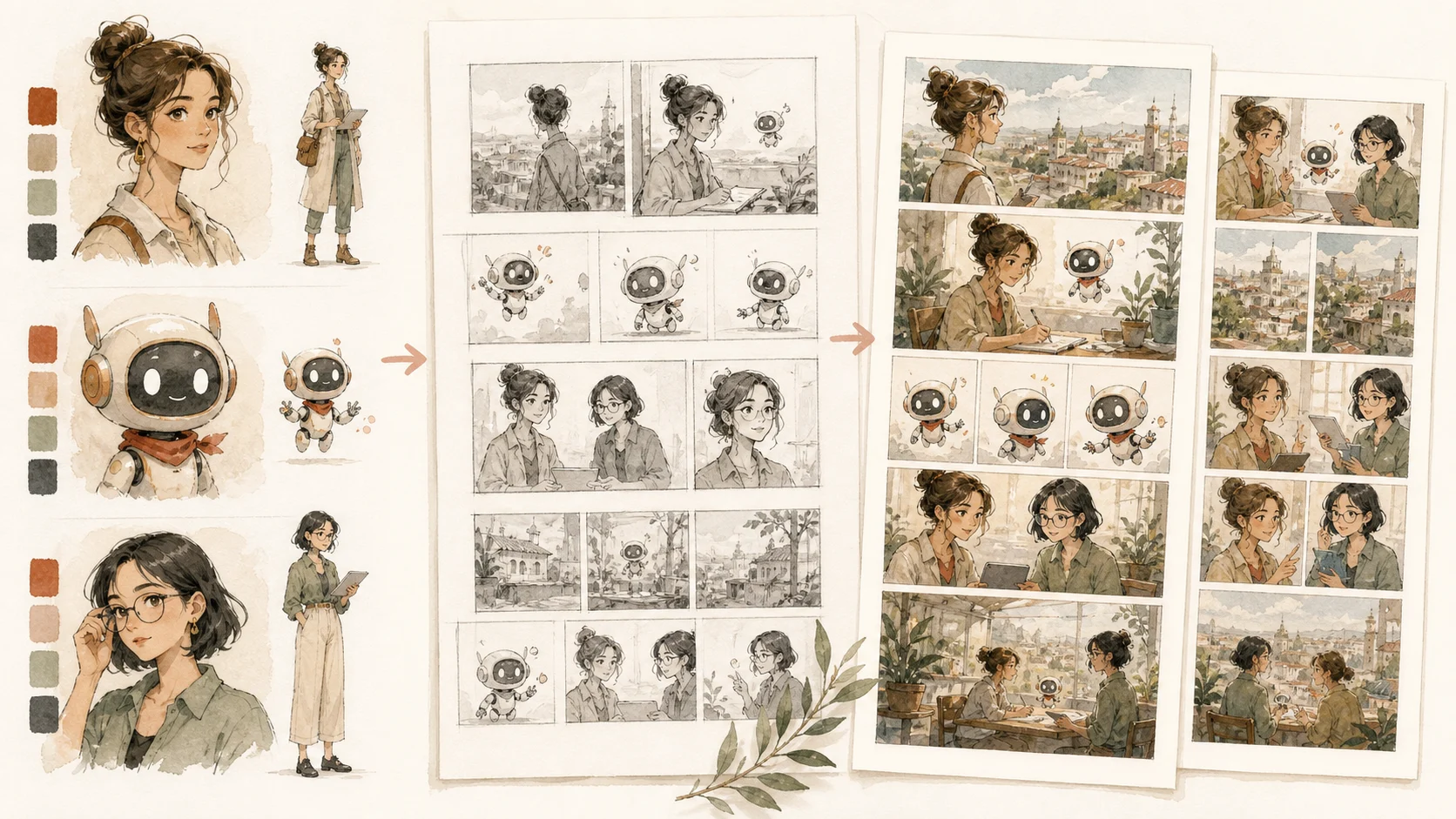
Lineup mode gave me a clean front and side reference before I started drawing the comic page.

M

Mika

Turn one reference into a same-character multi-panel sheet for storyboards, brand avatars, comics, and scene tests.

For brand avatars I use four panels. Six is useful, but small faces are harder to inspect.

N

Nora

Turn one reference into a same-character multi-panel sheet for storyboards, brand avatars, comics, and scene tests.

The fantasy preset kept the jacket and hair shape better than my loose prompt did.

J

Jon

Turn one reference into a same-character multi-panel sheet for storyboards, brand avatars, comics, and scene tests.

Balanced lock feels less stiff than strict while still keeping the same person.

R

Rina

Turn one reference into a same-character multi-panel sheet for storyboards, brand avatars, comics, and scene tests.

I regenerate any panel where the teeth or hairline changes. The sheet view makes that fast.

S

Sam

Turn one reference into a same-character multi-panel sheet for storyboards, brand avatars, comics, and scene tests.

Start Creating with Nano Banana Pro

Create stunning images today