Rainy Window AI Portrait Generator
Put a portrait behind a rain-streaked window for a cinematic scene.
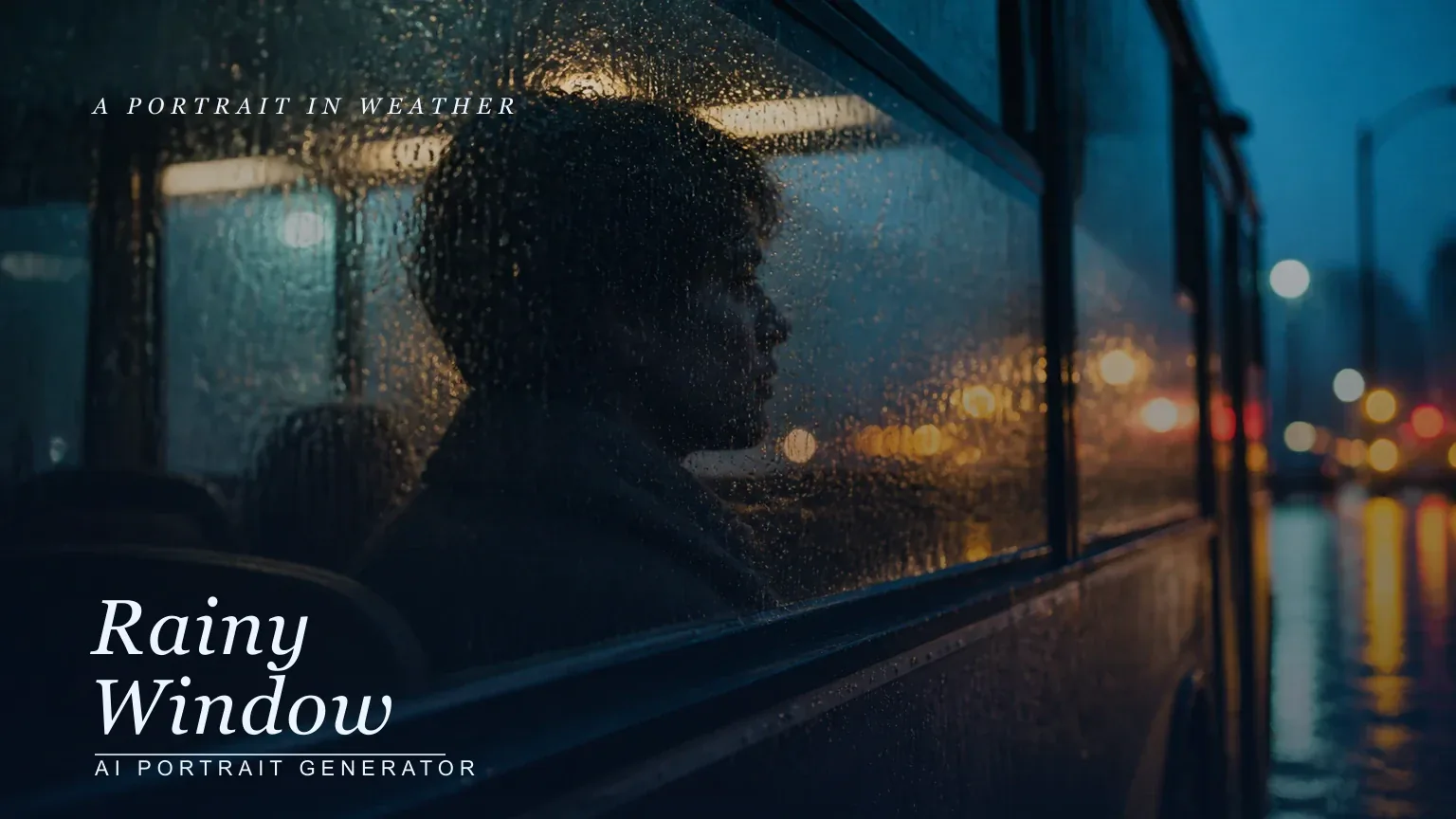

Put a portrait behind a rain-streaked window for a cinematic scene.
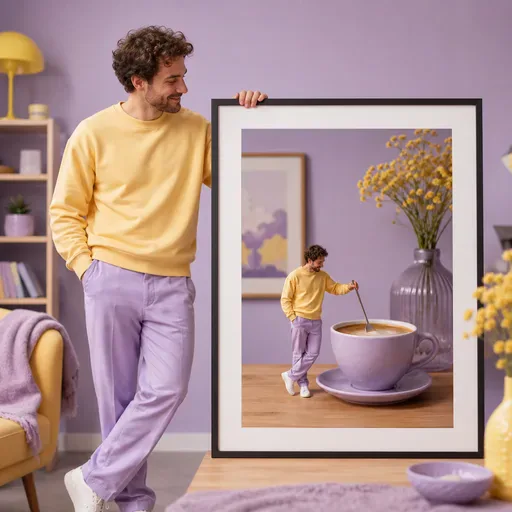
Turn one portrait into a playful mini-me scene with a consistent face, a chosen scale, and a simple everyday setting.
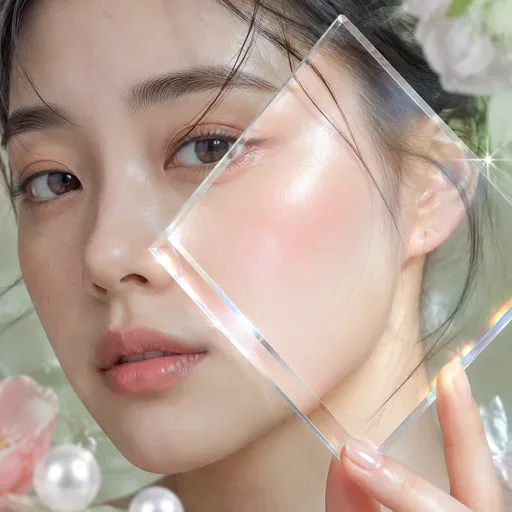
Add a dewy Korean beauty photo finish with controlled lighting while keeping the edit cosmetic and identity-aware.
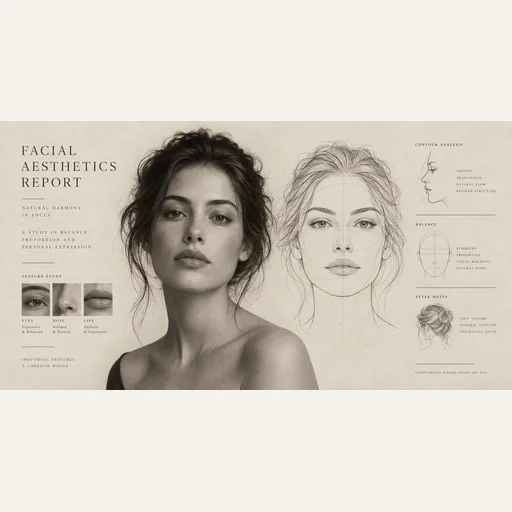
Turn your portrait into an illustrated facial aesthetics report with a face outline, visual observations and styling ideas.

Create an ID-style photo with an adjusted background and light skin retouching. Check the image against the requirements of the organisation requesting it.
Generate a rainy setting around one portrait for artwork, posts, moodboards, or cinematic concepts.
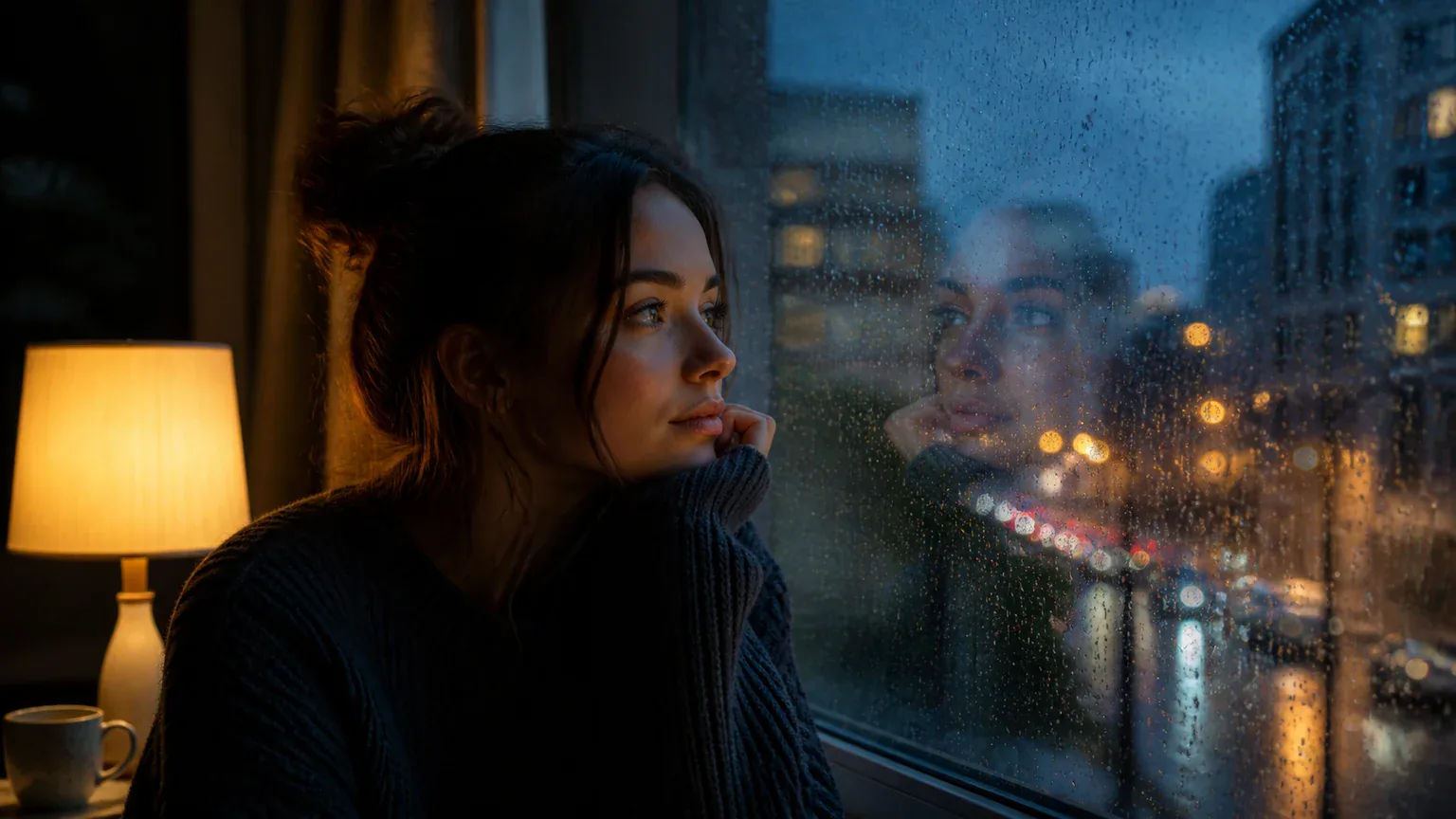
It can suggest home, train, neon streets, or blue hour.
Face, eyes, glass, droplets, reflections, signs, and edges should stay distinct. If rain takes over, simplify the scene.
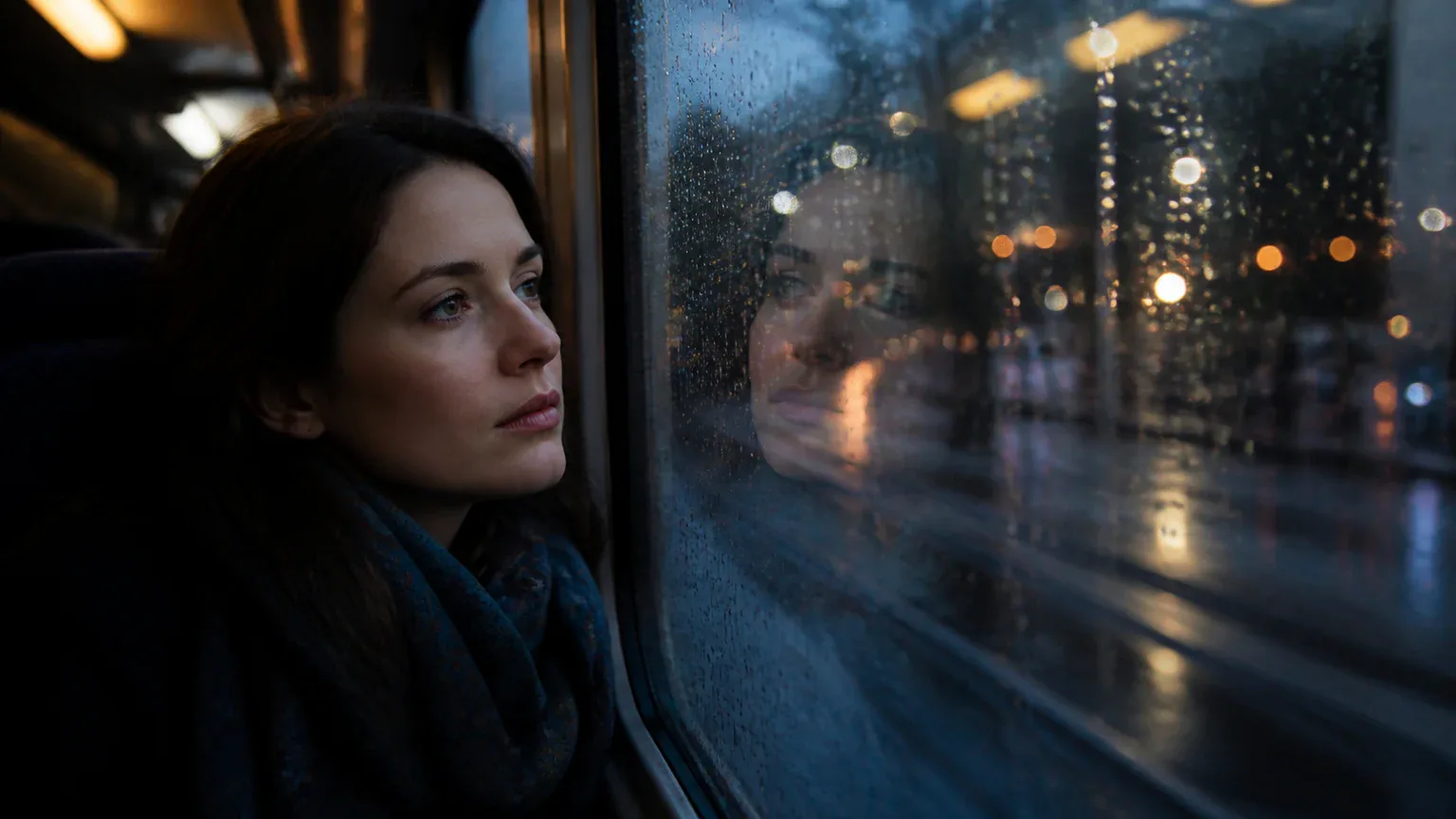
Use it for atmosphere, storyboards, covers, and posts. It does not prove a real location, time, weather event, or camera capture.

GPT Image 2 is an OpenAI image model for generating and editing images. It can render text in multiple languages and ...

Generate and edit images with Nano Banana Pro. Sign-in and account credits are required; review the displayed cost be...

Create videos from text prompts, animate an image or use video input in supported modes. Choose a generation mode and...

Create videos from text prompts or images with Sora 2. Choose from the available options, then review the displayed c...

ByteDance's AI video model combines text, images, video clips and audio in one prompt. Use its @-reference system to ...