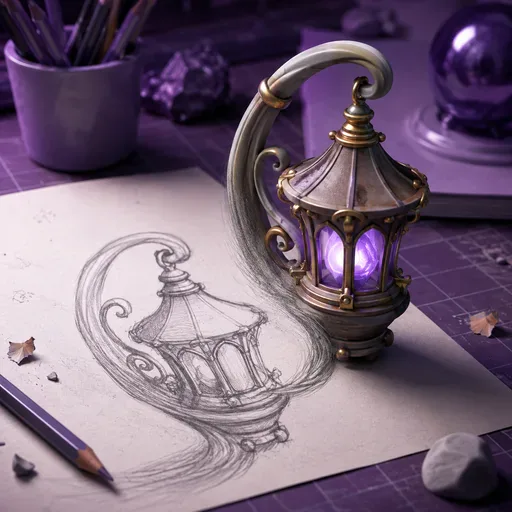
AI 2D to 3D Converter
Add depth and perspective to a flat image with an AI-generated 3D effect.
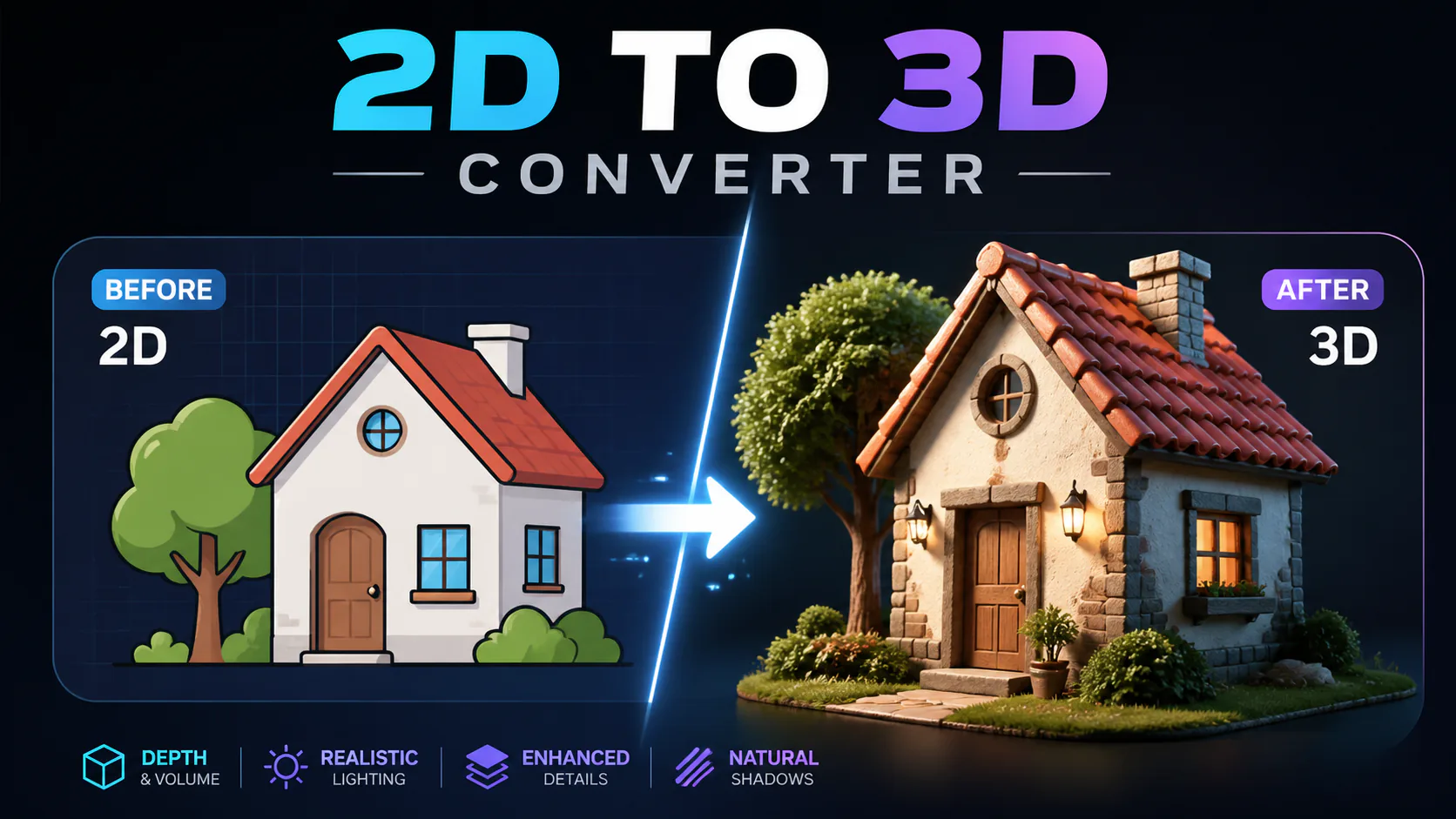
Use AI to add a 3D-style sense of depth and perspective to a flat image. Try different prompts or presets with product images, social content, creative designs or character illustrations. The result is a new image with an applied visual effect, not a downloadable 3D model. What you get depends on the image and selected model.
Use Nano Banana Pro to create a 3D-style effect from an image, without needing 3D modelling software or skills. Choose the model and settings that suit your project.
Ask the selected AI model to create visual separation between foreground and background, based on your image and prompt.
Upload an image, choose a supported model and describe the effect you want. Generation time and results depend on your selection.
The model uses your image as a reference while generating a new result. How closely it retains the original details depends on the input and selected model.
Try the effect on product images, packaging previews, social posts or other creative projects.
To get started: 1. Sign in and upload a 2D image. 2. Choose a supported model, check its credit cost and describe the depth effect you want. 3. Generate and review the result; if it suits your needs, download the image. Generation time and output depend on the selected model and account credit balance.

The selected model uses the image and your prompt to create a new image with a 3D-style sense of depth and perspective. The result is an image with an applied effect, not a downloadable 3D model.
Images with a clear distinction between foreground and background can be useful starting points. Try landscapes, portraits or architectural photos; results depend on the image and selected model.
You can describe the depth and perspective you want in your prompt or try the available presets. The result depends on the selected model and image.
The result is an image with a 3D-style depth effect, which you can use in social posts or presentations. Output formats and options depend on the selected model.
You can try photographs and digital illustrations. For example, ask for a 3D-style effect on a character or other flat artwork. Photos may produce a more realistic look, while illustrations may retain a stylised appearance; results depend on the input and selected model.
Generation time varies by selected model, image and current demand. Check the task status or look for the result in History later.
The selected model generates an image based on your input and prompt. How natural or realistic the depth appears depends on the image and model; generated results may differ from the original scene.
Check the terms that apply to your account and the selected model before using generated images commercially.

GPT Image 2 is an OpenAI image model for generating and editing images. It can render text in multiple languages and ...

Generate and edit images with Nano Banana Pro. Sign-in and account credits are required; review the displayed cost be...
Create videos from text prompts, animate an image or use video input in supported modes. Choose a generation mode and...

Create videos from text prompts or images with Sora 2. Choose from the available options, then review the displayed c...

ByteDance's AI video model combines text, images, video clips and audio in one prompt. Use its @-reference system to ...