Nano Banana Pro
  • Home
  • Assets
  • Pricing
AI Tools
AI Tools
Image
AI Comic GeneratorRemove BackgroundObject EraserImage Upscaler
Video
Video UpscaleAI Video EditorAI Video Extend
Nano Banana ProNano Banana Pro

AI Consistent Character Generator

AI Toolbox

JPG, JPEG, PNG, WEBP · Up to 10 MB

Resolution
Auto

AI Consistent Character Generator

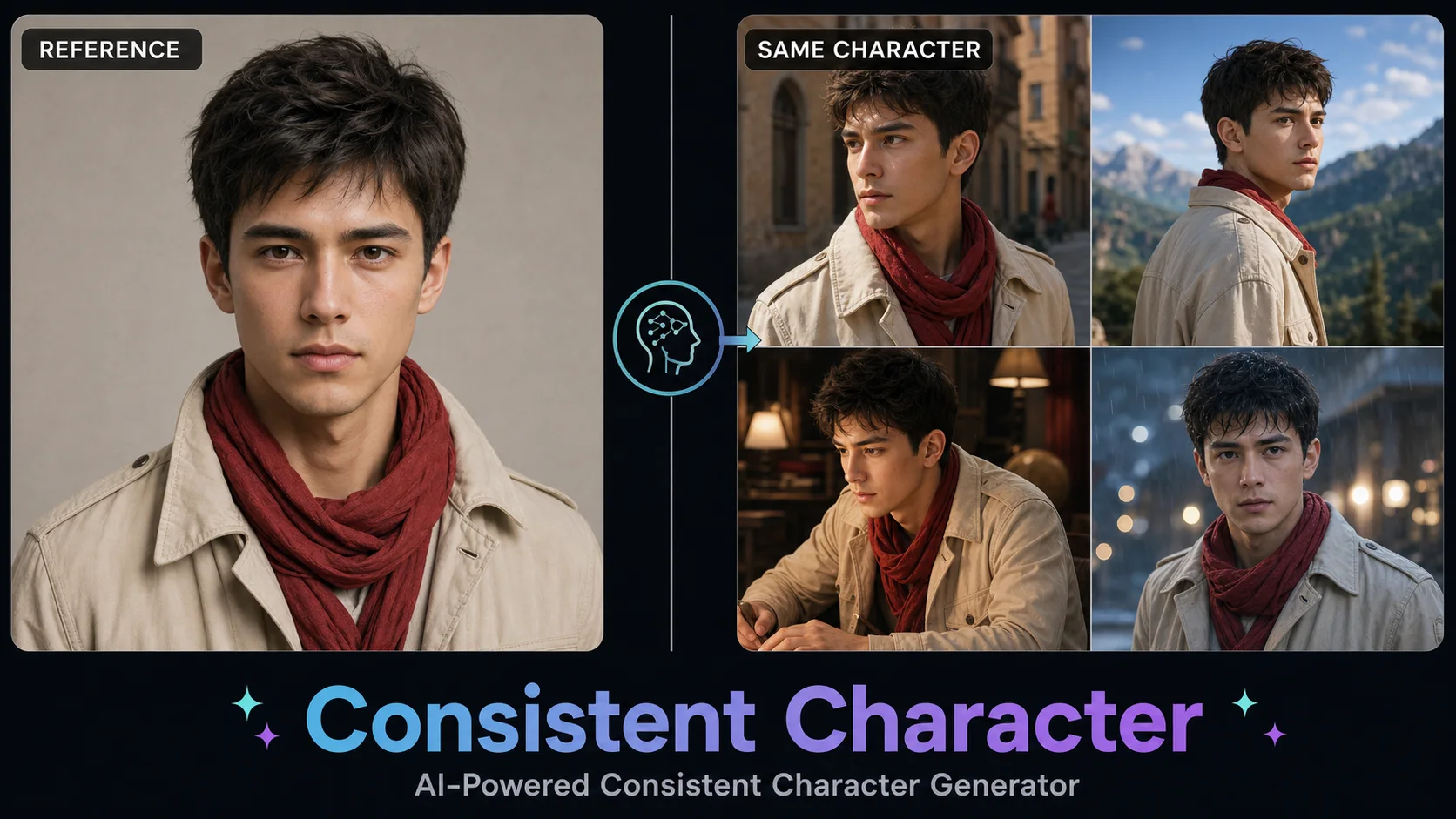
AI Consistent Character Generator helps you turn one reference into multi-scene character sheets with stable face, outfit, and identity cues.
AI Consistent Character Generator

Related AI tools

  • AI Double Exposure Travel Poster

    AI Double Exposure Travel Poster

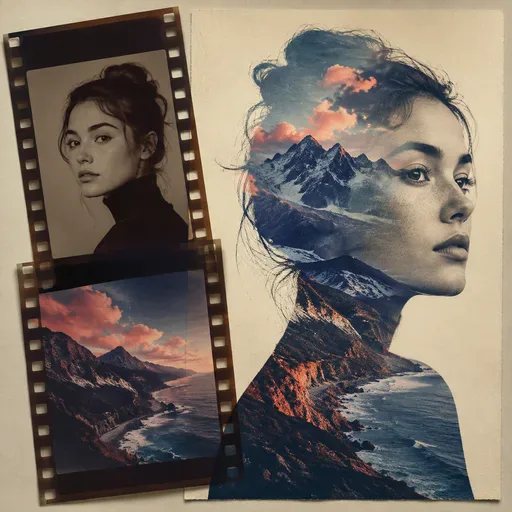
    Create a layered travel poster from one portrait by combining a clear destination with a restrained double-exposure composition.
  • Sewing Fabric Visualizer

    Sewing Fabric Visualizer

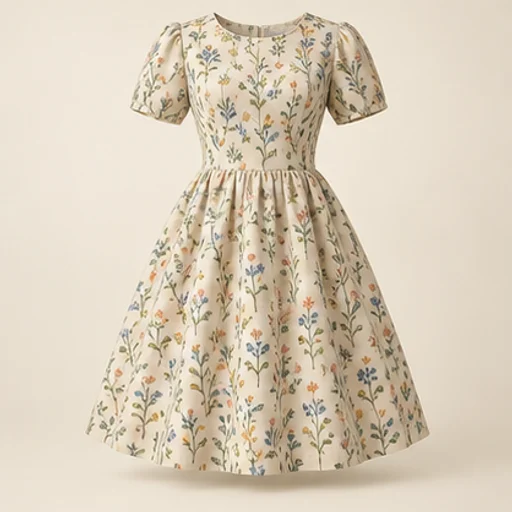
    See how a fabric could read on a garment before cutting into it. The sewing fabric visualizer keeps the garment reference as the design guide and uses your chosen material reference for color and pattern; the result is a visual comparison rather than a measured fit simulation.
  • Cake Sketch to Photo

    Cake Sketch to Photo

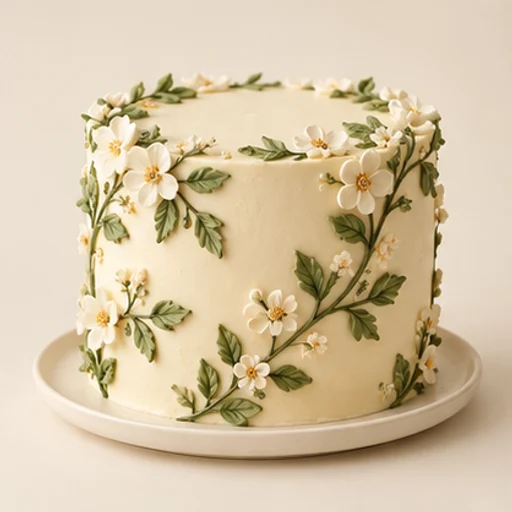
    Cake sketch to photo helps a baker turn an existing drawing into a realistic design reference for a customer conversation. It follows the sketch’s tier layout, decoration positions and palette rather than replacing the drawing with an unrelated cake.
  • Tufting Pattern Generator

    Tufting Pattern Generator

    Build a rug pattern draft with broad color areas from an original photo or illustration. The tufting pattern generator is intended for planning and tracing: flat regions and a clear silhouette matter more than a realistic photograph of yarn.
AI Consistent Character Generator

AI consistent character generator for storyboards and character sheets

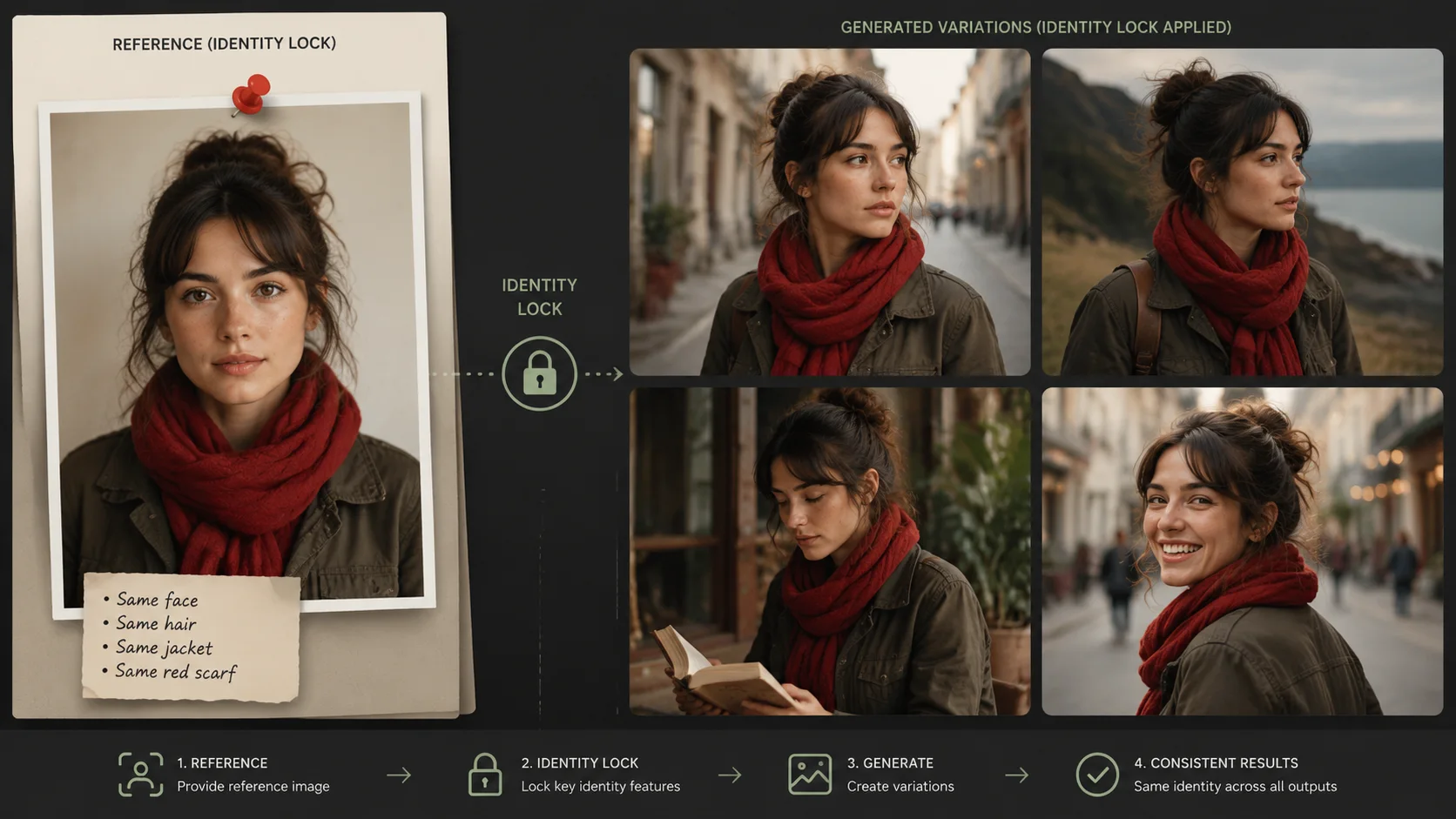
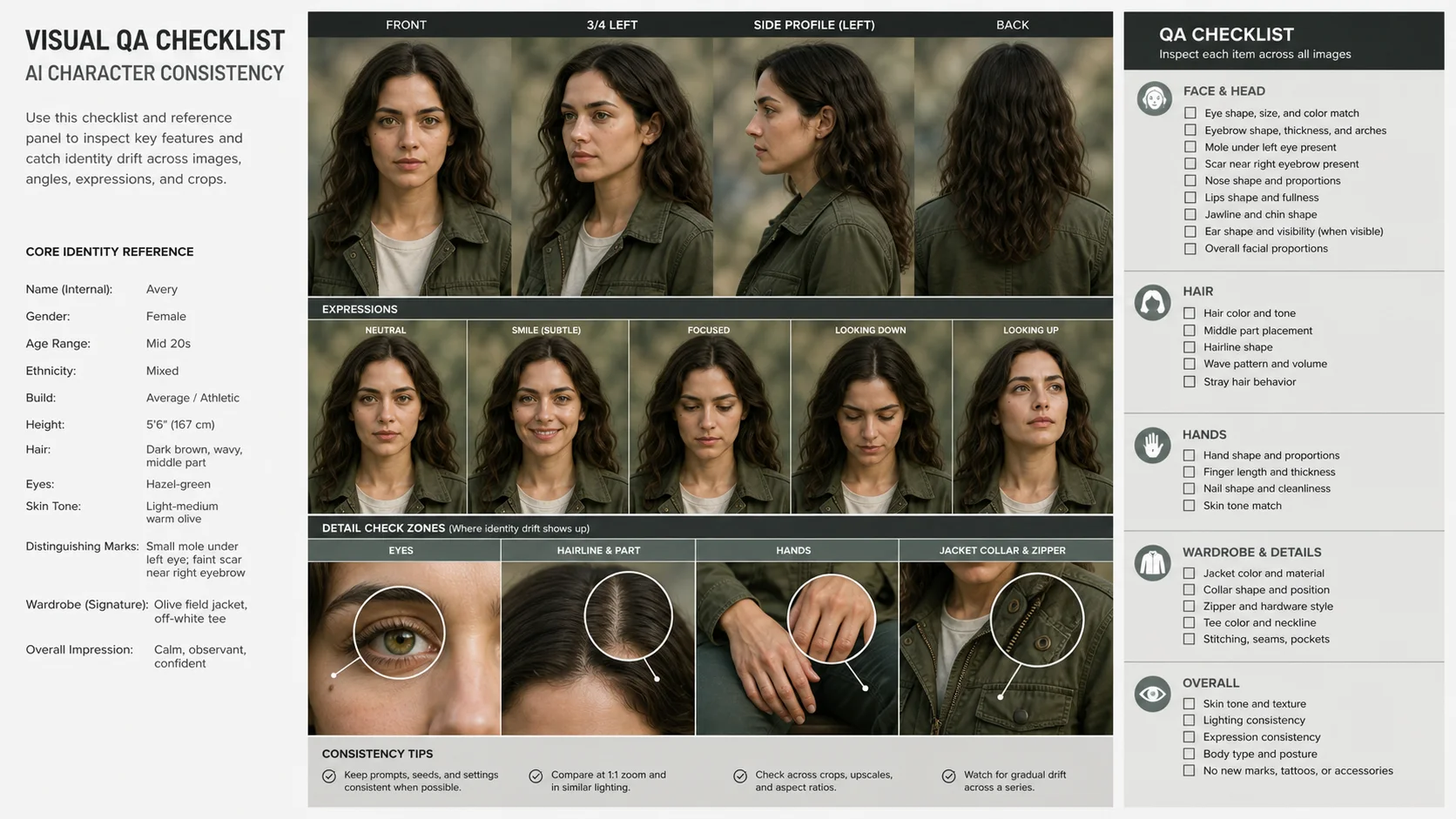
The aim is a set of related panels, not a collection of unrelated portraits. The uploaded image guides the character’s face, hairstyle, body type and signature outfit details, while each panel can show a different scene or pose. The result may still vary from the reference.

Lock

Upload one reference image to create a multi-panel character sheet, varying poses, camera angles and scenes while keeping the face and key outfit details recognisable.

Scenes

Explore the same character in different scenes

Camera

Use one reference to explore a character across storyboard panels, brand avatars, comic scenes and visual concepts.

Panels

Character sheet

AI Consistent Character Generator

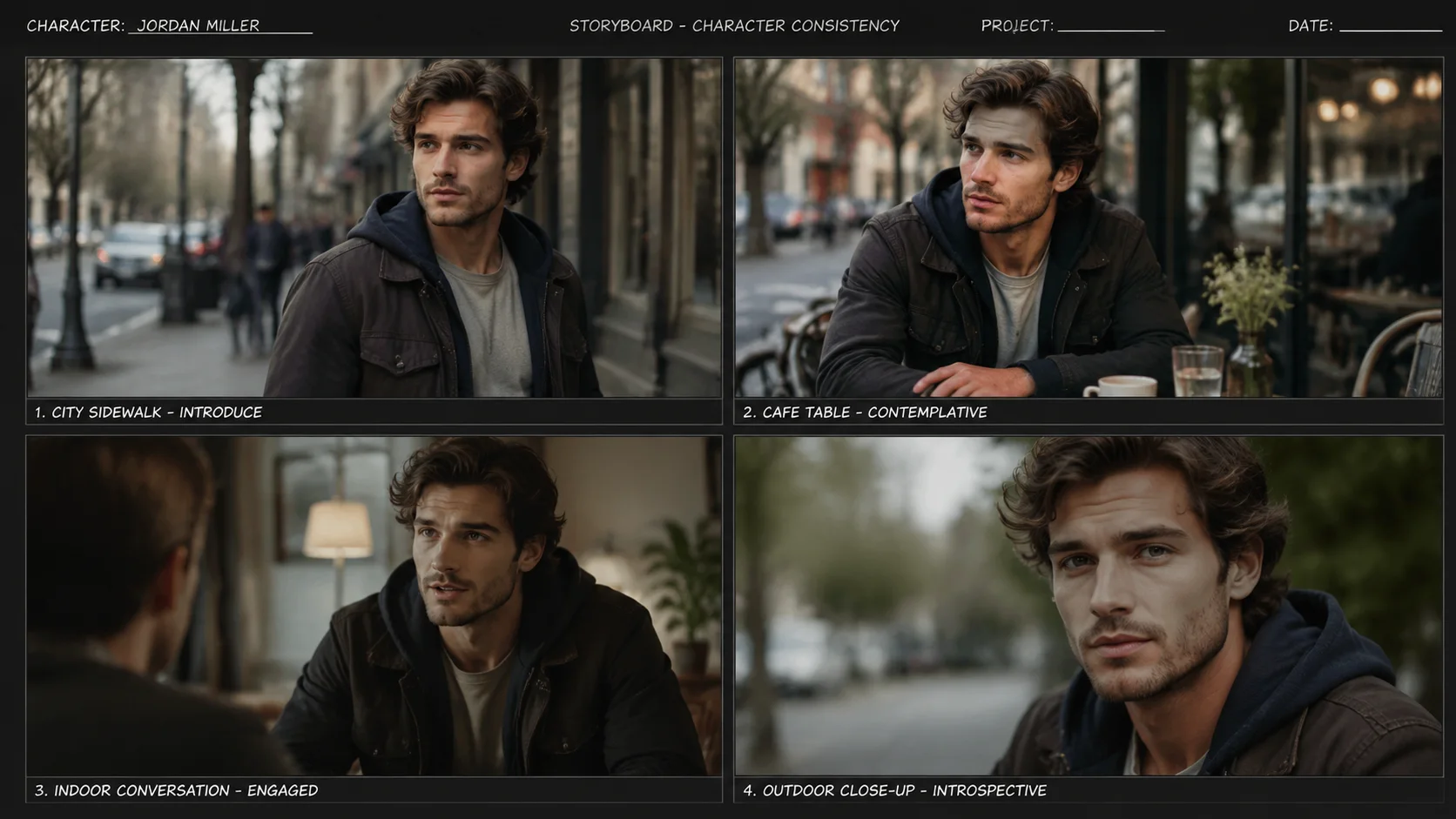
Give each panel a scene or purpose

A character sheet is more useful when each panel explores a different moment or view. Story mode can suggest a storyboard sequence; Brand mode can explore profile and marketing crops; Fantasy mode can help vary the setting while keeping costume details in view; Modern mode can suggest everyday scenes.
AI Consistent Character Generator

Lock

Upload one reference image to create a multi-panel character sheet, varying poses, camera angles and scenes while keeping the face and key outfit details recognisable.

Scenes

Explore the same character in different scenes

Camera

Use one reference to explore a character across storyboard panels, brand avatars, comic scenes and visual concepts.

Panels

Character sheet

AI Consistent Character Generator

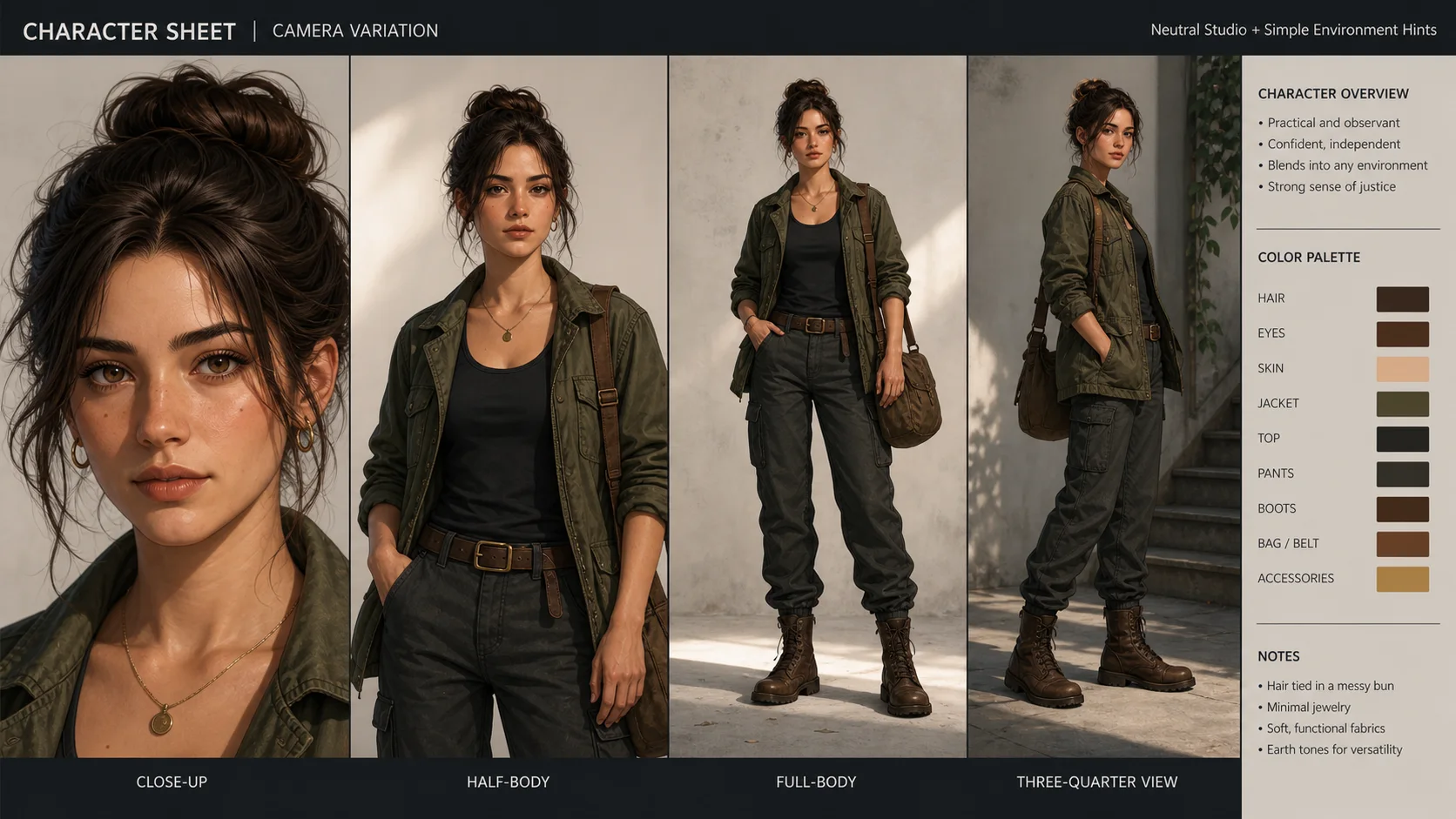
Vary the camera angle and review the character’s face

Changing the camera angle can make it harder to keep a character recognisable. Mixed and Portrait modes can help keep the face visible. Action mode explores movement, but check the hands and any motion blur. Lineup mode can help you explore front, side and three-quarter views.

Lock

Upload one reference image to create a multi-panel character sheet, varying poses, camera angles and scenes while keeping the face and key outfit details recognisable.

Scenes

Explore the same character in different scenes

Camera

Use one reference to explore a character across storyboard panels, brand avatars, comic scenes and visual concepts.

Panels

Character sheet

AI Consistent Character Generator

Be aware of where the character may vary

The character can vary more across extreme profiles, covered hair, small faces or major costume changes. Strict settings may help limit variation, though expressions can be less varied. Expressive settings allow more variation in the character’s performance, so review the result carefully before using it.
AI Consistent Character Generator

Lock

Upload one reference image to create a multi-panel character sheet, varying poses, camera angles and scenes while keeping the face and key outfit details recognisable.

Scenes

Explore the same character in different scenes

Camera

Use one reference to explore a character across storyboard panels, brand avatars, comic scenes and visual concepts.

Panels

Character sheet

Manage assets

Privacy Policy
FAQ

Illustrative character sheet ideas

The tool is designed to keep the character recognisable, but results depend on the reference. A clear image showing the hairline, eyes, nose and key outfit details gives the model more to work with. The face may vary with extreme side profiles, masks, dark sunglasses or low-resolution images.

Choose Strict for model sheets, avatars or continuity checks. Balanced allows more variation in lighting and pose, which can suit brand content. Expressive gives you more scope for storyboard scenes; check the eyes, mouth, hands and costume details in the result.

The output is one square sheet with multiple panels. This makes it easy to compare how consistent the character looks across scenes in a single image.

Four panels are a useful starting point. Three gives you larger faces to inspect. Six can suit a storyboard, though smaller faces may make identity differences harder to spot.

The tool can carry over major outfit details such as jacket colour, collar shape, glasses or hairstyle. Small logos, jewellery and fabric patterns may vary, so mention the most important costume details in your notes.

Zoom in to check the eyes, teeth, hands, hairline, earrings and sleeve edges. If a panel looks like a relative rather than the same character, try again with Strict identity settings and fewer panels.

Storyboard and pitch sheetIllustrative scenario: A four-panel sheet with Strict identity settings can help explore a character for a pitch. Check details such as the hands before using the image.
Comic character lineupIllustrative scenario: Create front and side views from one reference to explore a character design before drawing a comic page.
Brand avatar setIllustrative scenario: A four-panel layout can explore brand avatar options. With six panels, faces are smaller and may be harder to inspect.
Fantasy character scenesIllustrative scenario: Try the fantasy preset to explore how the jacket and hairstyle might look across different scenes.
Character pose variationsIllustrative scenario: Balanced identity settings allow more variation than Strict. Review the result to see whether the character remains recognisable.
Character detail reviewIllustrative scenario: Compare the panels and try again if details such as the teeth or hairline vary. The sheet layout lets you review them side by side.
Illustrative project ideas

Illustrative project ideas

Explore creative examples
Storyboard and pitch sheetIllustrative scenario: A four-panel sheet with Strict identity settings can help explore a character for a pitch. Check details such as the hands before using the image.
Comic character lineupIllustrative scenario: Create front and side views from one reference to explore a character design before drawing a comic page.
Brand avatar setIllustrative scenario: A four-panel layout can explore brand avatar options. With six panels, faces are smaller and may be harder to inspect.
Fantasy character scenesIllustrative scenario: Try the fantasy preset to explore how the jacket and hairstyle might look across different scenes.
Character pose variationsIllustrative scenario: Balanced identity settings allow more variation than Strict. Review the result to see whether the character remains recognisable.
Character detail reviewIllustrative scenario: Compare the panels and try again if details such as the teeth or hairline vary. The sheet layout lets you review them side by side.
AI Models you might also like

AI Models you might also like

  • GPT Image 2
    Image

    GPT Image 2

    GPT Image 2 is an OpenAI image model for generating and editing images. It can render text in multiple languages and ...
  • Nano Banana Pro
    Image

    Nano Banana Pro

    Generate and edit images with Nano Banana Pro. Sign-in and account credits are required; review the displayed cost be...

  • Veo 3.1
    Video

    Veo 3.1

    Create videos from text prompts, animate an image or use video input in supported modes. Choose a generation mode and...
  • Sora 2
    Video

    Sora 2

    Create videos from text prompts or images with Sora 2. Choose from the available options, then review the displayed c...
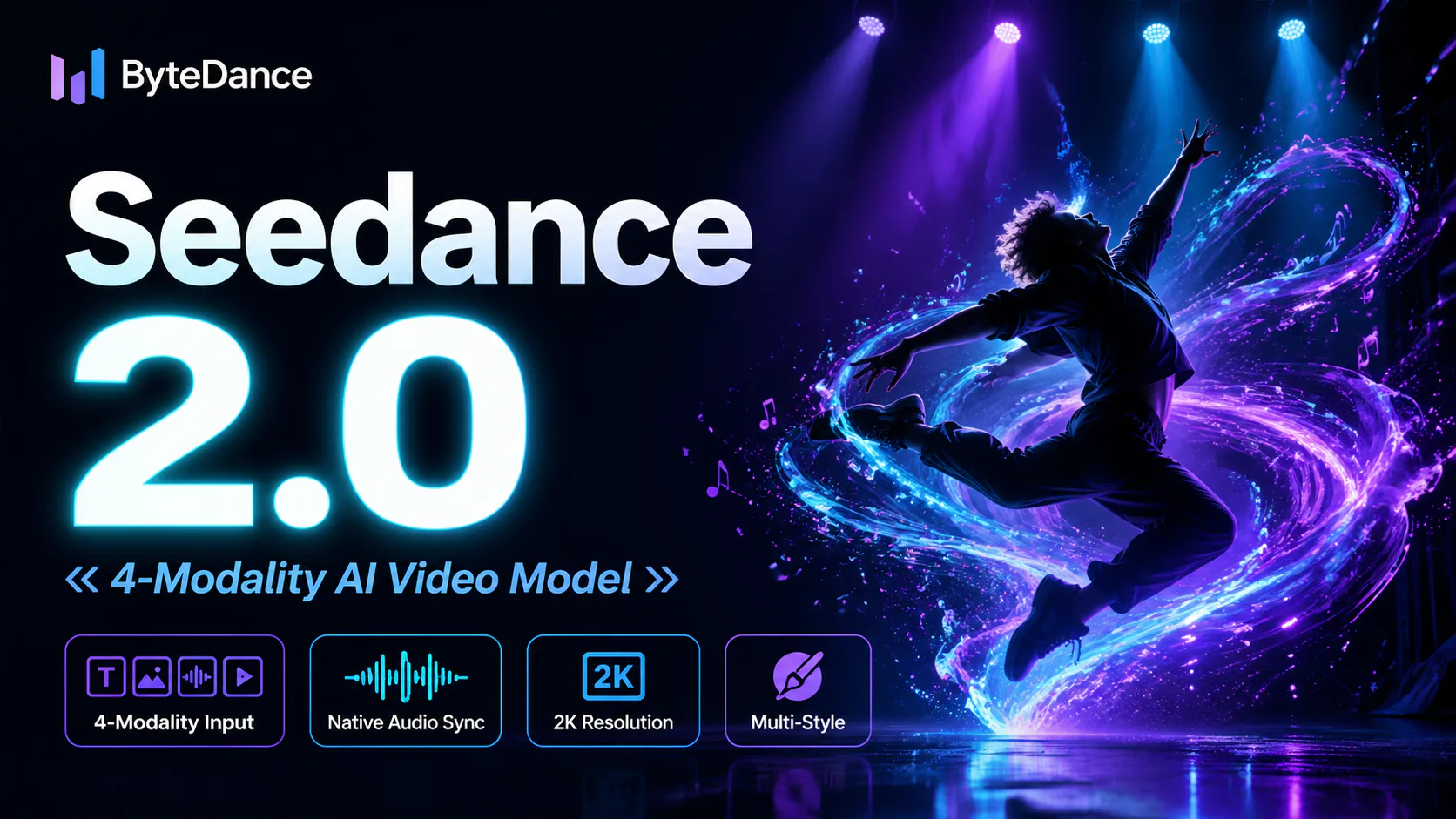
  • Seedance 2.0
    Video

    Seedance 2.0

    ByteDance's AI video model combines text, images, video clips and audio in one prompt. Use its @-reference system to ...

Start Creating with Nano Banana Pro

Create stunning images today
Get Started
Nano Banana Pro
Nano Banana ProNano Banana Pro

Nano Banana Pro gives you access to advanced AI image models for creating professional-quality images.

Email
FAQShowcasesChangelogAPIManga ColorizerCyberpunk
العربيةDeutschEnglishEspañolFrançais繁體中文日本語한국어Bahasa MelayuTürkçeไทยTiếng ViệtPortuguês (Brasil)中文עבריתPolski
© 2026 Nano Banana Pro· All rights reserved
Privacy PolicyTerms of ServiceRefund PolicyRefund RequestAbout Us
HomeNEWToolsAssetsProfile