


For a social content project, try using Nano Banana Pro to create polished visuals from a prompt or reference image. The result depends on the prompt and selected model.
Creator campaign visuals
Content creation

Create images with Nano Banana Pro at 1K, 2K or 4K resolution, including posters, mockups and infographics. Start with a prompt or reference images.
Explore image and video models for your next creation.
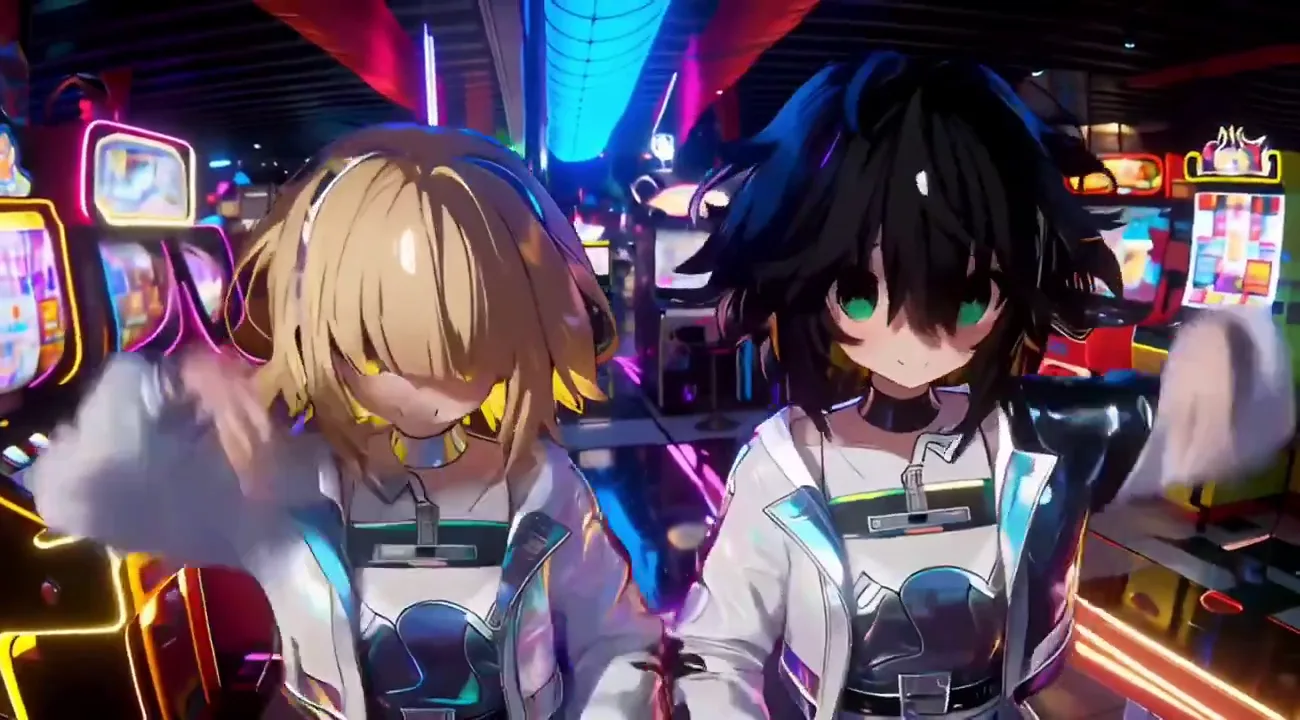
Turn text or one image into 1–15-second videos up to 1080p, with optional generated audio.
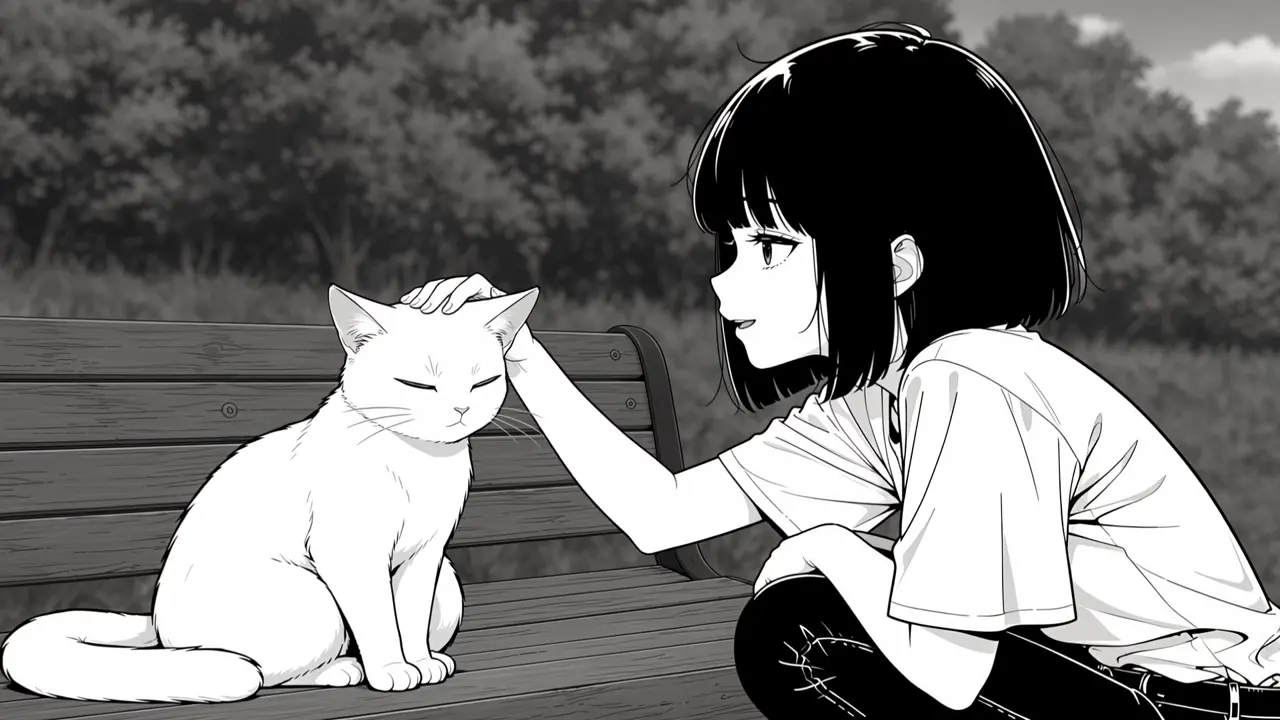
Shape stories up to 30 seconds with first/last frames and multiple visual references.
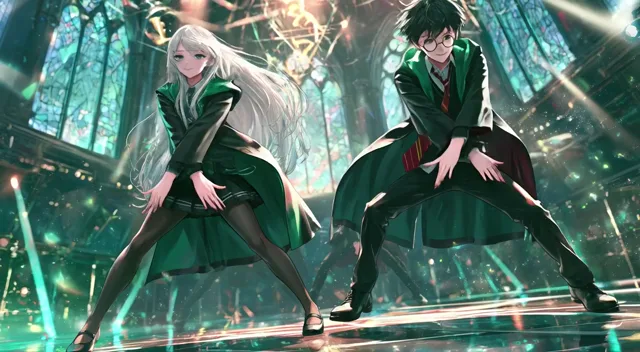
Turn text or an image into a short video with native audio included.
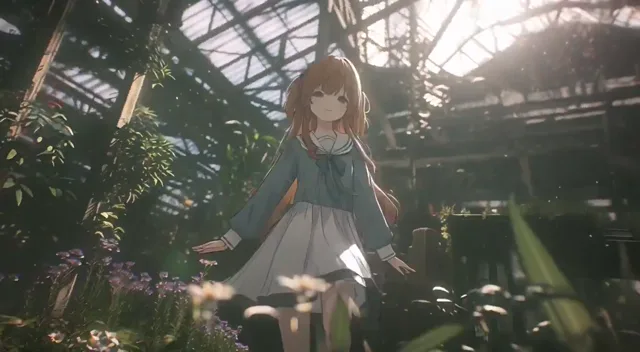
Create and edit at up to 4K with multiple image references for greater visual control.

Guide the opening and ending of a 15-second clip with first/last frames for focused creative iteration.
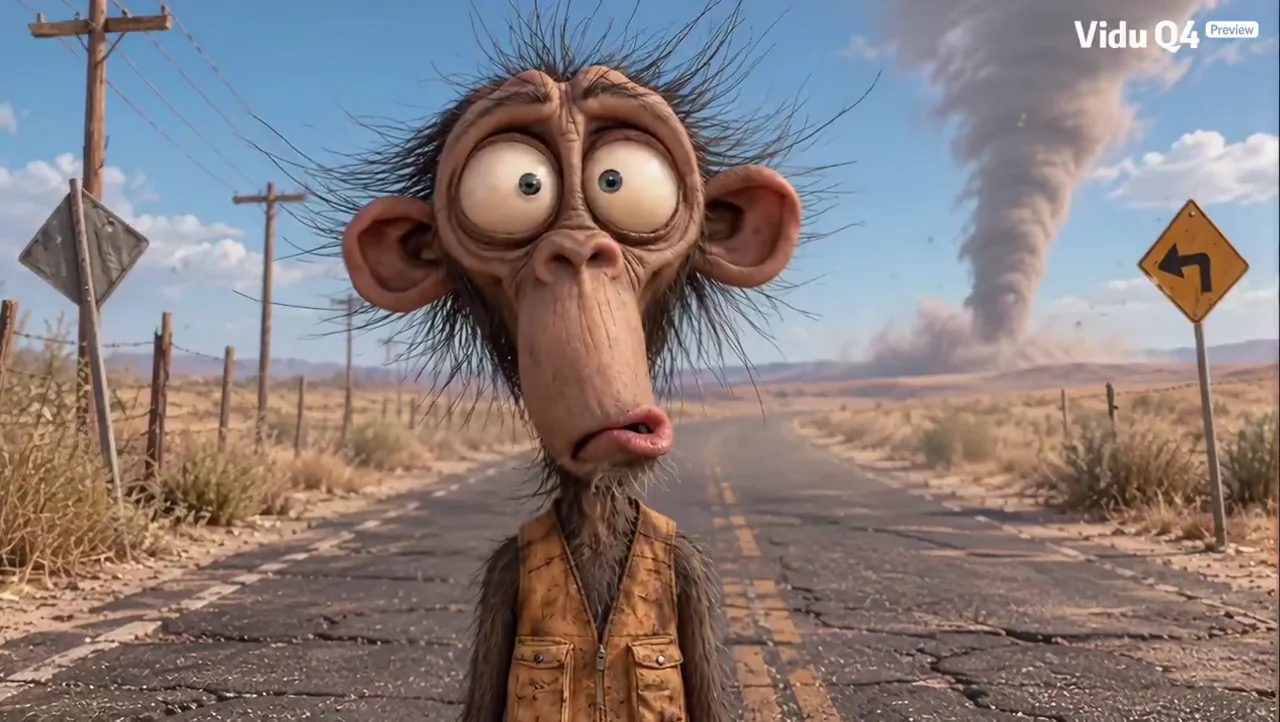
Bring multiple image references and optional audio together in video up to 4K.
Choose a tool and start creating with your image.
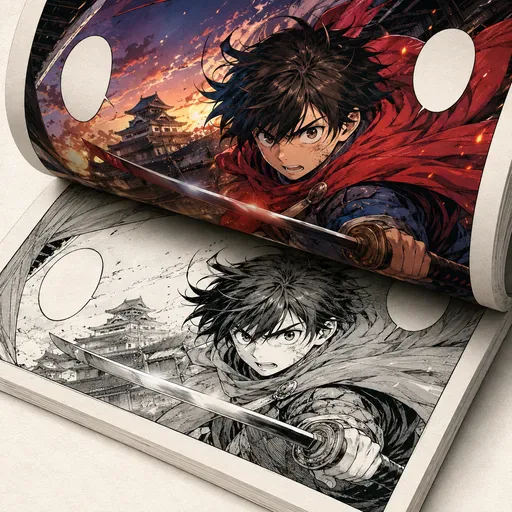
Add colour to black-and-white manga, comics and line art while aiming to preserve the original lines.
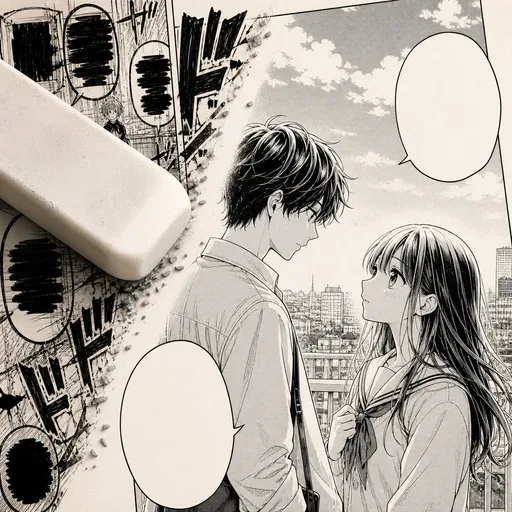
Remove dialogue, narration and sound effects from manga pages, then use AI to fill in the artwork underneath. Useful for preparing pages for translation.
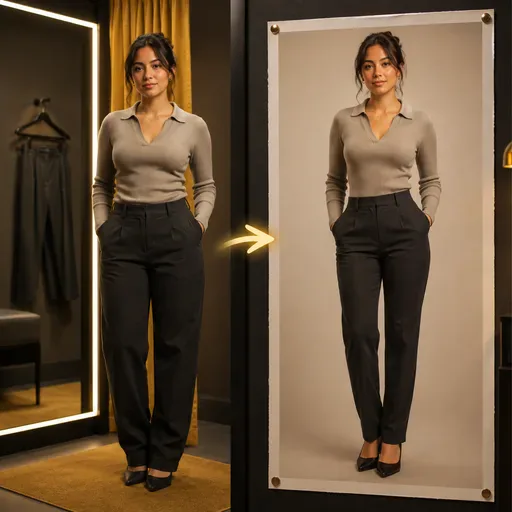
Reshape body proportions naturally while preserving clothing details.

Extend the edges of an image with AI-generated content designed to blend with the original.
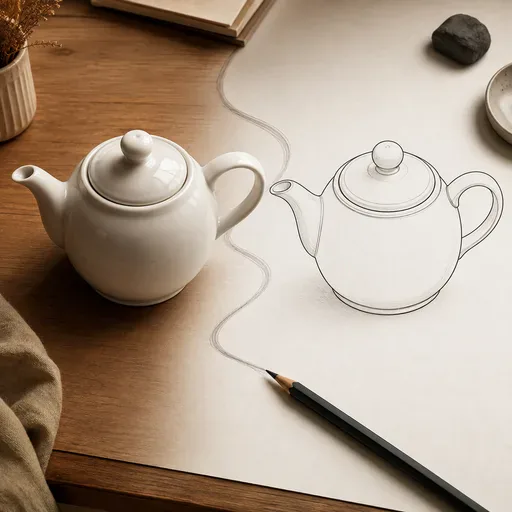
Create clean line art from a photo, with adjustable line weight and style.
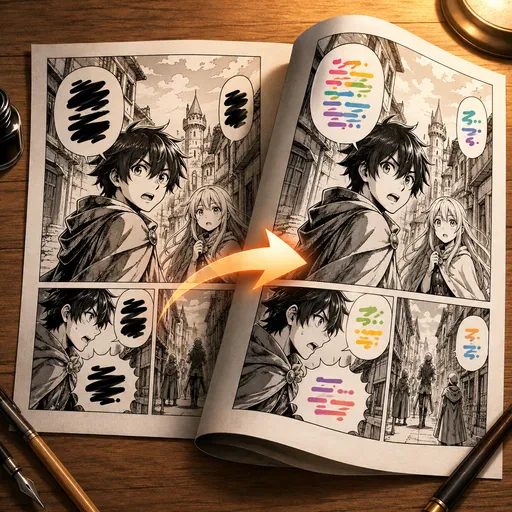
Translate manga by detecting speech bubbles, translating their text and re-rendering it in a similar style.
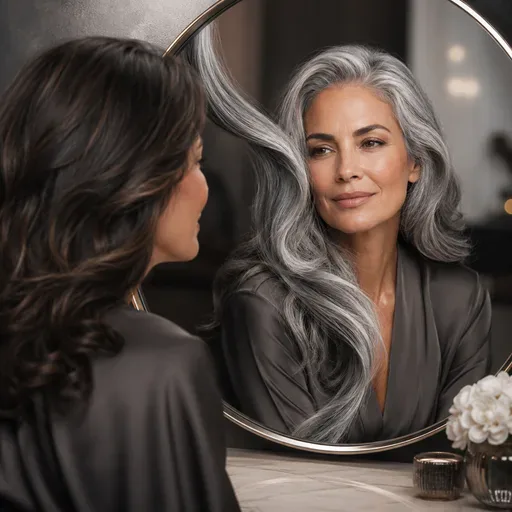
See yourself with grey, silver, or white hair. Try different shades with photorealistic AI hair color change.
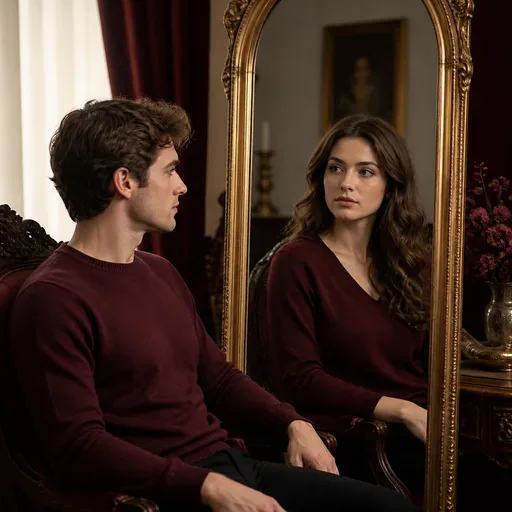
Explore an AI-generated gender presentation for your photo. The result is an artistic transformation, not a statement about anyone's identity.

Upload a photo and explore neon, chrome, bubblegum and holographic Y2K styles. Choose a look, generate with account credits and review the result.
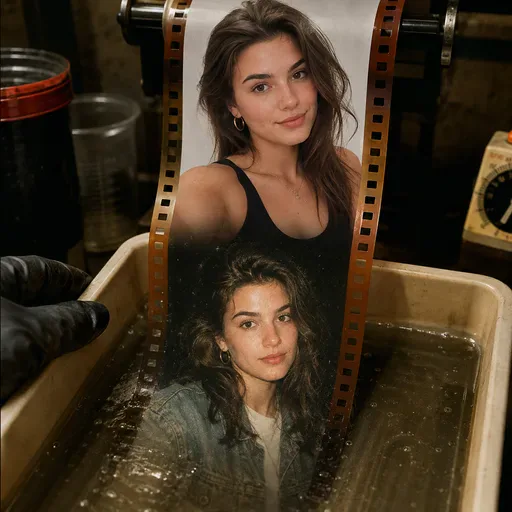
Transform photos into authentic 1990s-style portraits with vintage film grain, warm tones, and retro aesthetics.
Creative consistency
Create images that keep up to five characters recognisable and preserve the details of up to fourteen objects in one workflow. Put characters in new scenes and outfits, or combine reference images into more complex compositions while retaining the details you choose.
Create images and videos with a choice of models and model-specific options.
Creation
Video
Creation
Model-based
Options
Image and video
Models
For a social content project, try using Nano Banana Pro to create polished visuals from a prompt or reference image. The result depends on the prompt and selected model.
Content creation
For a branded content concept, try using reference images to guide a consistent character or visual style. Results depend on the references, prompt and selected model.
Brand content
For a digital art concept, describe the scene, composition and lighting you want. The output depends on the prompt and selected model.
Digital art
Common questions about Nano Banana Pro
Can't find what you need? Contact support
Use Nano Banana Pro to create images such as posters, character designs, product mockups and infographics from prompts or reference images. Depending on the selected model and input, you can explore scene composition, lighting and visual styles.
Nano Banana Pro offers 1K, 2K and 4K resolution options, along with PNG and JPG formats. It supports up to 10 reference images and a 10MB upload setting. Other features and output options depend on the selected model.
Generation uses account credits. Sign in and check your credit balance, the selected model and the displayed credit cost before generating. Current plan terms determine available options.
Generation requires signing in and uses account credits. Check your balance and the displayed cost before each request. Availability and any usage limits depend on your account and selected model.
Sign in, choose a supported model, then enter a text prompt and add reference images if useful. Available controls vary by model.
Check the applicable terms and any rights or restrictions for the selected model and generated content before using an image commercially.
Nano Banana Pro supports text in images, including multilingual text. Results can vary, so review lettering carefully, especially in posters, titles, labels and infographics.
Nano Banana Pro can use reference images to help maintain character and style consistency across images. Results depend on the references and prompt, so review each output.