AI Grey Hair Filter
Preview grey, silver, or white hair on your photo. The result is an AI visual reference, so lighting, hair texture, and the original angle can affect the match.
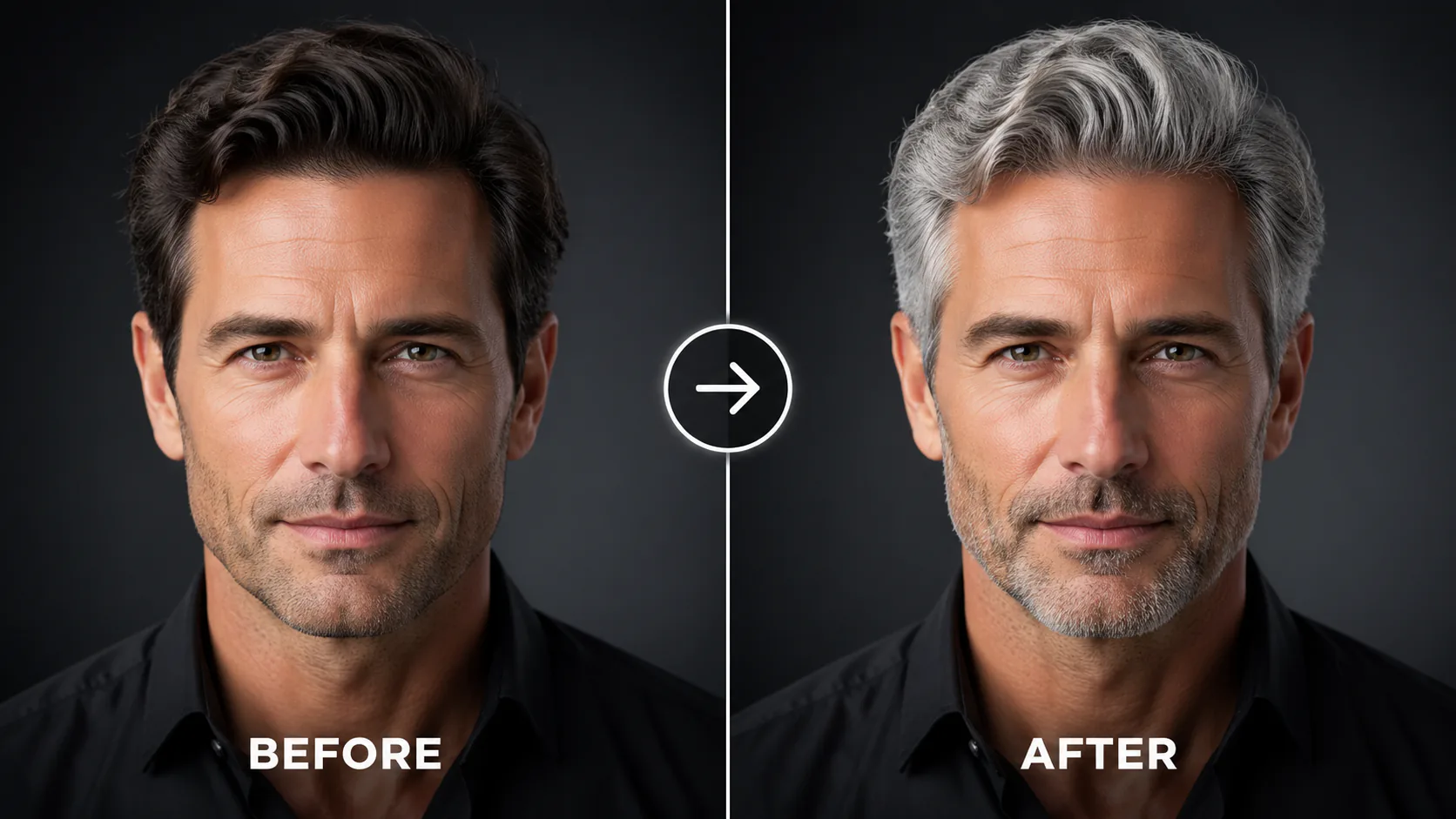

Preview grey, silver, or white hair on your photo. The result is an AI visual reference, so lighting, hair texture, and the original angle can affect the match.
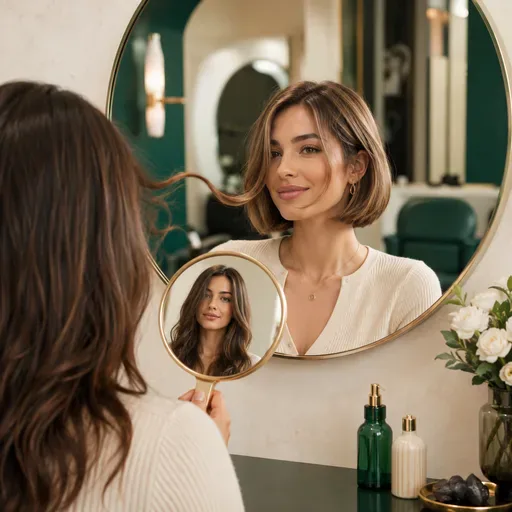
Preview 12 hairstyles, from pixie cuts and bobs to wolf cuts and mohawks, in 8 colours before your salon appointment. Results depend on your photo and selected model.

Create an ID-style photo with an adjusted background and light skin retouching. Check the image against the requirements of the organisation requesting it.

Create a friendly 3D cartoon-style profile image for creator accounts, gaming profiles, team pages or personal branding. Use a photo as a reference for the face, while allowing for variation in the generated result.

Turn a casual selfie into a polished studio-style portrait for a professional profile, CV, team page or bio. Adjust the lighting, background and framing when a studio photo session is not practical.
Upload a portrait to explore how you might look with grey, silver, ash or white hair. Choose a preset or describe the shade you have in mind, then use the AI-generated image as a visual reference. The result may differ from your real hair; lighting, texture and photo angle can affect the match. Sign in to generate an image, and check the selected model and displayed credit cost before you start.
Explore a silver or grey look, or use the Natural Grey preset as a visual reference for a possible future style. Results depend on the photo and are not a prediction of how your hair will age.
Upload a clear portrait, choose a grey hair preset or describe the look you want, then generate a preview. The result is an AI visual reference, and may vary with your hair texture, lighting, photo angle and image quality.

GPT Image 2 is an OpenAI image model for generating and editing images. It can render text in multiple languages and ...

Generate and edit images with Nano Banana Pro. Sign-in and account credits are required; review the displayed cost be...

Create videos from text prompts, animate an image or use video input in supported modes. Choose a generation mode and...

Create videos from text prompts or images with Sora 2. Choose from the available options, then review the displayed c...

ByteDance's AI video model combines text, images, video clips and audio in one prompt. Use its @-reference system to ...