AI Kids’ Worksheet Generator
Enter a topic, choose a worksheet type and grade level, then generate a worksheet to print. Create maths, tracing, phonics, reading and other practice sheets. Sign in first and check the selected model and credit cost.
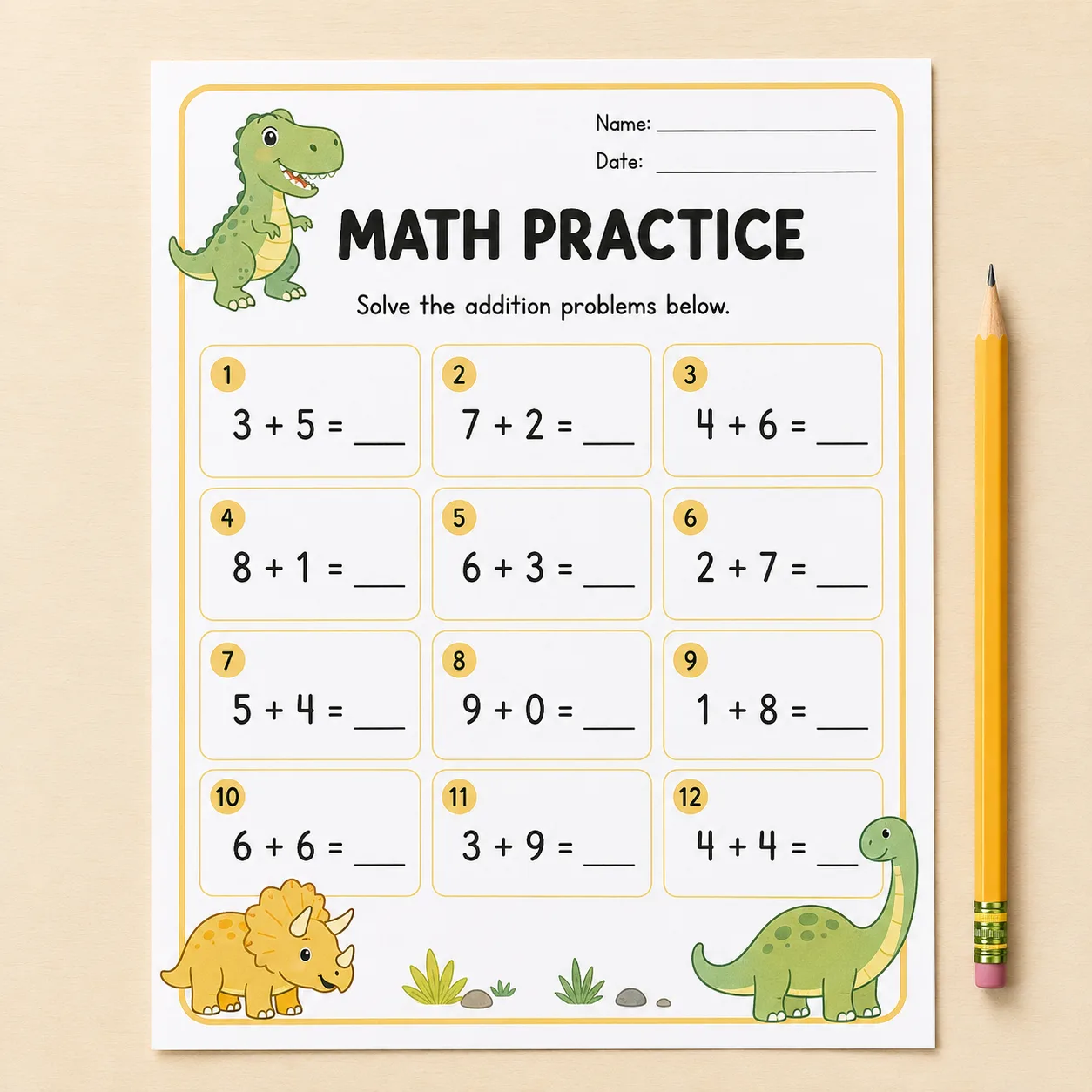

Enter a topic, choose a worksheet type and grade level, then generate a worksheet to print. Create maths, tracing, phonics, reading and other practice sheets. Sign in first and check the selected model and credit cost.
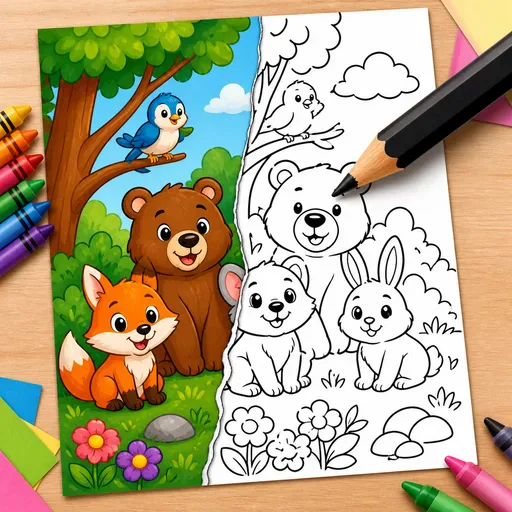
Turn a text description or photo into black-and-white line art for a colouring page. Create pages for children, classrooms, adult relaxation or KDP book projects.
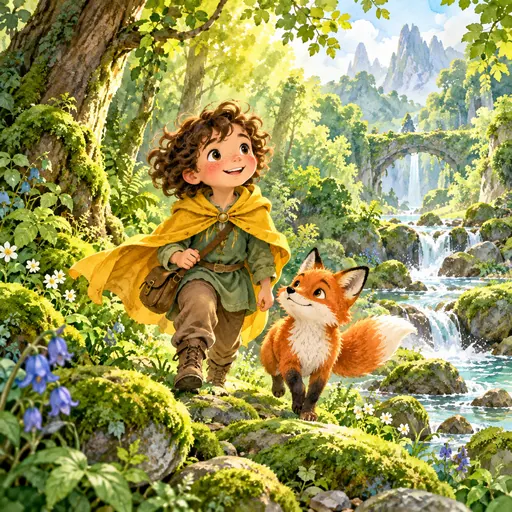
Create a personalised children's picture-book story from a photo or sketch, with your child as the hero. Generate an 8–32-page book with a consistent character, plus a print-ready PDF and KDP hardcover layouts.
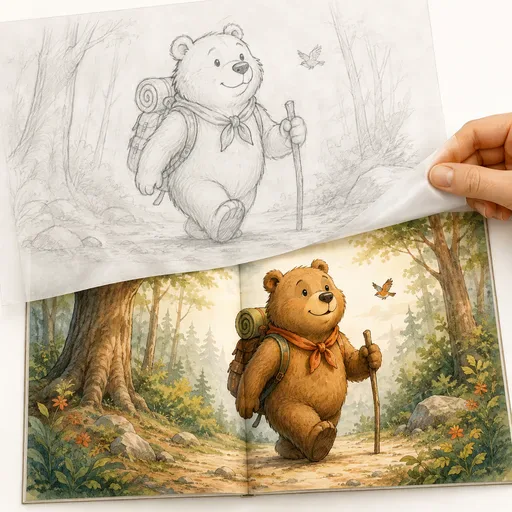
Create children's book illustrations in ten picture-book styles, with a character intended to stay consistent across scenes. Generate full-bleed spreads, single pages, covers and endpapers. The configured output is described as 300dpi CMYK for KDP print projects.
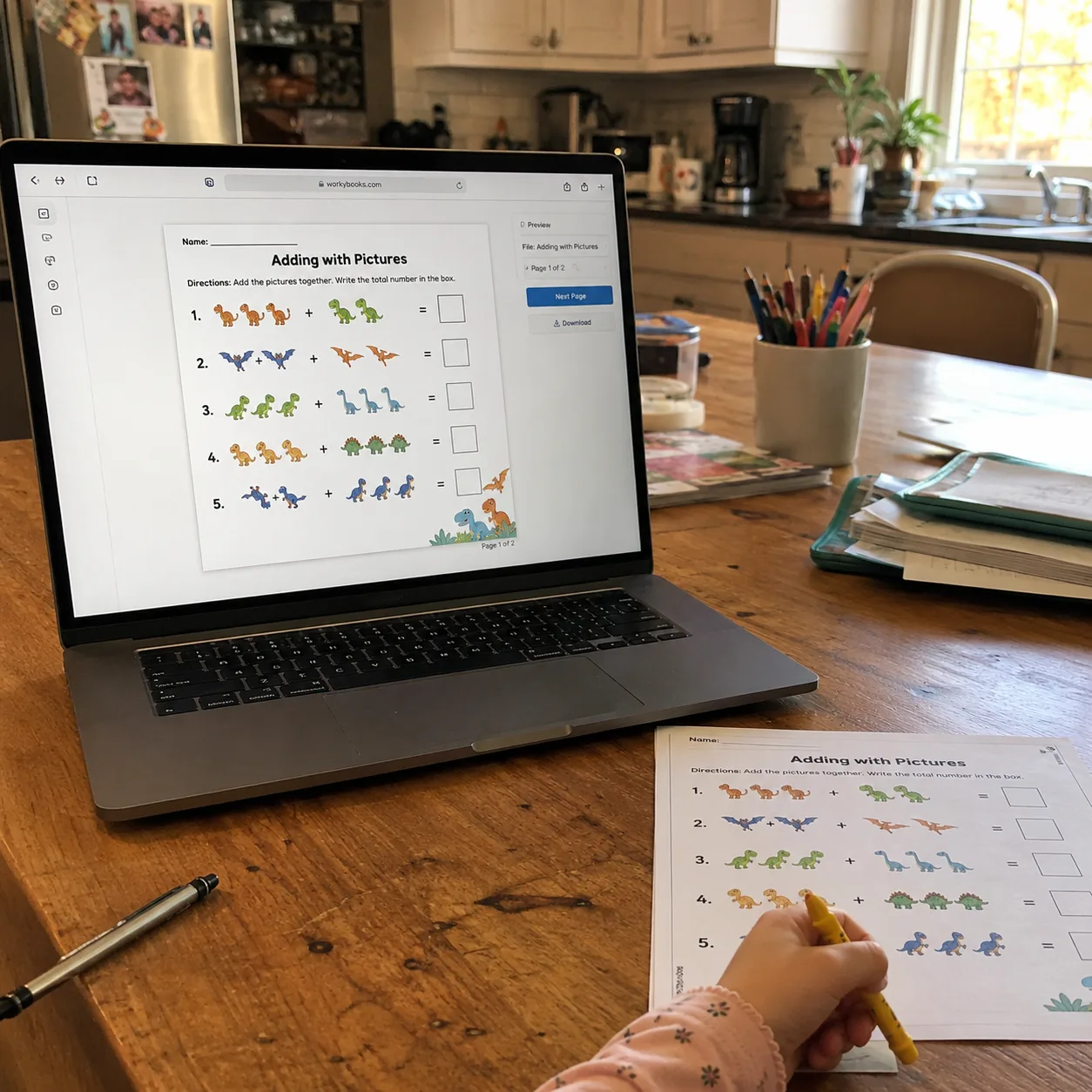
Enter a skill or topic, choose a worksheet type—maths, tracing, phonics, reading, vocabulary or activities—and select a grade level. Generate a worksheet with a heading, numbered exercises, space for a name and date, and a related illustration. Review the result before printing.
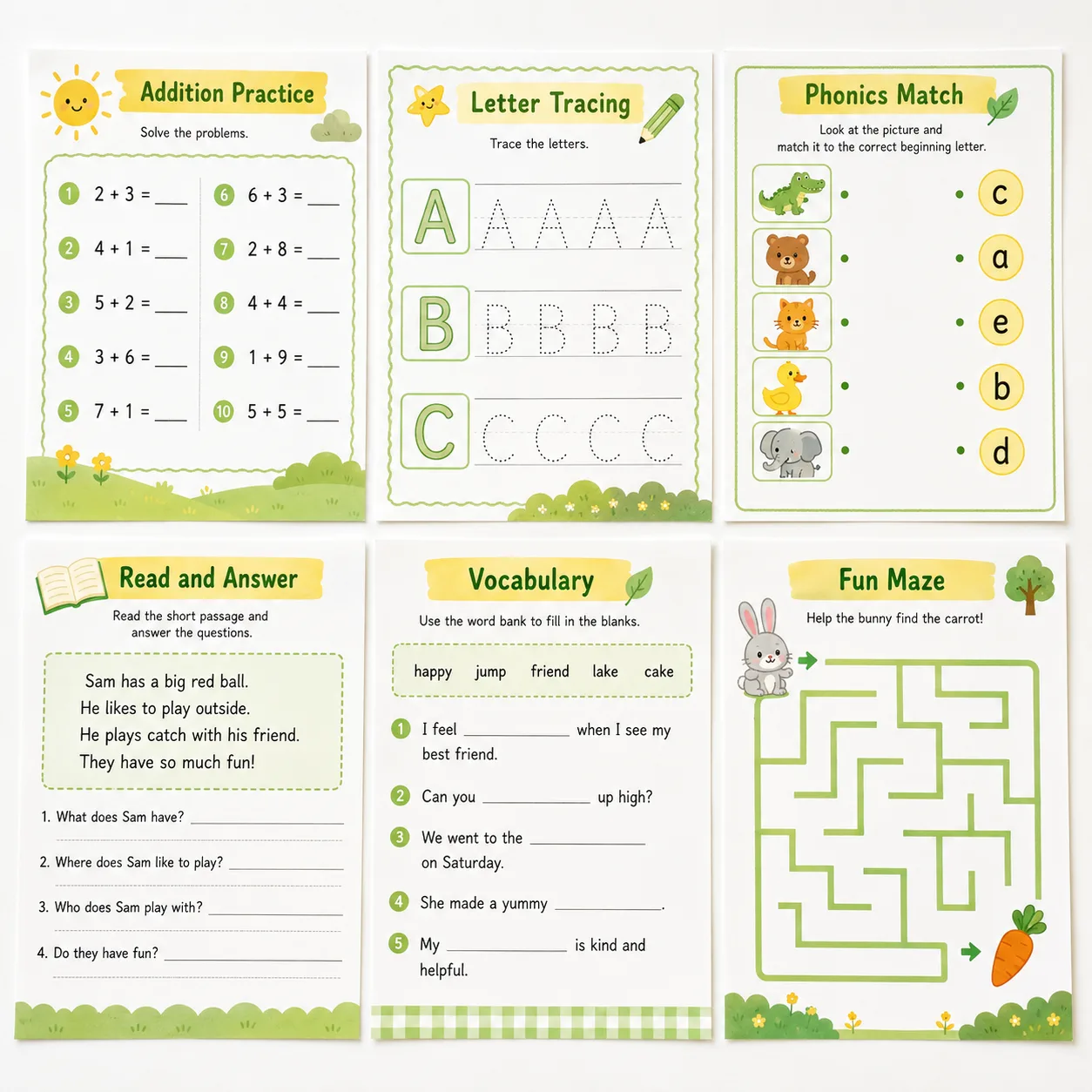
Choose the format that fits the activity. Maths worksheets can use numbered problems with space for answers; tracing sheets can show dashed letters and practice rows; phonics sheets can pair pictures with sounds or letters; and reading sheets can include a short passage with comprehension questions and answer lines. Check the generated layout and content before use.
AI-generated worksheets may contain errors, such as incorrect answers in dense maths grids, and reading passages may not suit the selected grade level. Preview each worksheet and check its questions, answers and content before using it with children. AI can help create a starting point, but it does not replace a teacher’s review.
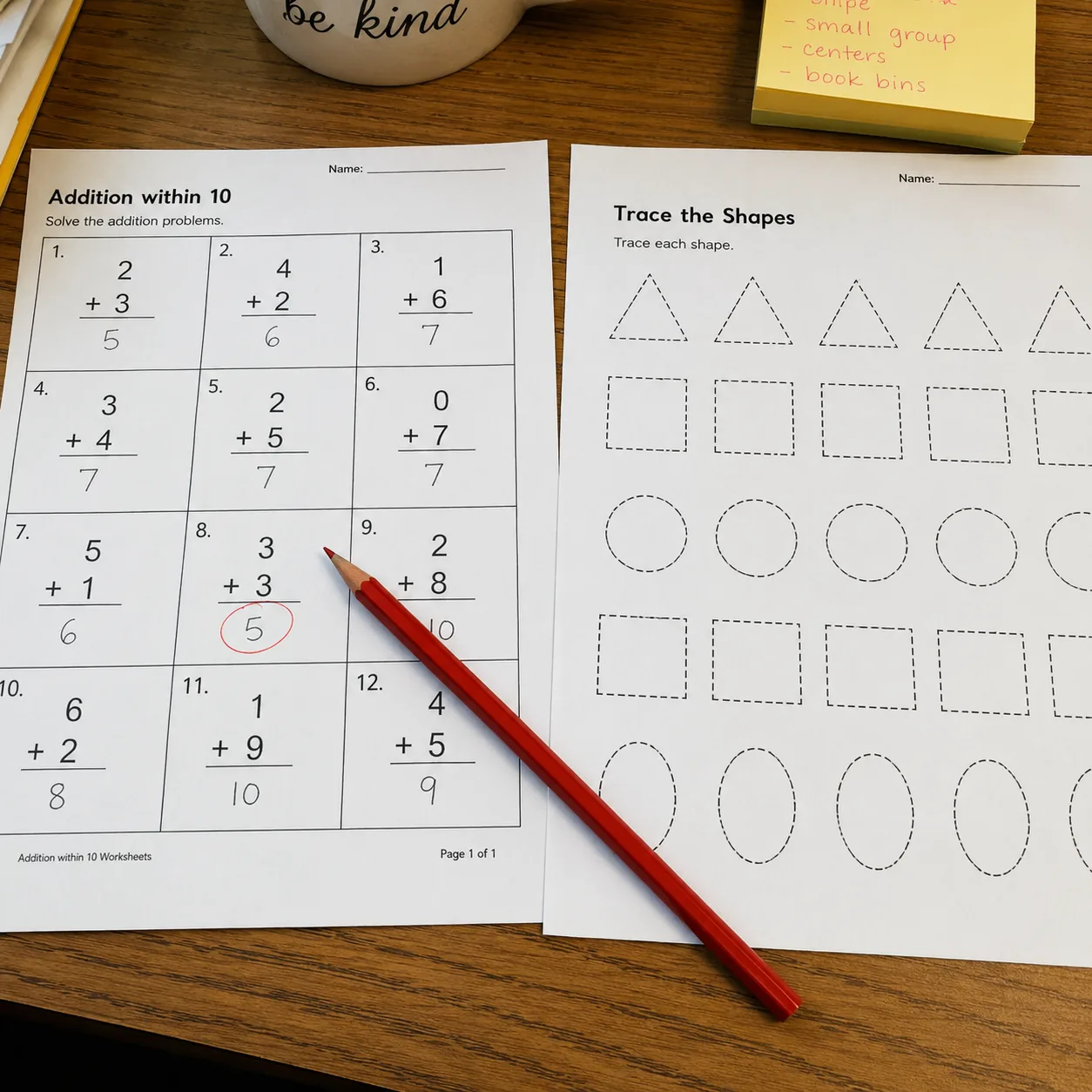
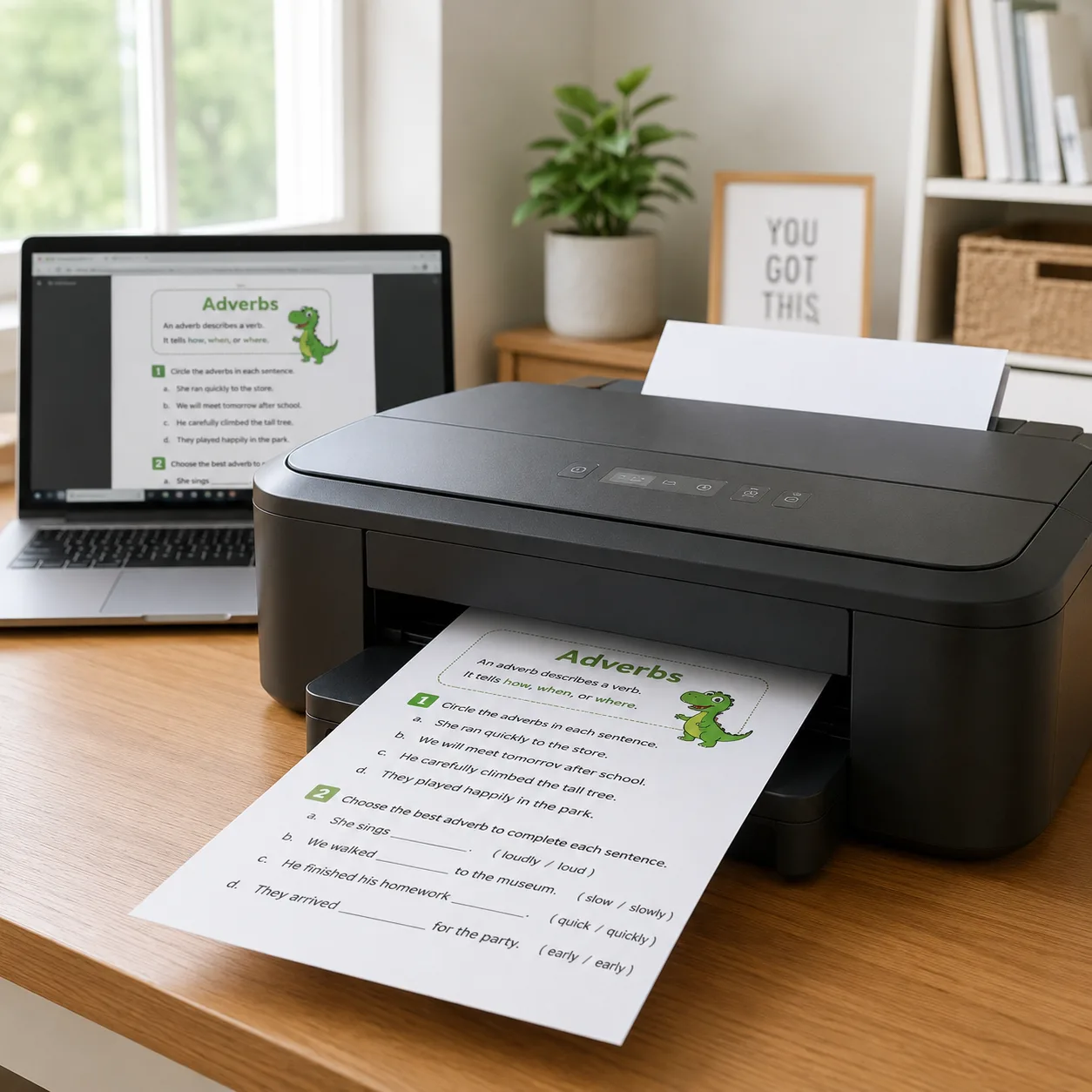
Worksheets use a portrait page layout. You can add the PNG image to Word, Pages or Google Docs, or open it in a browser and print it. Check the print preview for fit and margins before printing. The Pro plan adds PDF export with selectable text and editable answer fields, plus a matching answer-key page.

GPT Image 2 is an OpenAI image model for generating and editing images. It can render text in multiple languages and ...

Generate and edit images with Nano Banana Pro. Sign-in and account credits are required; review the displayed cost be...

Create videos from text prompts, animate an image or use video input in supported modes. Choose a generation mode and...

Create videos from text prompts or images with Sora 2. Choose from the available options, then review the displayed c...

ByteDance's AI video model combines text, images, video clips and audio in one prompt. Use its @-reference system to ...