AI Movie Poster Generator
Upload a photo, choose a genre, and add a fictional movie title and tagline. Create a cinematic poster in a vertical format. Sign in to generate and check the selected model and credit cost first.
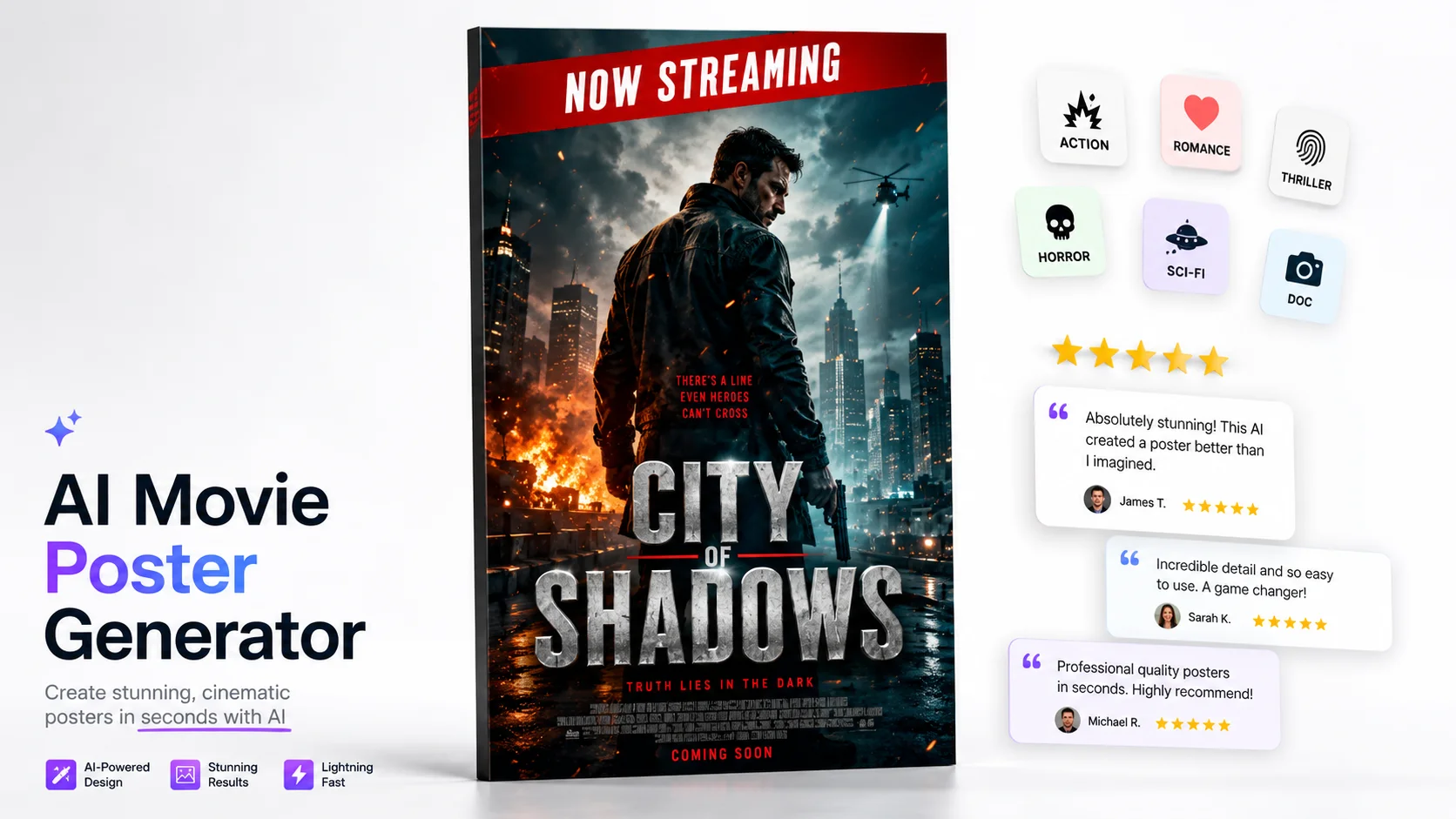

Upload a photo, choose a genre, and add a fictional movie title and tagline. Create a cinematic poster in a vertical format. Sign in to generate and check the selected model and credit cost first.
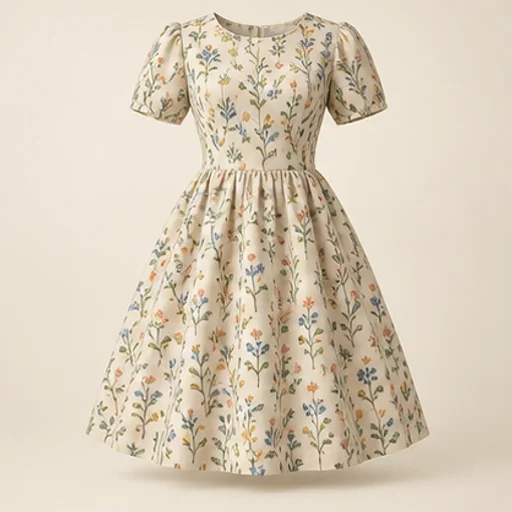
See how a fabric could read on a garment before cutting into it. The sewing fabric visualizer keeps the garment reference as the design guide and uses your chosen material reference for color and pattern; the result is a visual comparison rather than a measured fit simulation.
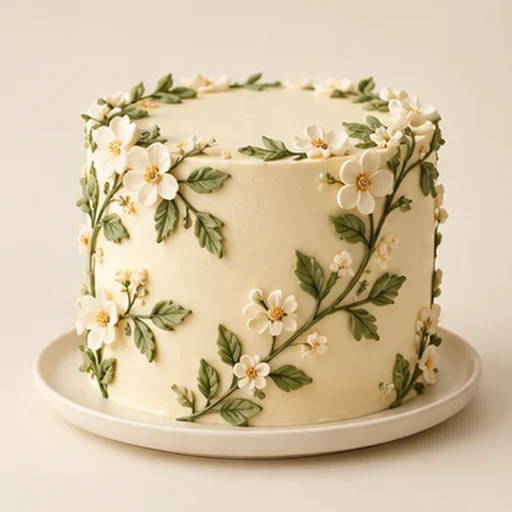
Cake sketch to photo helps a baker turn an existing drawing into a realistic design reference for a customer conversation. It follows the sketch’s tier layout, decoration positions and palette rather than replacing the drawing with an unrelated cake.
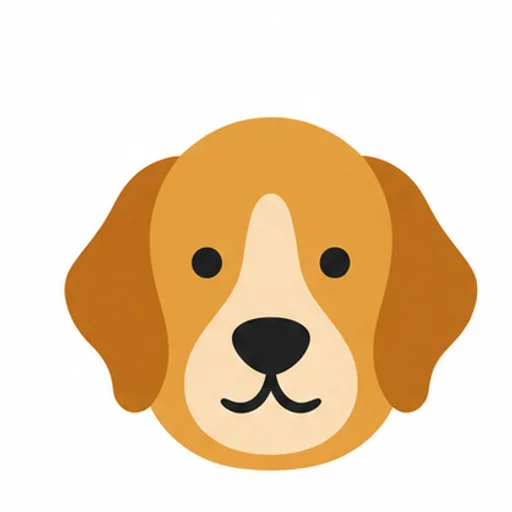
Build a rug pattern draft with broad color areas from an original photo or illustration. The tufting pattern generator is intended for planning and tracing: flat regions and a clear silhouette matter more than a realistic photograph of yarn.
Create a high-contrast portrait draft from a photo for scroll-saw planning. The tool combines image generation with threshold cleanup, white-region checks and manual bridge painting; it helps inspect a pattern before any wood is cut.
Choose a genre to guide the poster’s mood, lighting and visual style. The selected model interprets your photo and prompt, so results can vary. Action prompts can suggest dramatic poses and energetic lighting; romance can use warm tones and soft backgrounds; thrillers often lean towards cooler colours and shadows; horror can bring darker scenes and stark contrast; sci-fi can add neon hues and futuristic settings; documentary-style prompts can aim for a more natural, understated look.
The result depends on the photo, prompt and selected model. Short titles may be easier to render legibly, but generated text can still differ from what you entered. Dramatic lighting and effects can change facial details, and a group photo may not keep every person distinct. Review the image and any text before sharing, and try adjusting the prompt or model if needed. Check the credit cost before generating again.
A custom poster can be a fun concept for a personal milestone, such as an engagement or birthday, or a visual starting point for an independent film, book or podcast project. You can also explore a poster for a personal brand or client keepsake. These are ideas to try, not guarantees of audience response or commercial results.

GPT Image 2 is an OpenAI image model for generating and editing images. It can render text in multiple languages and ...

Generate and edit images with Nano Banana Pro. Sign-in and account credits are required; review the displayed cost be...

Create videos from text prompts, animate an image or use video input in supported modes. Choose a generation mode and...

Create videos from text prompts or images with Sora 2. Choose from the available options, then review the displayed c...

ByteDance's AI video model combines text, images, video clips and audio in one prompt. Use its @-reference system to ...