Photo Fail Generator
Make a playful 3×3 contact sheet of the same character: blinking, motion blur, missed focus and awkward framing.
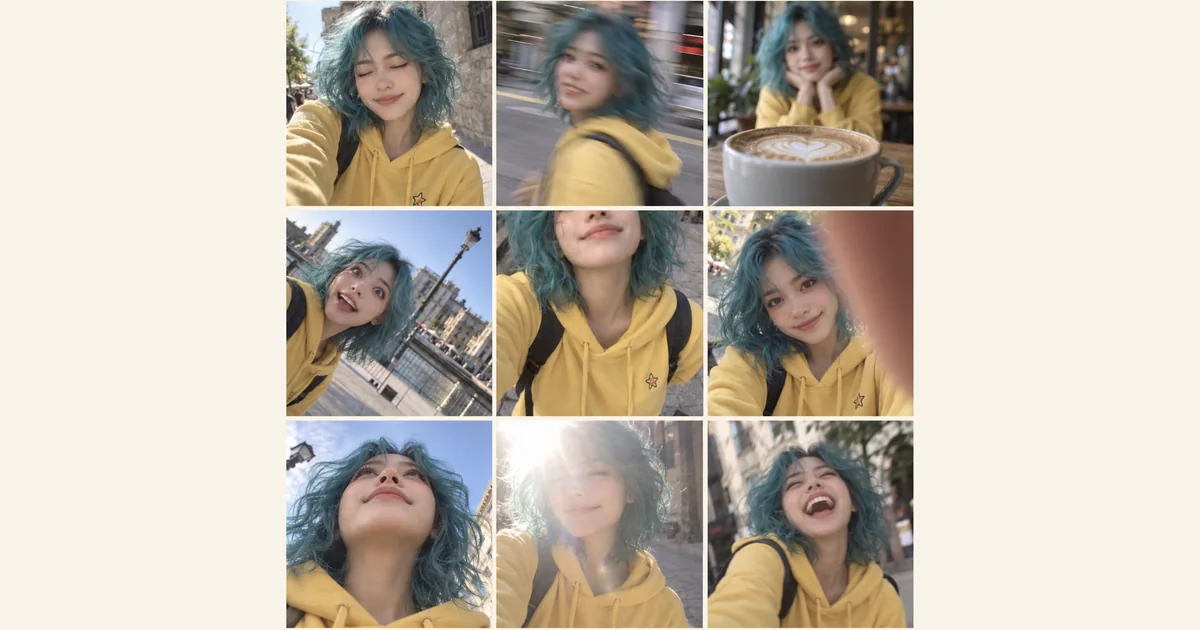

Make a playful 3×3 contact sheet of the same character: blinking, motion blur, missed focus and awkward framing.
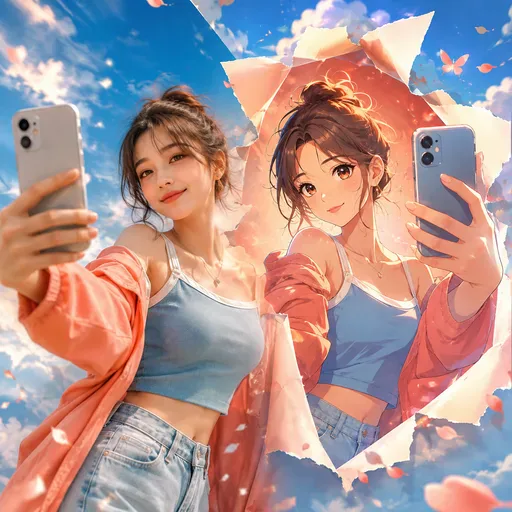
Upload a portrait, selfie, pet photo or group picture, then choose an anime style. The result aims to retain the features that make the original recognisable.
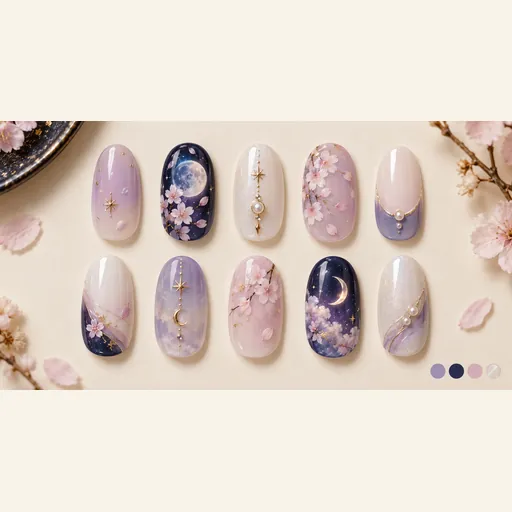
Explore a coordinated ten-nail design sheet inspired by a character’s colors, hair, eyes and outfit motifs.
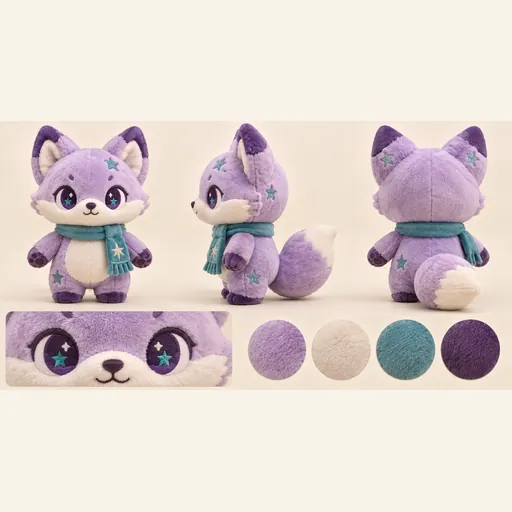
Turn one character reference into a plush toy concept sheet with front, side and back views, a face detail and a color palette.
Turn a character reference into a playful contact sheet of badly timed snapshots. The aim is a recognizable character across nine different camera mistakes, useful as a character moodboard or social visual. It creates fictional scenes, rather than recovering failed photographs from a real camera. AI-generated showcase artwork.
Use a clear face and visible hair, clothing and distinctive colors. A front or three-quarter view is easier to compare across panels than a distant silhouette. Avoid a busy group photo: the nine frames should follow one subject, so a crowded input makes identity and anatomy harder to assess.
Upload a clear character image, choose a model and aspect ratio, and check the credits before generating. Open the collage to compare the moments, download your favorite version, or crop a panel for your next post.
Explore blinking, slight motion blur, missed focus, a tilted horizon, awkward cropping, a finger over the lens, a low camera angle, mild overexposure and an unexpected expression. The 3×3 collage brings these playful moments together while keeping the character recognizable.
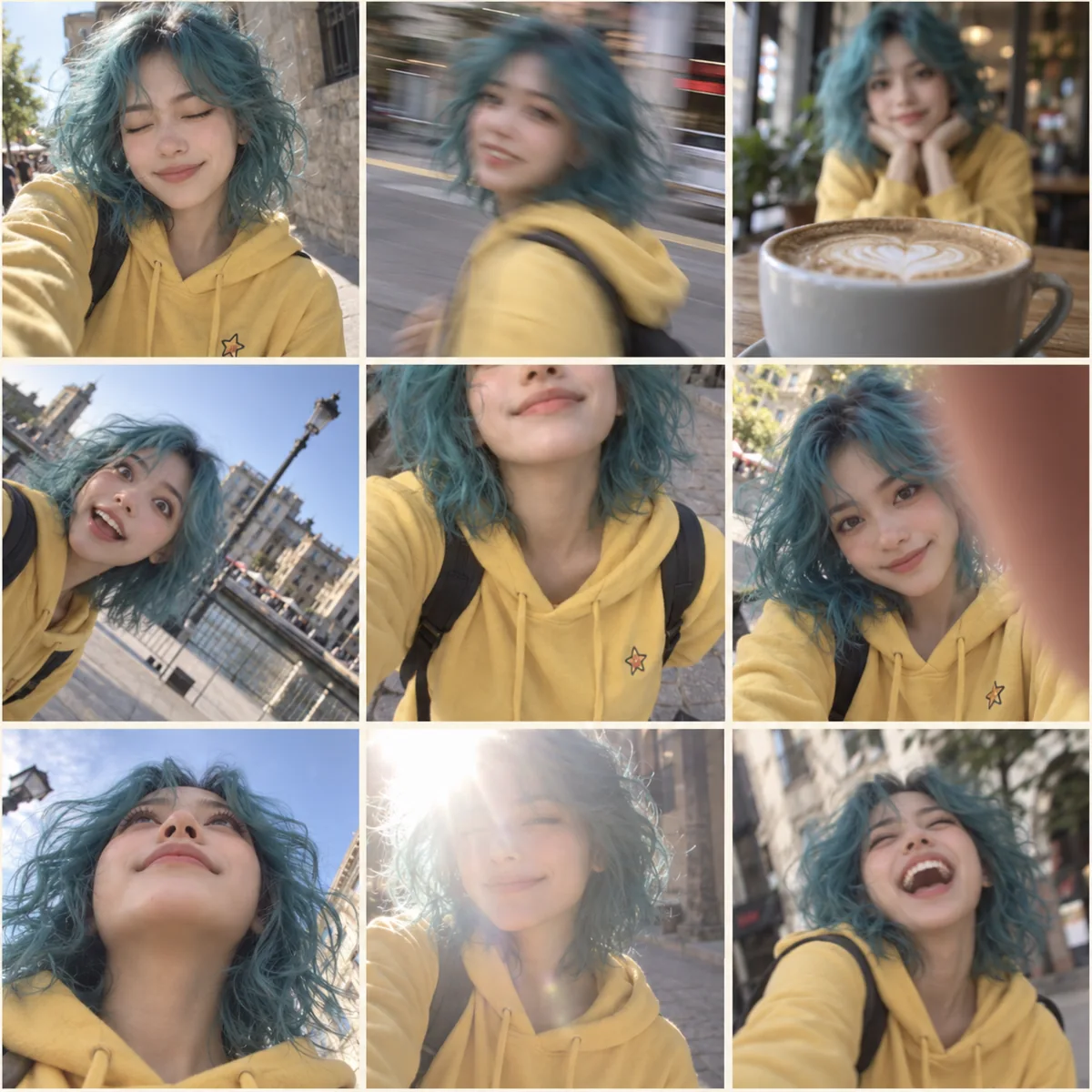
Look through the collage for expressions and mishaps that suit your character. Face shape, hair, clothing and color help you recognize the same subject across the panels. Choose moments with enough visible detail for your post; an illustrated reference can remain part of an illustrated visual style.
Your download is one collage image, not nine separately downloadable photographs. You can crop individual cells in an editor and review them before sharing. Describe the result as an AI-created fictional visual when context matters; the generated scenes do not establish that a real person experienced any depicted moment.
Download a single 3×3 collage. To use one moment on its own, crop that panel in an image editor. The panel borders may vary slightly.
Yes, you can start with an illustrated character. Use a reference in the style you want to keep, and choose the version that best preserves its face, outfit and look.
If the subject is fully obscured, it’s harder to recognise the character and read the nine panels. Mild blur, missed focus or exposure mistakes suggest a camera mishap while keeping key details of the face, hair and clothing visible.
No. One clear image of the character is enough to start. Choose a reference with one main subject so the collage is easier to follow.
No. The output is a fictional AI-generated collage. It does not reconstruct a real burst of photos or prove real events. Check identity, anatomy and context before presenting or sharing the result.
Choose a model and image settings to see the credit amount beside the generation button. The amount can vary with the selected model and resolution; check it before submitting.
Choose from the aspect ratios and sizes available for your selected model. Match the image shape to where you want to display or share the result.
Use the result panel to inspect and download the image. You can also check generation history if you leave the page while the task runs. Review the full image before sharing it or handing it to a designer.