Photo to Anime Generator
Upload a portrait, selfie, pet, or group photo, choose an anime direction, and use the result as a stylized visual reference. Fine text, hands, and small markings may change.
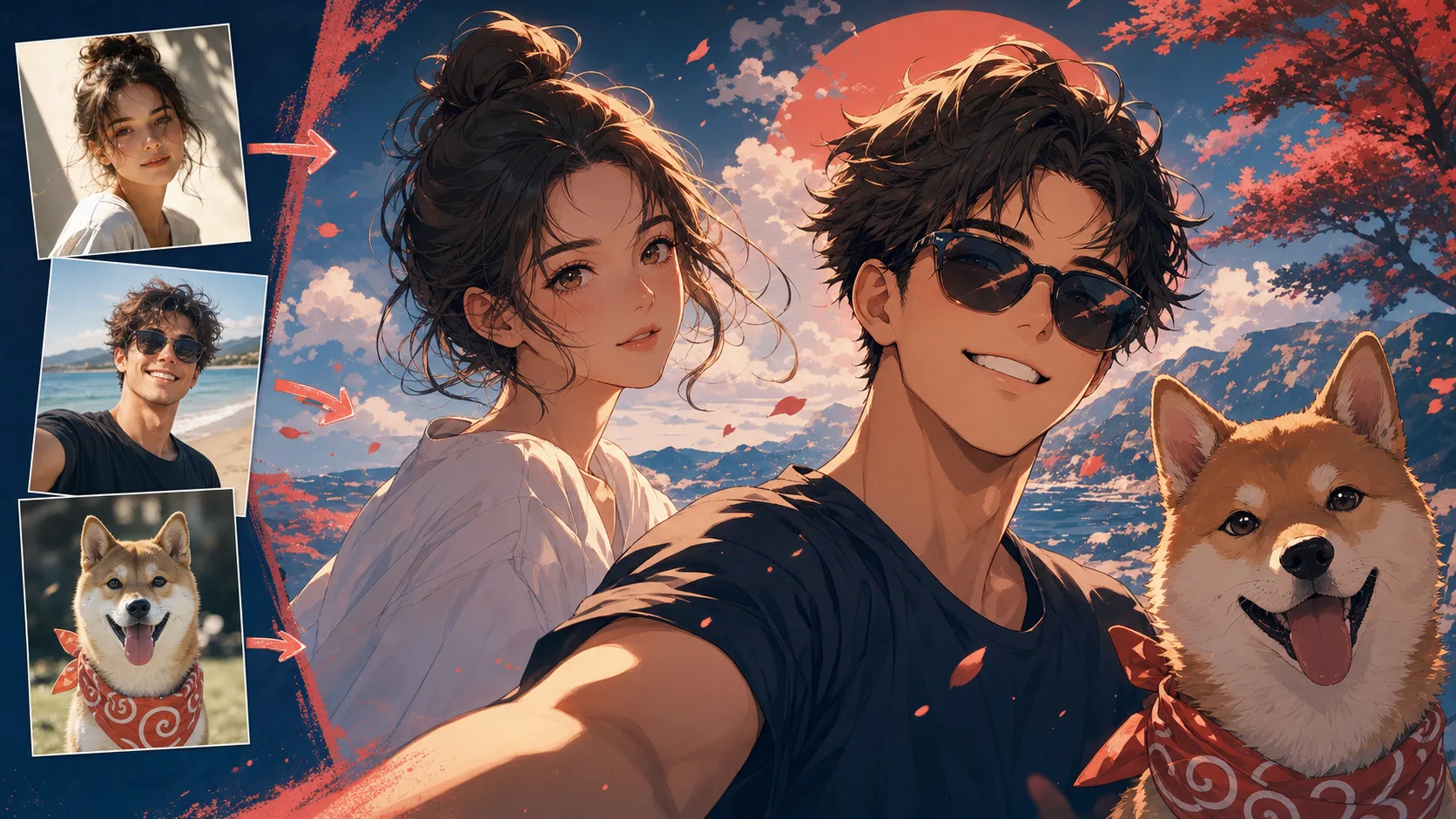

Upload a portrait, selfie, pet, or group photo, choose an anime direction, and use the result as a stylized visual reference. Fine text, hands, and small markings may change.

Describe a scene or short story, choose a comic style and panel layout, then generate a comic page without drawing each panel by hand.

Upload clean line art or a rough sketch, choose a colour treatment and line fidelity, then add colour while preserving the drawing’s composition.
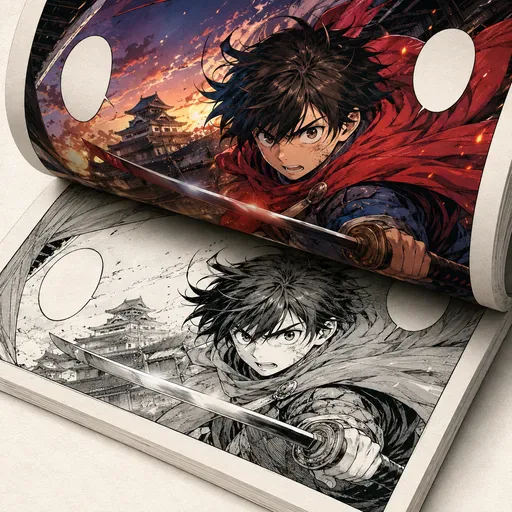
Add colour to black-and-white manga, comics and line art while aiming to preserve the original lines.
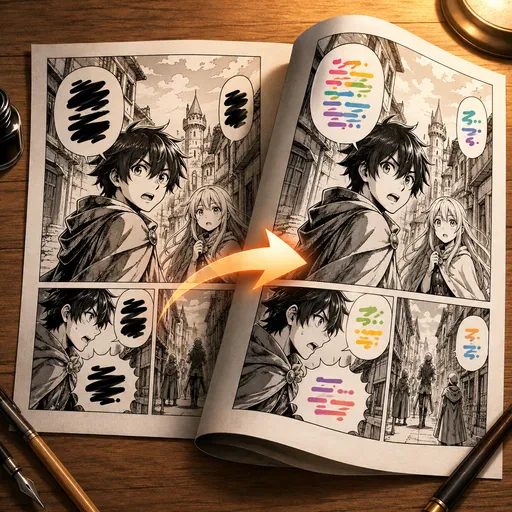
Translate manga by detecting speech bubbles, translating their text and re-rendering it in a similar style.
Upload a clear JPG, PNG, or WebP; choose Shonen, Shojo, Chibi, or Cyberpunk; then select Portrait, Selfie, Pet, or Group. Those two choices give the model more useful direction than a long generic prompt.
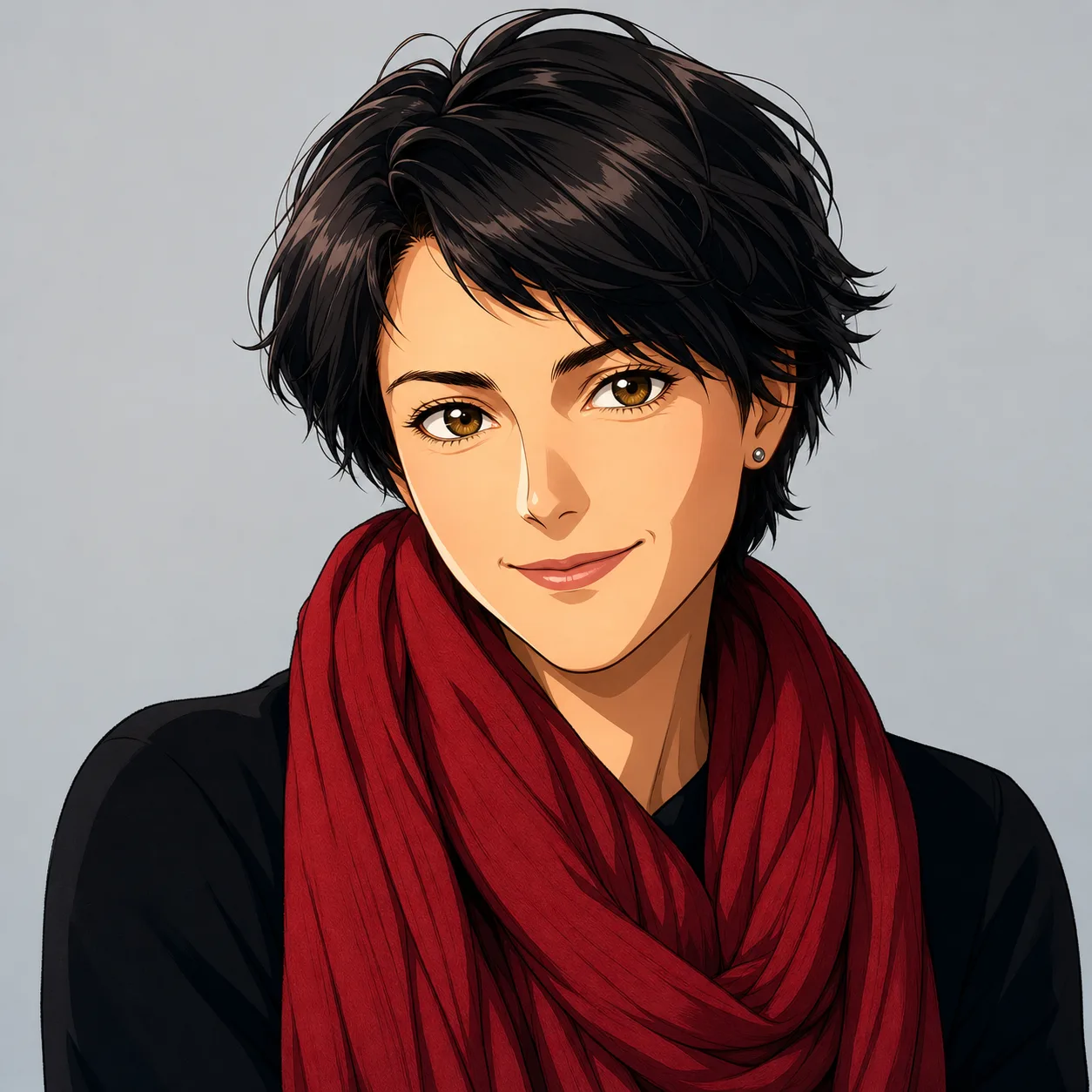
Shonen emphasizes ink and action, Shojo favors softer light, Chibi deliberately compresses proportions, and Cyberpunk adds graphic night color. Start with the style that matches the final use instead of regenerating randomly.
Identity preservation is strongest when the source has visible eyes, an unobstructed face, and natural lighting. Pet conversions need coat markings protected; group photos need separation between faces and hands. Low-resolution screenshots often lose small accessories.
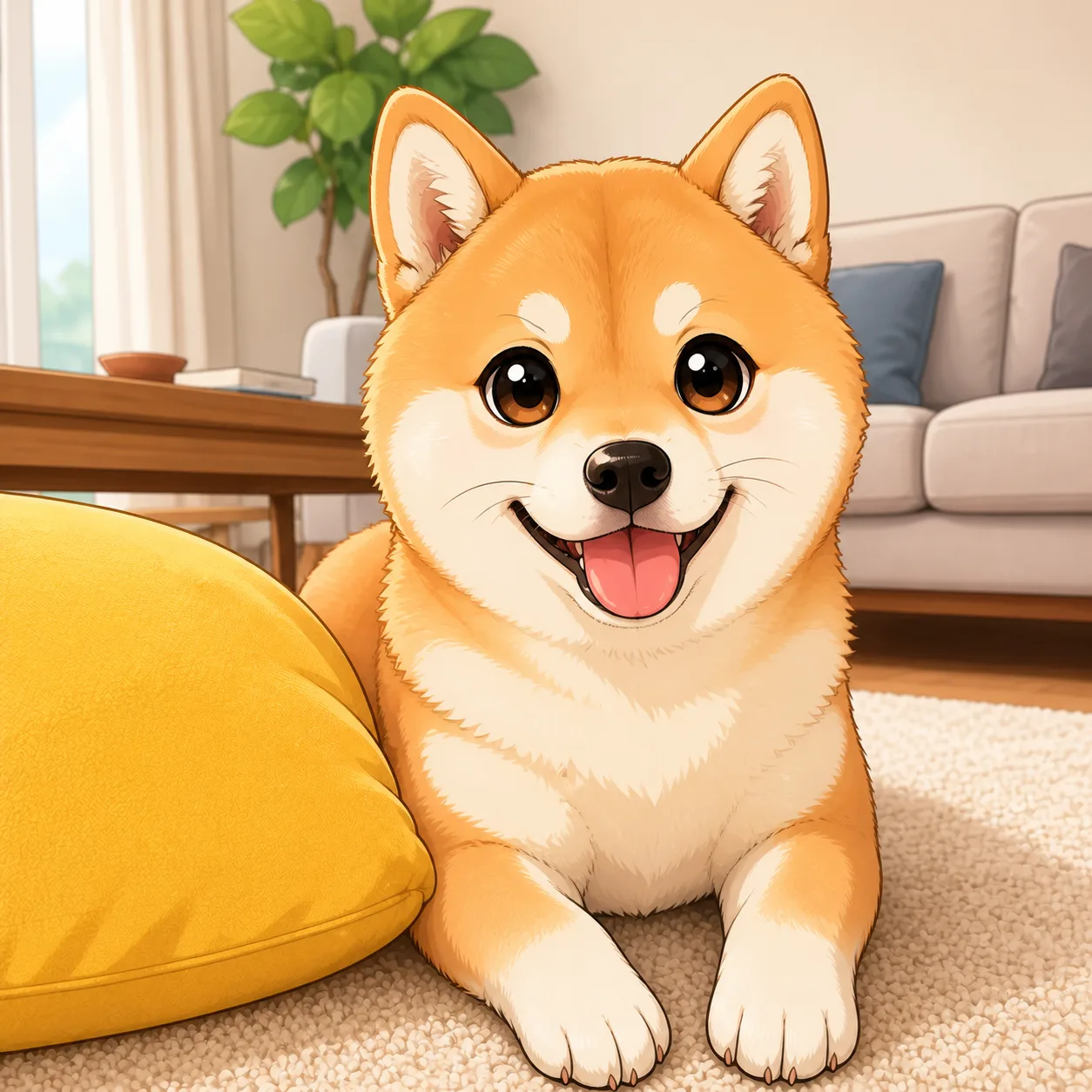
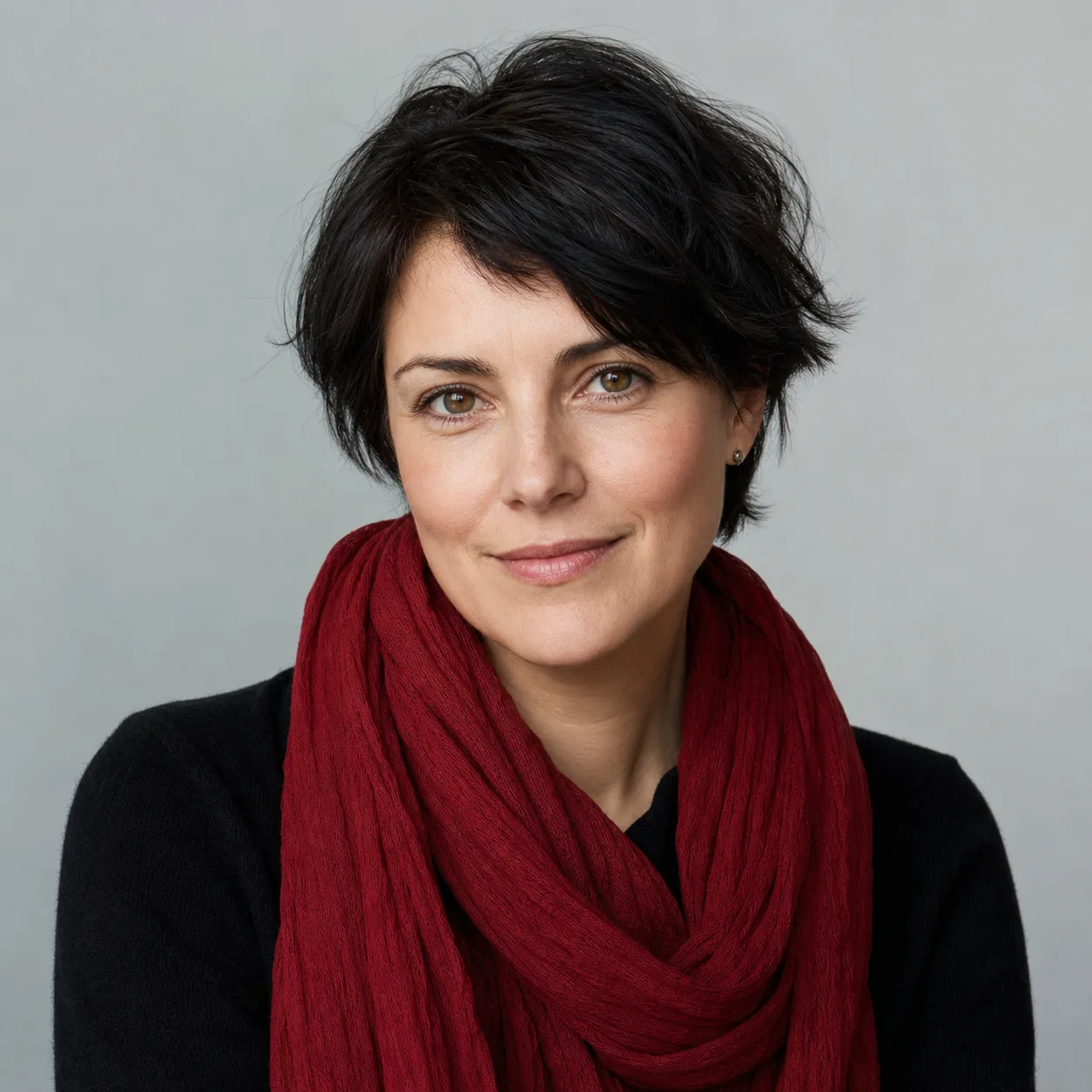
Backlit faces, motion blur, heavy beauty filters, overlapping people, and tiny lettering are the honest weak spots. A cleaner crop usually helps more than adding style words. Compare the eyes, hairline, hands, and pet markings before downloading the result.

GPT Image 2 is an OpenAI image model for generating and editing images. It can render text in multiple languages and ...

Generate and edit images with Nano Banana Pro. Sign-in and account credits are required; review the displayed cost be...

Create videos from text prompts, animate an image or use video input in supported modes. Choose a generation mode and...

Create videos from text prompts or images with Sora 2. Choose from the available options, then review the displayed c...

ByteDance's AI video model combines text, images, video clips and audio in one prompt. Use its @-reference system to ...