AI Luxury Car Portrait Generator
Create a cinematic luxury car portrait from one face reference with identity lock, golden-hour lighting, premium cockpit detail, and editorial automotive mood.
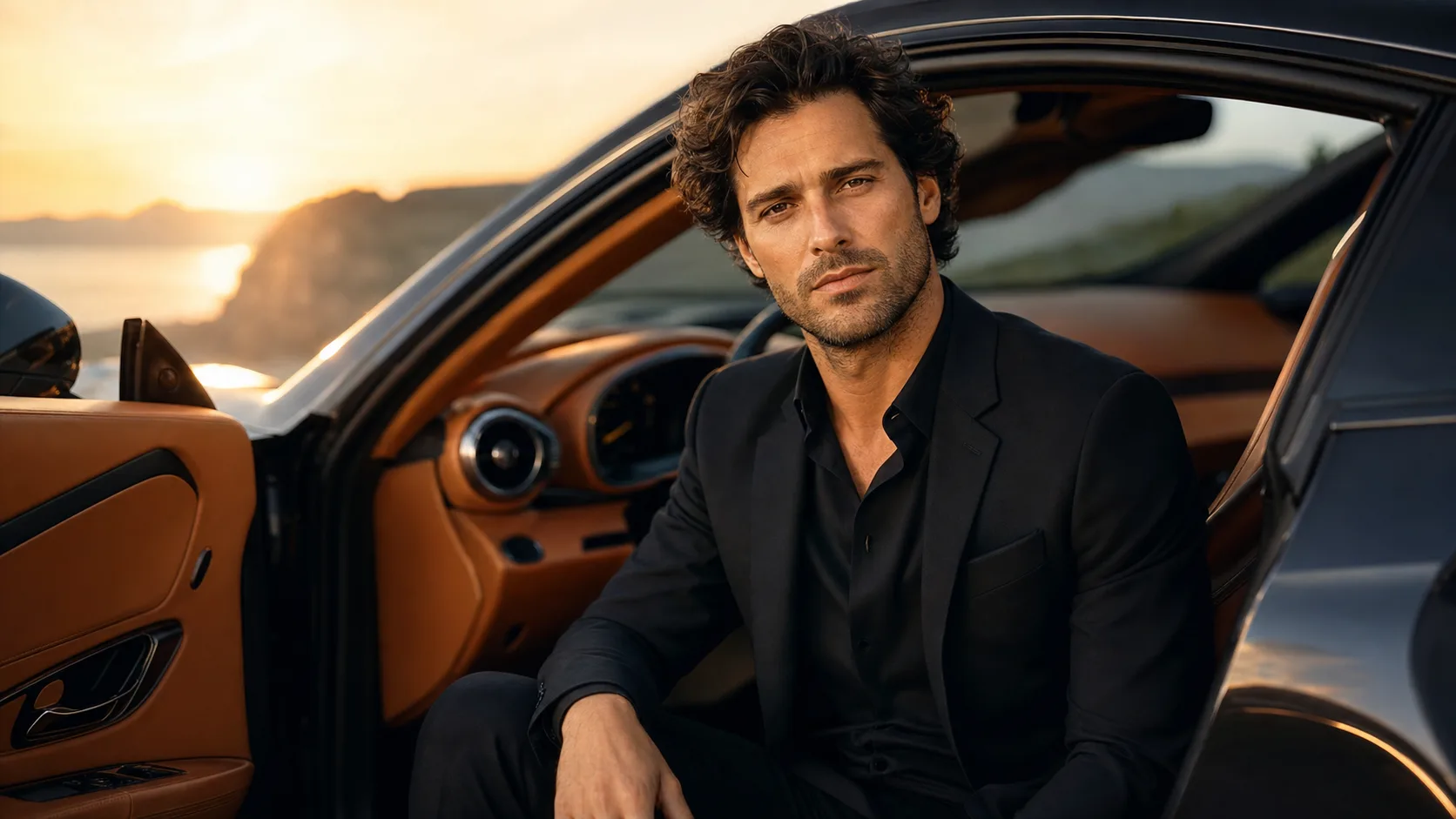

Create a cinematic luxury car portrait from one face reference with identity lock, golden-hour lighting, premium cockpit detail, and editorial automotive mood.

Create an ID-style photo with an adjusted background and light skin retouching. Check the image against the requirements of the organisation requesting it.

Create a friendly 3D cartoon-style profile image for creator accounts, gaming profiles, team pages or personal branding. Use a photo as a reference for the face, while allowing for variation in the generated result.

Turn a casual selfie into a polished studio-style portrait for a professional profile, CV, team page or bio. Adjust the lighting, background and framing when a studio photo session is not practical.
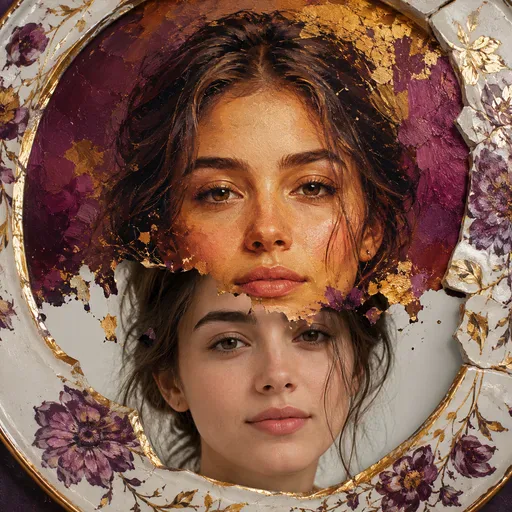
Turn a selfie into an illustrated portrait for a profile picture, gift, creator post or campaign visual. Choose an art style and describe how you would like the face to appear; results may vary.
This tool is designed for one task: using a face reference to create a luxury car portrait that aims to resemble the same person. For a more convincing result, keep the face clear and combine cockpit details, a sense of scenic depth and restrained cinematic colour rather than relying on a generic sports-car scene.
Golden-hour side light, mist and lightly fogged glass can give the scene a polished feel without a prominent car badge. The window adds a foreground layer, but keep it subtle enough for the eyes, glasses and skin texture to remain clear.
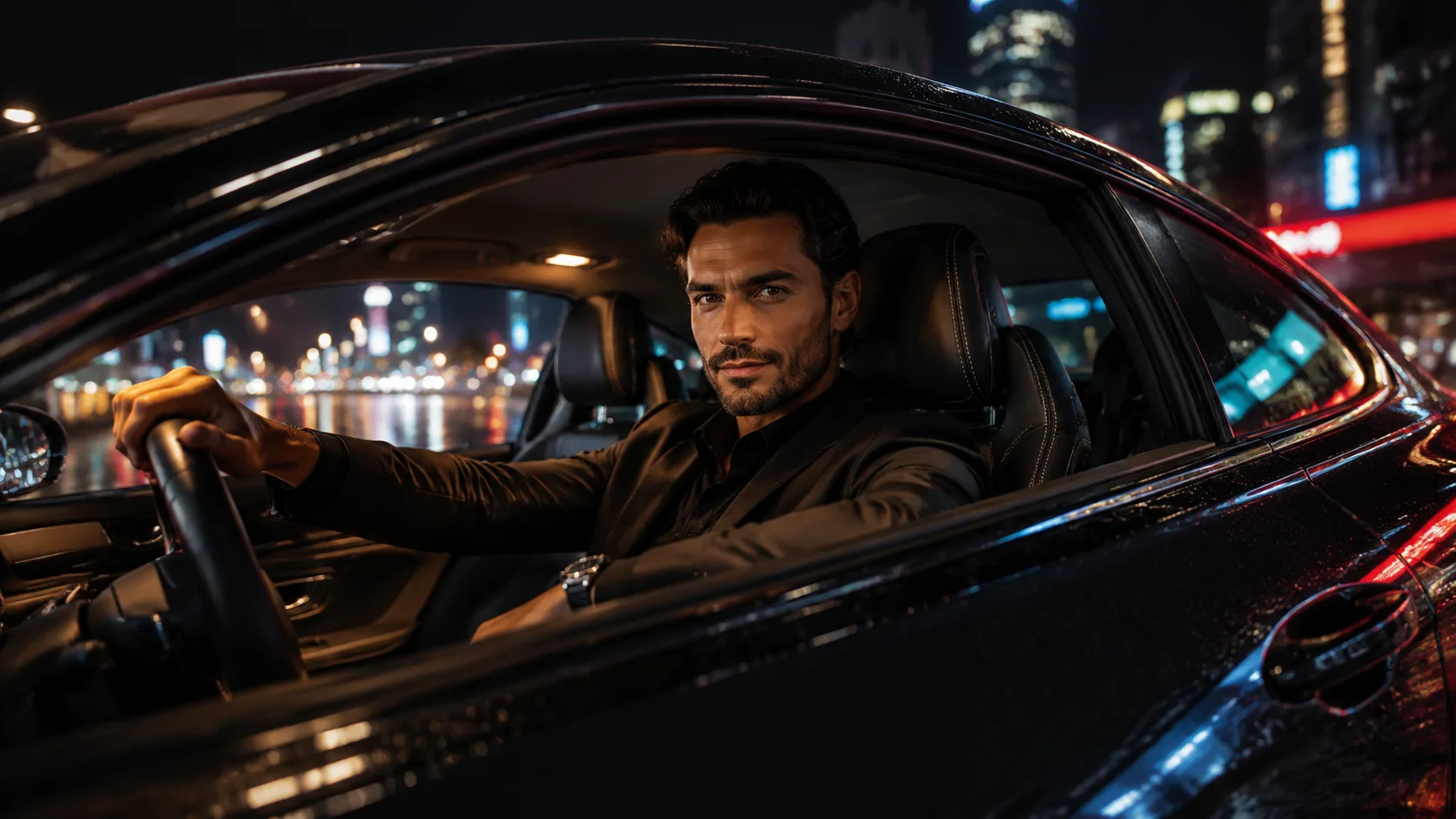
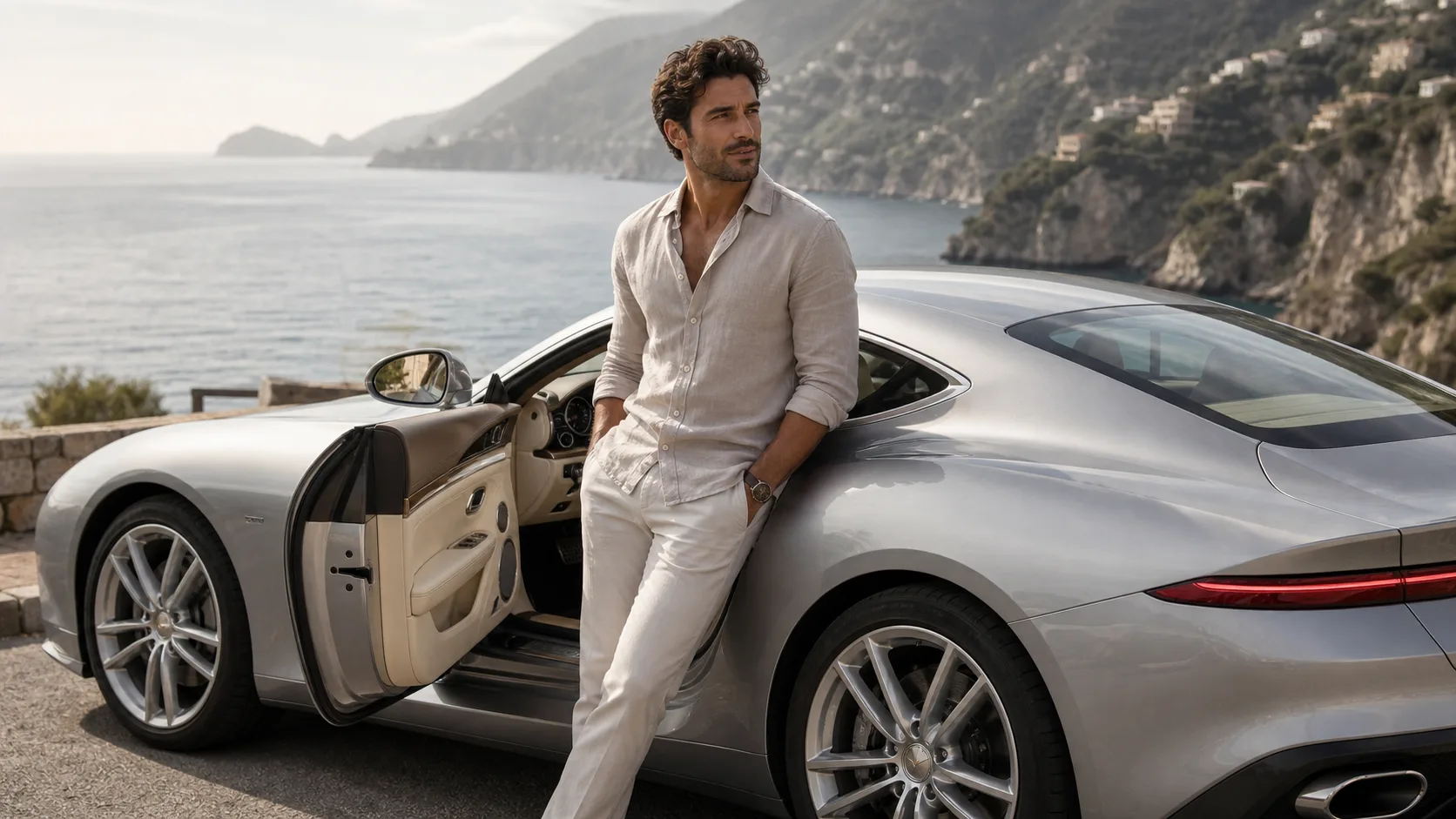
Himalaya suggests a composed, high-end travel feel. Coast feels relaxed and suited to creator visuals. City night can work for founder and personal-brand portraits. Trail gives an SUV a rugged feel; keep dust and motion behind the face.
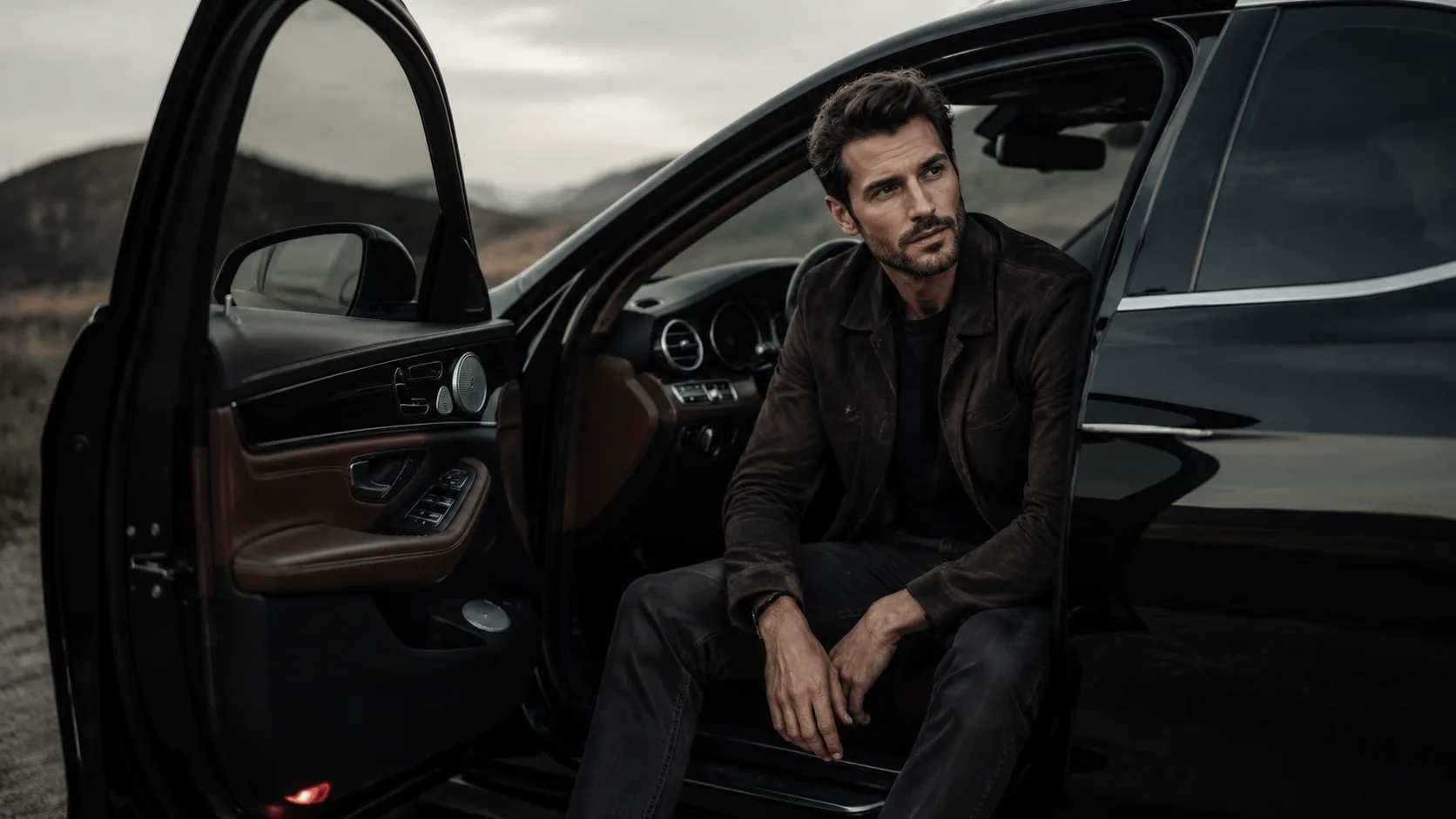
Start with a clear face reference, visible eyes, relaxed hands and a simple camera angle. Once the likeness and cabin geometry look believable, golden-hour light or rain reflections can add drama. Review the result, since the model may produce unexpected details.
GPT Image 2 is an OpenAI image model for generating and editing images. It can render text in multiple languages and ...
Generate and edit images with Nano Banana Pro. Sign-in and account credits are required; review the displayed cost be...

Create videos from text prompts, animate an image or use video input in supported modes. Choose a generation mode and...
Create videos from text prompts or images with Sora 2. Choose from the available options, then review the displayed c...
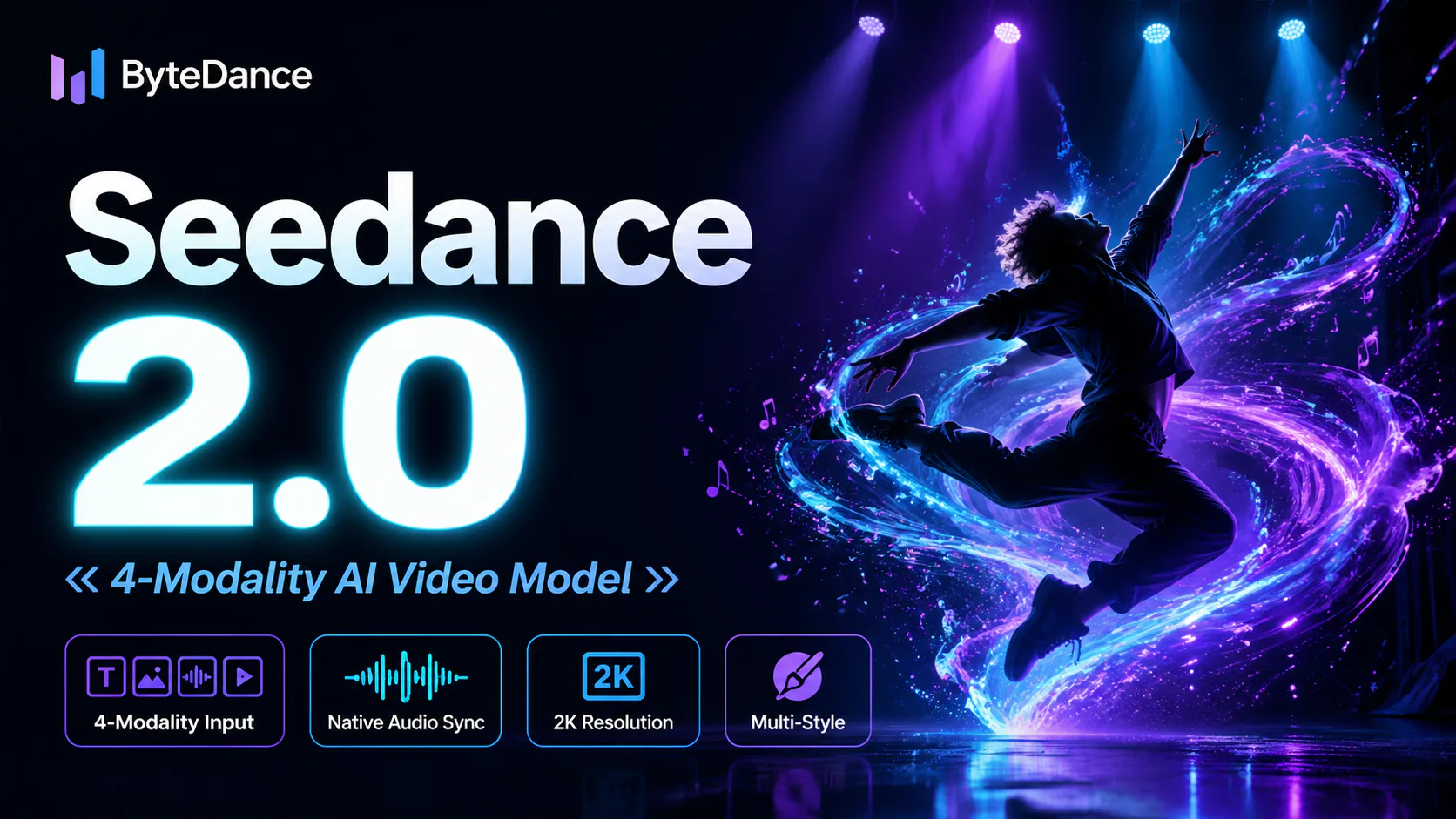
ByteDance's AI video model combines text, images, video clips and audio in one prompt. Use its @-reference system to ...