Nano Banana Pro
  • Home
  • Reviews
  • Assets
  • Pricing
AI Tools
AI ToolsLine Art ColorizerAI Comic GeneratorPhoto to Anime GeneratorLuxury Car PortraitAI Consistent Character GeneratorPhoto RestorationRemove BackgroundImage UpscalerAI ID PhotoAnime FilterManga Filter3D CartoonAI OutpaintingSketch to ImageWatermark RemoverPortrait FilterPixel ArtManga ColorizerManga TranslatorManga CleanerColoring Page GeneratorPersonalized Story IllustrationsChildren’s Book IllustrationImage to Line ArtGender SwapBody EditorSketch to 3DBald Filter1990s PortraitBuzz CutProfessional HeadshotGrey HairAI Studio PortraitY2K Style2D to 3DRemove WatermarkObject EraserOil PaintingWatercolorNeon GlowCyberpunkVaporwaveAI Tattoo GeneratorAI Worksheet for KidsAI Action FigureAI Movie PosterAI HairstyleYounger SelfAI Product Photo GeneratorAI ClaymationAI Travel Photo GridAI Double-Exposure Travel Poster GeneratorAI Mini Me GeneratorFunny Bad Drawing AIK-Beauty Glass-Skin Photo EffectRainy-Window AI PortraitCafé-Style AI PhotoAI Virtual Room StagingAI Landscape DesignAI Logo GeneratorAI Packaging DesignAI Sticker GeneratorPlush Toy Design Sheet GeneratorPhoto Mishap GeneratorCharacter Nail Design Generator
Nano Banana ProNano Banana Pro

AI Children's Book Illustration Generator

AI Toolbox
AI Picture-Book Illustrator

Upload Assets

Drag & drop reference images here or browse files

SUPPORTS: JPG, JPEG, PNG, WEBP • MAX 30 MB

1:1

AI Children's Book Illustration Generator

Describe a storybook scene, add a character reference when useful, and create an illustration draft in a consistent art direction. Use the result for planning, teaching materials, or creative exploration; check print specifications separately before publishing.
AI Children's Book Illustration Generator

Related AI tools

  • Coloring Page Generator

    Coloring Page Generator

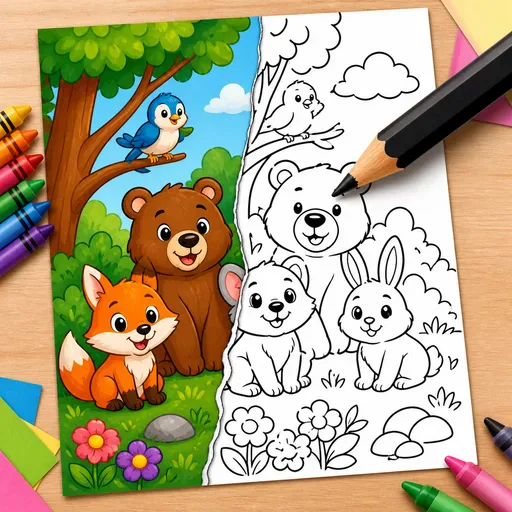
    Turn a text description or photo into black-and-white line art for a colouring page. Create pages for children, classrooms, adult relaxation or KDP book projects.

  • Personalized Story Book

    Personalized Story Book

    Create a personalised children's picture-book story from a photo or sketch, with your child as the hero. Generate an 8–32-page book with a consistent character, plus a print-ready PDF and KDP hardcover layouts.

  • AI Kids' Worksheet Generator

    AI Kids' Worksheet Generator

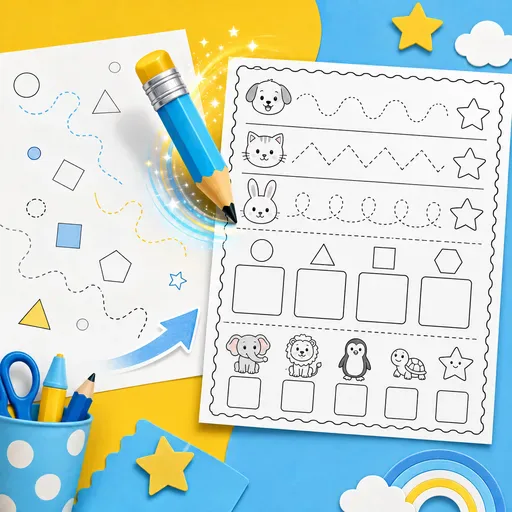
    Create printable worksheets for children, covering maths, tracing, phonics, reading, vocabulary and activities for Pre-K through 5th grade.

AI Children's Book Illustration Generator

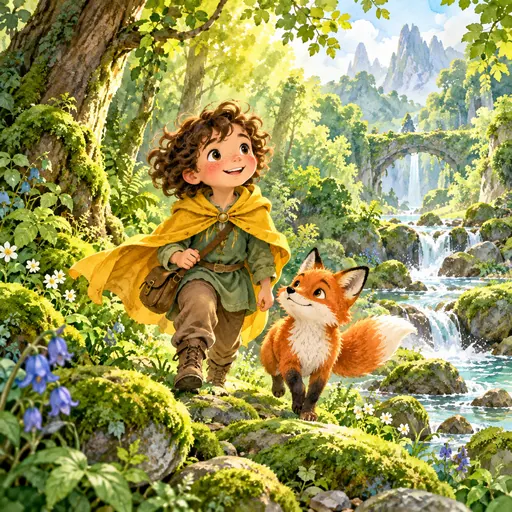
Explore picture-book illustrations with a consistent character

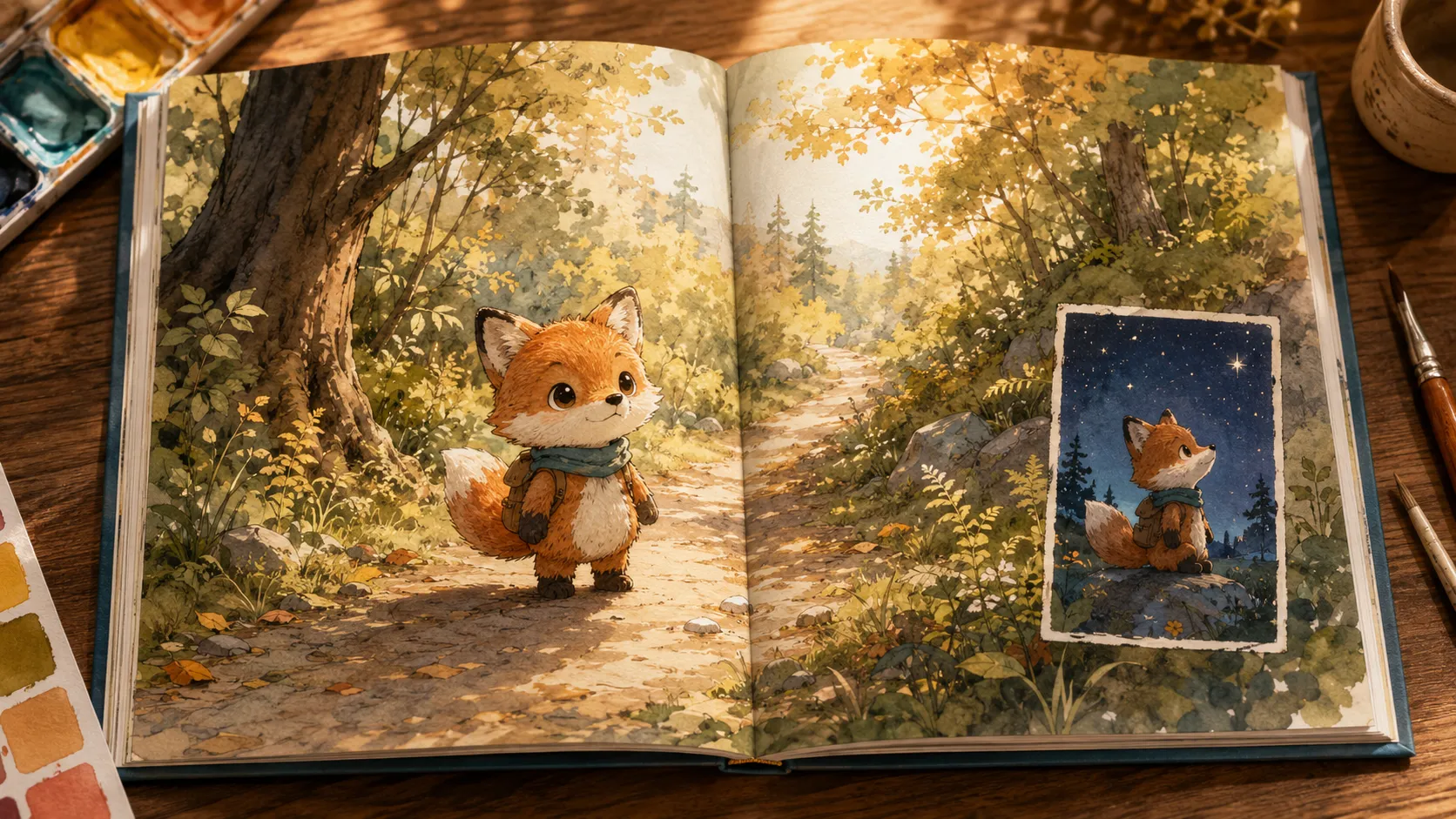
Use a sketch, doll photo, reference image or wax-crayon doodle to guide a picture-book character. The model may preserve key visual cues, but faces, clothing, colours and small details can vary between generations. Compare the scenes before placing them in a book layout.

AI Children's Book Illustration Generator

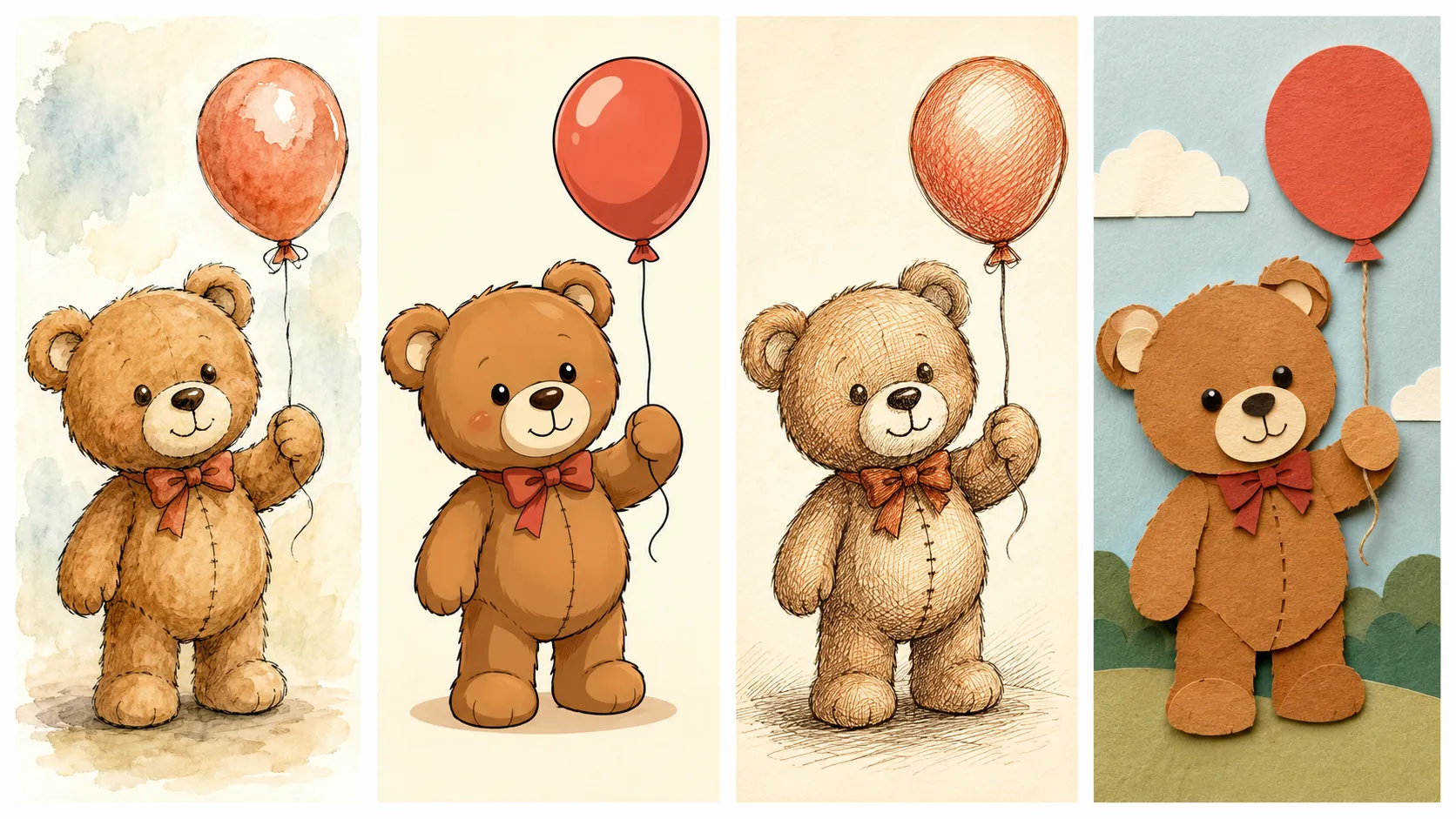
Ten picture-book art styles, one shared character

Explore watercolor and ink, classic picture-book, cel-shaded cartoon, pen-and-ink hatching, soft anime, 3D animation, paper-cut collage, gouache, chalk pastel or woodblock-inspired styles. Reuse the same reference and style notes for related scene drafts, then check the character and background details yourself.

AI Children's Book Illustration Generator

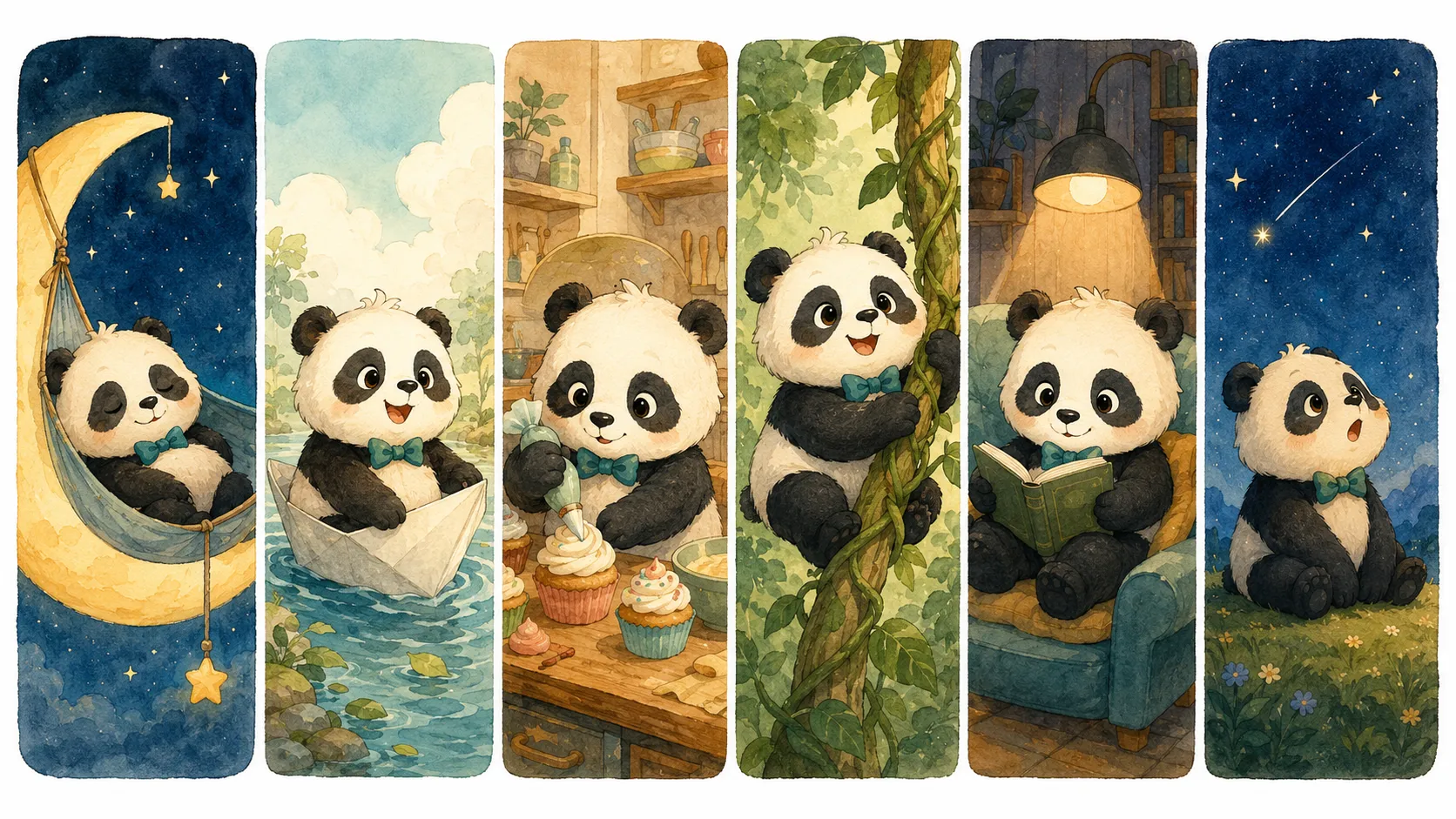
Use a character reference across different scene types

Describe a cover concept, title page, full-page spread, single page, end-paper pattern or spot illustration. Reuse the same character description and reference for related drafts; check continuity and complete the layout separately.

AI Children's Book Illustration Generator

Sketch, doll, or doodle

Use a reference to guide the character, from a sketch or doll photo to a child’s crayon drawing.

Cover, spread, end paper

Reuse the same character reference across the different scene types in a picture book.

Style sampler

Preview ten picture-book art styles with the same character before choosing a direction for your manuscript.

Series planning

Draft related scene ideas and review them one at a time before adding them to a layout.

AI Children's Book Illustration Generator

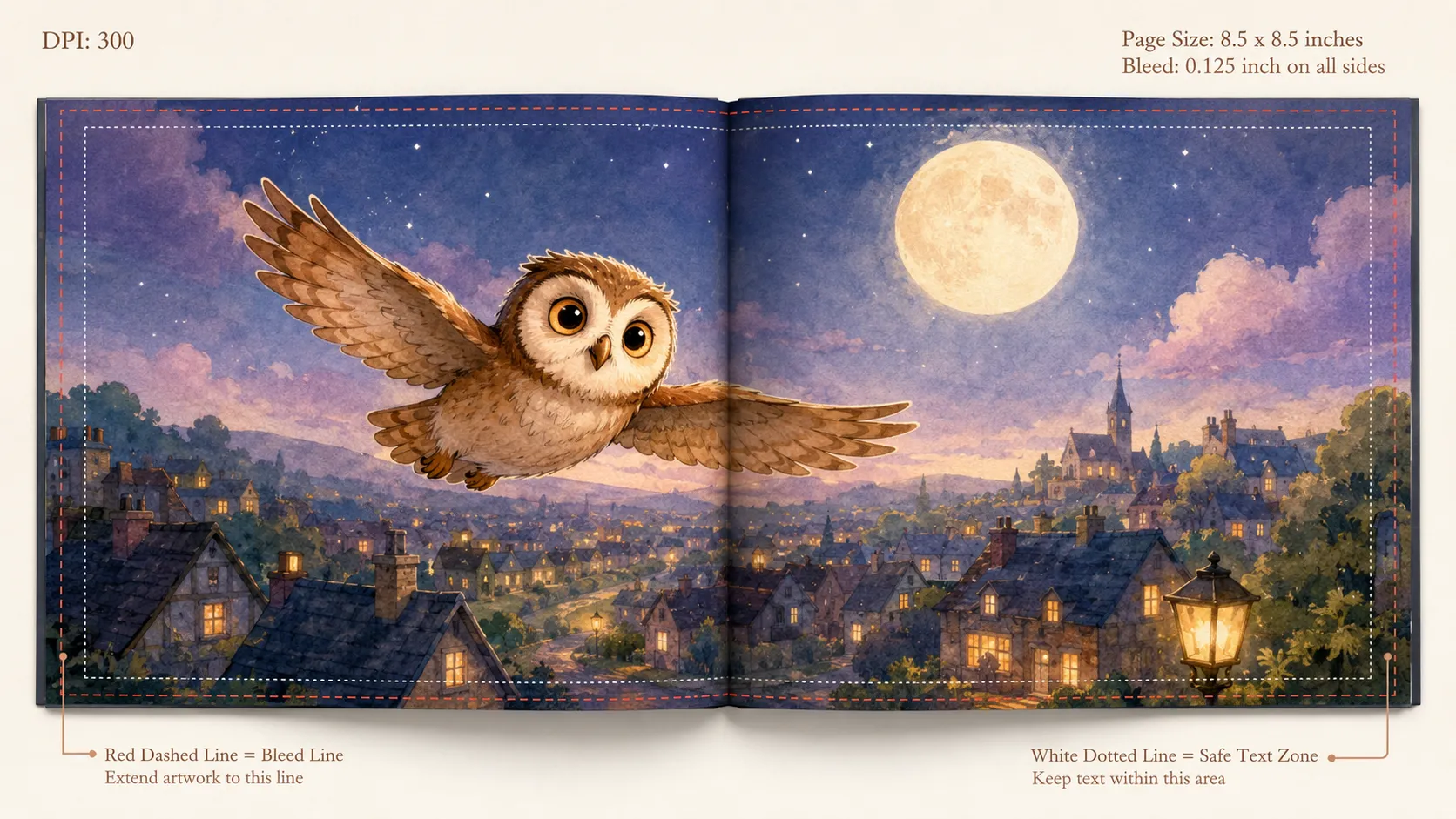
Plan print layouts with clear text areas

Leave room for captions, titles and page margins in your scene description. Treat each generated image as an illustration draft, and check bleed, colour, resolution and export requirements in your final layout tool.

FAQ

Frequently Asked Questions

Add a sketch, photo of a toy or your own drawing as a reference. The model can use visible details such as facial features, colours, proportions and distinctive accessories to guide the character in the generated image. Results can vary, so review each illustration for consistency; a reference does not guarantee the same character across every scene or page.

Choose a page ratio that matches your project and confirm the final trim, bleed, color profile, resolution, and file format with your printer or publishing platform. AI output may still need manual layout and quality checks.

You can create illustration drafts for cover concepts, spreads, single pages, and spot scenes. Treat each result as a draft: review character continuity, leave space for text, and confirm the final page and print specifications in your layout tool.

Ten picture-book art styles in v1: watercolor + ink, classic picture-book, cel-shaded cartoon, pen & ink hatching, soft anime, 3D animation, paper cut collage, gouache flat color, chalk pastel, and woodblock print. You can preview the same character across all ten before committing.

You can use a previous illustration as a reference for a follow-up edit, such as adding an object, changing the time of day or replacing the background. Results may vary, so check the character and composition after each generation.

Try pen and ink hatching for chapter-book spot illustrations, or cel-shaded cartoon and 3D animation styles for middle-grade cover concepts. Choose a page size that suits your project, then check the required bleed and safe area with your printer or publishing platform.

For colouring pages, use the dedicated Coloring Page Generator. For a board-book illustration, select “Single page” and describe the extra space you need around the edges; check the final safe area and rounded-corner requirements with your printer. This tool creates illustration drafts rather than comic-strip layouts.

You can use a single-scene generation to explore an idea. Sign in to generate; the available models, credit cost and output options depend on your account and selected model. Check the displayed credit cost and confirm print requirements with your printer or publishing platform before publishing.

Picture-book style explorationA picture-book creator could use early illustration drafts to explore an art direction and plan the next set of images before laying out the pages.
Illustration layout planningAn illustrator could use generated thumbnails of a recurring character to explore layout and colour ideas, then develop the chosen direction in their own style.
Classroom story illustrationsA teacher could explore a set of illustrations showing one squirrel character in different reading scenarios for a classroom story unit.
Story scene planningCompare picture-book art directions with draft scenes before placing them in a layout.
Illustrative project ideaCreate an end-paper pattern that echoes the book’s interior artwork, then review how the two work together in the layout.
Illustrative project ideaUse one character reference to explore a series of vocabulary scenes for therapy worksheets, checking character consistency in each draft.
Illustrative project ideas

Illustrative project ideas

Explore creative examples
Picture-book style explorationA picture-book creator could use early illustration drafts to explore an art direction and plan the next set of images before laying out the pages.
Illustration layout planningAn illustrator could use generated thumbnails of a recurring character to explore layout and colour ideas, then develop the chosen direction in their own style.
Classroom story illustrationsA teacher could explore a set of illustrations showing one squirrel character in different reading scenarios for a classroom story unit.
Story scene planningCompare picture-book art directions with draft scenes before placing them in a layout.
Illustrative project ideaCreate an end-paper pattern that echoes the book’s interior artwork, then review how the two work together in the layout.
Illustrative project ideaUse one character reference to explore a series of vocabulary scenes for therapy worksheets, checking character consistency in each draft.
Illustrative project ideaPair a manuscript and character reference with draft spreads in a consistent art direction to explore a picture-book pitch deck.
Illustrative project ideaReuse a character reference and consistent style notes to explore illustrations for editions in multiple languages; review each draft for continuity.
Illustrative project ideaPair a manuscript and character reference with draft spreads in a consistent art direction to explore a picture-book pitch deck.
Illustrative project ideaReuse a character reference and consistent style notes to explore illustrations for editions in multiple languages; review each draft for continuity.
AI models you might like

AI models you might like

  • GPT Image 2
    Image

    GPT Image 2

    GPT Image 2 is an OpenAI image model for generating and editing images. It can render text in multiple languages and ...

  • Nano Banana Pro
    Image

    Nano Banana Pro

    Generate and edit images with Nano Banana Pro. Sign-in and account credits are required; review the displayed cost be...

  • Veo 3.1
    Video

    Veo 3.1

    Create videos from text prompts, animate an image or use video input in supported modes. Choose a generation mode and...

  • Sora 2
    Video

    Sora 2

    Create videos from text prompts or images with Sora 2. Choose from the available options, then review the displayed c...

  • Seedance 2.0
    Video

    Seedance 2.0

    ByteDance's AI video model combines text, images, video clips and audio in one prompt. Use its @-reference system to ...

Start Creating with Nano Banana Pro

Create stunning images today
Get Started
Nano Banana Pro
Nano Banana ProNano Banana Pro

Nano Banana Pro gives you access to advanced AI image models for creating professional-quality images.

Email
FAQShowcasesChangelogAPIManga ColorizerCyberpunk
العربيةDeutschEnglishEspañolFrançais繁體中文日本語한국어Bahasa MelayuTürkçeไทยTiếng ViệtPortuguês (Brasil)中文עבריתPolski
© 2026 Nano Banana Pro· All rights reserved
Privacy PolicyTerms of ServiceRefund PolicyRefund RequestAbout Us
HomeAI ToolsAssetsProfile