Nano Banana Pro
  • Home
  • Reviews
  • Assets
  • Pricing
AI Tools
AI ToolsLine Art ColorizerAI Comic GeneratorPhoto to Anime GeneratorLuxury Car PortraitAI Consistent Character GeneratorPhoto RestorationRemove BackgroundImage UpscalerAI ID PhotoAnime FilterManga Filter3D CartoonAI OutpaintingSketch to ImageWatermark RemoverPortrait FilterPixel ArtManga ColorizerManga TranslatorManga CleanerColoring Page GeneratorPersonalized Story BookChildren Book IllustrationImage to Line ArtGender SwapBody EditorSketch to 3DBald Filter1990s PortraitBuzz CutProfessional HeadshotGrey HairAI Studio PortraitY2K Style2D to 3DRemove WatermarkObject EraserOil PaintingWatercolorNeon GlowCyberpunkVaporwaveAI Tattoo GeneratorAI Kids WorksheetAI Action FigureAI Movie PosterAI HairstyleYounger SelfAI Product Photo GeneratorAI ClaymationAI Travel Photo Grid GeneratorDouble Exposure Travel Poster AI GeneratorAI Mini Me GeneratorAI Sketch to Image GeneratorKorean Glass Skin AIRainy Window AI PortraitCafé Aesthetic AI PhotoAI Virtual StagingAI Landscape DesignAI Logo GeneratorAI Packaging DesignAI Sticker GeneratorPlushie Design Sheet GeneratorPhoto Fail GeneratorCharacter Nail Generator
Nano Banana ProNano Banana Pro

AI Product Photo Generator

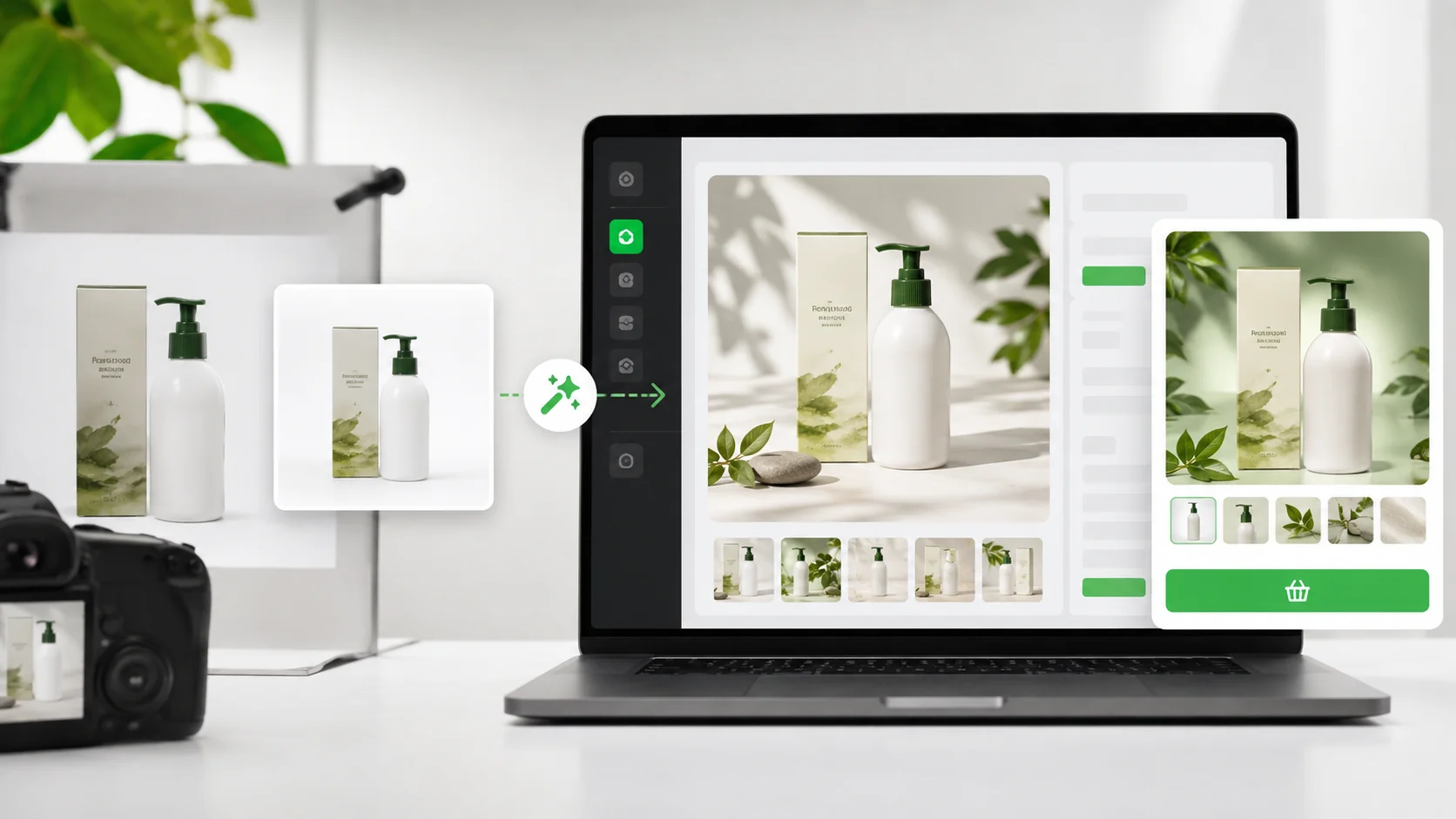
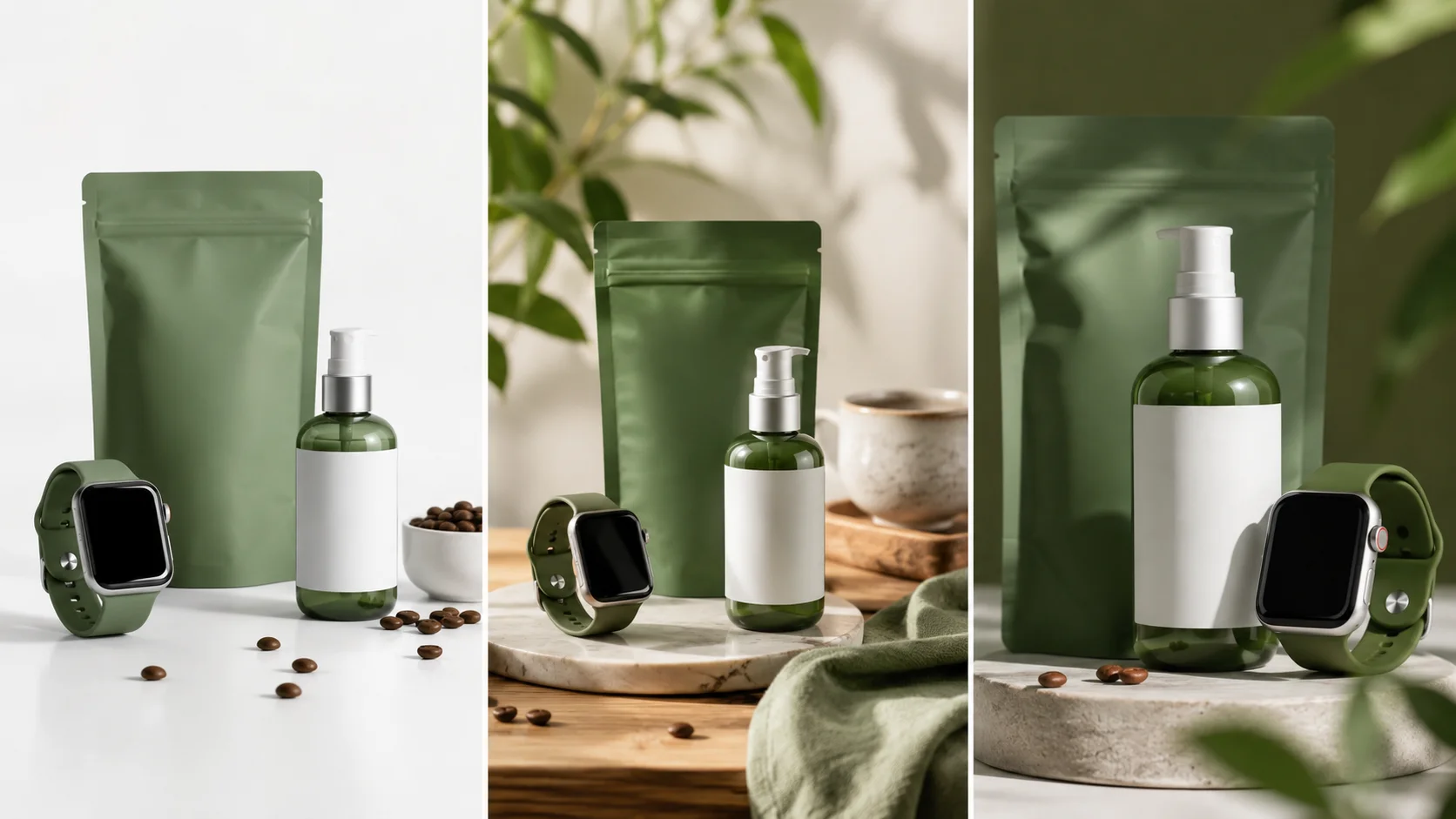
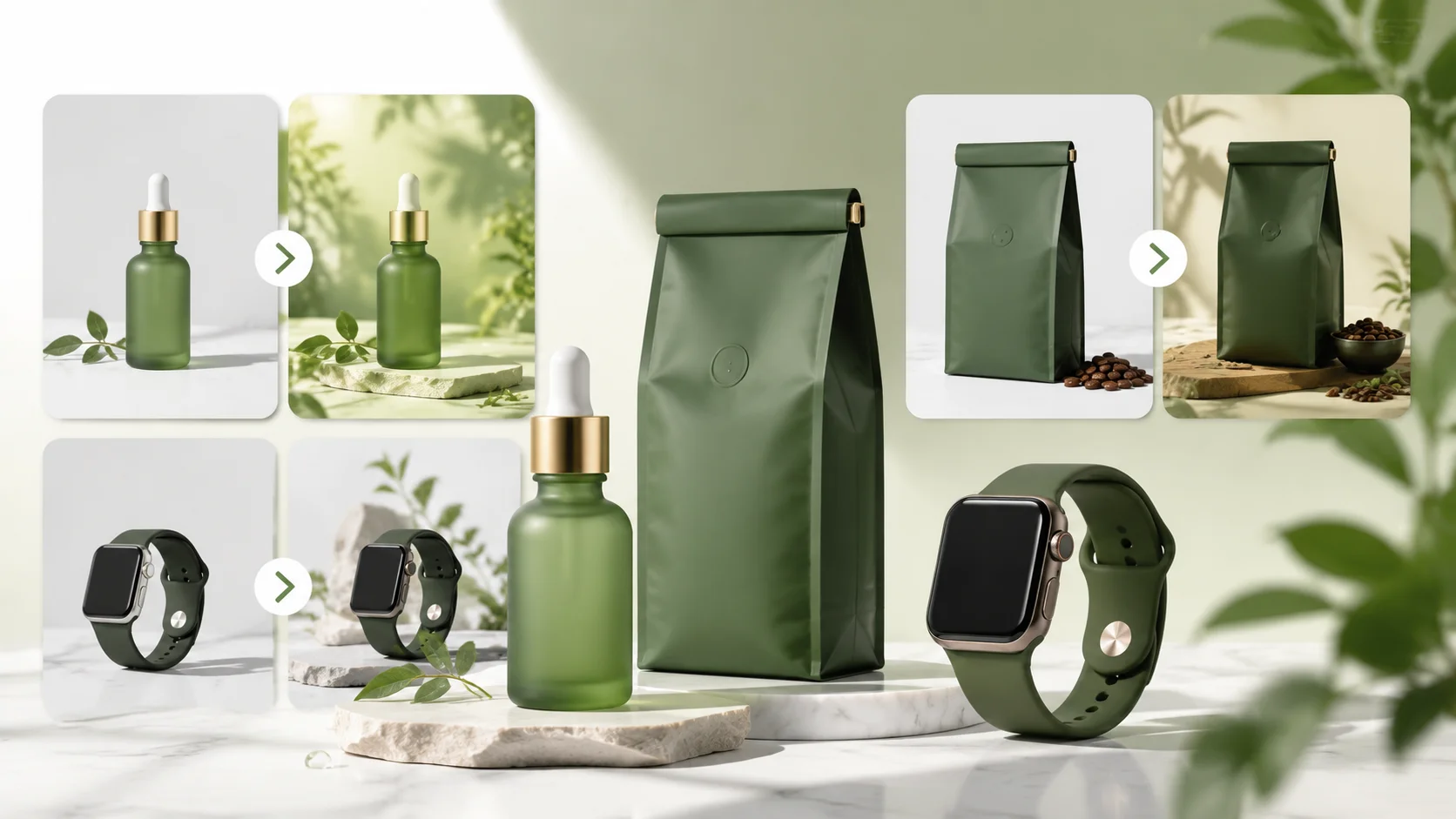
AI Product Photo Generator is built for people who need to build marketplace product photos, ad creatives, and lifestyle ecommerce scenes from a basic item shot. Test white backgrounds, home scenes, premium surfaces, and seasonal campaign images before a full shoot.
AI Product Photo Generator

Latest AI tools

  • Facial Aesthetics Report

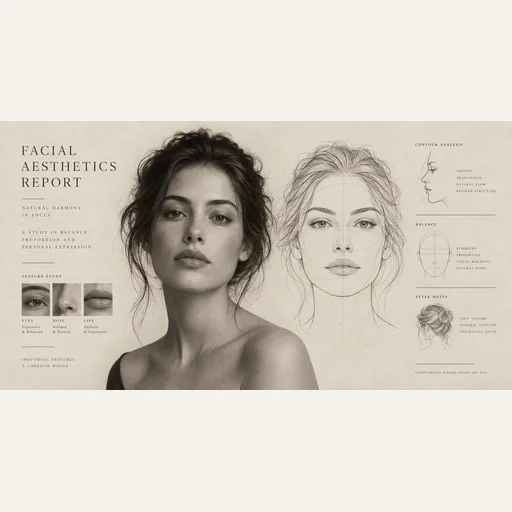
    Facial Aesthetics Report

    Turn your portrait into an illustrated facial aesthetics report with a face outline, visual observations and styling ideas.

  • Character Nail Generator

    Character Nail Generator

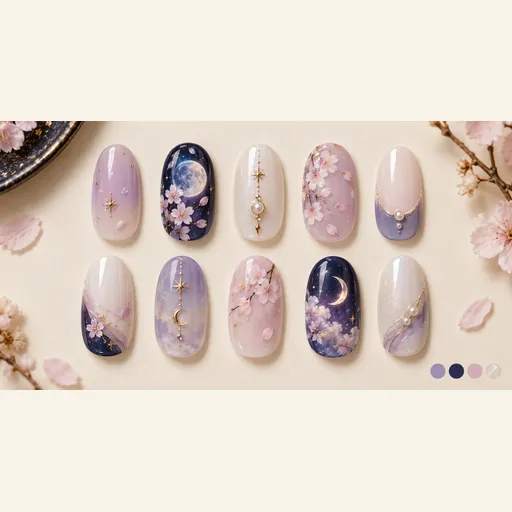
    Explore a coordinated ten-nail design sheet inspired by a character’s colors, hair, eyes and outfit motifs.

  • Photo Fail Generator

    Photo Fail Generator

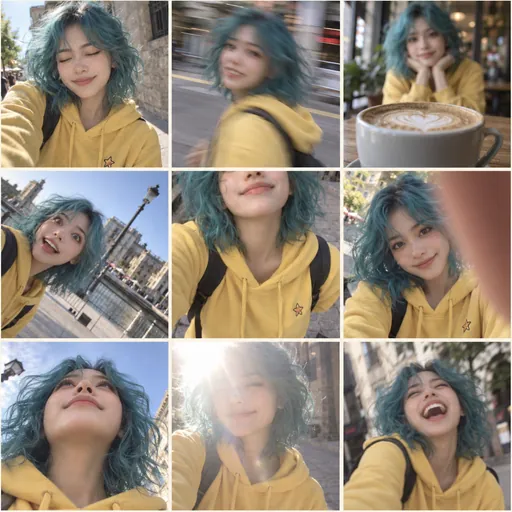
    Make a playful 3×3 contact sheet of the same character: blinking, motion blur, missed focus and awkward framing.

  • Plushie Design Sheet Generator

    Plushie Design Sheet Generator

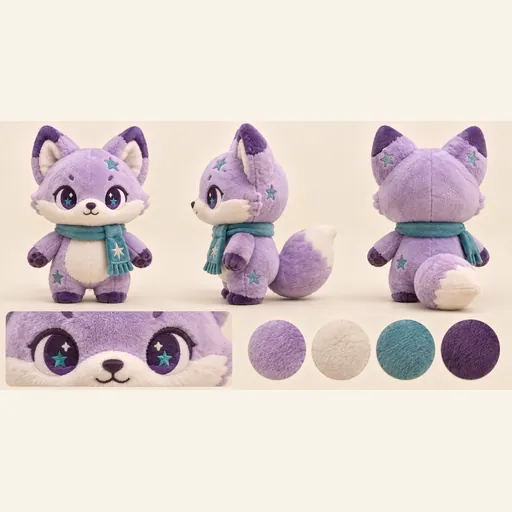
    Turn one character reference into a plush toy concept sheet with front, side and back views, a face detail and a color palette.

Nano Banana Prompts

Copy product photo prompt patterns before generating ecommerce scenes.

AI Product Photo Generator

AI Product Photo Generator for build marketplace product photos, ad creatives, and lifestyle ecommerce scenes from a basic item shot

AI Product Photo Generator is built for sellers who have a usable product photo but not a full studio shoot. Upload the item once, then create square marketplace images, lifestyle scenes, launch-page hero banners, and social ad crops. The useful part is restraint: the product should stay the same product while the scene, lighting, and surface improve.

Marketplace

Square white or neutral images for Amazon, Shopify, Etsy, and TikTok Shop.

Lifestyle

Realistic product-in-context scenes without buying props.

Ad crops

4:5 feed and 9:16 story layouts with safe copy space.

Brand lock

Preserves labels and product geometry as the first priority.

AI Product Photo Generator

Where product photo AI succeeds and where it still needs checking

The strongest use case is a single bottle, box, shoe, candle, watch, supplement jar, or accessory with a clear outline. The model can rebuild lighting, surface, shadow, and background convincingly. The weak spots are small text, curved labels, transparent packaging, metallic reflections, and products with many thin parts.

AI Product Photo Generator

A practical workflow for ecommerce sellers

Start with Market plus Clean white to get a safe listing image. Then make one Lifestyle scene for the product page and one Social crop for ad testing. For reflective packaging, use Studio or Luxury before trying busy props. Keep ad text short, and keep related SKUs in the same scene style.

FAQ

AI Product Photo Generator questions from real projects

It works best when the source image is sharp, front-facing, and at least 1200px wide. The prompt locks product shape, typography, logo, color, and packaging geometry first. Curved labels, foil text, transparent bottles, and tiny ingredient copy still need manual checking before publishing.

Use Market for square marketplace images, Hero for a store banner or landing page, Social for feed ads, and Story for vertical placements. For Amazon-style main images, choose Clean white and avoid extra props.

It is designed not to redesign the item, but low-resolution inputs can still change cap height, stitching, label spacing, or box corners. Treat the first result as a commercial mockup and compare geometry before publishing.

Yes, but glass bottles, metallic tubes, and glossy boxes are harder. Use Studio or Luxury mode, keep the background simple, and generate two or three versions before choosing the most accurate one.

Use one centered product with clean edges, enough light, and a visible label. Avoid hands covering the item, strong perspective, blurry text, and busy backgrounds.

Maya R.
Maya R.“I used one bottle photo from my kitchen table and made a white main image plus two lifestyle shots. The label stayed readable, which was the part I cared about.”
Theo W.
Theo W.“The clean marketplace mode is the one I trust most. Dark premium looked beautiful, but for the actual listing I kept the square white version because compliance matters.”
Alicia P.
Alicia P.“Seasonal mode gave me a holiday set without buying props. I still regenerated twice because one version made the lid too tall.”
Jon K.
Jon K.“For TikTok Shop tests, the 4:5 social output is fast enough to make five angles before lunch. It is great for creative testing.”
How sellers use it

How sellers use it

Read All Stories
Maya R.
Maya R.“I used one bottle photo from my kitchen table and made a white main image plus two lifestyle shots. The label stayed readable, which was the part I cared about.”
Theo W.
Theo W.“The clean marketplace mode is the one I trust most. Dark premium looked beautiful, but for the actual listing I kept the square white version because compliance matters.”
Alicia P.
Alicia P.“Seasonal mode gave me a holiday set without buying props. I still regenerated twice because one version made the lid too tall.”
Jon K.
Jon K.“For TikTok Shop tests, the 4:5 social output is fast enough to make five angles before lunch. It is great for creative testing.”
AI Models you might also like

AI Models you might also like

  • GPT Image 2
    Image

    GPT Image 2

    OpenAI's most advanced image generation model with native Thinking Mode, 95%+ text rendering accuracy, web search dur...

  • Nano Banana Pro
    Image

    Nano Banana Pro

    Generate and edit images with Nano Banana Pro. Sign-in and account credits are required; review the displayed cost be...

  • Veo 3.1
    Video

    Veo 3.1

    Veo 3.1, released in October 2025 by Google DeepMind, delivers cinematic 1080p videos with native audio generation — ...

  • Sora 2
    Video

    Sora 2

    OpenAI's most advanced general video generation model — create high-quality videos from text prompts and images with ...

  • Seedance 2.0
    Video

    Seedance 2.0

    ByteDance's next-generation AI video model with the revolutionary @-reference system. Combine text, images, video cli...

Start Creating with Nano Banana Pro

Create stunning images today
Get Started
Nano Banana Pro
Nano Banana ProNano Banana Pro

Nano Banana Pro is an AI image generation platform providing access to advanced models for professional-quality output.

Email
FAQShowcasesChangelogAPIManga ColorizerCyberpunk
DeutschEnglishEspañolFrançais繁體中文日本語한국어Türkçe中文עבריתPolski
© 2026 Nano Banana Pro· All rights reserved
Privacy PolicyTerms of ServiceRefund PolicyRefund RequestAbout Us
HomeAI ToolsAssetsProfile