AI Image to Lineart
Turn a photo or image into line art with AI.
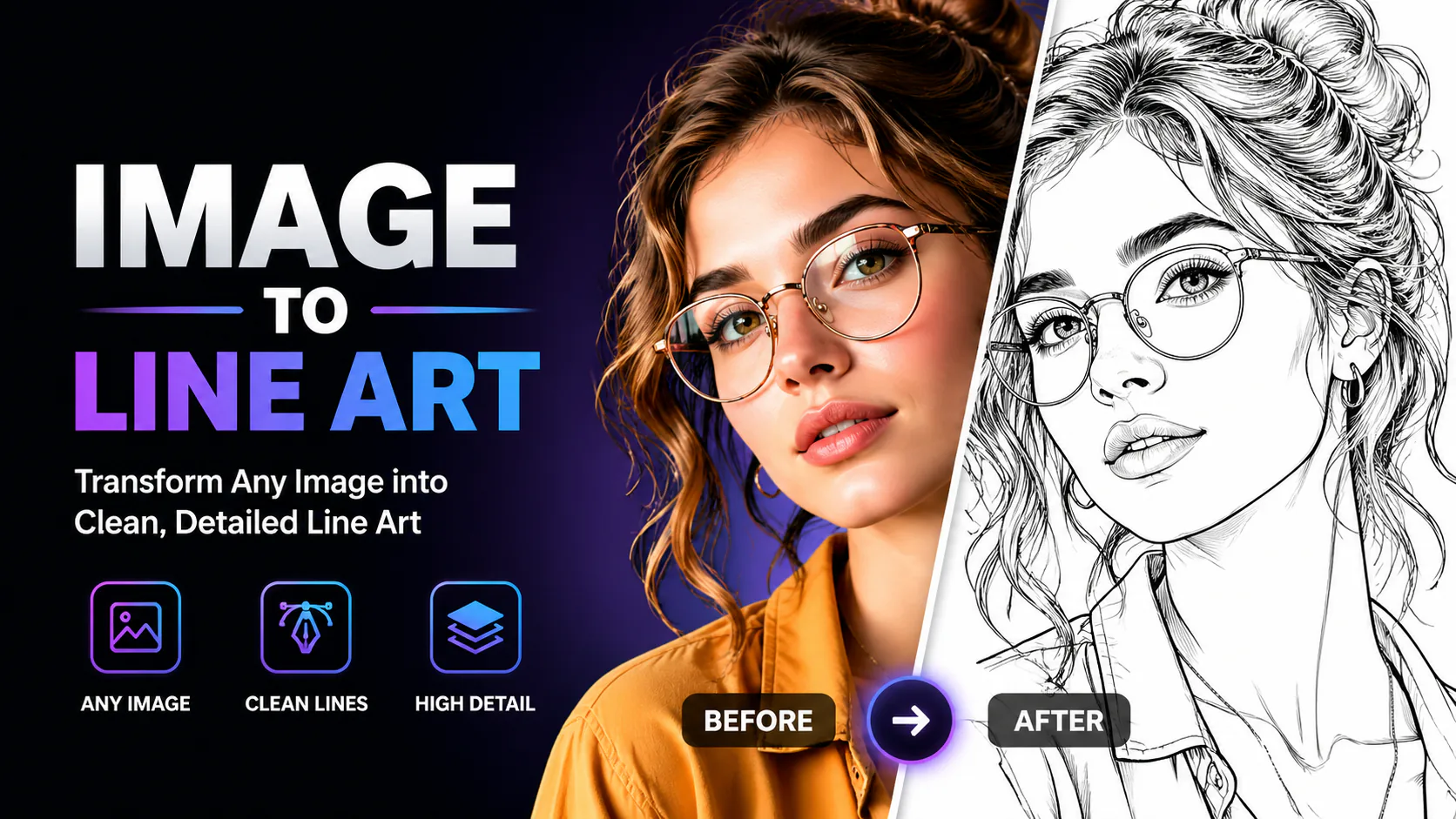

Turn a photo or image into line art with AI.

Upload clean line art or a rough sketch, choose a colour treatment and line fidelity, then add colour while preserving the drawing’s composition.
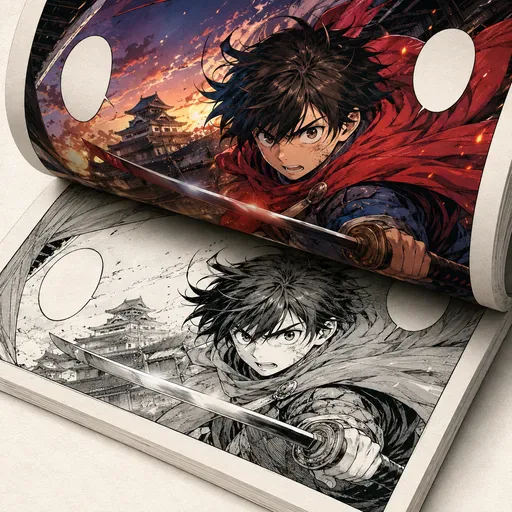
Add colour to black-and-white manga, comics and line art while aiming to preserve the original lines.
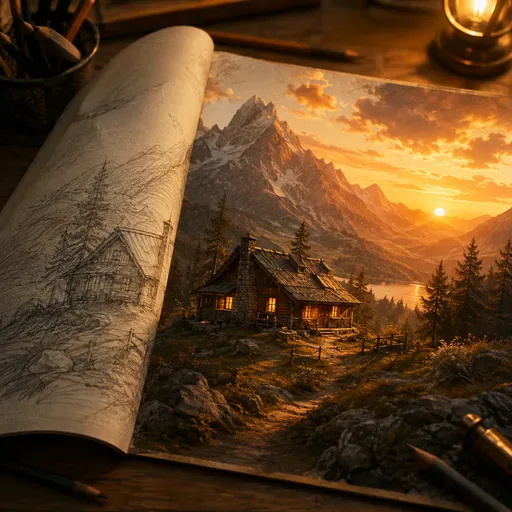
Convert sketches and line drawings into photorealistic images with AI.
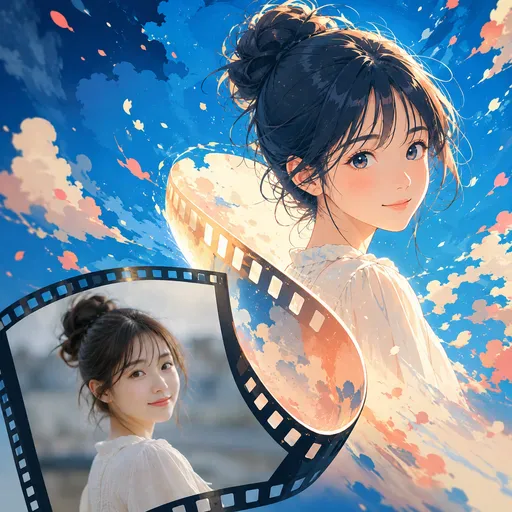
Turn a portrait into an anime-style avatar, manga-inspired profile picture or character image for social accounts. Keep the person recognisable while changing details such as the hair, eyes, colours and illustration mood.
Use AI to turn a photo or image into a line drawing. Try different styles for manga references, architectural sketches, product-design outlines or colouring pages. Results depend on the source image, prompt and selected model.
Manual tracing takes time. Use an image and prompt to ask AI for a line drawing that emphasises edges, contours and selected details. Results vary, so review the output and refine it as needed.
Upload a photo or image, choose a supported model and describe the line style you want. The model may render edges and contours while reducing colour and shading. Review the result and refine your prompt or image if needed; outputs are not guaranteed to be publication-ready or free of cleanup.

GPT Image 2 is an OpenAI image model for generating and editing images. It can render text in multiple languages and ...

Generate and edit images with Nano Banana Pro. Sign-in and account credits are required; review the displayed cost be...

Create videos from text prompts, animate an image or use video input in supported modes. Choose a generation mode and...

Create videos from text prompts or images with Sora 2. Choose from the available options, then review the displayed c...

ByteDance's AI video model combines text, images, video clips and audio in one prompt. Use its @-reference system to ...