AI Body Editor
Adjust body proportions in photos with AI.
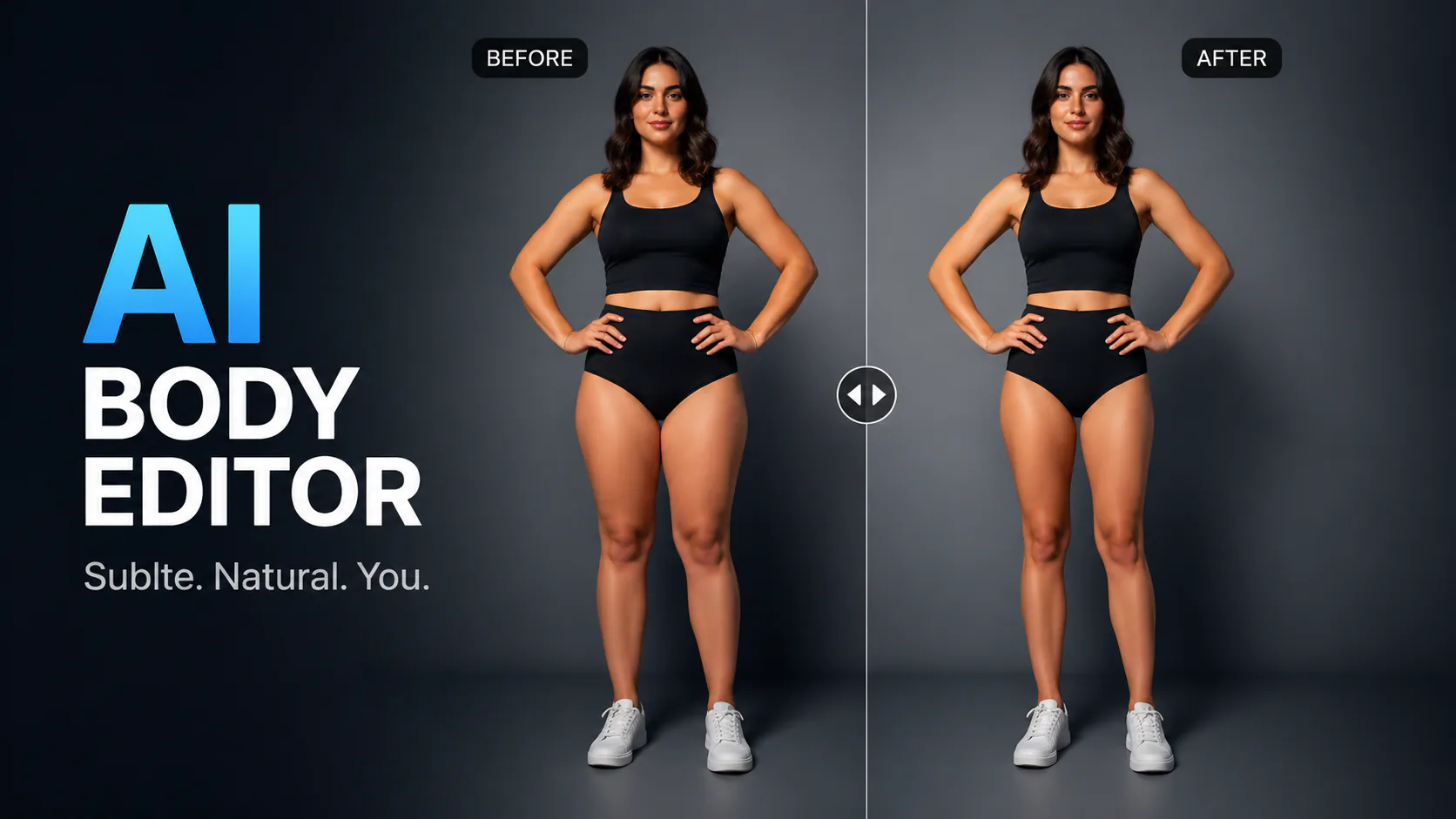

Adjust body proportions in photos with AI.

Create an ID-style photo with an adjusted background and light skin retouching. Check the image against the requirements of the organisation requesting it.

Create a friendly 3D cartoon-style profile image for creator accounts, gaming profiles, team pages or personal branding. Use a photo as a reference for the face, while allowing for variation in the generated result.

Turn a casual selfie into a polished studio-style portrait for a professional profile, CV, team page or bio. Adjust the lighting, background and framing when a studio photo session is not practical.
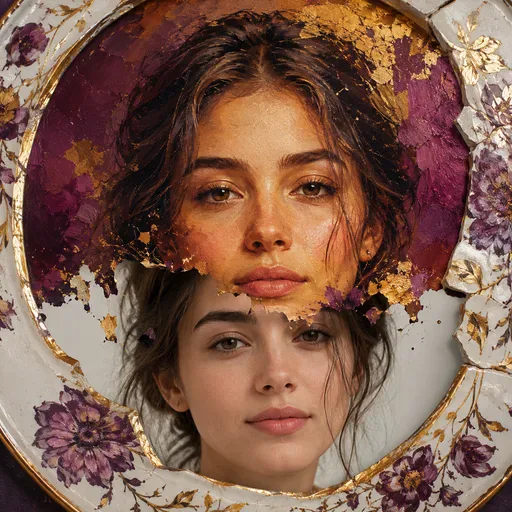
Turn a selfie into an illustrated portrait for a profile picture, gift, creator post or campaign visual. Choose an art style and describe how you would like the face to appear; results may vary.
Use the AI Body Editor to explore changes to body proportions in a photo. Upload a reference image, choose a supported model and describe the adjustments you want, such as a slimmer-looking silhouette, more defined muscle tone or a taller appearance. Clothing and other image details may also change, so review the result. Sign in to generate and check the model's available options and credit cost first.
Use a prompt to explore body proportion changes in a photo. The result depends on the reference image and selected model, and may also change clothing or background details. Sign in to generate; check the model's options and credit cost before starting.
Upload a photo, choose a supported model and describe the body proportion changes you want. The model generates an edited image based on your reference and prompt; results vary, and clothing, background or other details may change. Review the output before using it.

GPT Image 2 is an OpenAI image model for generating and editing images. It can render text in multiple languages and ...

Generate and edit images with Nano Banana Pro. Sign-in and account credits are required; review the displayed cost be...

Create videos from text prompts, animate an image or use video input in supported modes. Choose a generation mode and...

Create videos from text prompts or images with Sora 2. Choose from the available options, then review the displayed c...

ByteDance's AI video model combines text, images, video clips and audio in one prompt. Use its @-reference system to ...