Line Art Colorizer: AI Colorize Line Art and Sketches Free
Upload clean line art or a rough sketch, choose a color treatment and line-fidelity level, then generate color without replacing the drawing’s composition.
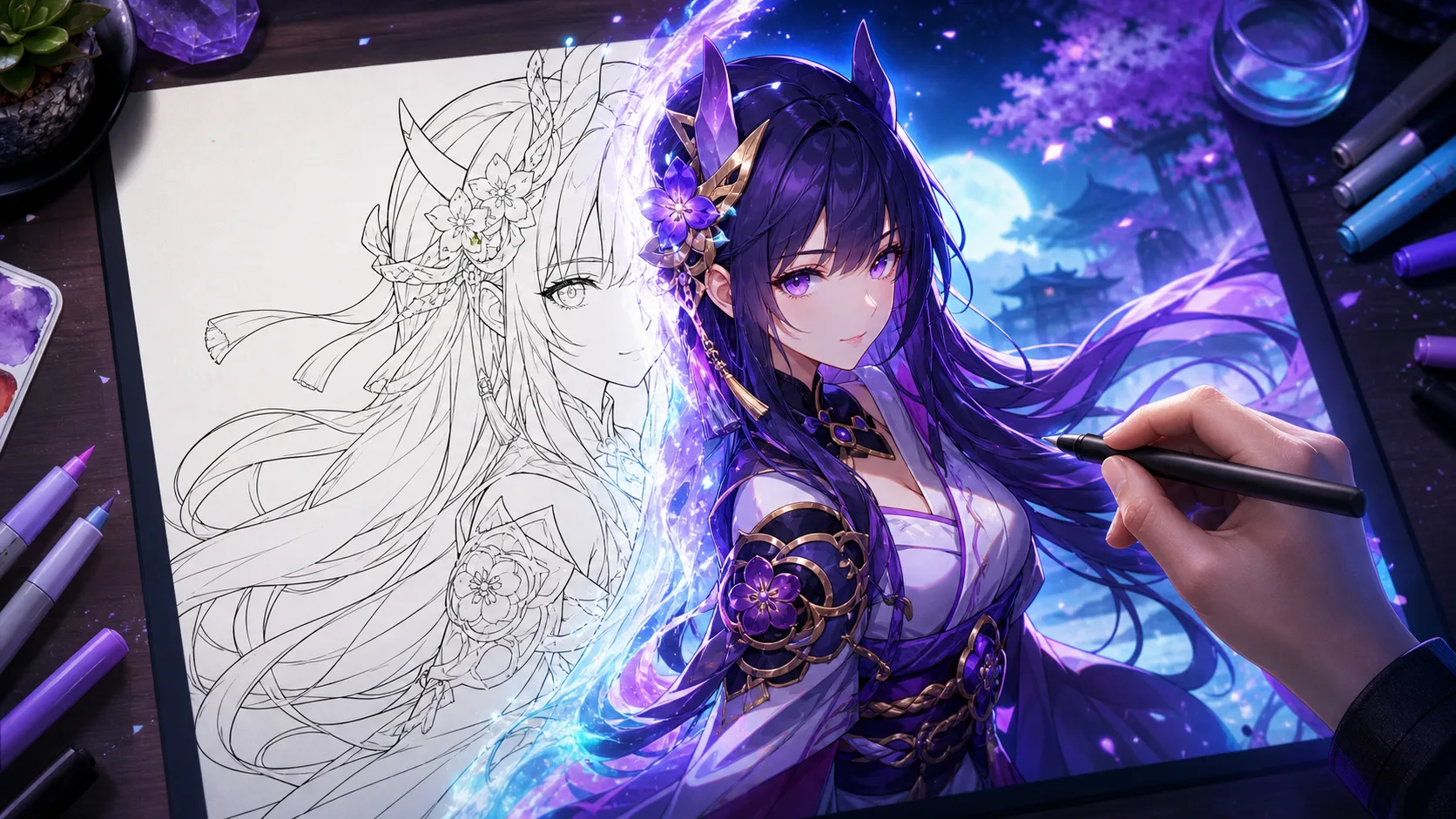

Upload clean line art or a rough sketch, choose a color treatment and line-fidelity level, then generate color without replacing the drawing’s composition.
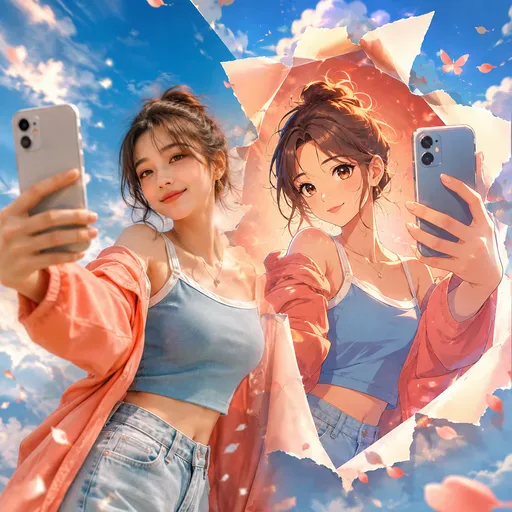
Upload a portrait, selfie, pet photo or group picture, then choose an anime style. The result aims to retain the features that make the original recognisable.

Describe a scene or short story, choose a comic style and panel layout, then generate a comic page without drawing each panel by hand.
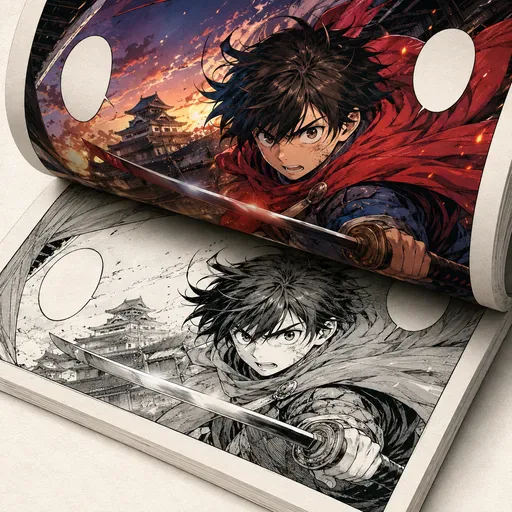
Add colour to black-and-white manga, comics and line art while aiming to preserve the original lines.
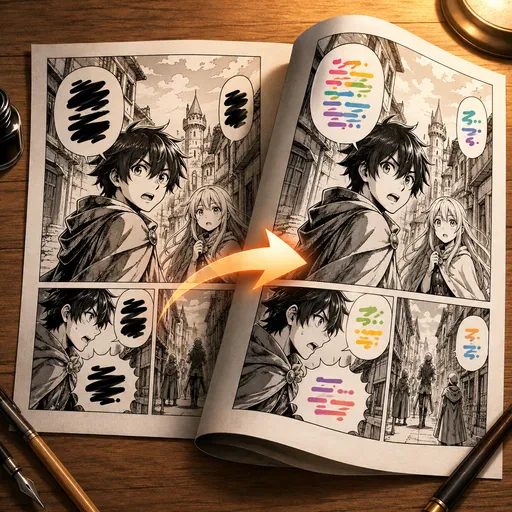
Translate manga by detecting speech bubbles, translating their text and re-rendering it in a similar style.
Upload a sharp PNG, JPG, or WebP, choose Anime, Watercolor, Digital, or Flat color, then decide how tightly the model should respect the ink. A clean white background and closed shapes improve region separation.
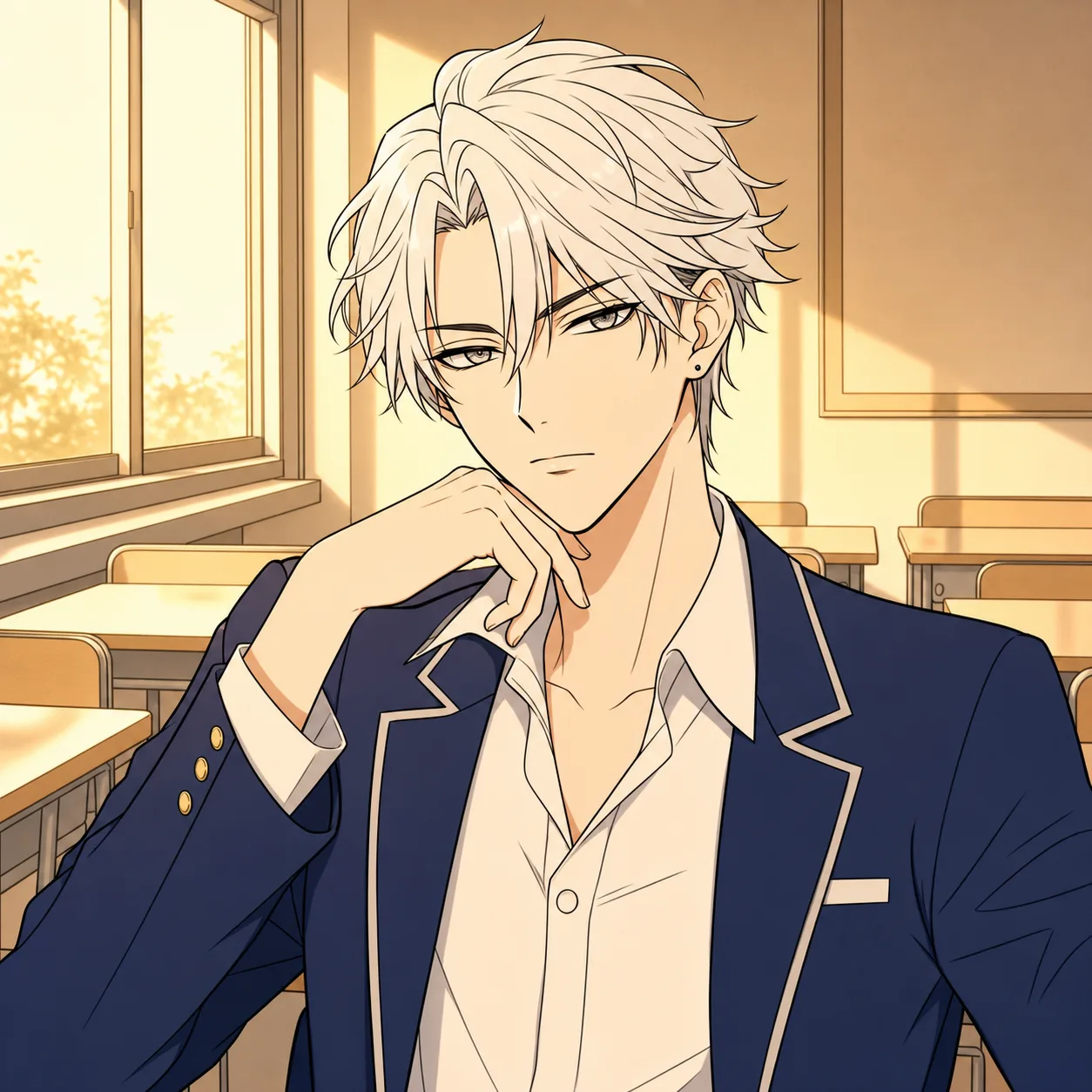
Strict aims to follow the original contours closely. Balanced may tidy light construction marks. Loose can be useful for rough concepts, but may redraw details such as fingers, facial features or props. For finished ink work, try Strict or Balanced and review the result.
Phone photos need even light and perspective correction; digital line art benefits from transparent or white backgrounds. Grey paper, eraser smudges, and very thin lines can be misread as shading.
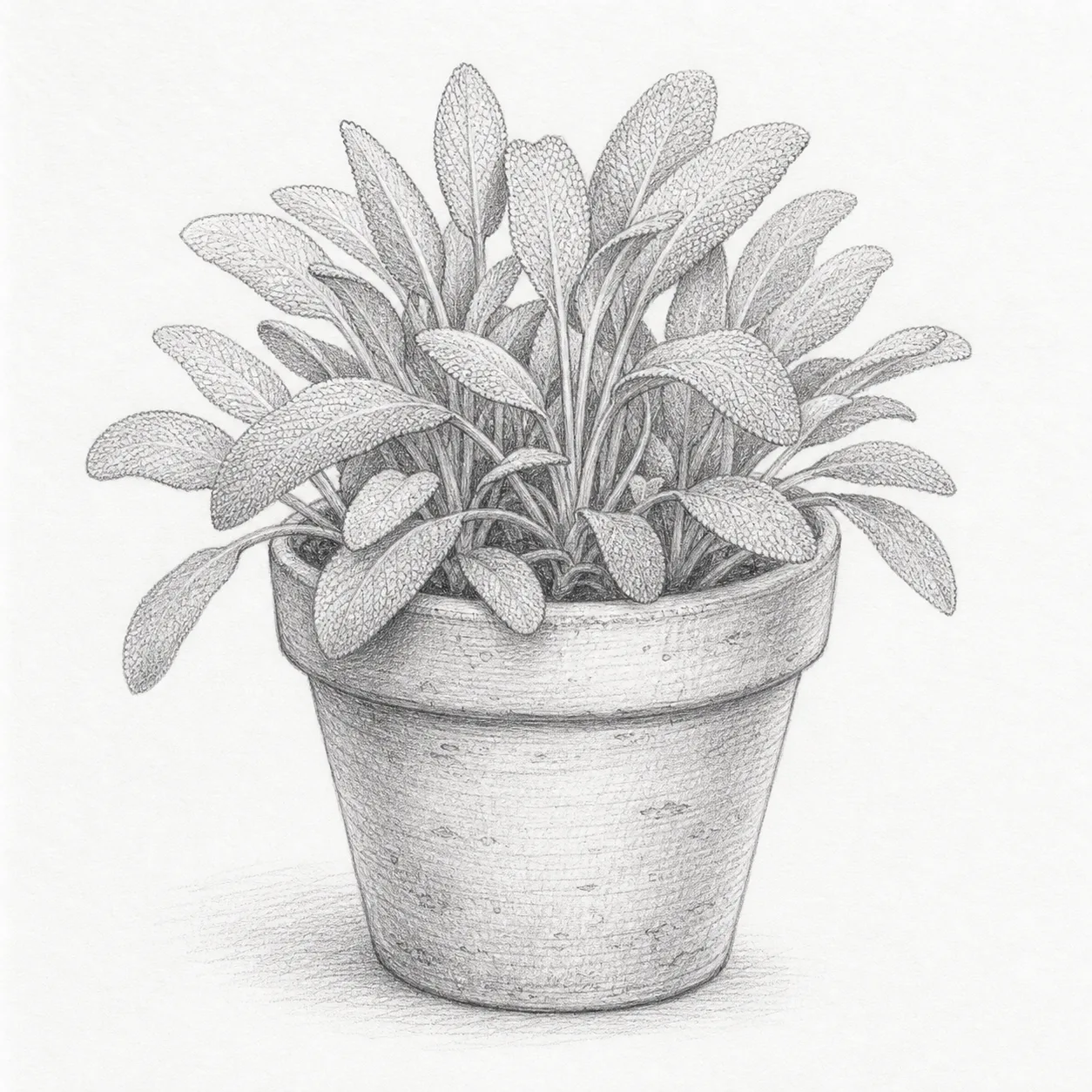
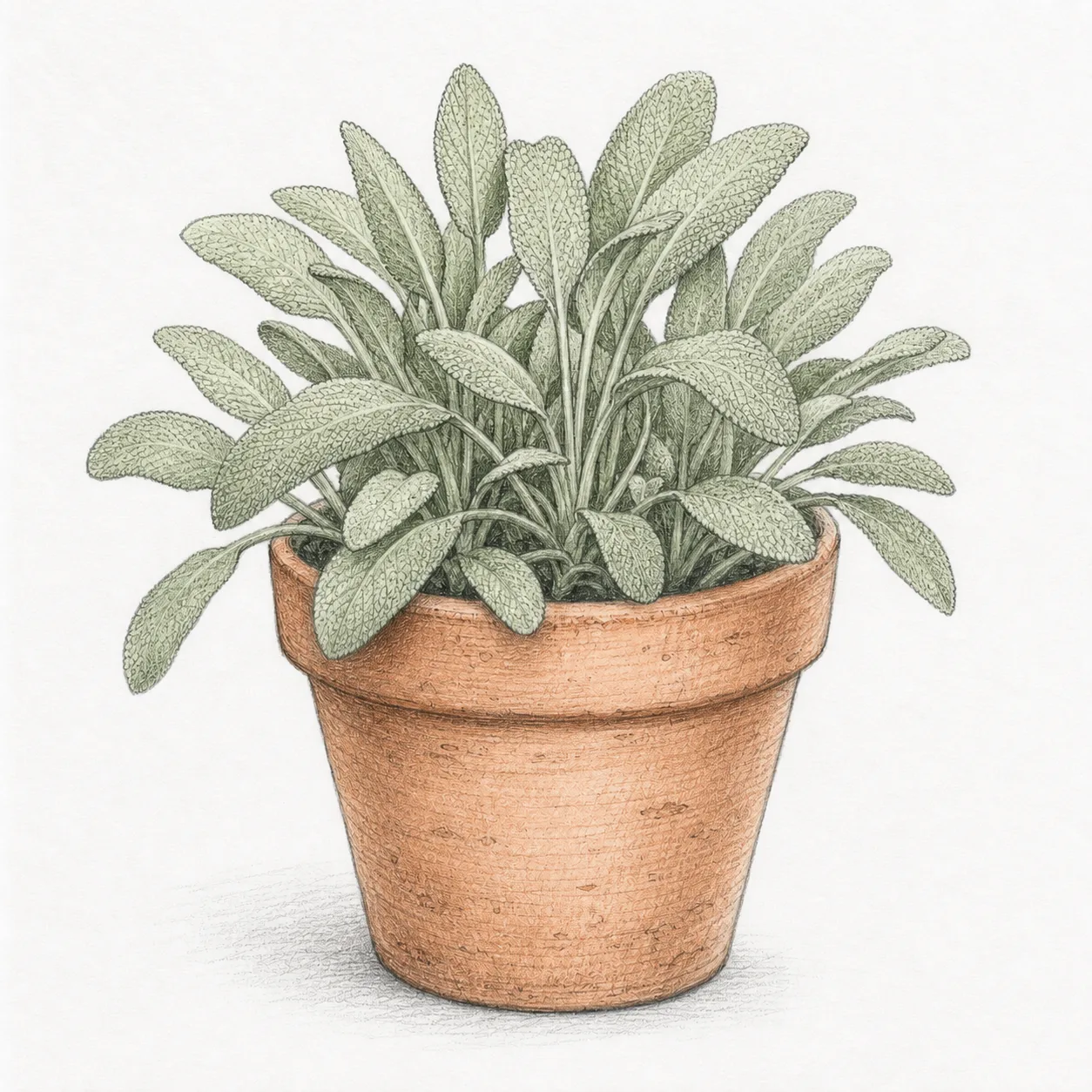
Use this page for a sketch or single illustration. For a finished page with panels, screentones, dialogue and print-style hatching, try Manga Colorizer. Each tool is intended for a different kind of source image.

GPT Image 2 is an OpenAI image model for generating and editing images. It can render text in multiple languages and ...

Generate and edit images with Nano Banana Pro. Sign-in and account credits are required; review the displayed cost be...

Create videos from text prompts, animate an image or use video input in supported modes. Choose a generation mode and...

Create videos from text prompts or images with Sora 2. Choose from the available options, then review the displayed c...

ByteDance's AI video model combines text, images, video clips and audio in one prompt. Use its @-reference system to ...