AI Neon Glow
Add neon lighting and glowing edges to a photo with AI.
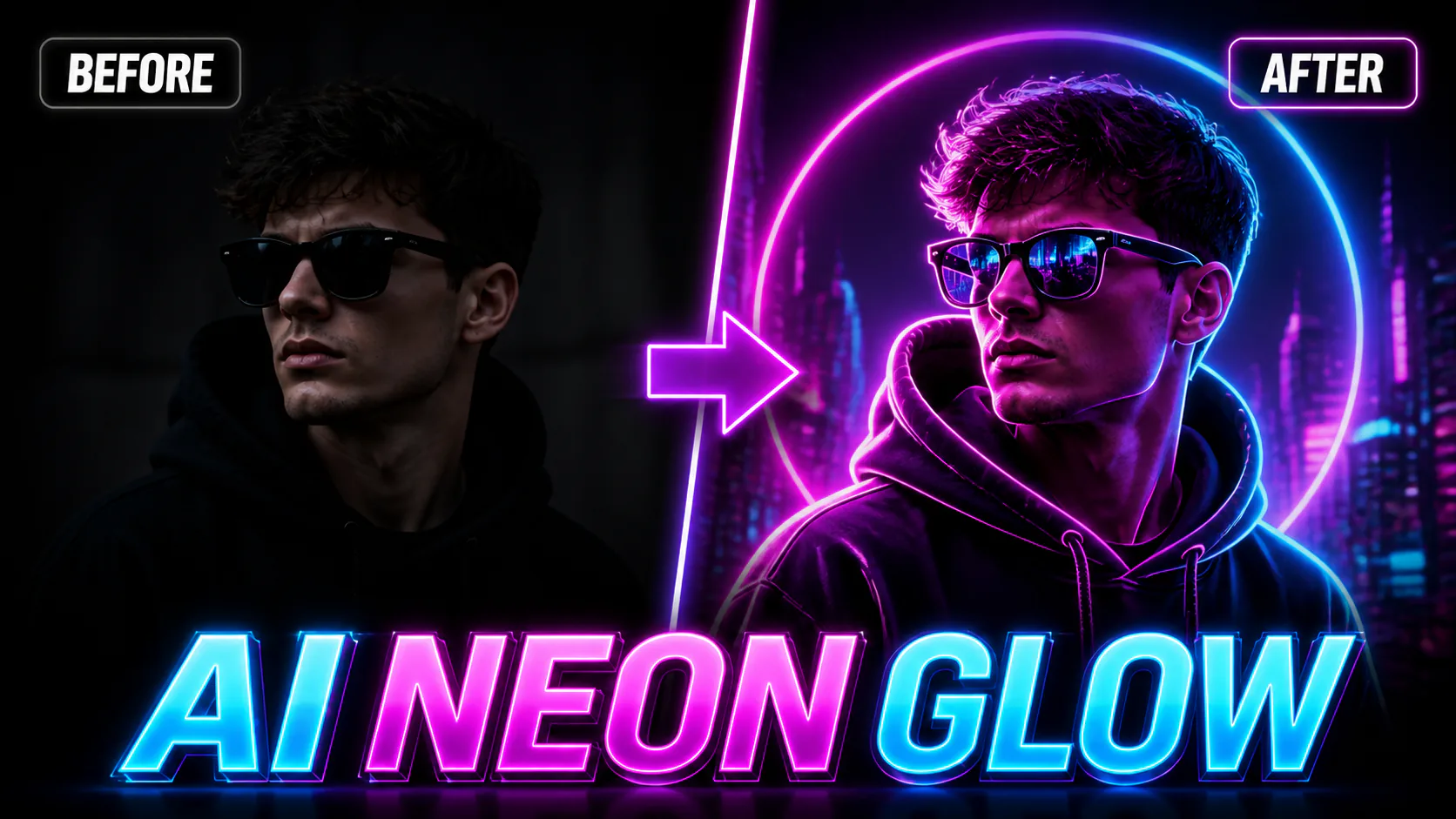

Add neon lighting and glowing edges to a photo with AI.

Give portraits or city photos a neon sci-fi look for game profiles, posters, thumbnails or social posts. Describe futuristic lighting, holographic details and cinematic contrast while keeping the subject clear.

Upload a photo and explore neon, chrome, bubblegum and holographic Y2K styles. Choose a look, generate with account credits and review the result.

Turn your photos into oil-painting-style images with visible brushstrokes and canvas texture.

Turn ordinary photos into soft watercolour portraits, card designs, wall art concepts or social visuals. Ask for paper texture and flowing pigment edges for a hand-painted look.
Give a photo a neon-lit look with glowing edges and vivid colours. Try a subtle glow or a bolder cyberpunk-inspired treatment for a social post, nightlife image or other creative project.
1. Sign in and upload a photo. 2. Choose an available neon style or describe the effect you want. 3. Select a supported model and check its credit cost. 4. Generate the image, then review and download the result if it suits your needs.
GPT Image 2 is an OpenAI image model for generating and editing images. It can render text in multiple languages and ...
Generate and edit images with Nano Banana Pro. Sign-in and account credits are required; review the displayed cost be...

Create videos from text prompts, animate an image or use video input in supported modes. Choose a generation mode and...
Create videos from text prompts or images with Sora 2. Choose from the available options, then review the displayed c...
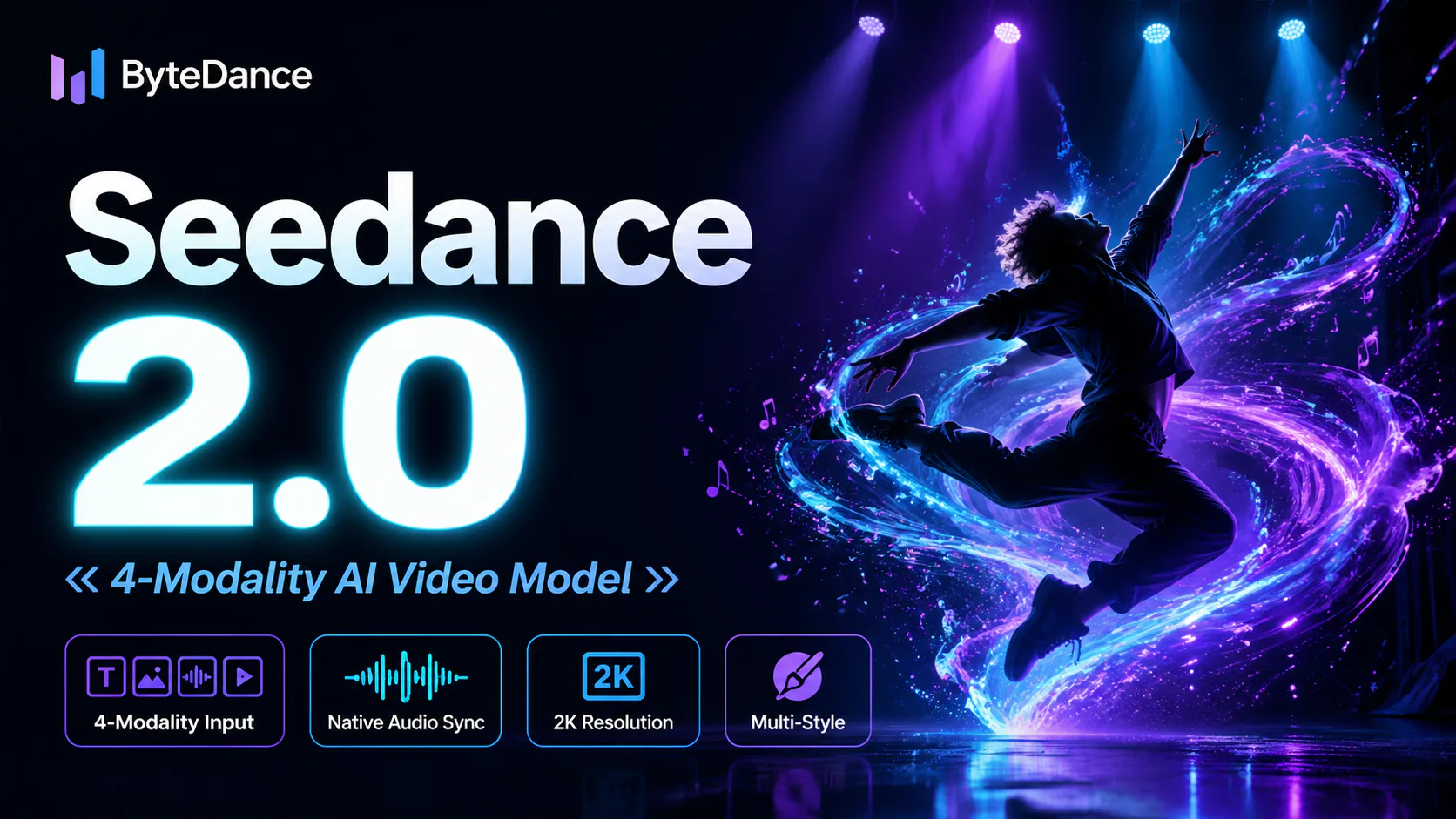
ByteDance's AI video model combines text, images, video clips and audio in one prompt. Use its @-reference system to ...