Nano Banana Watermark Remover
Use AI-assisted editing to remove a Nano Banana Pro watermark from an image. Results may vary with the image and selected model.
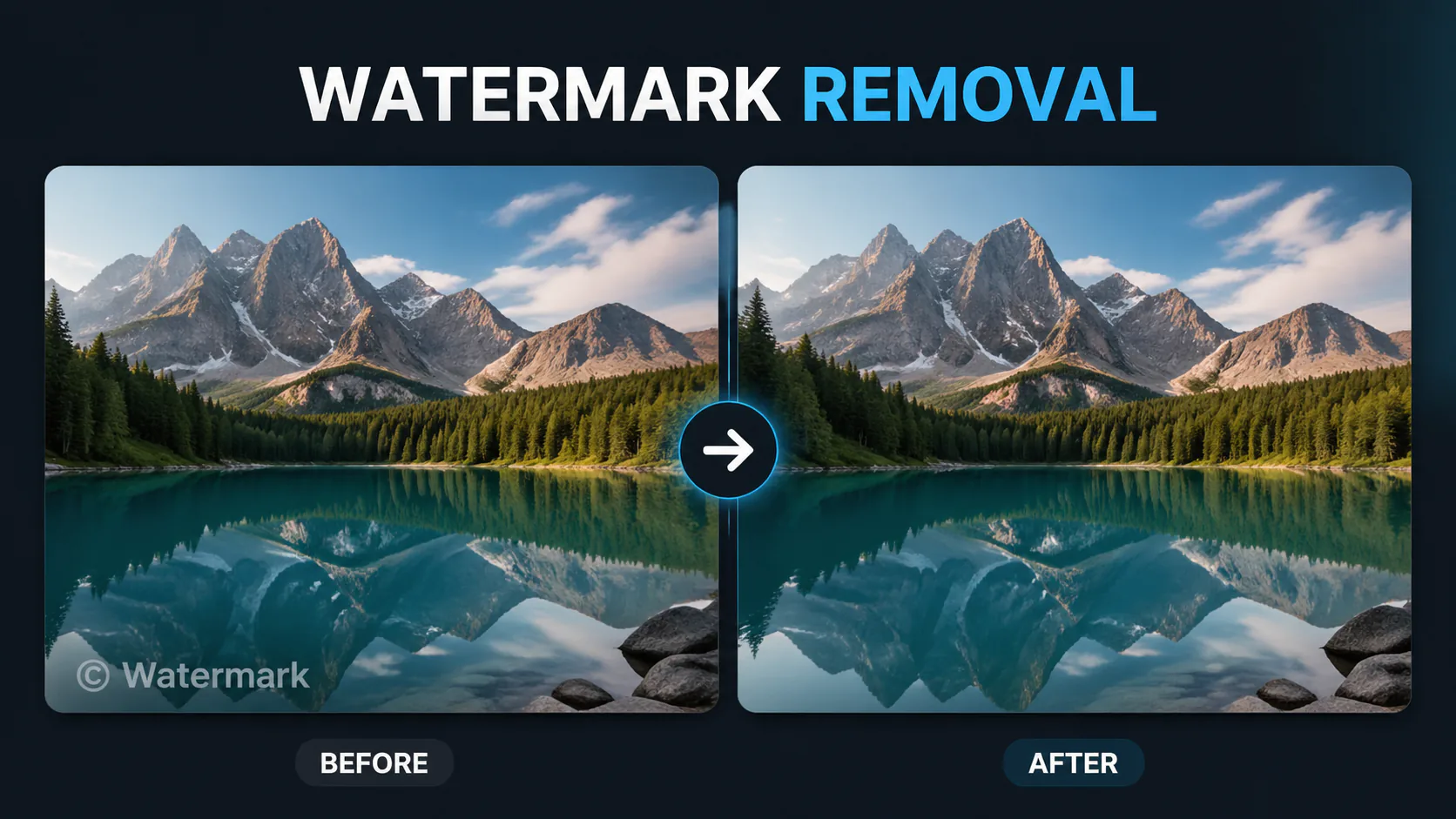

Use AI-assisted editing to remove a Nano Banana Pro watermark from an image. Results may vary with the image and selected model.

Use AI to remove watermarks, logos or other unwanted elements from an image. Only edit images you have permission to modify.
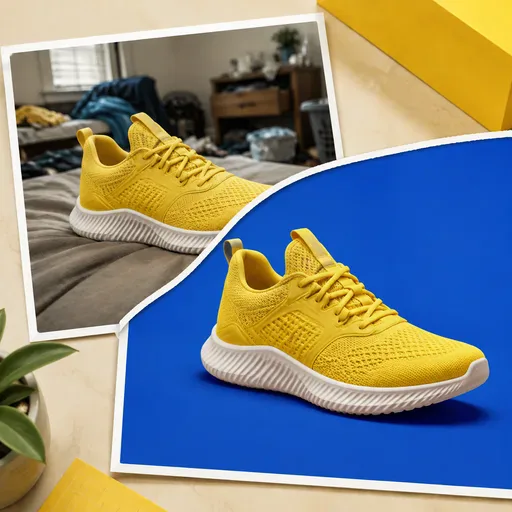
Create transparent PNG cut-outs for product listings, profile photos, marketplace images and ads. Use the tool to work on busy backgrounds, uneven lighting or cluttered product photos without masking by hand.

Remove unwanted objects, people, text or imperfections from a photo. The model fills the selected area based on its surroundings, so results can vary.

Use AI to work on damaged, blurry or aged photos. Generated details may differ from the original, especially where the source image has lost information.
Upload an image and ask the selected model to edit out a Nano Banana Pro watermark. The model may fill the area using surrounding image content; results vary, so review the output.
Use AI-assisted image editing to try removing a Nano Banana watermark. Choose a supported model, sign in and check the displayed credit cost before generating.

GPT Image 2 is an OpenAI image model for generating and editing images. It can render text in multiple languages and ...

Generate and edit images with Nano Banana Pro. Sign-in and account credits are required; review the displayed cost be...

Create videos from text prompts, animate an image or use video input in supported modes. Choose a generation mode and...

Create videos from text prompts or images with Sora 2. Choose from the available options, then review the displayed c...

ByteDance's AI video model combines text, images, video clips and audio in one prompt. Use its @-reference system to ...