Younger Self Together AI
Upload a photo of yourself today, choose an age for your AI-generated younger self, and create a reunion portrait featuring both versions of you.
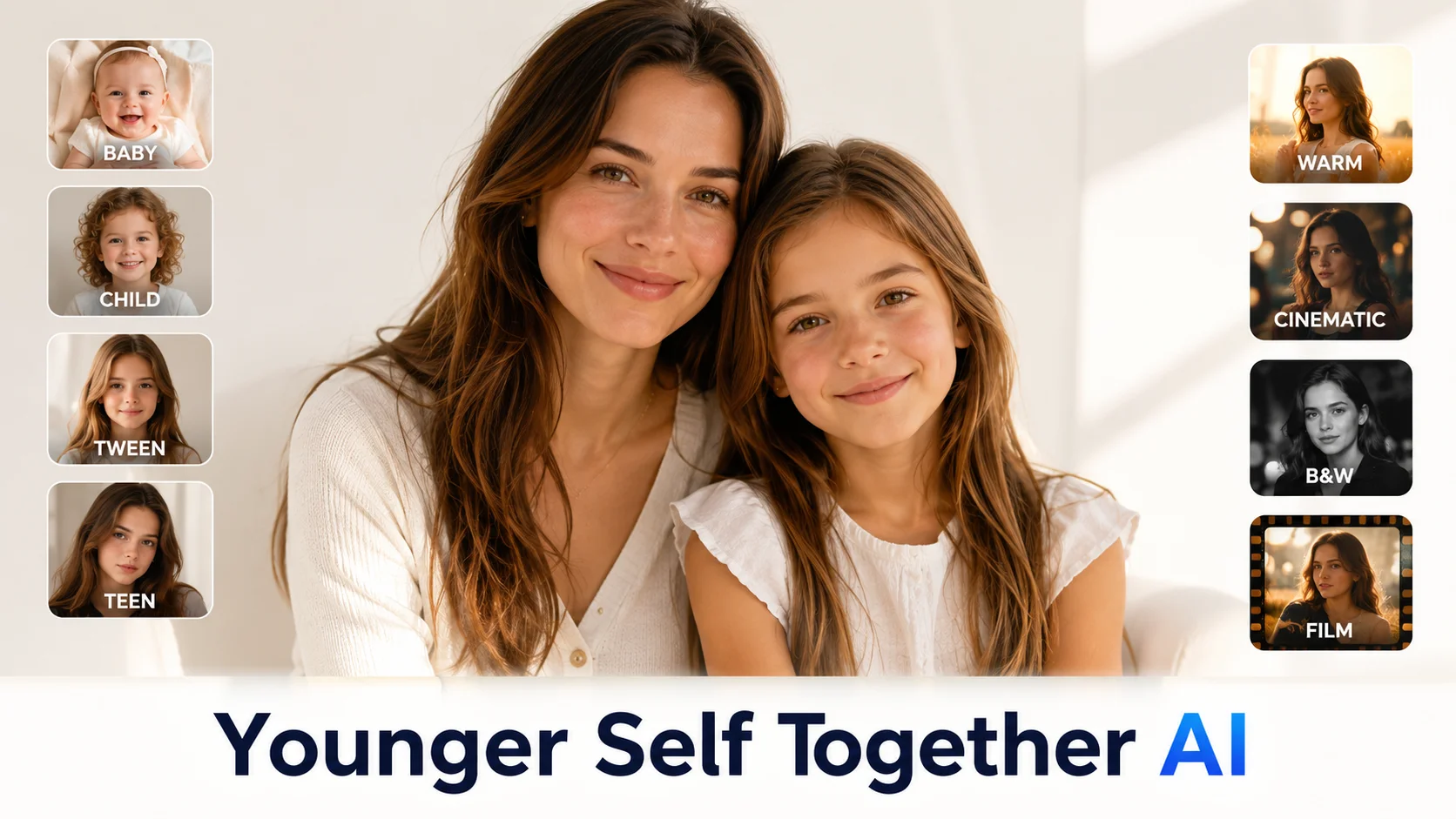

Upload a photo of yourself today, choose an age for your AI-generated younger self, and create a reunion portrait featuring both versions of you.
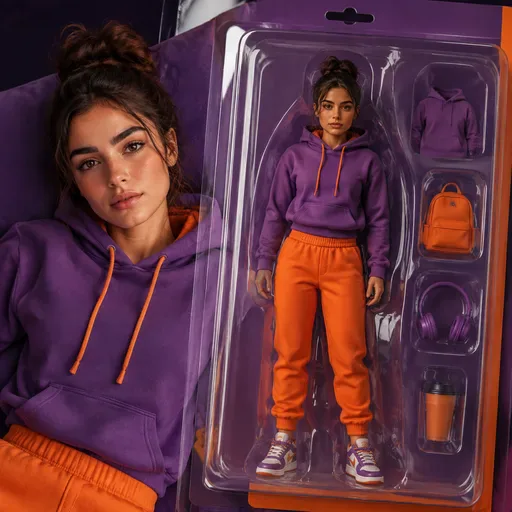
Create boxed toy portraits, collectible character mock-ups and product-style images from a photo. Try ideas for creator profiles, event keepsakes, fan edits or playful brand characters.

Create an ID-style photo with an adjusted background and light skin retouching. Check the image against the requirements of the organisation requesting it.

Create a friendly 3D cartoon-style profile image for creator accounts, gaming profiles, team pages or personal branding. Use a photo as a reference for the face, while allowing for variation in the generated result.

Turn a casual selfie into a polished studio-style portrait for a professional profile, CV, team page or bio. Adjust the lighting, background and framing when a studio photo session is not practical.
This tool combines a photo of you today with an AI-generated younger version in one portrait. Add a setting or mood to shape the image, then use the result for a personal creative project, reflection or a gift. The younger version is an interpretation based on your current photo, not a factual record of your childhood appearance.
The result can vary by age and by the photo you provide. Baby (1–2) and teen (15–16) portraits may differ more from what you remember, while child (6–8) and preteen (10–12) options offer different ways to explore a younger-self portrait. These are creative choices, not guarantees of facial accuracy. Choose the age that suits the image you have in mind.
Warm colour gives the image a soft, gently lit feel. Cinematic uses a more dramatic look, while Black-and-white studio suggests a formal portrait. Film photo adds a grainy, faded effect. These settings guide the image's appearance; the result may vary with the selected model.

GPT Image 2 is an OpenAI image model for generating and editing images. It can render text in multiple languages and ...

Generate and edit images with Nano Banana Pro. Sign-in and account credits are required; review the displayed cost be...

Create videos from text prompts, animate an image or use video input in supported modes. Choose a generation mode and...

Create videos from text prompts or images with Sora 2. Choose from the available options, then review the displayed c...

ByteDance's AI video model combines text, images, video clips and audio in one prompt. Use its @-reference system to ...