AI Personalized Story Book Maker
Add the hero's name and a description, or upload a reference photo or drawing for inspiration. Choose a theme and art style to create illustrated story pages featuring them.
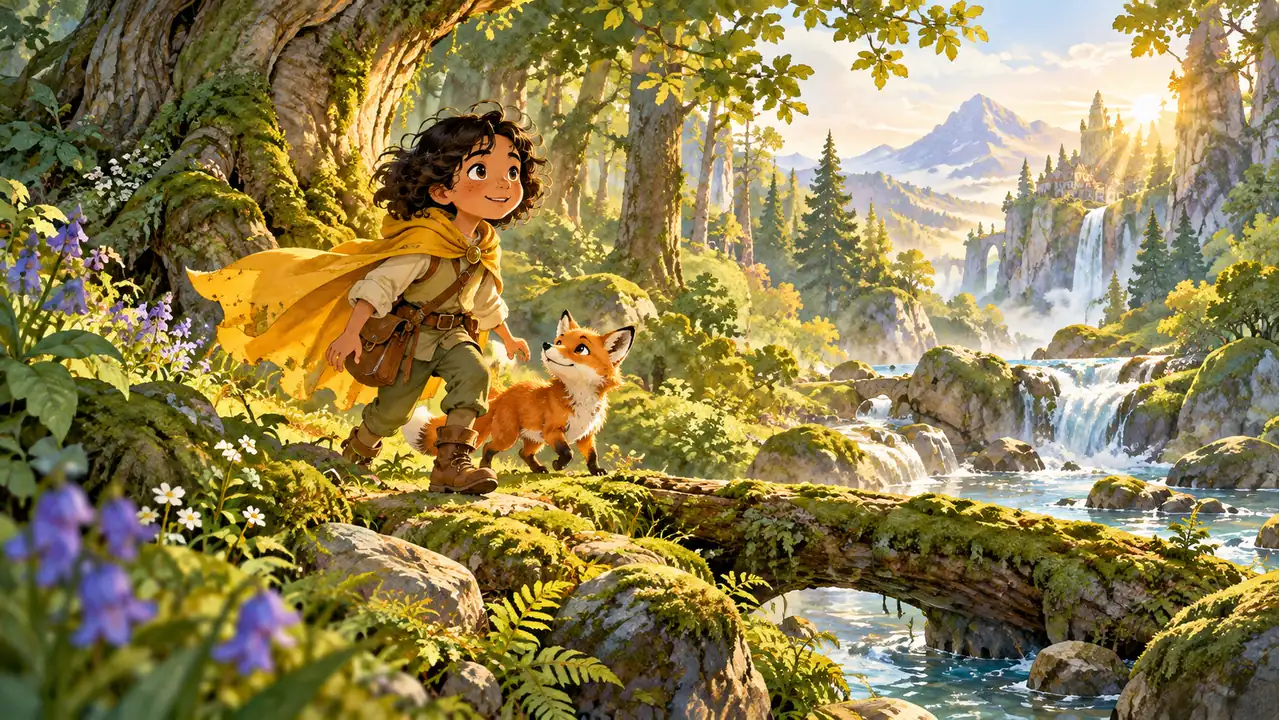

Add the hero's name and a description, or upload a reference photo or drawing for inspiration. Choose a theme and art style to create illustrated story pages featuring them.
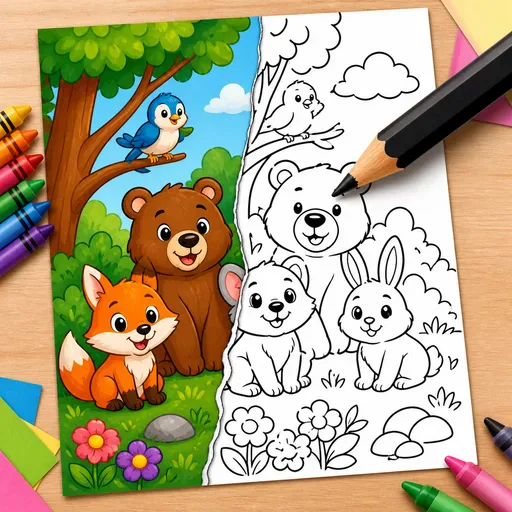
Turn a text description or photo into black-and-white line art for a colouring page. Create pages for children, classrooms, adult relaxation or KDP book projects.
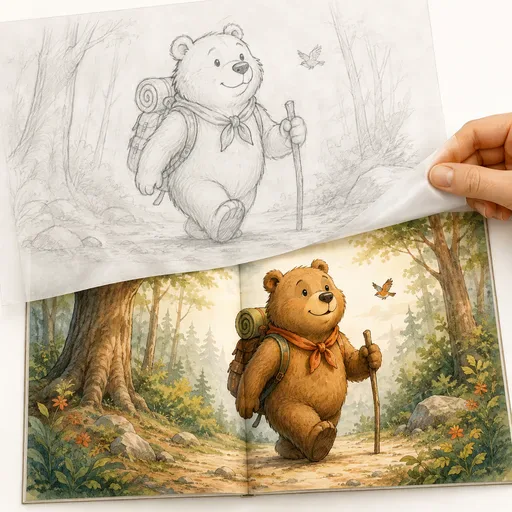
Create children's book illustrations in ten picture-book styles, with a character intended to stay consistent across scenes. Generate full-bleed spreads, single pages, covers and endpapers. The configured output is described as 300dpi CMYK for KDP print projects.
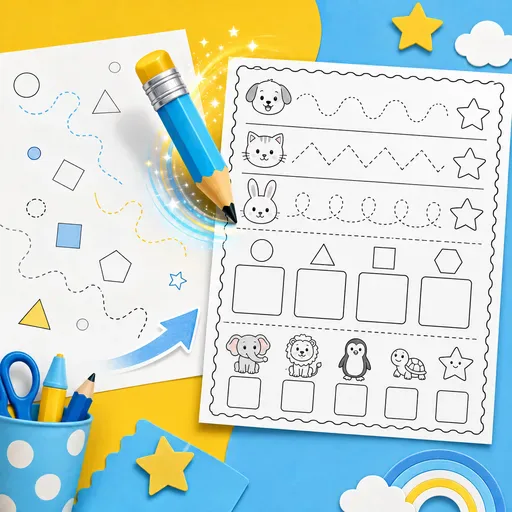
Create printable worksheets for children, covering maths, tracing, phonics, reading, vocabulary and activities for Pre-K through 5th grade.
Describe the hero with their name, age and a few details about their personality. The AI can create a story and illustrated pages based on your brief. Choose a theme and page count, and use a reference photo or drawing for inspiration if you like. The character's appearance may vary between pages, and the finished result is a set of generated story pages—not a promise of a print-ready keepsake.
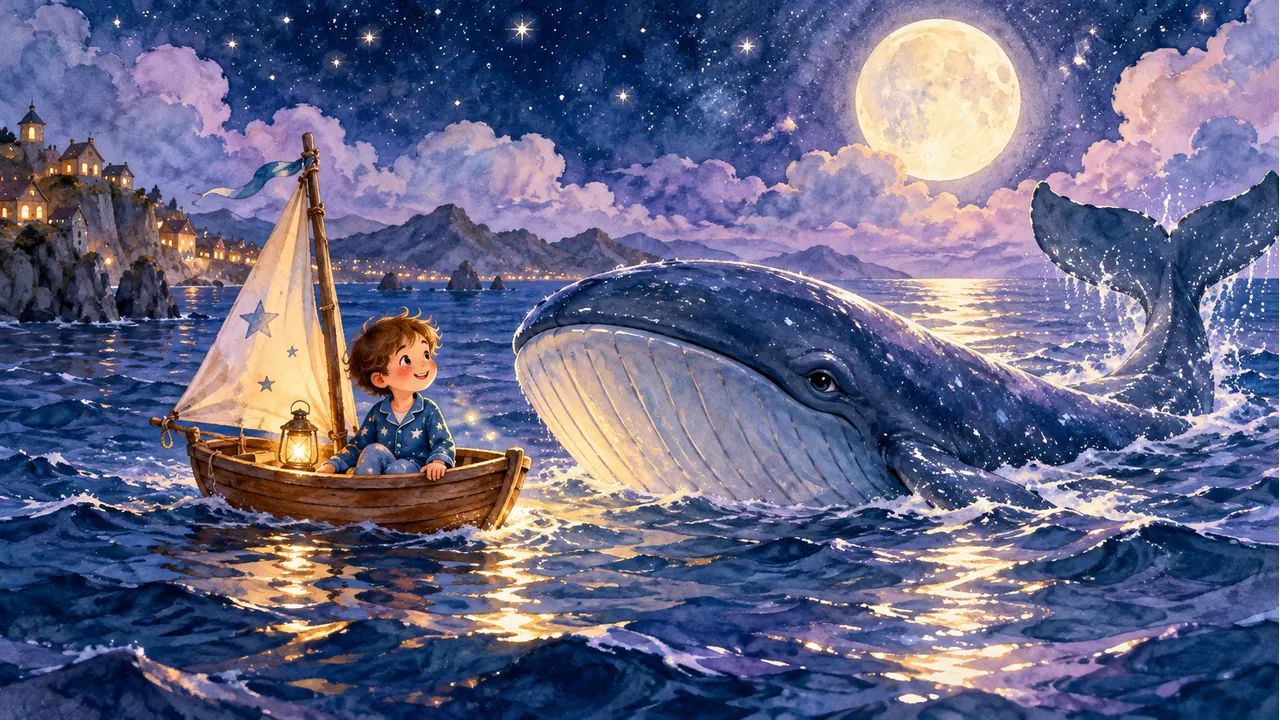
Drop in a reference — a child's selfie, a hand-drawn invented character, even a beloved teddy bear — and the AI designs a stylized hero from it. From page 1 to the final spread, the same hair, same outfit, same proportions. No more AI-generated picture books where your kid looks like five different children.
Birthday adventures, bedtime journeys, welcoming a new baby sibling, the first day of school, a pet quest, a space mission, an underwater dream, kindness and friendship. Each theme is a structured story arc — beginning, challenge, kindness, resolution — written for the age you choose, ready to read aloud.
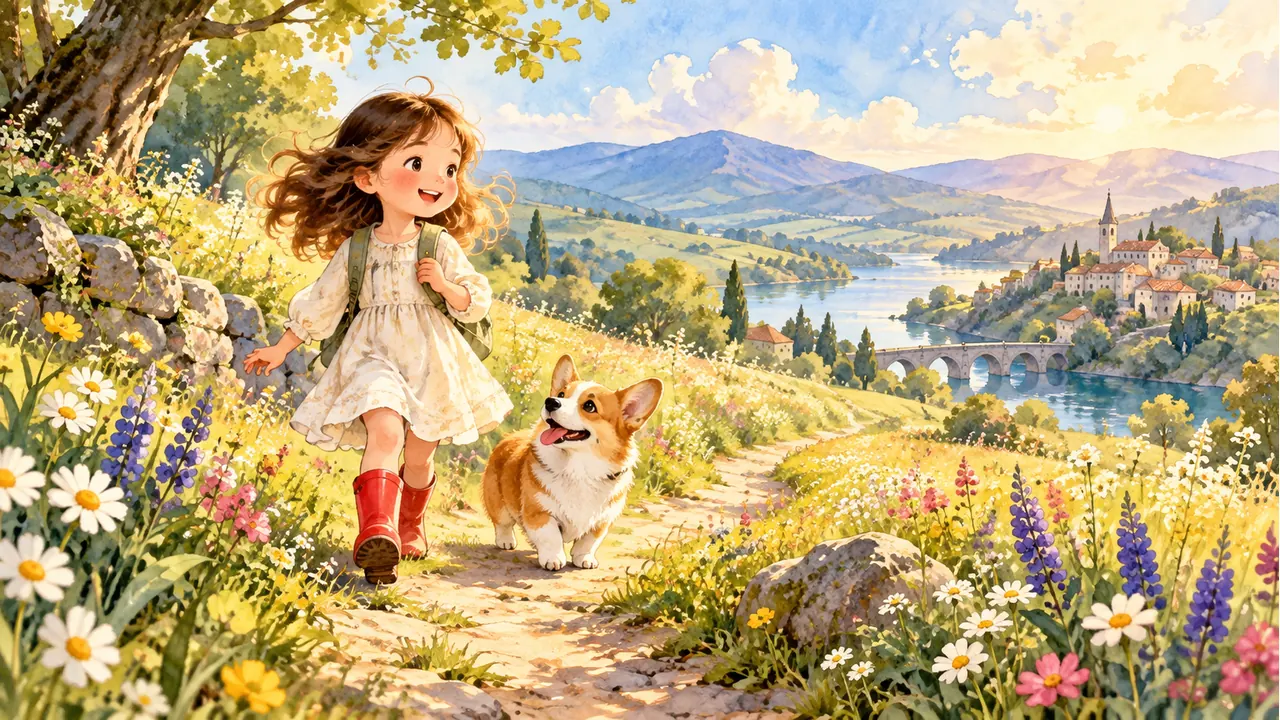
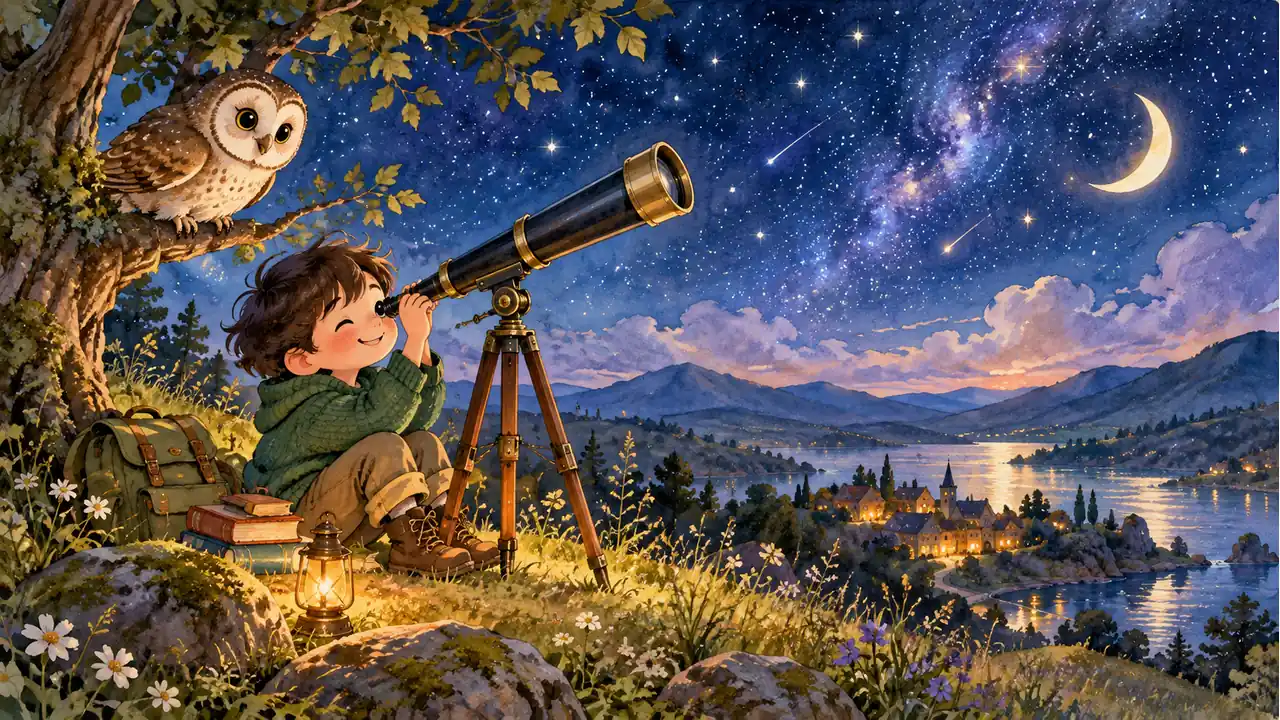
Choose the print-ready PDF for bleed-aware CMYK pages prepared for KDP, Etsy print partners or your local printer. Choose the KDP 8.5×8.5 hardcover option for pages and a cover formatted to KDP's margin, gutter and cover specifications. Use the finished book as a birthday, baby shower or adoption-day gift.

GPT Image 2 is an OpenAI image model for generating and editing images. It can render text in multiple languages and ...

Generate and edit images with Nano Banana Pro. Sign-in and account credits are required; review the displayed cost be...

Create videos from text prompts, animate an image or use video input in supported modes. Choose a generation mode and...

Create videos from text prompts or images with Sora 2. Choose from the available options, then review the displayed c...

ByteDance's AI video model combines text, images, video clips and audio in one prompt. Use its @-reference system to ...