Loading generator...
AI Travel Photo Grid Generator

AI Travel Photo Grid Generator for 3x3 vacation collages

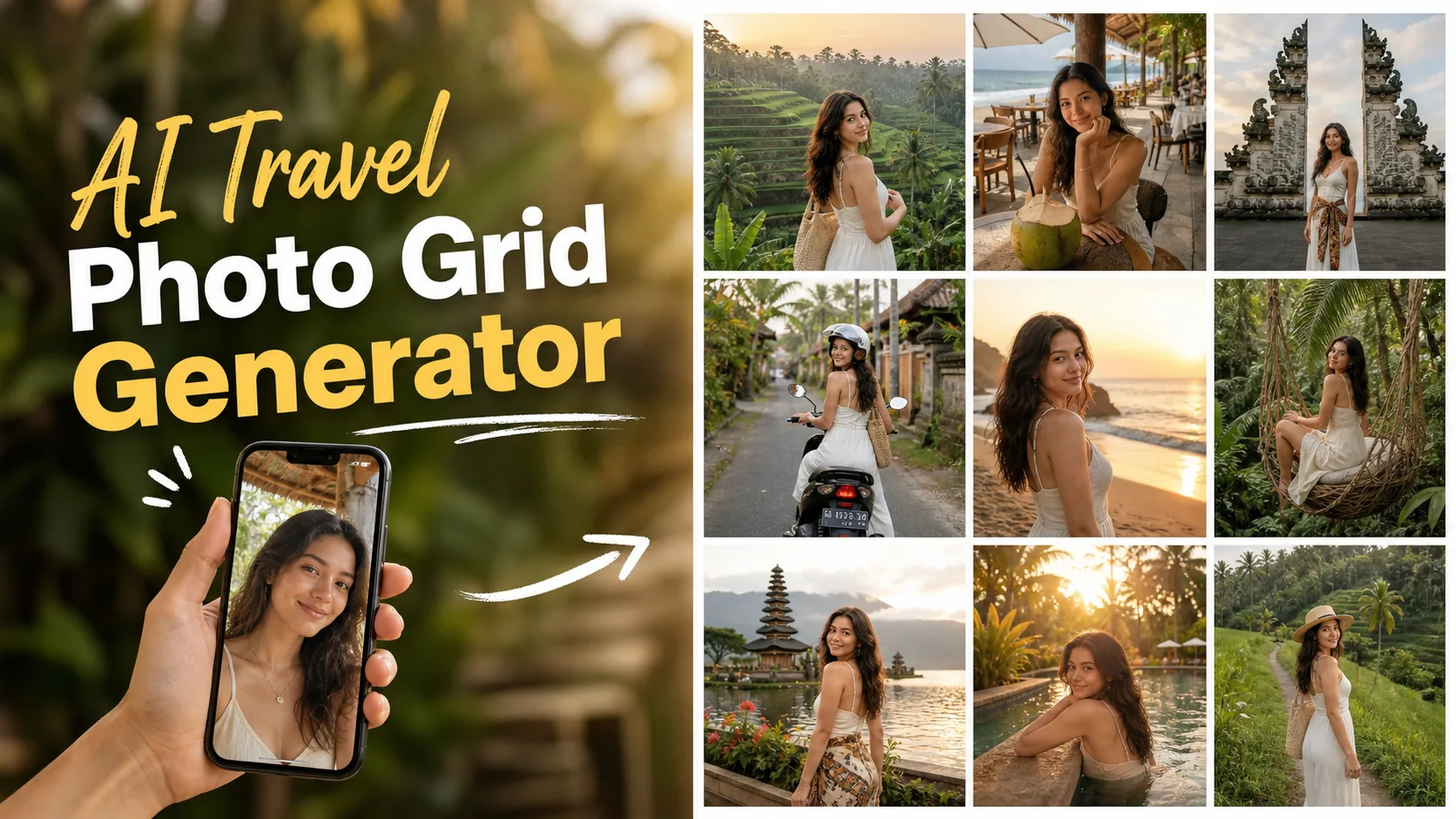
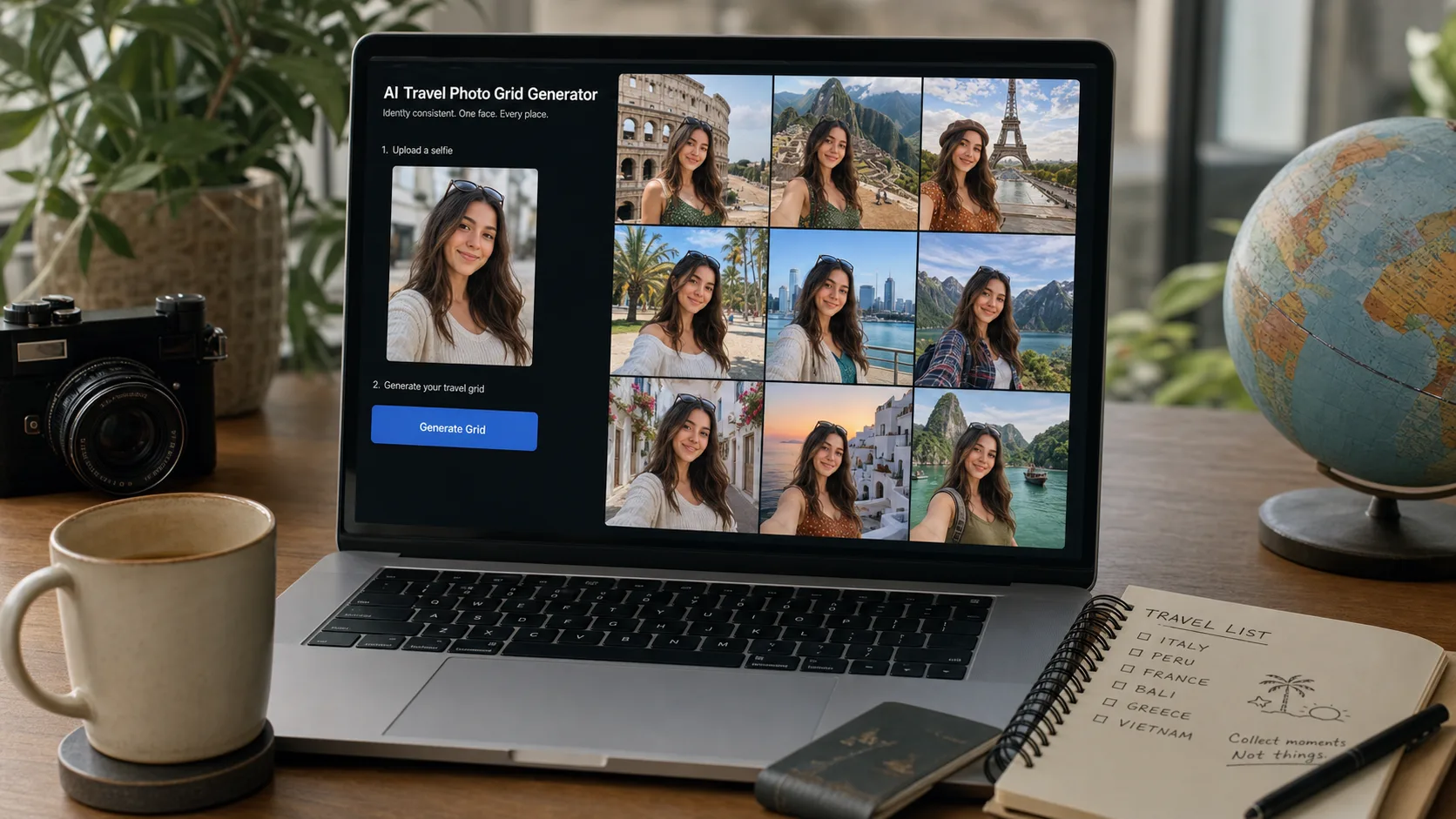
AI Travel Photo Grid Generator is for creators who want a believable vacation camera roll from one selfie, not a glossy fantasy poster. The useful result is a square collage where the same person appears across beach cafes, rice terraces, temple walks, scooter streets, and poolside light with enough variation to feel like a real trip.

Identity lock

Keeps the same face, age, hairstyle, and skin tone across every panel.

Grid options

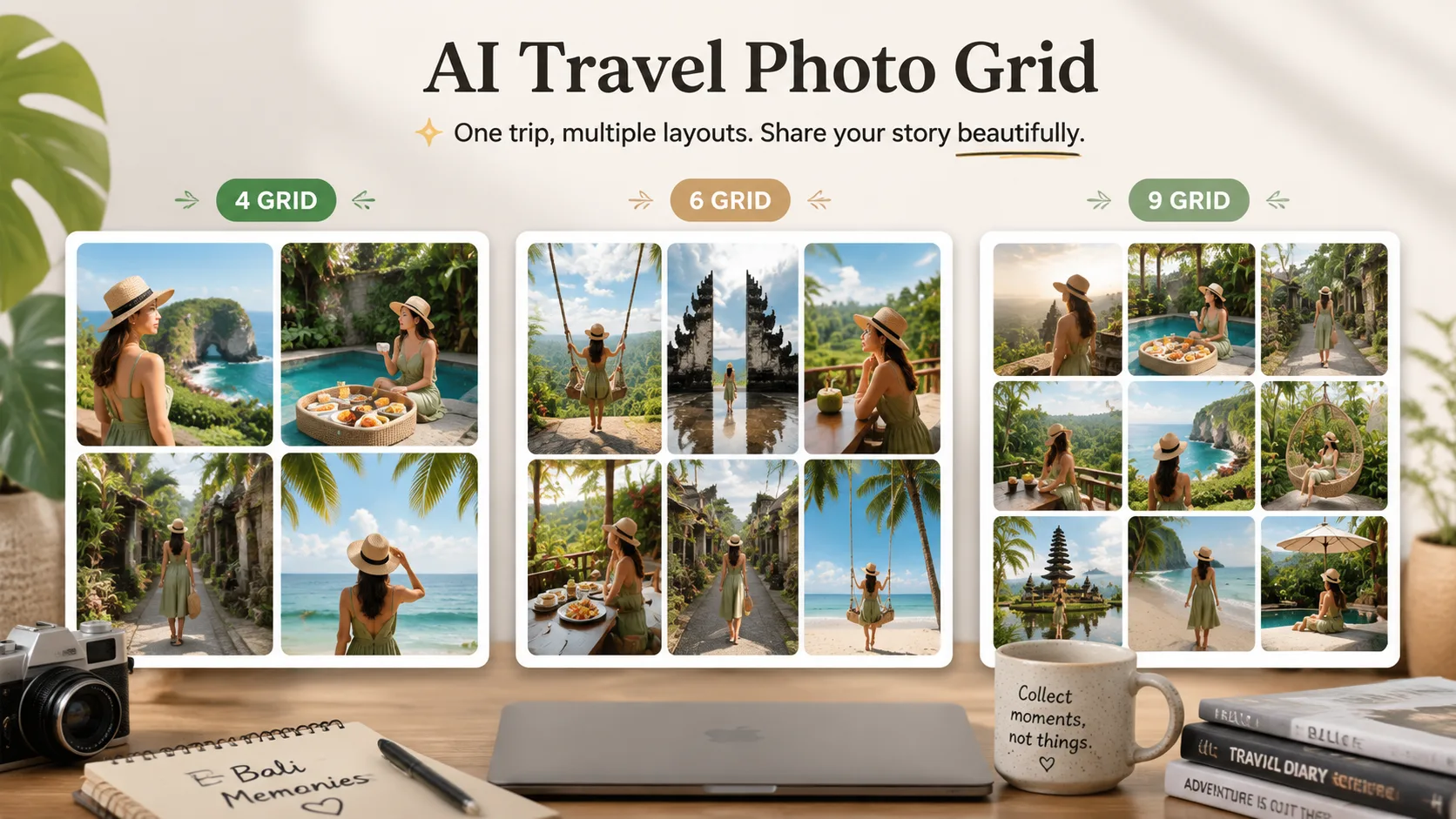
Choose 4, 6, or 9 panels depending on post format.

Trip scenes

Bali, beach, temple, and rice terrace directions stay visually distinct.

Phone feel

Candid crops and small imperfections avoid a stock-photo look.

AI Travel Photo Grid Generator

The grid needs identity consistency more than perfect scenery

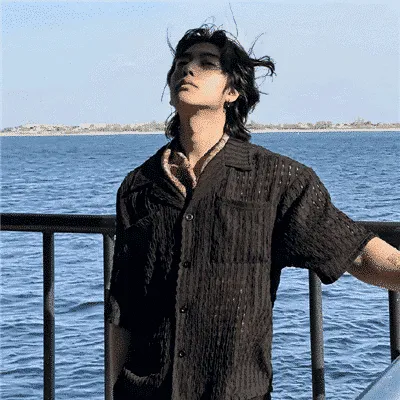
A travel grid fails when the person changes from panel to panel. This tool puts identity first, then varies pose, crop, background, and light. It is strongest with a clean selfie and normal expression. Sunglasses, heavy beauty filters, hats covering the hairline, and side-profile inputs are the cases most likely to produce face drift.
AI Travel Photo Grid Generator

Candid smartphone travel photos beat over-polished AI vacation shots

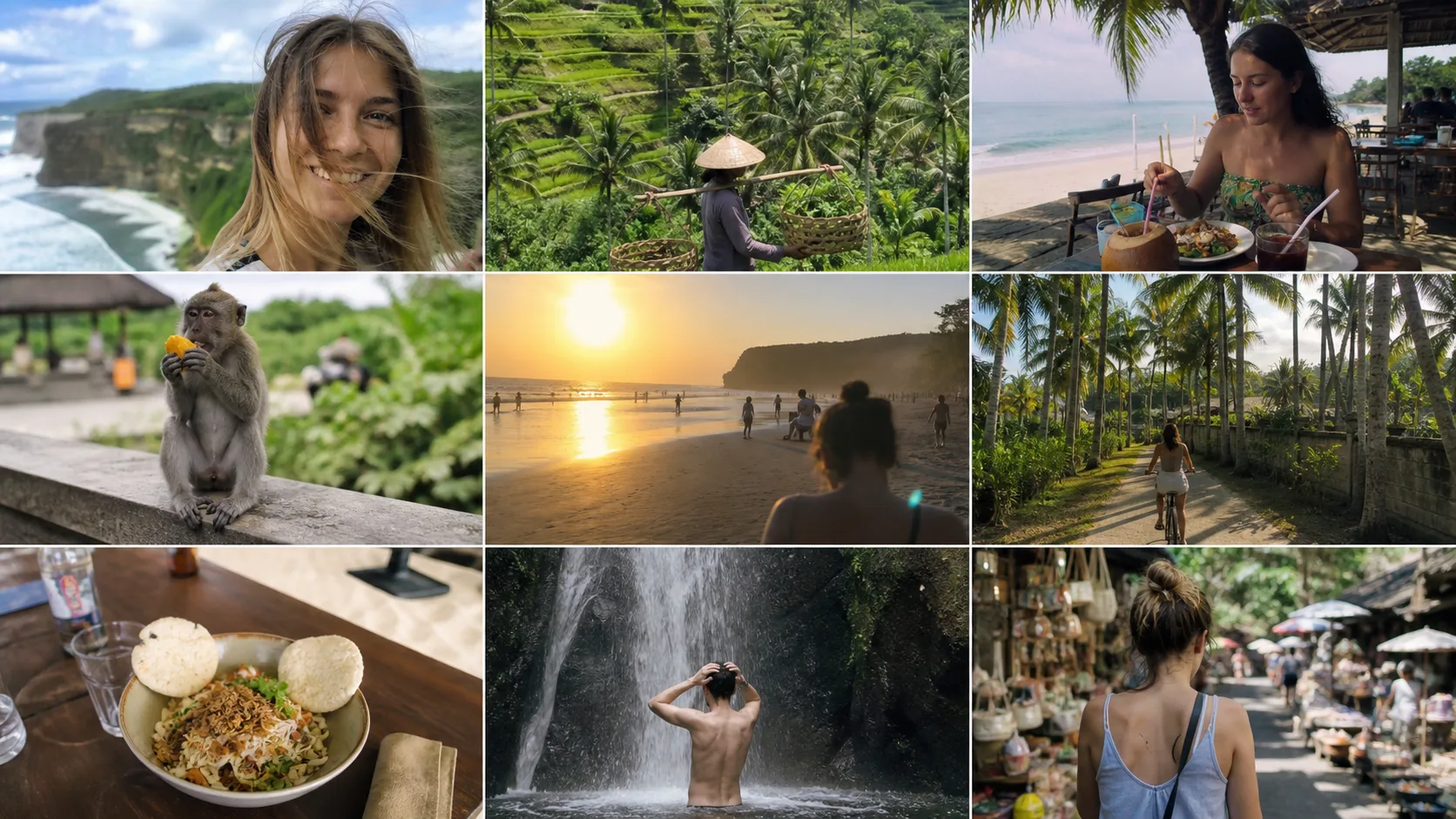
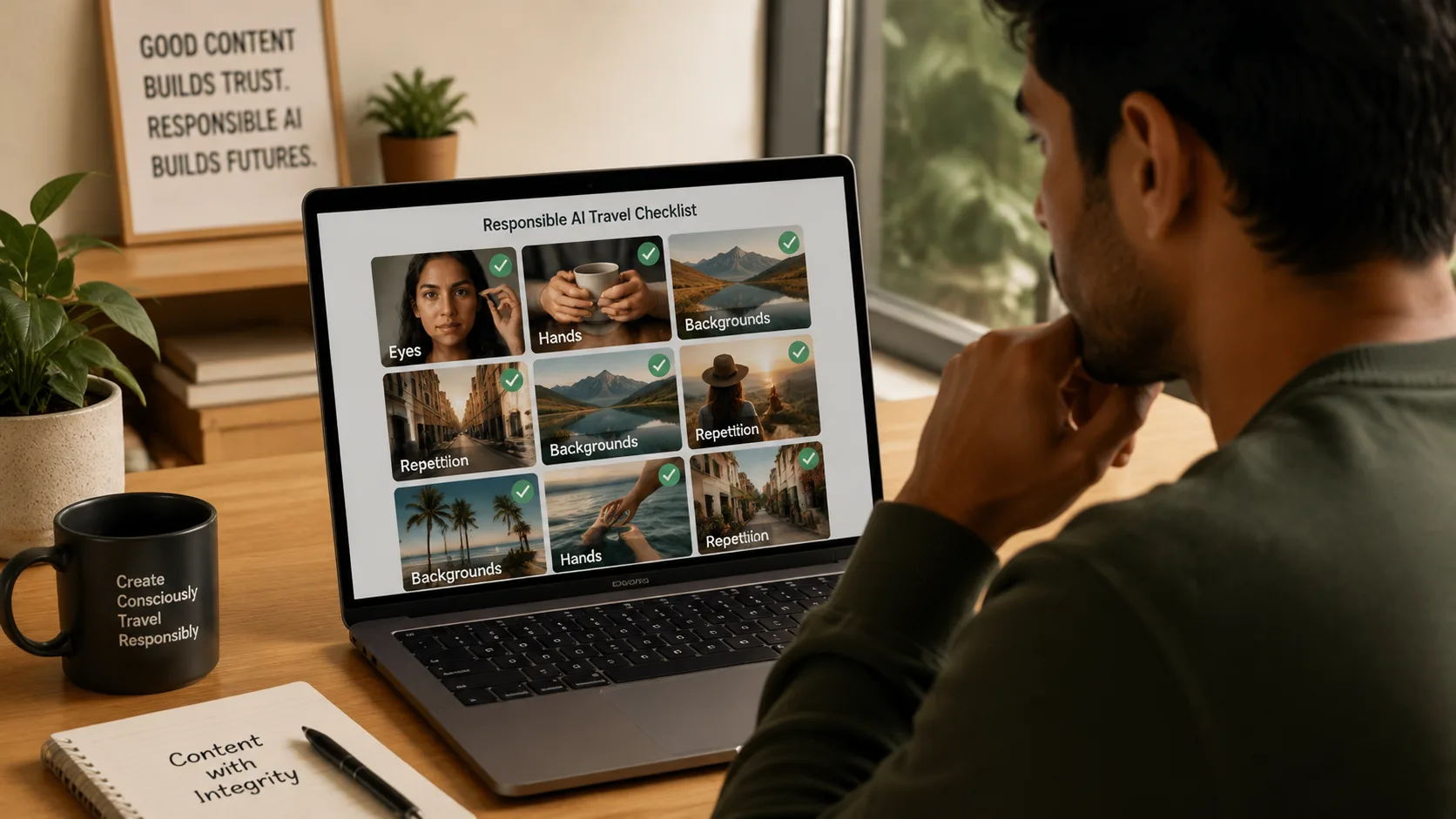
The Natural finish deliberately keeps small phone-photo imperfections: flyaway hair, uneven sunlight, minor motion blur, casual framing, and slightly different facial expressions. Polished finish is useful for creator thumbnails or ads, but it can look less like a real camera roll. For social posts, Natural usually reads better.
AI Travel Photo Grid Generator

Use travel grids as creative visuals, not location proof

AI Travel Photo Grid Generator avoids passports, boarding passes, ticket text, official stamps, and fake verification cues. That boundary matters. The output is suitable for mood boards, profile content, campaign exploration, and avatar storytelling, but it should not be presented as proof that a person visited a place.

AI Travel Photo Grid Generator questions from real projects
AI Travel Photo Grid Generator questions from real projects
01Can the AI Travel Photo Grid Generator keep my face consistent across nine panels

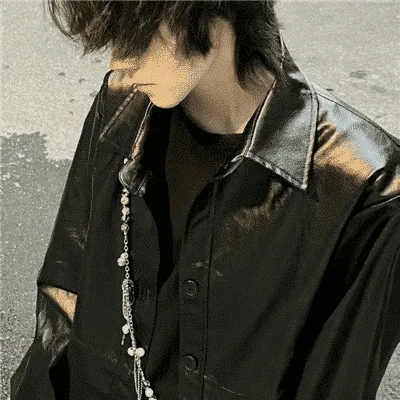
It works best with a clear front-facing selfie, visible hairline, and no heavy sunglasses. The prompt locks facial geometry, skin tone, age, hairstyle, and expression range before changing the trip scenes. Side profiles, hats covering the forehead, and low-light selfies can still drift in two or three panels.

02Which source selfie gives the most believable travel grid

Use one recent selfie with even light, a relaxed expression, and a face at least 700px tall. Avoid group photos, beauty filters, strong shadows, mirrored sunglasses, and cropped chins. The grid is more convincing when the input already feels like a normal phone photo.

03Will the result look like a fake passport stamp or travel proof

No. The tool is designed for creative lifestyle photos, not travel verification. Prompts explicitly avoid boarding passes, passports, official documents, location proof, ticket text, and real brand marks. Use it for social visuals, mood boards, and avatar content, not evidence.

04Why do some grid panels look more polished than a real phone gallery

AI tends to clean skin and straighten composition. Choose Natural finish for flyaway hair, uneven sunlight, and small framing imperfections. Polished is better for thumbnails and creator banners, but it can feel less like a messy real camera roll.

05Can I make Bali, beach, temple, and rice terrace versions from the same selfie

Yes. The destination control changes the background vocabulary while preserving the same subject. Bali mixes terraces, temple gates, cafes, and poolside frames. Beach focuses on shore and resort light. Temple and Rice are narrower and usually feel more editorial.

06What details should I check before posting the grid

Zoom into eyes, teeth, hands, earrings, and repeated backgrounds. Nine-panel grids are more demanding than one portrait, so one panel may have a warped smile, odd fingers, or duplicated temple geometry. Regenerate before posting if identity changes across panels.

07Does the generator create separate downloadable photos

It outputs one square collage image, not nine separate files. That is deliberate because the page is optimized for a fast 3x3 travel photo grid, profile posts, story covers, and inspiration boards rather than full photo-album production.

How creators use travel grids

How creators use travel grids

The Bali grid looked like a weekend camera roll, not a poster. I used Natural finish because the tiny messy hair made it feel more believable.

N

Nina P.

UGC creator

I needed a quick trip mood board for a pitch. The Rice setting gave me enough terrace variety without looking like nine copies of the same shot.

M

Marco L.

Travel newsletter editor

It kept my face consistent in seven panels. Two had weird fingers, so I regenerated once and used the cleaner grid.

A

Ava S.

Solo travel blogger

The 4 Grid option is better for ad tests. The 9 Grid reads more like a personal feed post.

D

Daniel K.

App marketer

Polished finish is good for thumbnails, but Natural is the one I would use for an actual social post.

P

Priya M.

Portrait retoucher

Beach mode gave me three usable directions for a resort campaign before we booked a real shoot.

O

Owen R.

Mood-board designer

The no passport or ticket rule matters. It keeps the output in the creative lane instead of pretending to prove a trip.

L

Lena C.

Creator manager

Start Creating with Nano Banana Pro

Create stunning images today