Nano Banana Pro
  • Home
  • Assets
  • Pricing
AI Tools
AI Tools
Image
AI Comic GeneratorRemove BackgroundObject EraserImage Upscaler
Video
Video UpscaleAI Video EditorAI Video Extend
Nano Banana ProNano Banana Pro

Upholstery Fabric Visualizer

AI Toolbox

JPG, JPEG, PNG, WEBP · Up to 10 MB

Choose a visual template

Original AI template illustration; not a tested result from this tool.

Resolution

Upholstery Fabric Visualizer

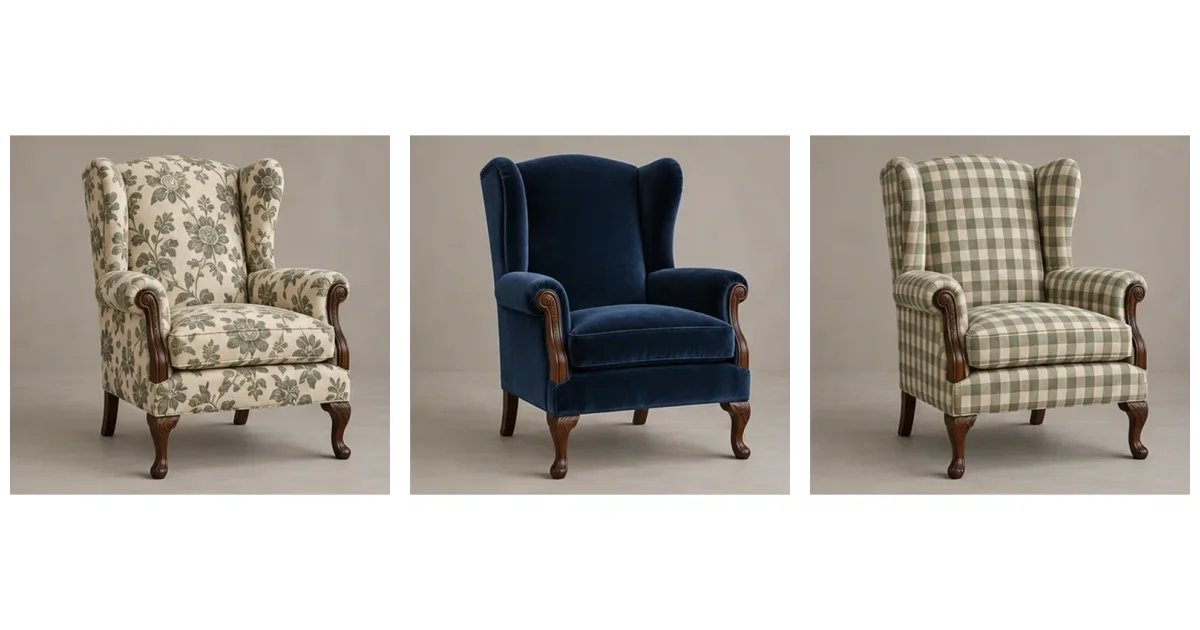
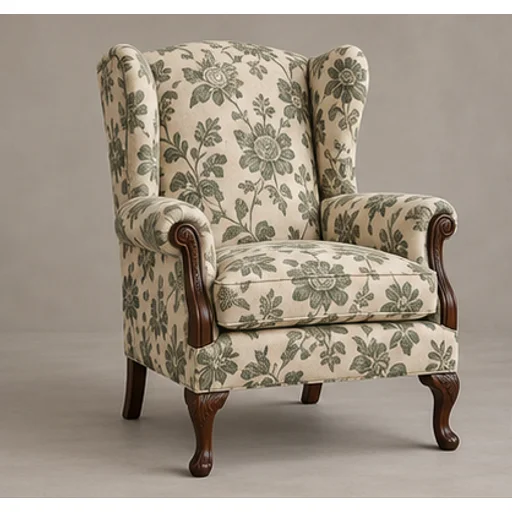
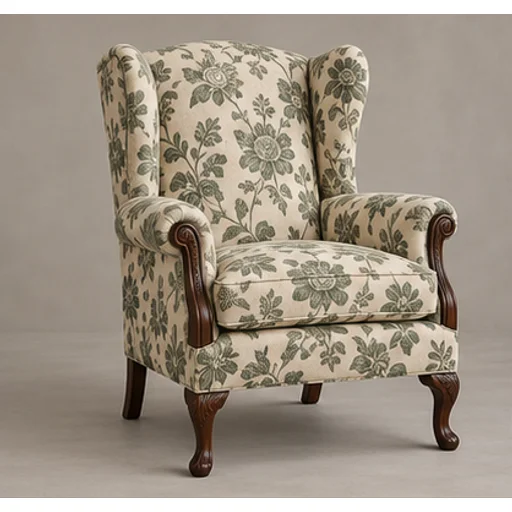
Preview a new textile on your own furniture before committing to reupholstery. The upholstery fabric visualizer uses the original chair or sofa as the shape reference and a swatch or chosen template as the material reference.
Botanical

Original AI template illustration; not a tested result from this tool.

Related AI tools

  • AI Travel Photo Grid Generator

    AI Travel Photo Grid Generator

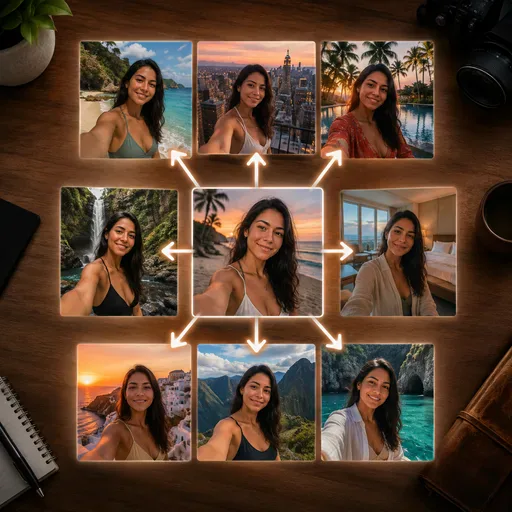
    AI Travel Photo Grid Generator helps you make believable 3x3 vacation collages, trip moodboards, and social travel visuals from a single reference. Useful when you need a consistent person across beach, city, hotel, and candid phone-style shots.

  • Café Aesthetic AI Photo Generator

    Café Aesthetic AI Photo Generator

    Build a believable café lifestyle portrait with a selected café direction, time of day, and editorial styling.

  • AI Virtual Staging

    AI Virtual Staging

    Explore furnishings for an empty room: upload a room photo, choose the room type and furniture style, then generate a virtual-staging concept.

  • AI Landscape Design

    AI Landscape Design

    Explore a garden concept from your yard photo. Choose how you want to use the space and a landscape style; review planting and paths before planning work.

Upholstery Fabric VisualizerOriginal AI template illustration; not a tested result from this tool.
Upholstery Fabric Visualizer

What you can explore

Preview a new textile on your own furniture before committing to reupholstery. The upholstery fabric visualizer uses the original chair or sofa as the shape reference and a swatch or chosen template as the material reference.

Upholstery Fabric Visualizer

Prepare your reference

Photograph the entire piece from a clear angle without cropped legs or arms. For your own material, upload a flat swatch second with even lighting and a full repeat visible. Keep woodwork and upholstery easy to distinguish.

Upholstery Fabric Visualizer

Create and compare

Upload the furniture, choose a template direction or add your own fabric, and generate a comparison. Your uploaded swatch overrides the template material. Keep the furniture photograph unchanged across variations so comparisons remain useful.

Upholstery Fabric Visualizer

What you can download

Download a visual reference for a shortlist or an upholsterer discussion. Review several materials against the same furniture. The output does not calculate yardage, match a supplier’s stock or provide a cutting plan.

Upholstery Fabric Visualizer

Check the important details

Check that the legs, wooden frame, seams, perspective and room remain recognizable. Inspect pattern direction on arms and cushions. Generated repeat scale and texture are approximate; a preview cannot certify an exact fabric match.

Upholstery Fabric Visualizer

Use the result in your project

Take the preview, real swatch and furniture measurements to an upholsterer. Confirm durability, pattern matching and material quantities separately. For clothing projects using a similar fabric, try the sewing fabric visualizer.

Manage assets

Privacy Policy

Questions before you start

Inputs, choices and outputs

What should I upload?

Upload the entire chair or sofa first, then optionally add an evenly lit fabric swatch.

Can I use a template without copying a prompt?

Yes. Select a material template, or add your own fabric as the second reference.

What stays linked to my reference?

The original furniture guides shape, wooden parts, seams and camera position. Small visual changes remain possible.

Which controls change the output?

The template supplies a material reference when no swatch is uploaded. Your own second image replaces that material reference.

What files can I get?

Download the generated comparison image. Yardage, purchase orders and cutting plans are not included.

How do I check the result?

Check unchanged woodwork, legs and seams, then review pattern direction and approximate scale on cushions.

Does the preview replace physical checks?

No. Touch the real fabric and ask an upholsterer about wear, pattern matching and quantities.

How does generation pricing work?

You’ll need to sign in to generate. The form shows the selected model and its credit cost; check your account balance before generating.

Image models

Image models

  • GPT Image 2
    Image

    GPT Image 2

    GPT Image 2 is an OpenAI image model for generating and editing images. It can render text in multiple languages and ...

  • Nano Banana Pro
    Image

    Nano Banana Pro

    Generate and edit images with Nano Banana Pro. Sign-in and account credits are required; review the displayed cost be...

Start Creating with Nano Banana Pro

Create stunning images today
Get Started
Nano Banana Pro
Nano Banana ProNano Banana Pro

Nano Banana Pro gives you access to advanced AI image models for creating professional-quality images.

Email
FAQShowcasesChangelogAPIManga ColorizerCyberpunk
العربيةDeutschEnglishEspañolFrançais繁體中文日本語한국어Bahasa MelayuTürkçeไทยTiếng ViệtPortuguês (Brasil)中文עבריתPolski
© 2026 Nano Banana Pro· All rights reserved
Privacy PolicyTerms of ServiceRefund PolicyRefund RequestAbout Us
HomeNEWToolsAssetsProfile