AI Coloring Page Generator
Describe an idea or upload a photo to create a coloring page. Choose a page format, then print the black-and-white line art and colour it in.
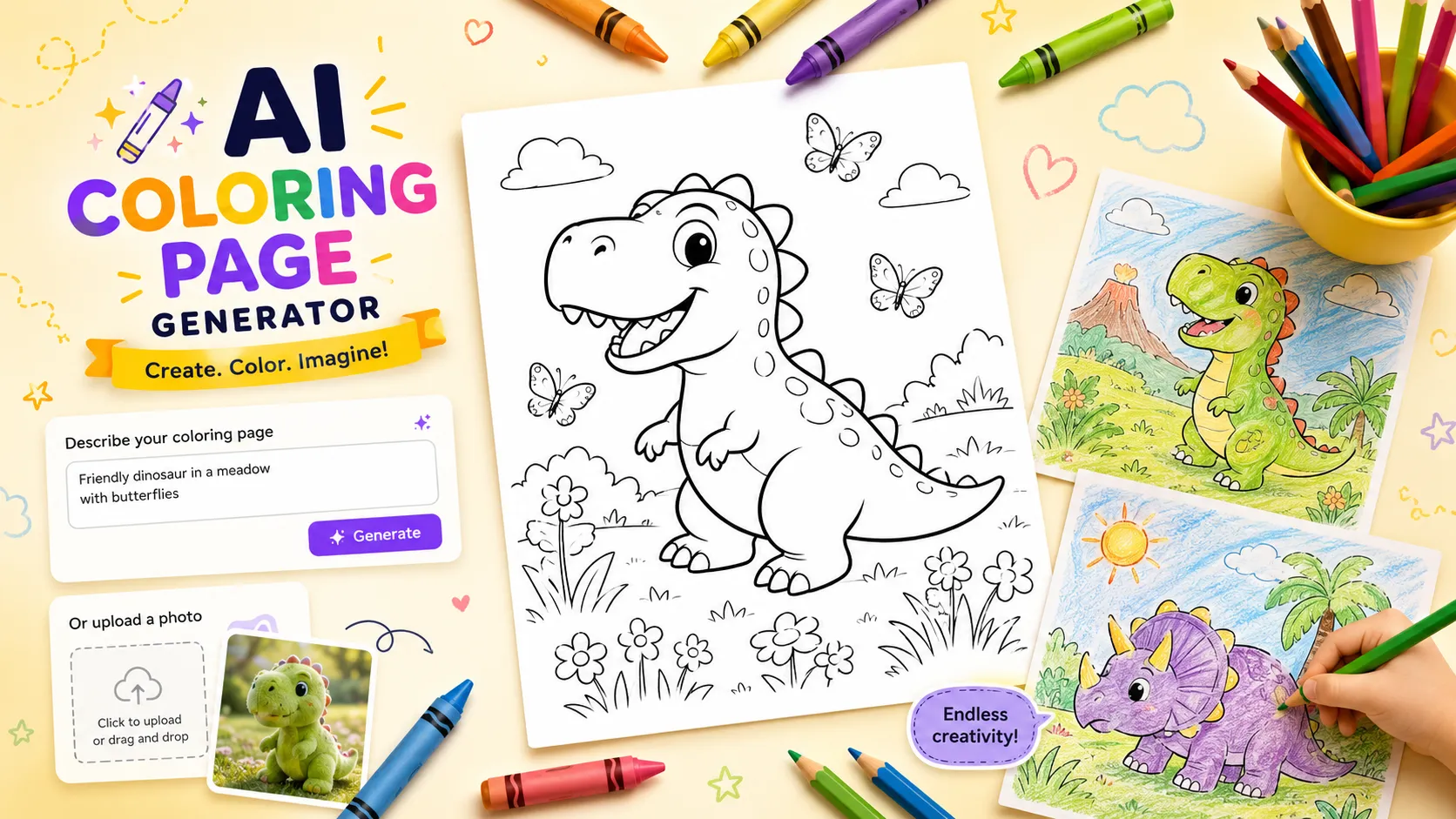

Describe an idea or upload a photo to create a coloring page. Choose a page format, then print the black-and-white line art and colour it in.
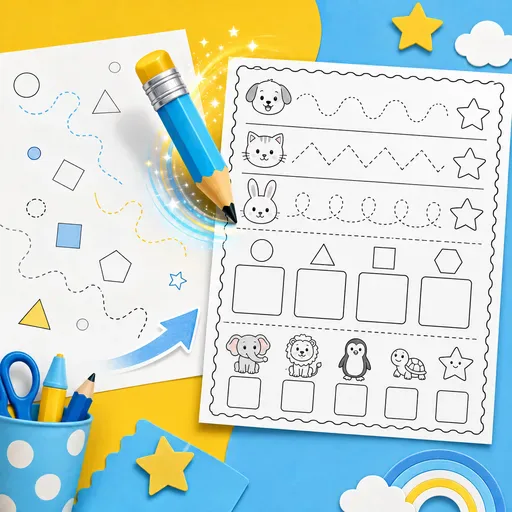
Create printable worksheets for children, covering maths, tracing, phonics, reading, vocabulary and activities for Pre-K through 5th grade.
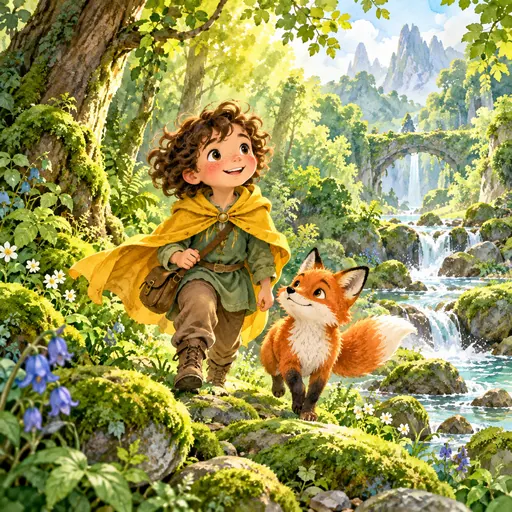
Create a personalised children's picture-book story from a photo or sketch, with your child as the hero. Generate an 8–32-page book with a consistent character, plus a print-ready PDF and KDP hardcover layouts.
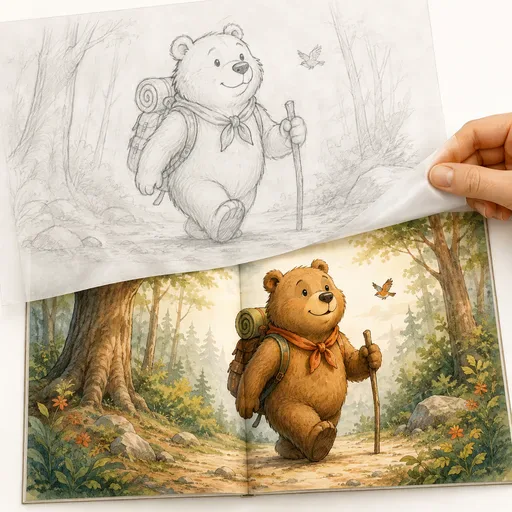
Create children's book illustrations in ten picture-book styles, with a character intended to stay consistent across scenes. Generate full-bleed spreads, single pages, covers and endpapers. The configured output is described as 300dpi CMYK for KDP print projects.
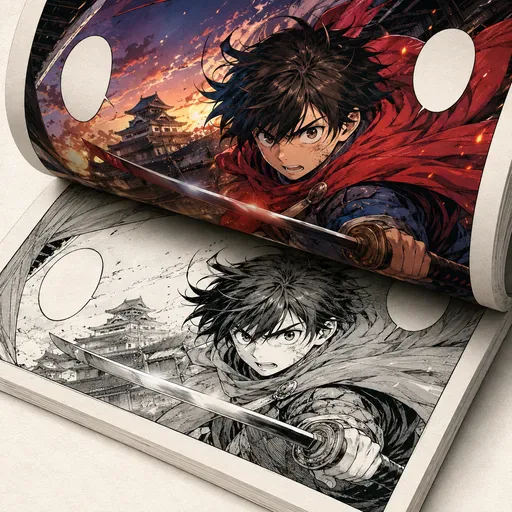
Add colour to black-and-white manga, comics and line art while aiming to preserve the original lines.
Use a prompt or photo to guide an AI model in creating black-and-white line art for colouring. Describe the subject and choose a page format. Results vary, so review the image and check its layout before printing.
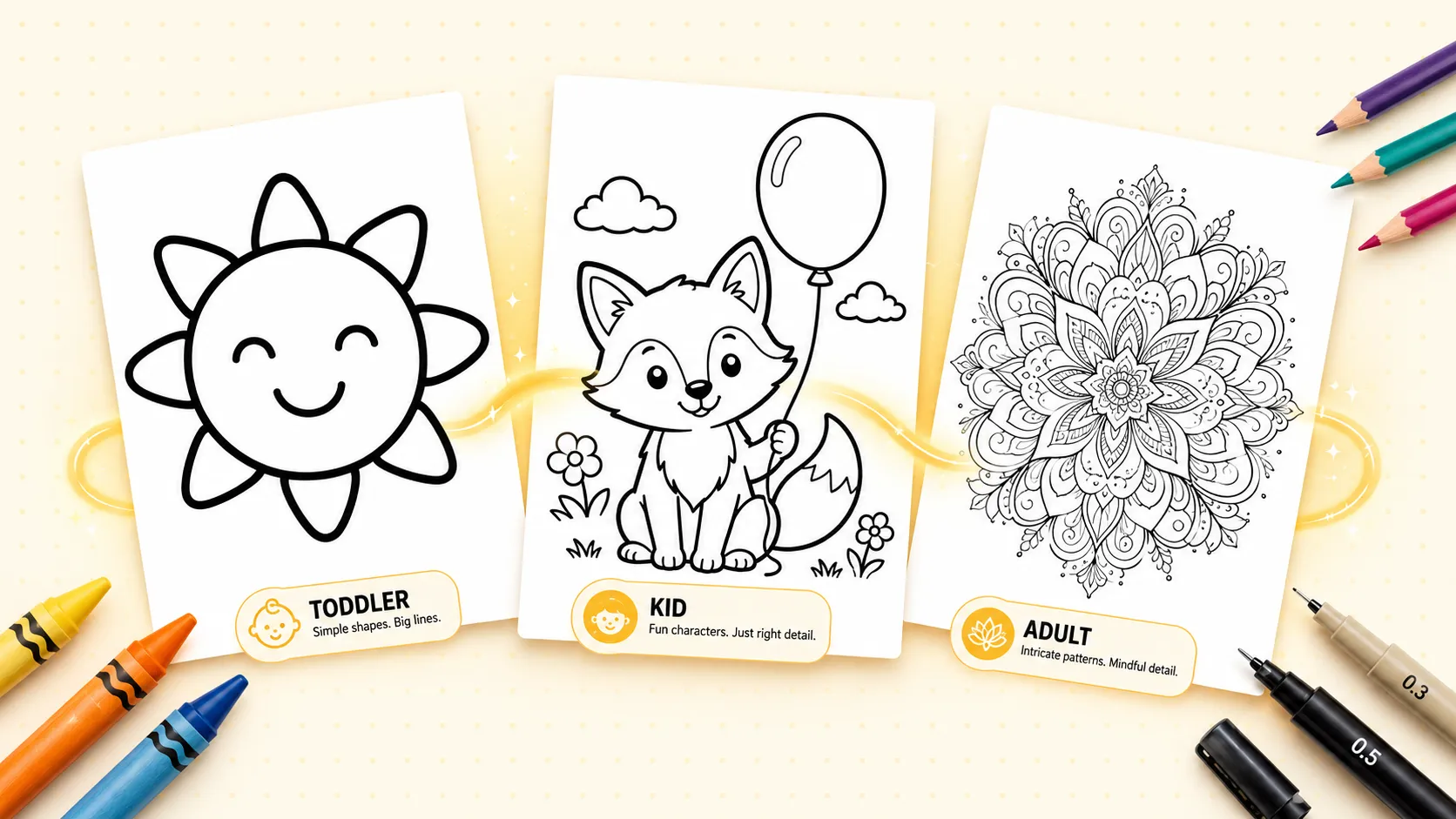
Choose an audience and detail level to guide the image. For toddlers, try thick lines and large, simple shapes. For older children, include more characters and objects. For adults, try intricate mandalas, zentangle patterns or detailed scenes. The result may vary, so check it suits the person who will colour it.
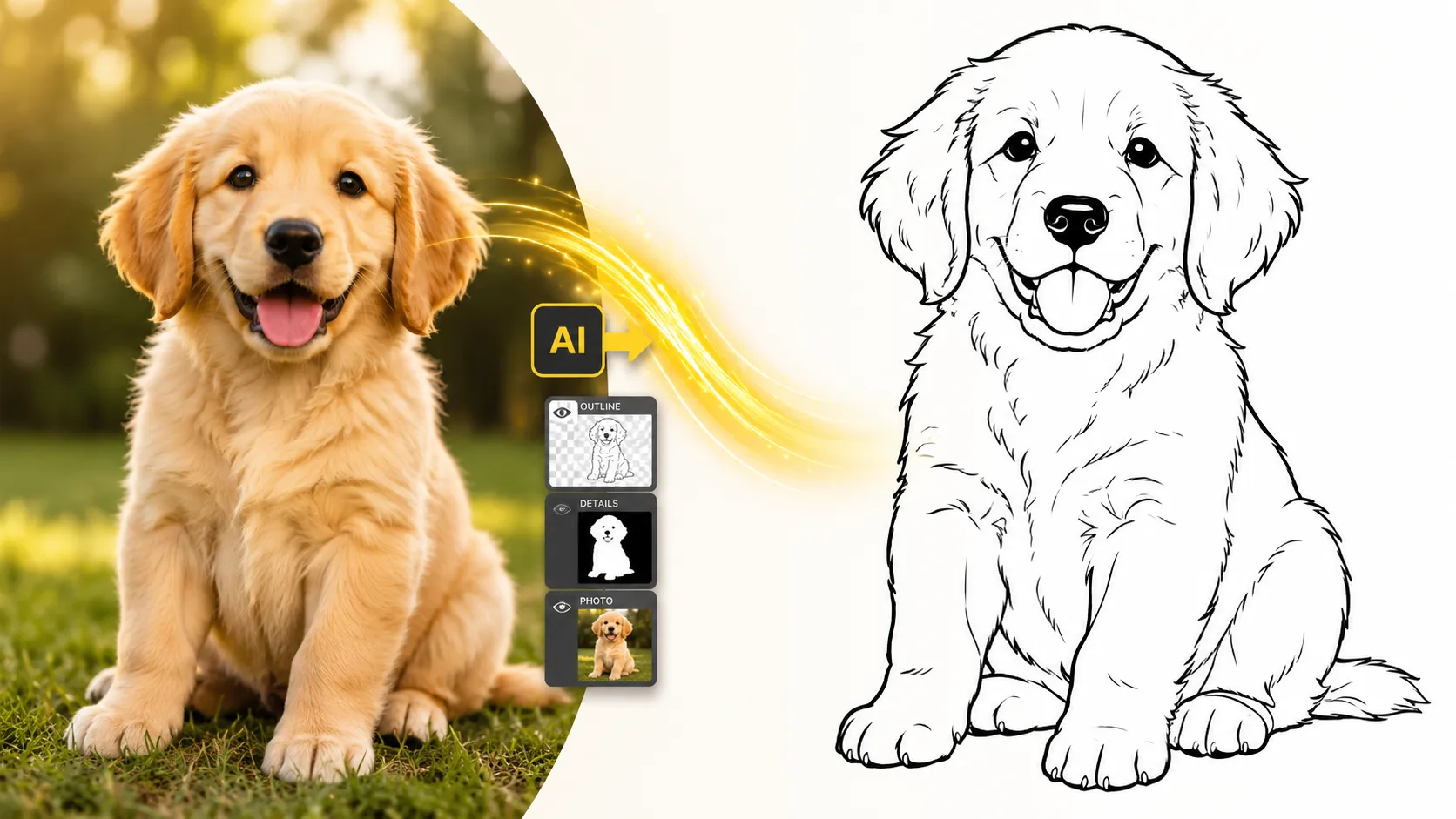
Upload a portrait, a pet, a product, or a holiday snapshot. The AI extracts the main subject, simplifies the background, drops color and shading, and outputs crisp black lines on white. Personalized birthday gifts, pet portraits to color, classroom photos turned into worksheets — the photo-to-coloring-page flow handles them all without manual tracing.
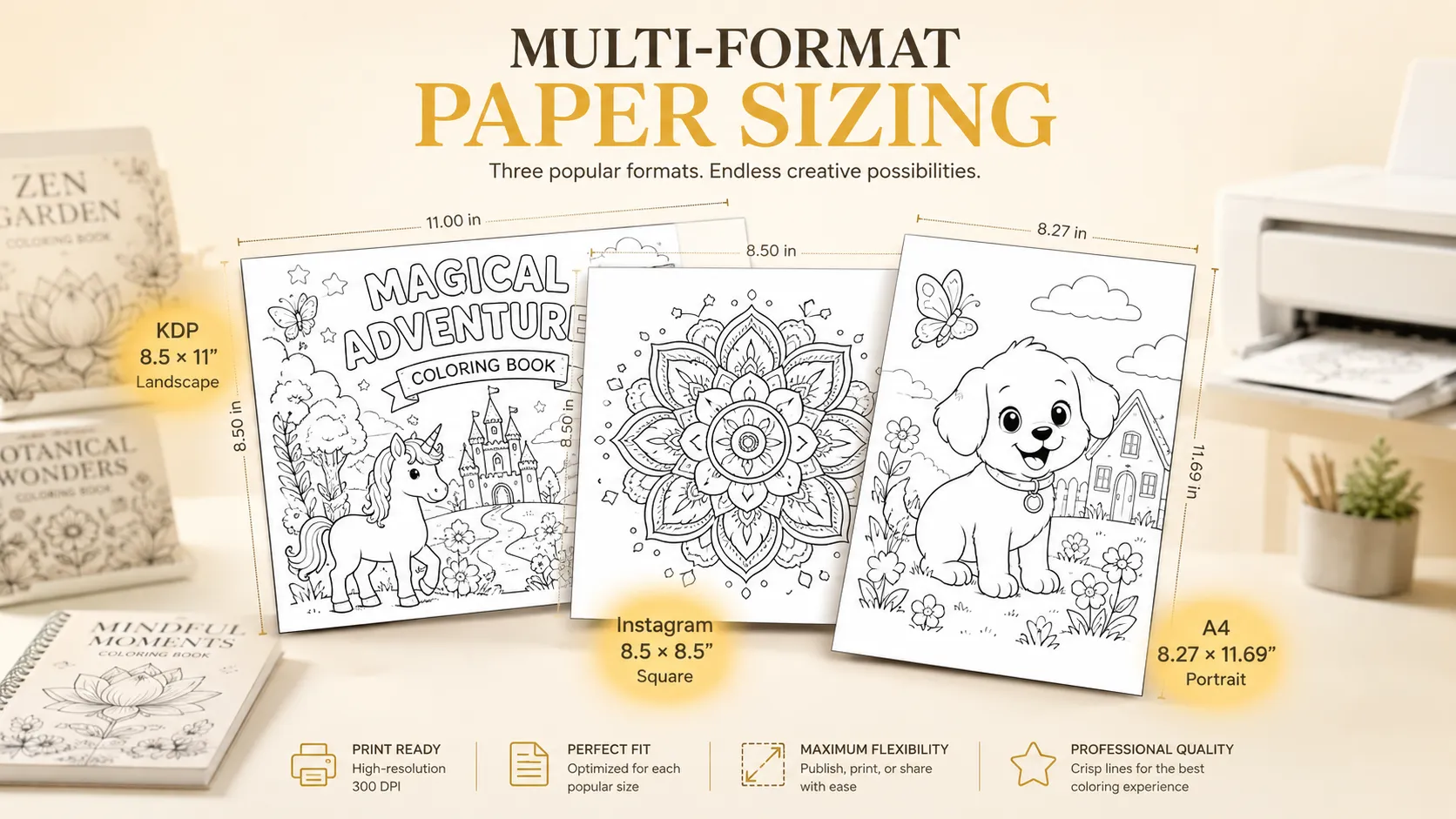
Pick A4 portrait, A4 landscape, US Letter, square, or KDP 8.5×11 in and the AI composes the scene for that exact aspect ratio. No cropping bars when you print, no awkward white space. The KDP preset adds bleed-aware margins so pages drop directly into Amazon KDP coloring book templates without re-cropping.

GPT Image 2 is an OpenAI image model for generating and editing images. It can render text in multiple languages and ...

Generate and edit images with Nano Banana Pro. Sign-in and account credits are required; review the displayed cost be...

Create videos from text prompts, animate an image or use video input in supported modes. Choose a generation mode and...

Create videos from text prompts or images with Sora 2. Choose from the available options, then review the displayed c...

ByteDance's AI video model combines text, images, video clips and audio in one prompt. Use its @-reference system to ...