Facial Aesthetics Report
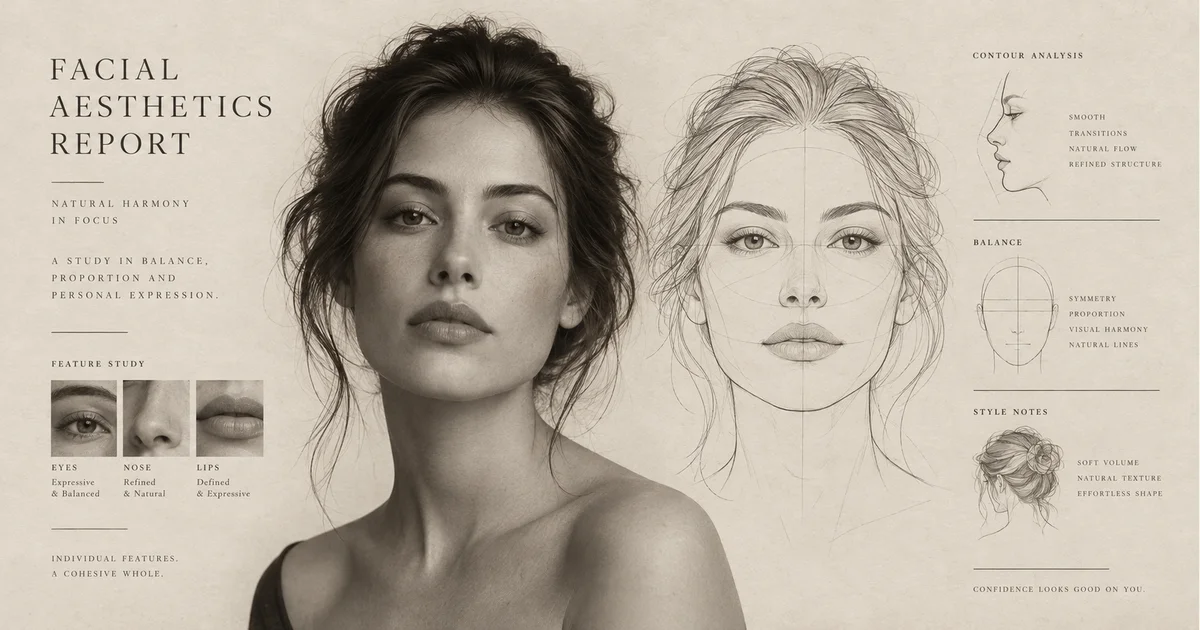
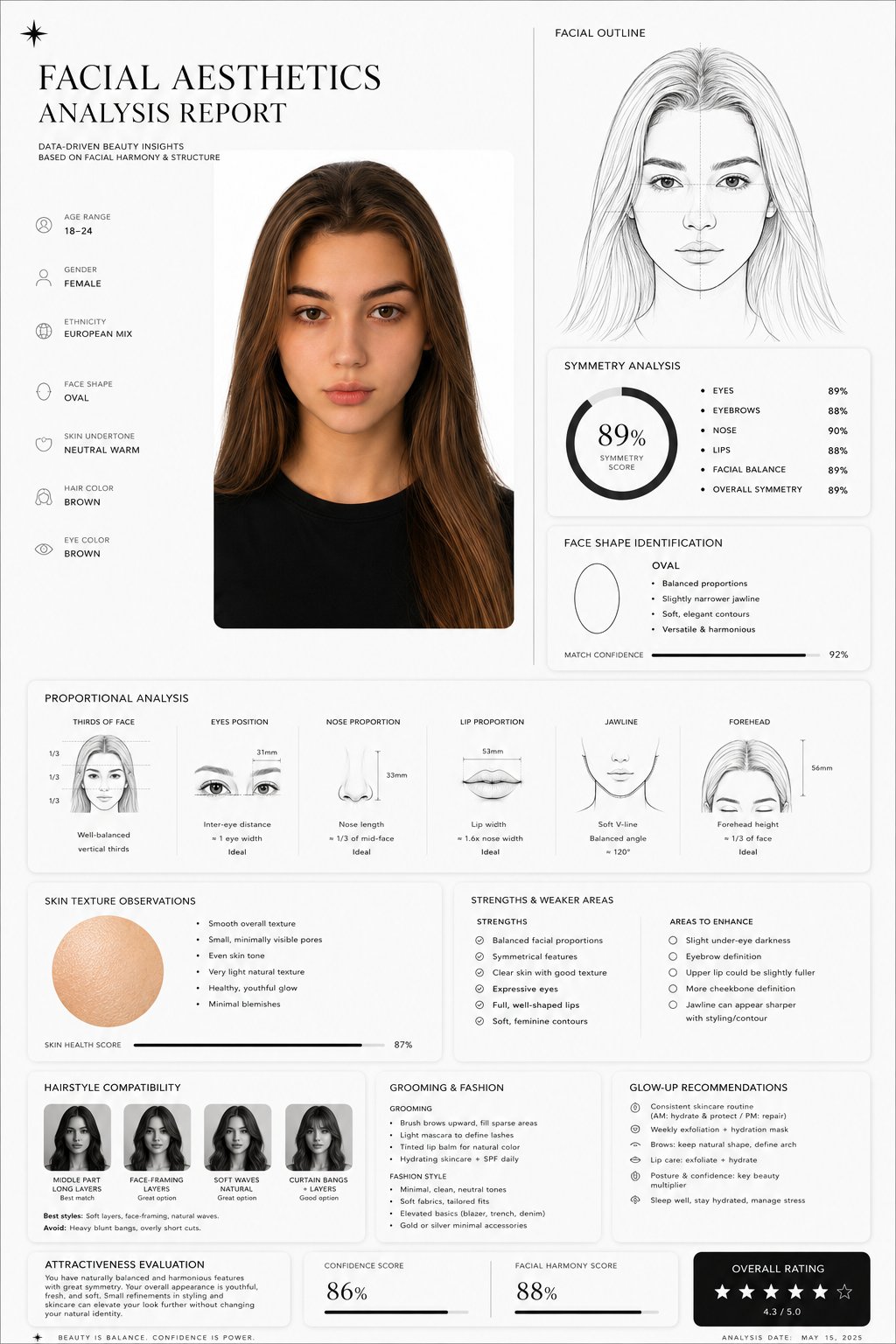
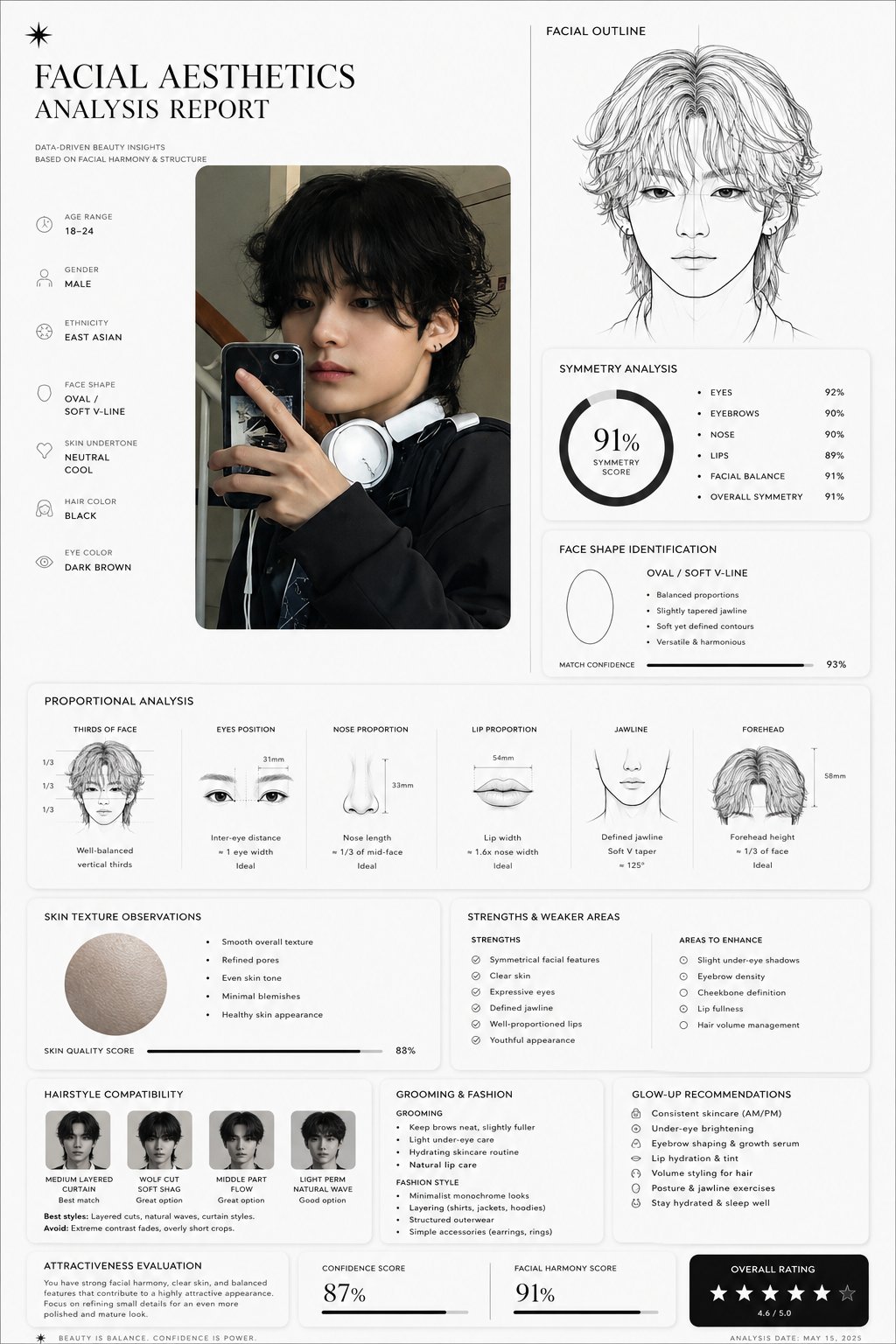
Turn your portrait into an illustrated facial aesthetics report with a face outline, visual observations and styling ideas.
 AI-created illustration
Turn your portrait into an illustrated facial aesthetics report with a face outline, visual observations and styling ideas.
AI-created illustration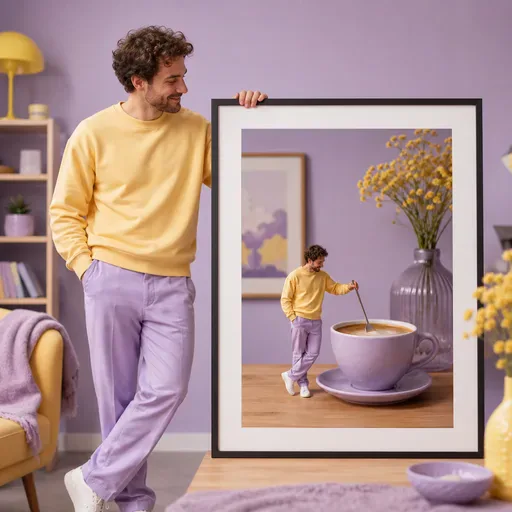
Turn one portrait into a playful mini-me scene with a consistent face, a chosen scale, and a simple everyday setting.
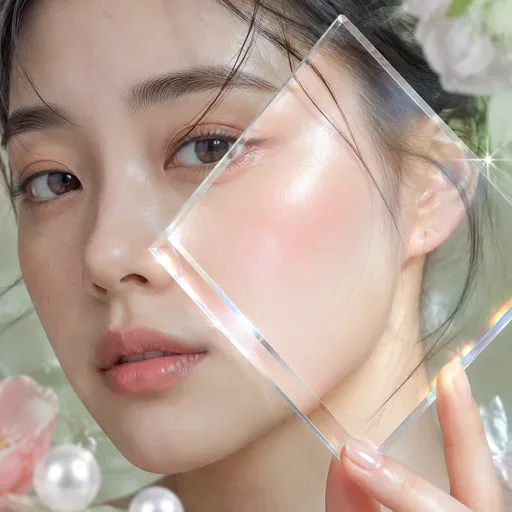
Add a dewy Korean beauty photo finish with controlled lighting while keeping the edit cosmetic and identity-aware.
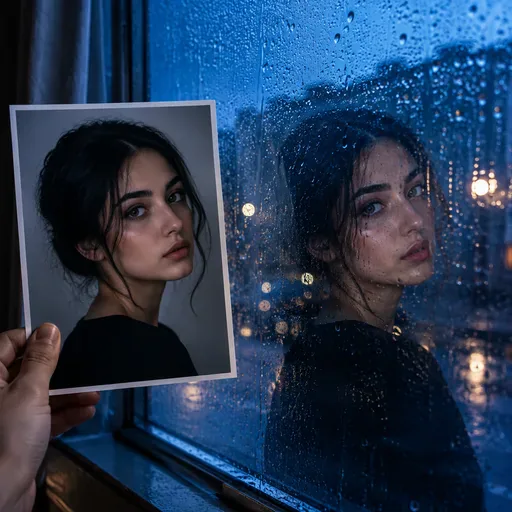
Place one portrait behind believable rain-speckled glass with ambient reflections and a chosen cinematic mood.

Create an ID-style photo with an adjusted background and light skin retouching. Check the image against the requirements of the organisation requesting it.
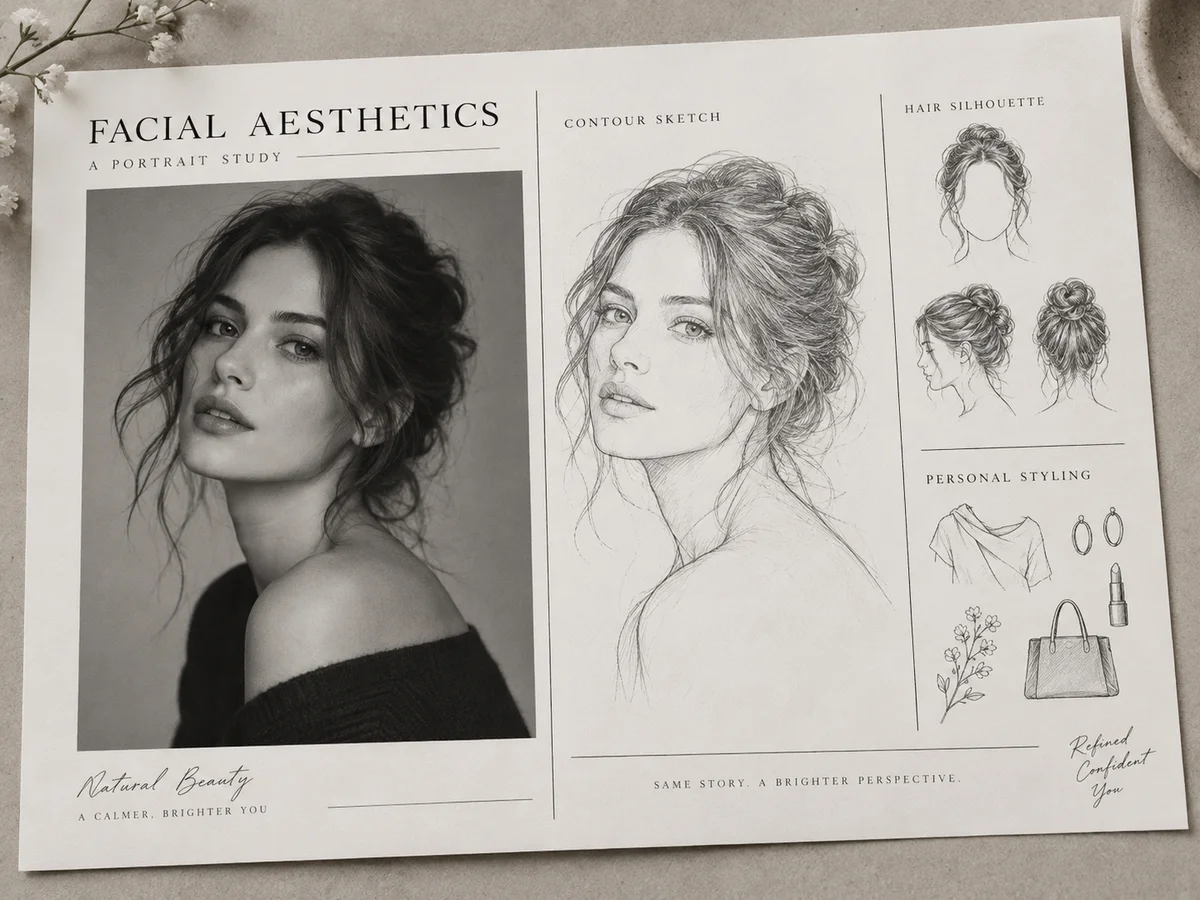
Create a report-style image for a personal portrait study, a styling mood board or an editorial concept. The portrait, face-outline drawing and short observations share one layout.
 AI-created illustration
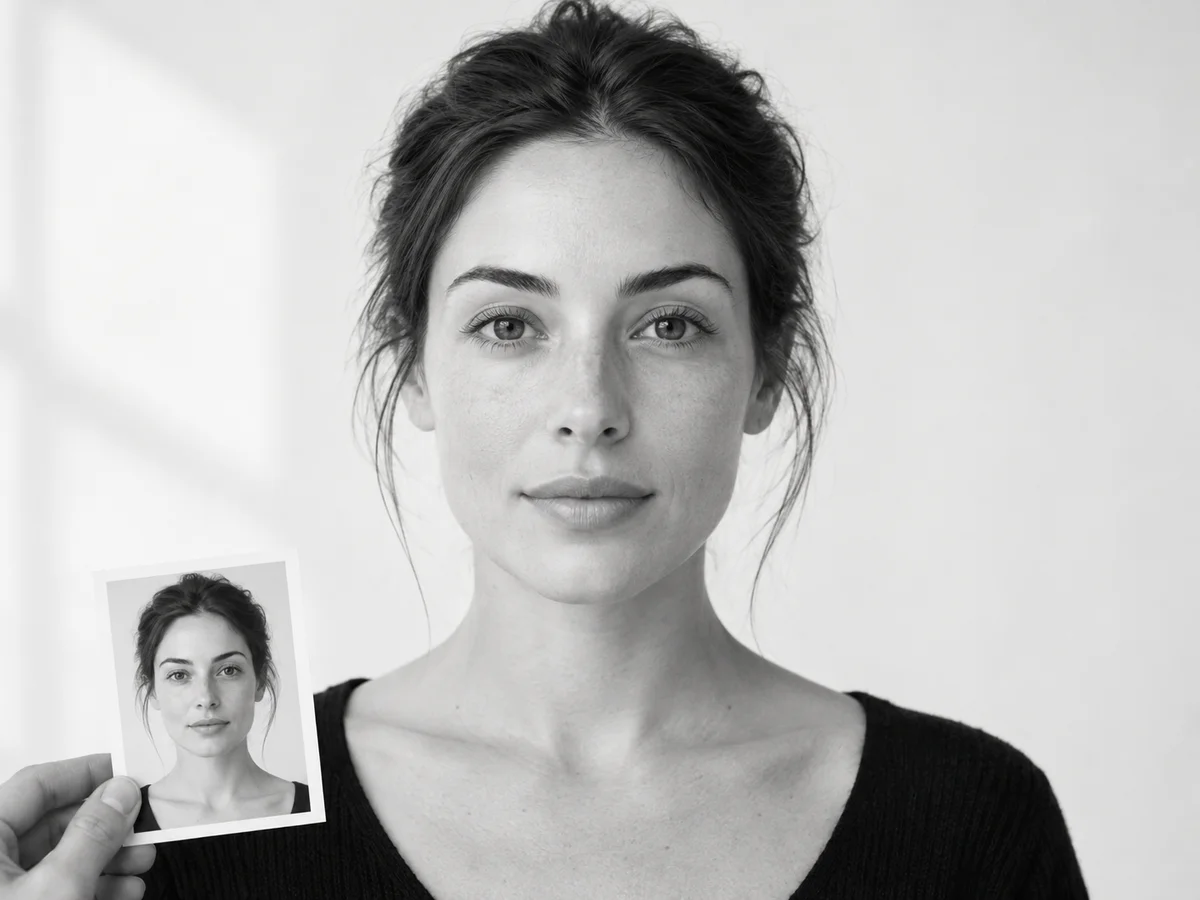
Choose a well-lit, front-facing photo of one person with the eyes, hairline and jaw visible. Avoid strong beauty filters, sunglasses and extreme angles. Use your own photo or an image you have permission to upload; a clearer reference makes identity and styling easier to compare.
Upload your portrait, sign in and choose an available image model. Check the selected canvas shape, image settings and displayed credit cost before generating. Open the completed result at full size; you can return to generation history if you leave while the task runs.
 AI-created illustration
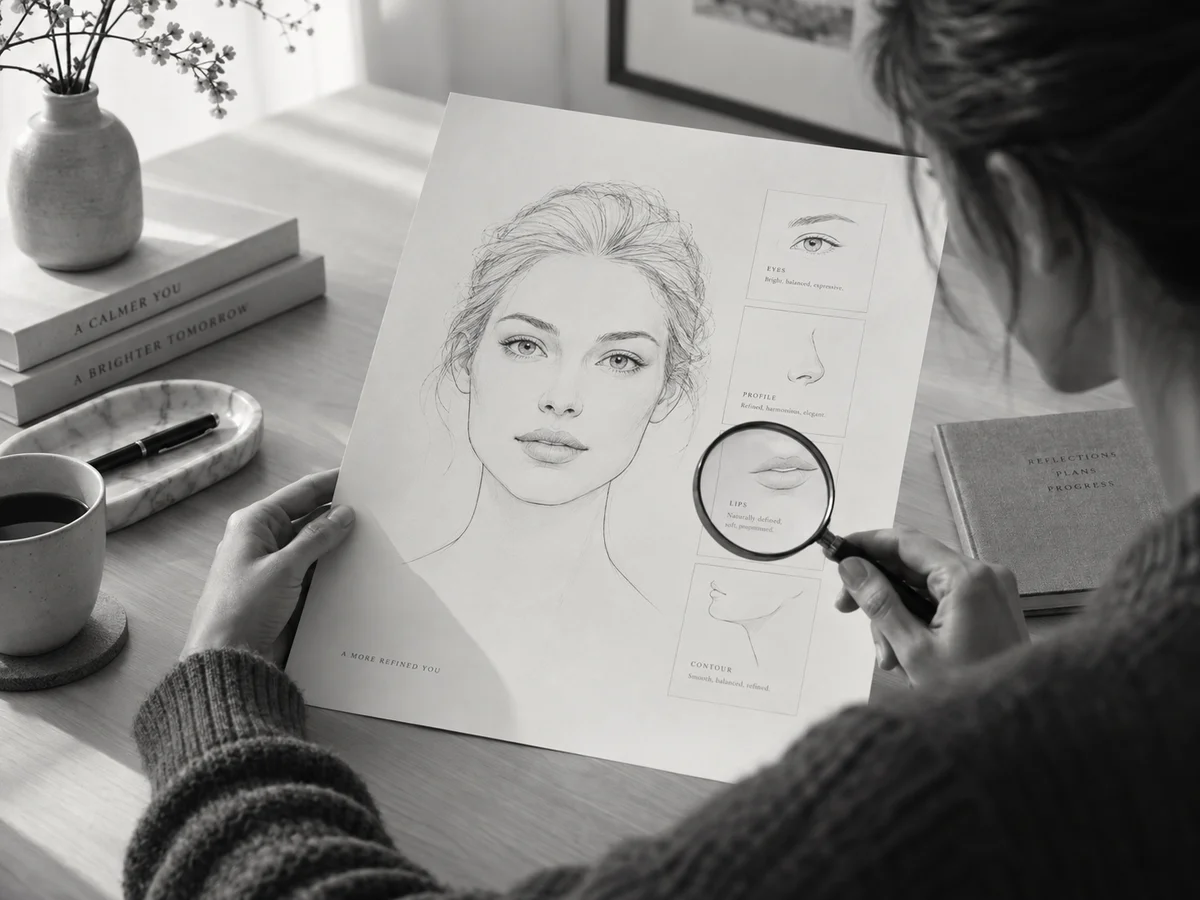
Explore a report poster with the subject portrait, a simple facial outline, qualitative observations about visible proportions and concise hair, grooming or photo-presentation ideas. Each result is an image, not a PDF, spreadsheet or editable assessment. Composition and readable lettering vary with the selected model.
 AI-created illustration
Compare the eyes, nose, mouth and face shape with your source photo. Read every label and check that panels and the portrait are not cropped. If text is unclear or the face drifts, retry with a clearer reference or simpler settings; do not treat invented measurements or scores as facts.
Download a version you like for a mood board, personal style discussion or further manual design. The observations are generated visual suggestions, not validated measurements, attractiveness rankings or medical advice. Keep meaningful choices about your appearance grounded in your own preferences rather than generated scores.
It is a generated report image combining your portrait, a facial contour sketch and observations about face shape, visible proportions, hair and grooming. It may include charts or scores. The result is an image for visual exploration, rather than an editable document, PDF or measured facial dataset.
Use one person facing the camera in even light, with the eyes, hairline and jaw visible. Avoid sunglasses, strong beauty filters and extreme angles. Keep the original for comparison. The uploader accepts JPG, JPEG, PNG and WEBP; follow its displayed file limit and use a photo you have permission to upload.
No. Any scores, symmetry labels or proportion charts are generated content, not calibrated measurements or an objective attractiveness rating. Camera angle, lighting and the model can change them. Use the report to explore styling ideas; it cannot diagnose skin conditions or guide medical treatment.
Upload your portrait, sign in and choose an available image model. Select a portrait canvas if you want a tall report, check the displayed credit cost and generate. The report brief is already supplied. Open the completed image at full size to check the face, text and layout before downloading.
Compare the eyes, nose, mouth and jaw with your original. If important features have changed, try a clearer, front-facing portrait without strong filters or choose another available model. Image generation can reinterpret a face, so exact identity preservation is not guaranteed. Keep the version that resembles the reference most closely.
Generation requires signing in and enough account credits. The cost is shown beside the generation button after you choose the model and image settings; those selections can change the amount. Check that figure before submitting. This page does not have one fixed price for every model.
If available, choose a larger output resolution and a portrait aspect ratio that gives the report room. Download and inspect the full-size image rather than its thumbnail. Generated lettering may still contain errors; for accurate wording, correct the image in an editor. A “4K” description alone does not set the actual output resolution.
Download the completed image from the result area, or find the task in generation history if you left the page. This tool outputs an image; it does not export an editable PDF or spreadsheet. You can use the image as a styling reference or mood-board element after checking the face and text.

