Camera
Play
Dynamic Camera Movement
Try tracking shots, orbiting moves or whip pans in your prompt. Camera movement and smoothness can vary by model and prompt.

Create videos from text or images with AI models including Sora, Kling, Luma and Runway. Sign in to generate, then check the selected model and credit cost shown for your settings.
These illustrative examples show ways AI video generation can handle camera movement, motion, effects and rhythm.
Try prompts for fast-paced fights, extreme sports or complex interactions. Results can vary, especially with intricate motion and physical details.
Try tracking shots, orbiting moves or whip pans in your prompt. Camera movement and smoothness can vary by model and prompt.
Try prompts involving running, jumping, collisions or interactions with the environment. Motion may vary between frames and generations.
Depending on the selected model, you may be able to add video, audio or images as references to help guide aspects such as camera movement, rhythm or style.
Where supported, a reference video can help guide camera movement and motion in a newly generated clip. Results may differ from the reference.
Try whip pans, match cuts or stylised reveals in your prompt. Transition timing and the result depend on the selected model and inputs.
Describe the scenes, actions and pacing you have in mind. The selected model’s capabilities determine how closely the generated clip can follow your direction.
Where supported, use an audio reference to help guide rhythm and pacing. Check the selected model’s options and credit cost before generating.
Describe your idea or add reference media, then choose a supported model and review its options and credit cost. Results depend on the model and your inputs.
Create videos from text or images with AI models including Sora, Kling, Luma and Runway. Sign in to generate, then check the selected model and credit cost shown for your settings.


Veo 3.1 offers Lite, Fast and Quality variants where available. Choose text-to-video, image-to-video or video-to-video in supported modes; reference-to-video supports up to 3 images and requires Fast at 16:9. Available aspect options are Auto, 16:9 and 9:16. The interface has no duration or resolution selector. Check the displayed credit cost before generating.
The standard Sora model. It is designed for efficient video generation and can be used for storyboards, social clips and creative iterations.

HappyHorse is Alibaba's multimodal video model with native audio and video generation. It supports text-to-video, image-to-video, multi-image reference-to-video and in-place video editing, for projects such as adverts, e-commerce videos, short dramas and social content.

Wan 2.6 supports text-to-video, image-to-video and video-to-video. It offers 5-, 10- and 15-second duration options, 720p and 1080p resolutions, and multi-shot generation.


Create 3–30-second videos from text, first and last frames, or visual references. Choose 720p or 1080p and review motion, sound and credits before developing your next edit.

Kling Motion Control uses reference images and videos to guide character movement and poses. It supports 3–30-second videos and can help create character animation and motion-transfer clips based on your references.
Kling 2.6 is designed for complex motion and interactions. Use it to explore dynamic character movement, objects interacting and fluid camera moves.

Seedance 1.5 Pro is ByteDance's video generation model, with character animation, lip-sync and natural expressions. It supports aspect ratios of 1:1, 21:9, 4:3, 3:4, 16:9 and 9:16, clip durations of 4, 8 or 12 seconds, and optional audio generation.

Seedance 2 is ByteDance's video model for visual quality, complex motion and multimodal references. It supports text, image, video and audio inputs for projects that need consistent visuals and considered camera movement.
Wan 3.0 Video is Alibaba's multimodal video model for text-to-video, image-to-video, reference-to-video and video editing with image, video and audio references.
Wan 3.0 Video Prime is a higher-fidelity Wan variant for text-to-video, image-to-video and reference-to-video projects that need more controlled movement and composition.
ByteDance's latest video model supports text-to-video, first/last-frame image-to-video and multimodal reference-to-video. It supports image, video and audio references, 480p or 720p output, durations of 4–30 seconds and optional audio generation.


Seedance 2 Fast is a faster, lower-cost version of Seedance 2 for prompt testing and quick iterations. It also supports image, video and audio references.
Seedance 2 Mini is the lightest Seedance 2 variant, with a lower per-second cost. It supports first and last frames and multimodal references, making it suitable for drafts, social clips and testing.
Grok Imagine is xAI's video generation model for turning text descriptions into imaginative clips. It supports aspect ratios of 2:3, 3:2, 1:1, 9:16 and 16:9, with fun, normal and spicy style modes.
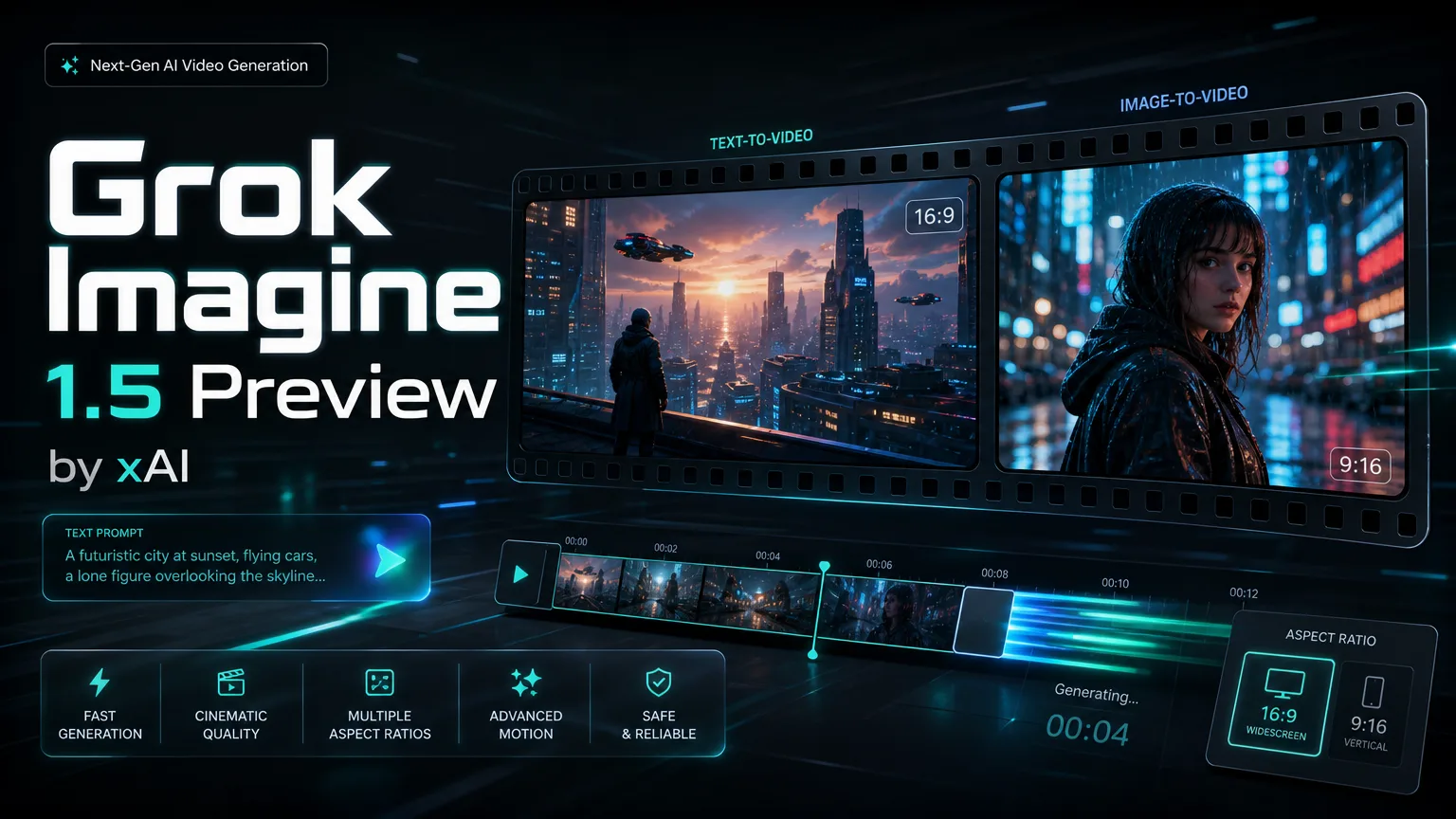
Grok Imagine Video 1.5 Preview is an image-to-video model that requires one reference image. It outputs video at a fixed 720p resolution and supports durations of 5 to 15 seconds and aspect ratios of 16:9, 9:16, 3:2, 2:3, 1:1, 3:4 and 4:3.
Generate 4–15 second videos from text or one starting image, with native audio. Choose 480p, 720p or 1080p; 1080p is upscaled from 720p. For image-to-video, the source image determines framing. Multiple reference images, end frames and video inputs are not supported.
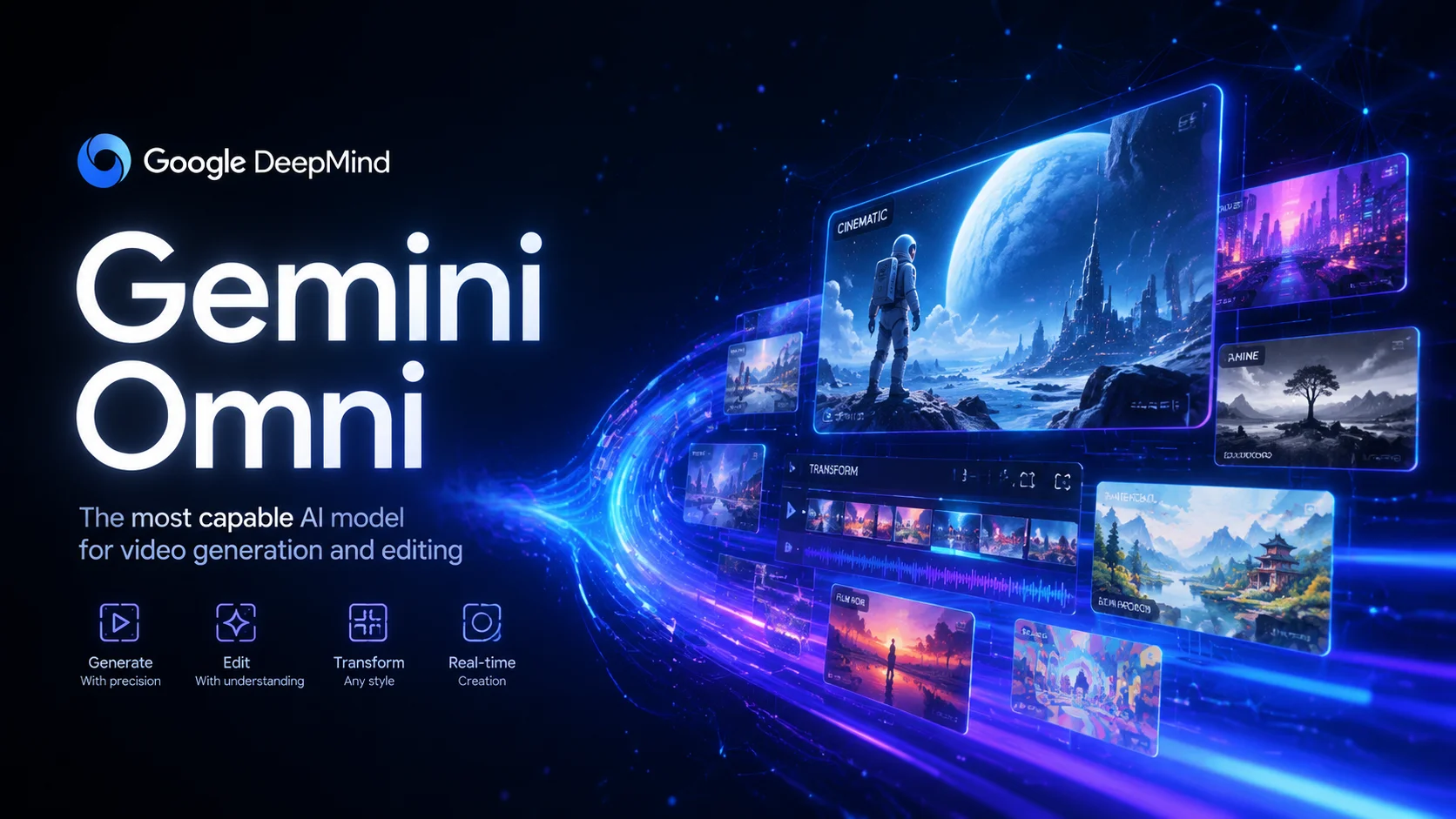
Gemini Omni is Google's video generation model powered by Omni-Flash-Ext. It supports text-to-video, single-image-to-video and combining three image references. Duration options are 4, 6, 8 or 10 seconds, with 16:9 and 9:16 aspect ratios.
Gemini Omni 1.1 Flash is Google's multimodal video model for text-to-video, image-to-video and video creation with reference images. It offers flexible duration and multiple aspect ratios.
MiniMax H3 is a multimodal video model for text-to-video, image-to-video and reference-to-video. It offers 768p and 2K output, flexible duration options and reference audio.

MiniMax H3 Max is a fast video model with 480p and 768p output. It supports text-to-video, first- and last-frame animation, and multimodal references using images, video and audio. Clips are 5 to 15 seconds long.
MiniMax H3 Max Turbo is the lower-cost speed tier for 480p and 768p text-to-video and first-frame image-to-video, with an optional last frame.
Turn text or one image into 1–15-second videos up to 1080p, with optional generated audio.
PixVerse V6 supports text-to-video, image animation, first/last-frame transitions and video extension. It offers 360p to 1080p output, clips from 1 to 15 seconds, and optional native audio.


Animate one first-frame image or use up to 15 reference images. Choose 540p–4K and a duration of 3–16 seconds for image animation or 1–16 seconds for references. Synchronized audio is optional. Reference audio must be MP3 and 3–12 seconds long.
Describe a scene or upload an image, then choose a supported model to create a video. Available inputs and output options vary by model; check the selected model and displayed credit cost before generating.
Describe the video you want or upload an image, then select a supported model. Available inputs and results depend on the model you choose.
Describe camera movement, such as a tracking shot or orbit, in your prompt. The result depends on the selected model and your input.
Describe how you want scenes to connect, or use a storyboard as a guide. The result depends on the selected model and prompt.
Where supported, provide audio or describe the music you want. Check the selected model’s input options; beat matching is not available for every model.
Use the generator in a browser on a phone, tablet or computer. Available controls and results depend on the selected model.
Where supported, use images, video or audio as references for style, camera movement or rhythm. The result may differ from your references.
Common questions about Nano Banana Pro
Can't find what you need? Contact support
Create videos from text or images with AI models including Sora, Kling, Luma and Runway. Sign in to generate, then check the selected model and credit cost shown for your settings.
Image
JPG, JPEG, PNG, WEBP, HEIC, HEIF · 30MB · 0/1