01
Describe the shot
Prompt tips: Add audio input when you need lip-sync. Describe the facial expressions you want to see.

Seedance 1.5 Pro by ByteDance is an AI video model for dance and motion ideas. Describe the movement you have in mind or start from a reference image, then create a video with the Nano Banana Pro AI video generator . Sign in first and check the selected model and displayed credit cost.

Seedance 1.5 Pro is ByteDance's AI video generation model, focused on dance, motion and dynamic human movement. It supports text-to-video and image-to-video. Available output settings and limits depend on the selected model and options shown in the generator.
Prompt tips: Add audio input when you need lip-sync. Describe the facial expressions you want to see.
Generation mode: Text-to-Video / Image-to-Video. Reference image: 2. Only use source material you can process, and say what each reference should guide. A reference cannot guarantee identical details.
Duration: 4s / 8s / 12s. Resolution: 480p / 720p / 1080p. Aspect ratio: 16:9 / 9:16 / 1:1 / 4:3 / 3:4 / 21:9. Check the controls for the active generation mode before submitting. Watch the entire clip for continuity, unintended objects, timing and audio where available before using it.
Generation mode
Text-to-Video / Image-to-Video
Duration
4s / 8s / 12s
Resolution
480p / 720p / 1080p
Aspect ratio
16:9 / 9:16 / 1:1 / 4:3 / 3:4 / 21:9
Reference image
2 · JPEG / PNG / WebP · 10 MB
Prompt (max)
1000
Explore dance and motion ideas, guide movement with prompts, or start from a reference image.
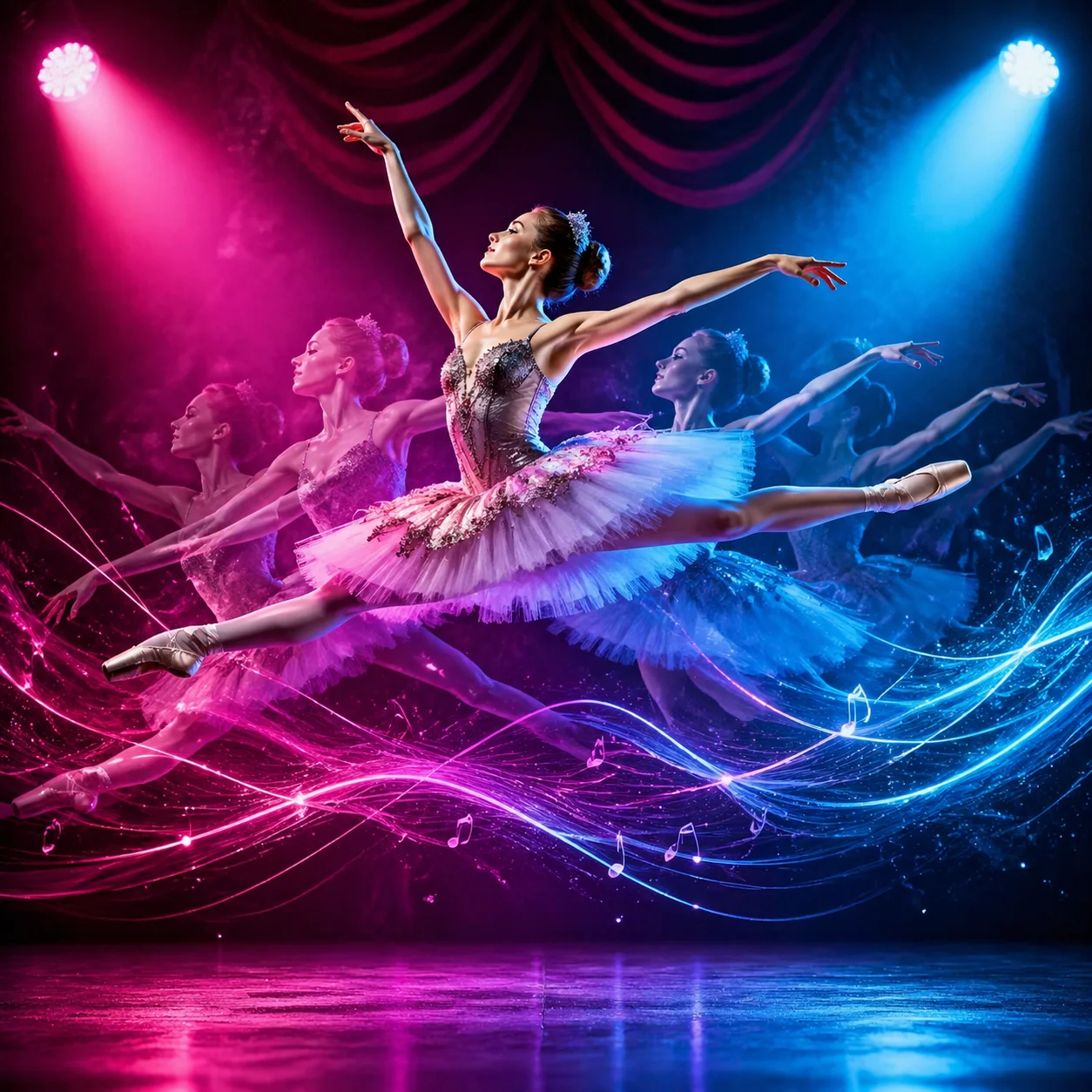
Explore dance sequences in different styles, guided by your prompt.
Use Seedance 1.5 Pro to explore dance and motion ideas, from classical ballet to energetic hip-hop. Describe the style, movement and mood you want in your prompt. The generated choreography may vary and can include inconsistencies, so review the result before using it in a project.
A ballet dancer leaps through the air in a grand jeté, her flowing tutu catching dramatic stage light. Translucent afterimages trace the arc from take-off to landing. Magenta and cyan spotlights create a vivid contrast, with abstract waves suggesting music. Dynamic and graceful.
An example prompt for exploring ballet movement and fluid choreography.
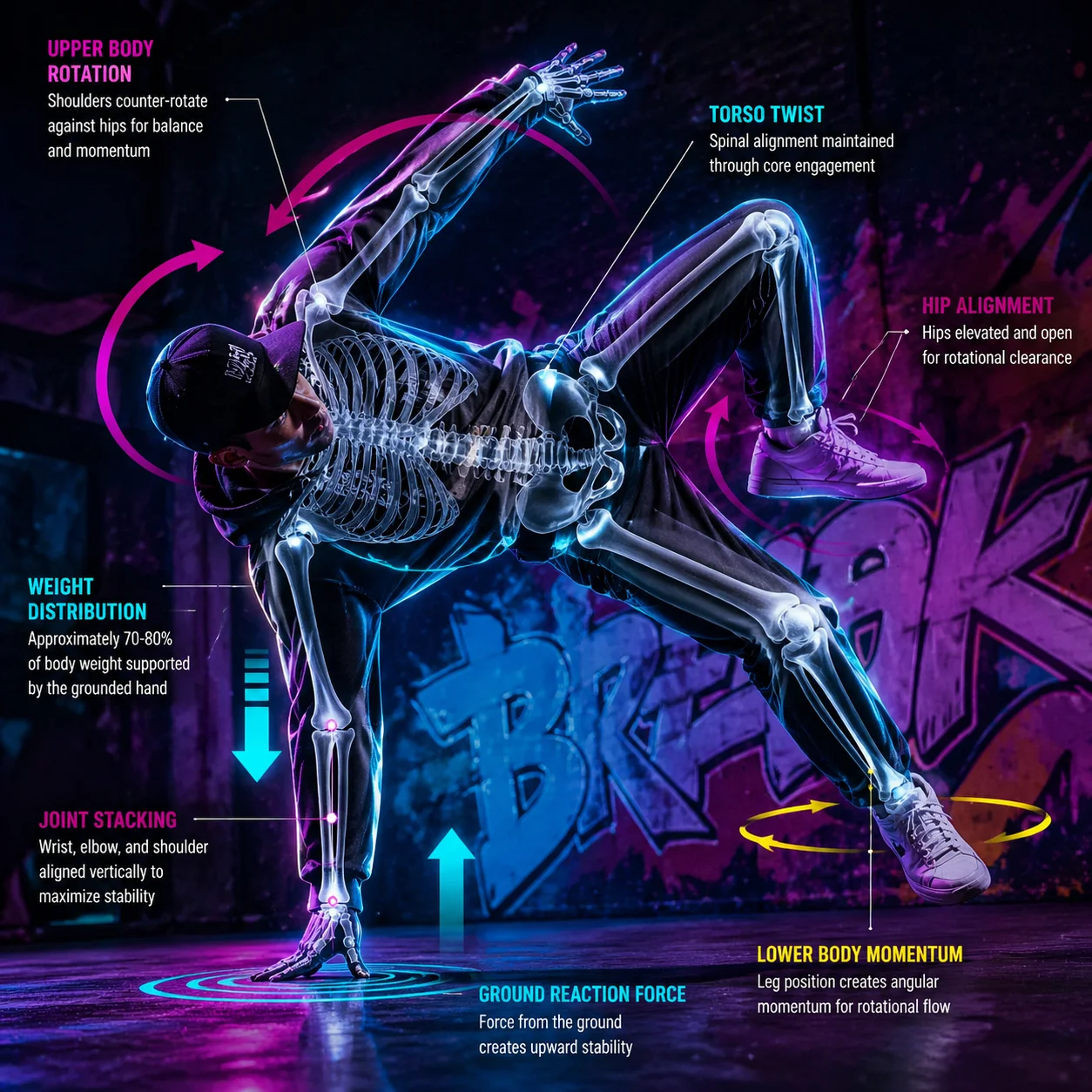
Describe body proportions, joint movement and balance in your prompt.
Prompts can guide the model towards particular poses and movement, but generated anatomy may be inconsistent, especially in complex action. Review each frame for distorted limbs, joints or other visual errors before using the video. This can be useful when exploring ideas for dance, fitness or sports visuals, but the output is not an anatomical reference.
A hip-hop dancer holds a complex pose, one hand on the ground and the body turned dynamically. Add a translucent digital skeleton overlay to suggest bone alignment and joint movement, with arrows indicating rotation and balance. Set the scene against a vivid urban backdrop with magenta and cyan neon edge lighting.
An example prompt for illustrating a pose, joint movement and balance.
Suitable for talking-head videos, character interviews, virtual characters and scenes that need audio synchronisation.
View example prompt 1
Suitable for talking-head videos, character interviews, virtual characters and scenes that need audio synchronisation.
A young girl sings a pop song, with lip movements timed to the audio and expressive eyes in soft bedroom lighting.
View example prompt 2
Prompt tips: Add audio input when you need lip-sync. Describe the facial expressions you want to see.
A grandfather tells a story to his grandchildren, with natural expressions and a warm home setting.
View example prompt 3
Virtual character editing,Talking-head videos,Character interviews,Digital doubles
A virtual news presenter delivers a report with a professional manner, clear speech and expressive facial movement.
Seedance 1.5 Pro FAQ


