Product cutout
Generate a transparent PNG of a bottle, then test the silhouette on a dark banner and a light product card.

Create from a description, edit with reference images, or split a finished image into a base and transparent layers.
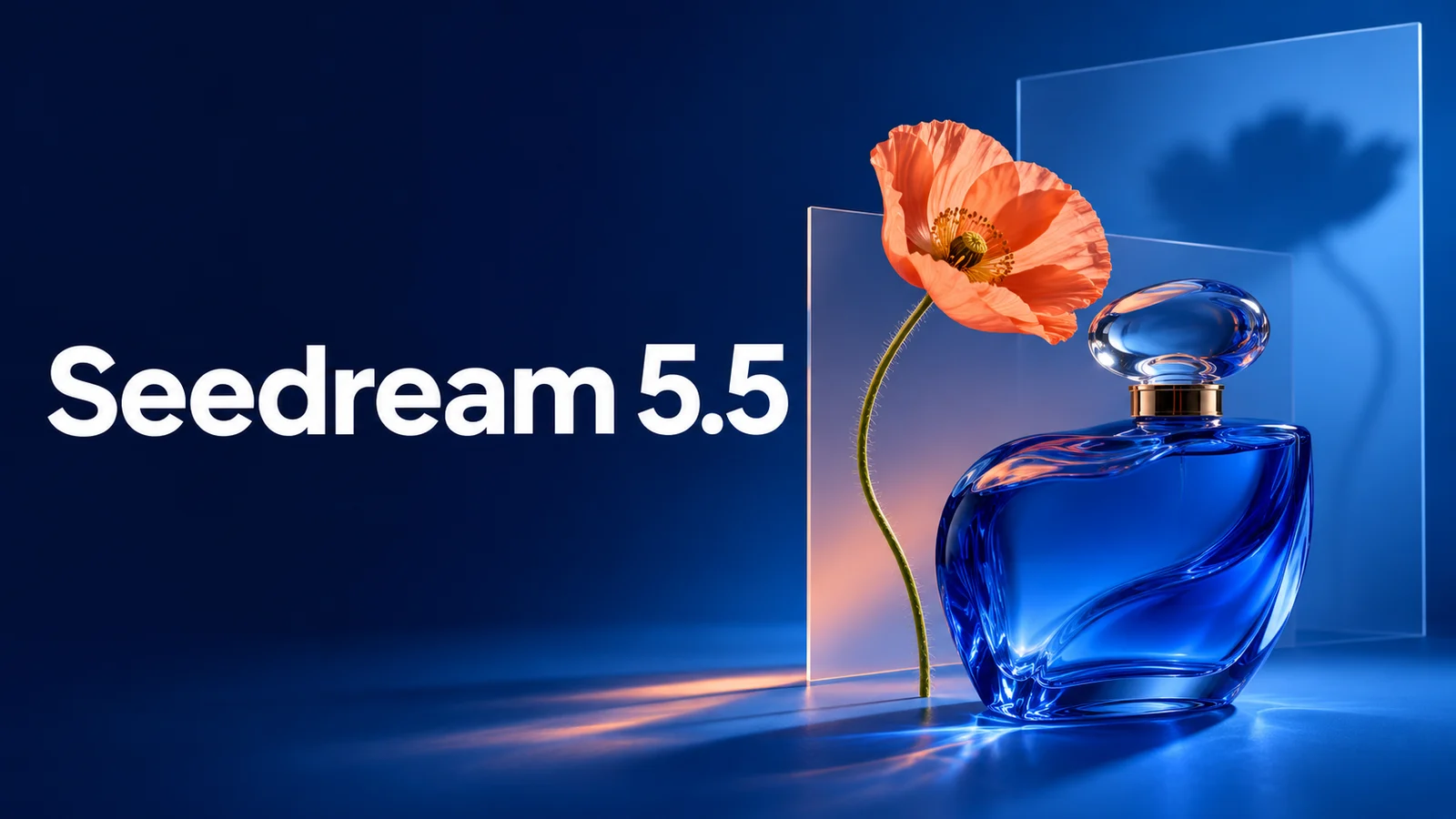
Generate a transparent PNG of a bottle, then test the silhouette on a dark banner and a light product card.
Split a poster, reposition a foreground element in your editor, and check that the exposed background looks right.
Reuse the same product reference while changing the surface and lighting. Compare the label and color across the set.
Describe the subject, lighting and framing. For a product shot, specify the surface, camera angle and empty space for a headline.
Use 1K to try a layout, 1.5K for more detail, or 2K when the final placement needs more pixels. Check the crop at its intended ratio.
Upload up to 10 PNG or JPEG files, up to 30 MB each. Say which image supplies the subject, palette or layout.
Reuse the previous result and name what to change and what to preserve. Compare the label, shape and colors with the original.
Choose a transparent background to download a PNG with alpha. Inspect fine edges over both a light and a dark background.
Turn on layer splitting, upload one PNG or JPEG, and leave the prompt blank for automatic separation or name the elements you need.
Try: A cobalt glass bottle on dark slate, soft side lighting, three-quarter view, with the left third empty for a headline. Generate at 1K first, then check the crop at your final banner ratio before rendering at 2K.
Use the first image for the product and the second for the setting. Try: Keep the bottle silhouette, cap and label from image 1. Use the pale stone counter and morning light from image 2. Compare the label and glass color against image 1.
Upload the finished poster. Try: Separate the foreground bottle, flower and headline. Start with a limit of four outputs including the base. Inspect the uncovered background, then move the objects in your editor. If lettering comes back as pixels, replace it with live text before typesetting.
Seedream 5.5 FAQ