Nano Banana Pro
  • Home
  • Reviews
  • Assets
  • Pricing
Models
Nano Banana 2.1Nano Banana 2Nano Banana 2 LiteNano Banana ProSeedream 5.0 LiteSeedream 5.0 ProSeedream 5.0 FlashGPT Image 2.5 FlareGPT Image 2.5 SunburstGPT Image 2Grok Imagine Image 2.0Z-ImageVeo 3.1 QualityGemini OmniGemini Omni 1.1 FlashMiniMax H3MiniMax H3 MaxMiniMax H3 Max TurboSeedance 2Seedance 2.5Seedance 2 FastSeedance 2 MiniWan 3.0 VideoWan 3.0 Video PrimeKling 3.0Kling 3.0 OmniKling 4.0PixVerse V6PixVerse V6 MaxGrok Imagine Video 1.5 PreviewGrok Imagine Video 1.5 LiteVidu Q4
Nano Banana ProNano Banana Pro
Nano Banana 2
Model

ImageOptional

JPG, JPEG, PNG, WEBP · 10MB

0/14
0/2000
Resolution
Aspect Ratio

Nano Banana 2

Meet Nano Banana 2, Google’s Gemini 3.1 Flash Image model. Explore its image generation options, then choose a supported model and check the available output settings and credit cost. Create images with Nano Banana Pro .

Nano Banana 2
About

About Nano Banana 2

Nano Banana 2 is Google’s Gemini 3.1 Flash Image model. This page introduces its image-generation features, including text rendering, subject consistency and Google Search grounding. Available resolutions, aspect ratios and other options depend on the selected model and mode; check the settings and credit cost before generating.

About Nano Banana 2
Feature overview

Nano Banana 2 Features

Explore image generation features and available model options

Image Generation with Nano Banana 2 example

Image Generation with Nano Banana 2

01

Explore Nano Banana 2’s image generation features and settings

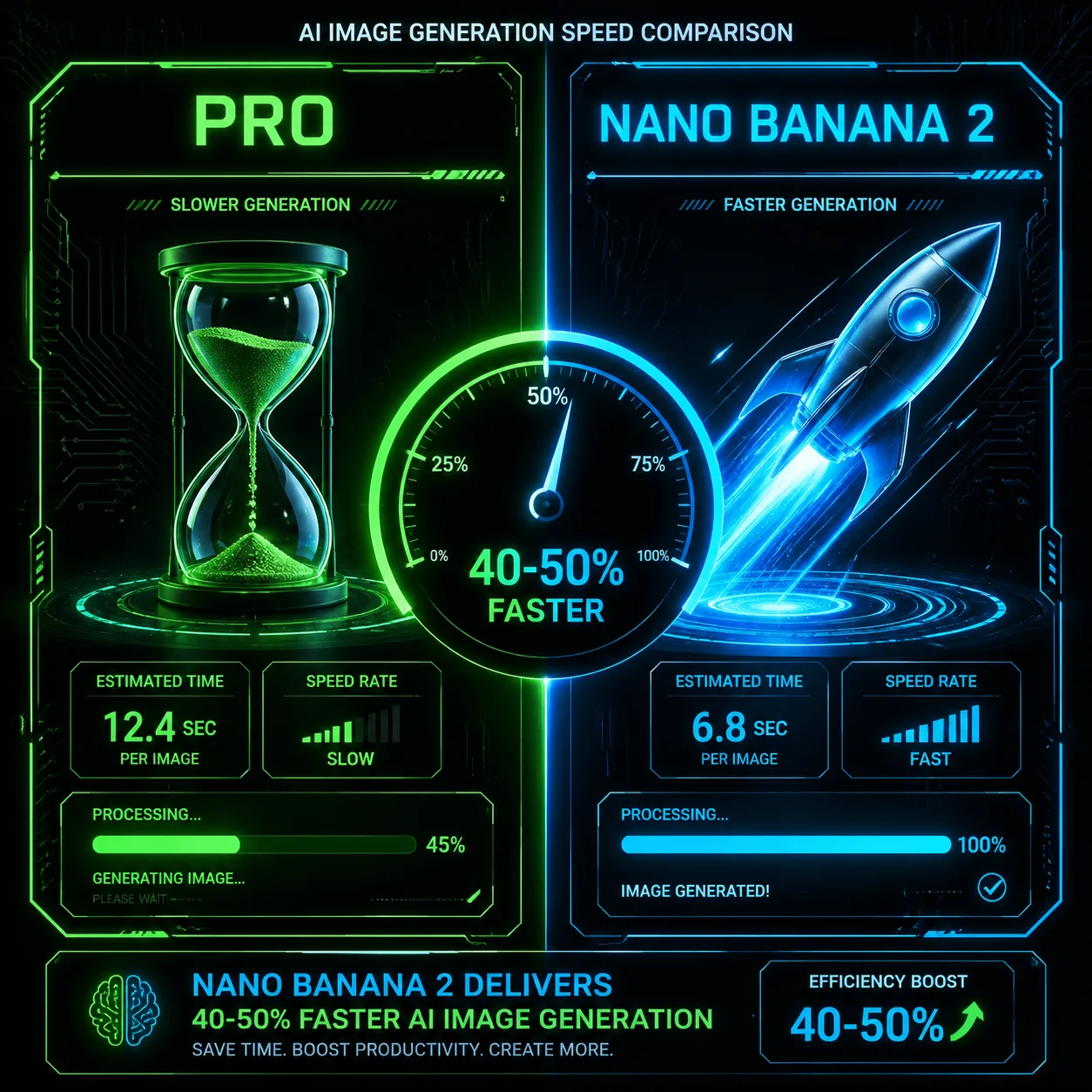
Nano Banana 2 can be used to explore image concepts and iterate on prompts. Generation time, output quality, available workflows and credit cost depend on the selected model and settings. Sign in, check your account credit balance and review the displayed cost before generating.

Prompt

Create a split comparison: on the left, show a standard image-generation model represented by an hourglass; on the right, show Nano Banana 2 with a rocket icon and motion lines. Use a dark background, neon green accents, circuit patterns and a futuristic speedometer. Do not include speed claims or percentages.

A visual concept comparing two image-generation workflows

Output example
1
Available Image Resolutions example

Available Image Resolutions

02

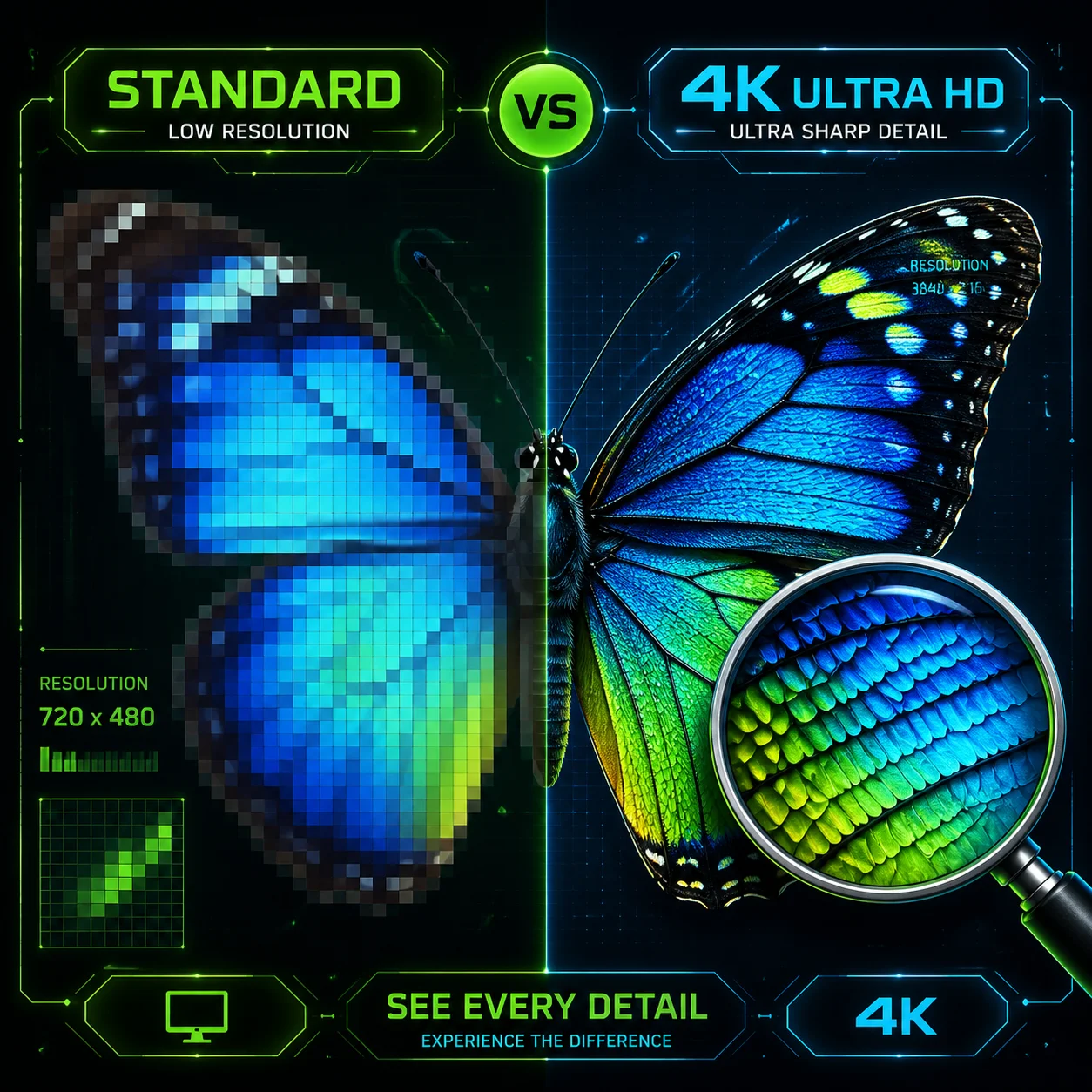
Resolution options vary by model and mode. Check the selected model’s settings before generating.

Available image resolutions and aspect ratios depend on the selected model and mode. Check the generation settings to see which options are available for your prompt. Generated images may vary in detail and colour; review the result for your intended use.

Prompt

Create a split comparison of a butterfly image at two levels of detail: show a visibly pixelated version on the left and a more detailed version on the right. Use a dark technology-inspired background with a resolution grid and neon green and blue accents. Do not label either image as a guaranteed resolution or enhancement.

Illustrative comparison of image detail

Output example
1
Google Search Grounding example

Google Search Grounding

03

Google Search and Image Search grounding availability depends on the selected model and mode.

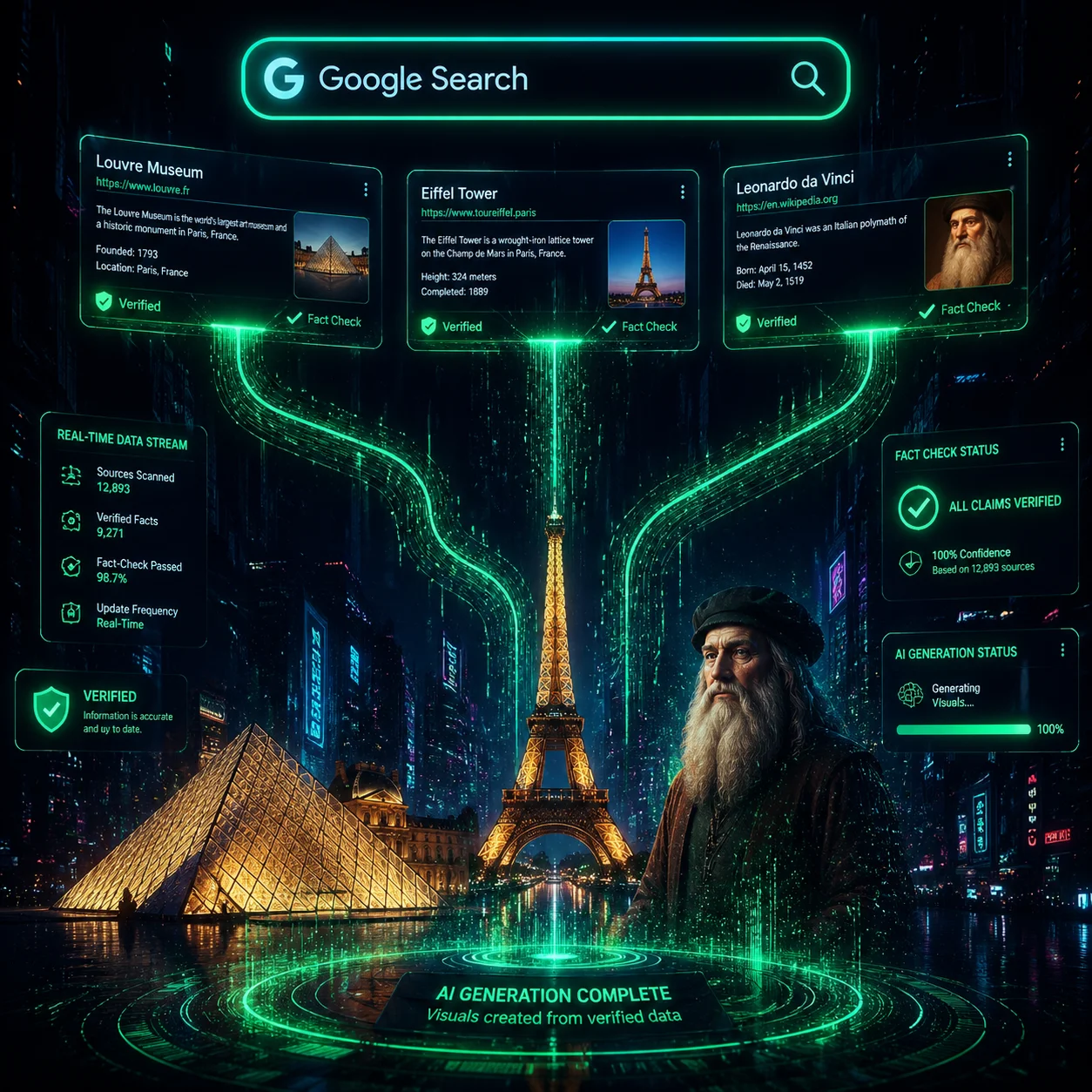
When available, Google Search grounding can provide web context for image generation. Search context may help inform prompts about current subjects, brands or landmarks, but it does not guarantee that generated details are accurate. Review the result before relying on it.

Prompt

Create an illustration of an image-generation workflow informed by Google Search. Show a search bar, search results flowing into visual elements and neon green data lines connecting them to a generated image. Use a dark cyberpunk-inspired background. Avoid verified or guaranteed accuracy badges.

An illustration of web search context informing image generation

Output example
1
FAQ

Nano Banana 2 FAQs

Nano Banana 2 FAQ

You need to sign in to generate images, and generation uses account credits. Check your credit balance, select the model and settings you want, and review the displayed cost before generating. Any free credits or other account terms are subject to the current offer shown in your account.

Nano Banana 2 is the name used for Google’s Gemini 3.1 Flash Image model. Its available image-generation features and settings depend on the selected model and mode.

Nano Banana 2 and Nano Banana Pro are distinct model options. Speed, image quality, available settings and credit cost depend on the selected model and generation mode. Check the options shown in the generator before you create an image.

Watermark handling depends on the selected model and service terms. Review the model and account information before generating or using an image.

Available resolutions depend on the selected model and mode. Check the generator’s settings for the options available to you; aspect ratios can also vary by model.

Commercial use depends on the terms that apply to the selected model and service. Review those terms before using generated images in marketing, advertising, product photography, social media or other business work.

Google Search grounding can provide web search context during image generation when supported by the selected model and mode. It may help inform prompts about current events, brands or real-world subjects, but does not guarantee factual accuracy. Review generated images before relying on their details.

Credit costs depend on the selected model, mode and settings. Sign in, check your account credit balance, and review the displayed cost before generating. Any free credits depend on the current terms shown in your account.

Quick Concept ArtFor an early concept-art pass, try generating several visual directions and refining the prompt to explore the look. Review each result and check the selected model’s settings and displayed credit cost before generating.
Social Content ConceptsFor a social content concept, describe the subject, composition and intended format, then compare generated options and refine the prompt. Review any current or factual details in the result before publishing.
Game Character ConceptsFor a game character concept, describe the character’s appearance and create reference images to guide further generations. Results may vary; check the selected model’s reference-image limits and review each image for consistency.
ai.models.nano-banana-2.testimonials_badge

Nano Banana 2 Project Ideas

Explore creative examples
Quick Concept ArtFor an early concept-art pass, try generating several visual directions and refining the prompt to explore the look. Review each result and check the selected model’s settings and displayed credit cost before generating.
Social Content ConceptsFor a social content concept, describe the subject, composition and intended format, then compare generated options and refine the prompt. Review any current or factual details in the result before publishing.
Game Character ConceptsFor a game character concept, describe the character’s appearance and create reference images to guide further generations. Results may vary; check the selected model’s reference-image limits and review each image for consistency.

Explore More AI Image Models

Nano Banana 2.1

Nano Banana 2.1

New

Google's efficient Gemini image model with sharper text rendering and steadier characters and styles across multi-turn edits. Choose 1K, 2K or 4K and use up to 10 reference images.

Try now
Nano Banana Pro

Nano Banana Pro

New

Generate detailed images with consistent results across a series.

Try now
Nano Banana 2 Lite

Nano Banana 2 Lite

New

Google DeepMind’s fastest, most efficient Gemini Image model, designed for responsive image generation and editing. Use it for quick drafts, edits guided by reference images, and 1K visual exploration at a lower credit cost.

Try now
FLUX.2

FLUX.2

New

FLUX.2 is an image generation model designed to follow detailed instructions, including requests for text in images, hand poses and the spatial relationships between objects. Results can vary with the prompt and settings.

Try now
FLUX.3 Klein

FLUX.3 Klein

New

FLUX.3 Klein from Black Forest Labs creates images from text and edits images using up to 10 references. Choose 1K, 2K or 4K output; review the result before use.

Try now
Z-Image

Z-Image

A text-to-image model designed to turn detailed prompts into visual elements, including conceptual and abstract ideas.

Try now

Create Images with Nano Banana 2

Sign in to explore image creation with Nano Banana 2. Choose a supported model and review its available options and credit cost before generating.
Create an Image
Nano Banana Pro
Nano Banana ProNano Banana Pro

Nano Banana Pro gives you access to advanced AI image models for creating professional-quality images.

Email
FAQShowcasesChangelogAPIManga ColorizerCyberpunk
العربيةDeutschEnglishEspañolFrançais繁體中文日本語한국어Bahasa MelayuTürkçeไทยTiếng ViệtPortuguês (Brasil)中文עבריתPolski
© 2026 Nano Banana Pro· All rights reserved
Privacy PolicyTerms of ServiceRefund PolicyRefund RequestAbout Us
HomeAI ToolsAssetsProfile