Nano Banana Pro
  • Home
  • Reviews
  • Assets
  • Pricing
Models
Nano Banana 2.1Nano Banana 2Nano Banana 2 LiteNano Banana ProSeedream 5.0 LiteSeedream 5.0 ProSeedream 5.0 FlashGPT Image 2.5 FlareGPT Image 2.5 SunburstGPT Image 2Grok Imagine Image 2.0FLUX.3 KleinVeo 3.1 QualityGemini OmniGemini Omni 1.1 FlashMiniMax H3MiniMax H3 MaxMiniMax H3 Max TurboSeedance 2Seedance 2.5Seedance 2 FastSeedance 2 MiniHappyHorseWan 2.6Wan 3.0 VideoWan 3.0 Video PrimeKling 2.6Kling 3.0Kling 3.0 OmniKling 3.0 Motion ControlPixVerse V6Grok Imagine Video 1.5 PreviewVidu Q4Kling 4.0Grok Imagine Video 1.5 LitePixVerse V6 Max
Nano Banana ProNano Banana Pro
Seedream 5.0
Model

ImageOptional

JPG, JPEG, PNG, WEBP, BMP, TIF, TIFF, GIF · 10MB

0/14
0/4000
Resolution
Aspect Ratio
Output Format
Batch

Seedream 5.0

Create images with ByteDance's Seedream 5.0 model. Choose the available options and check the credit cost before generating. Try the Nano Banana Pro AI image generator .

Seedream 5.0
About

About Seedream 5.0

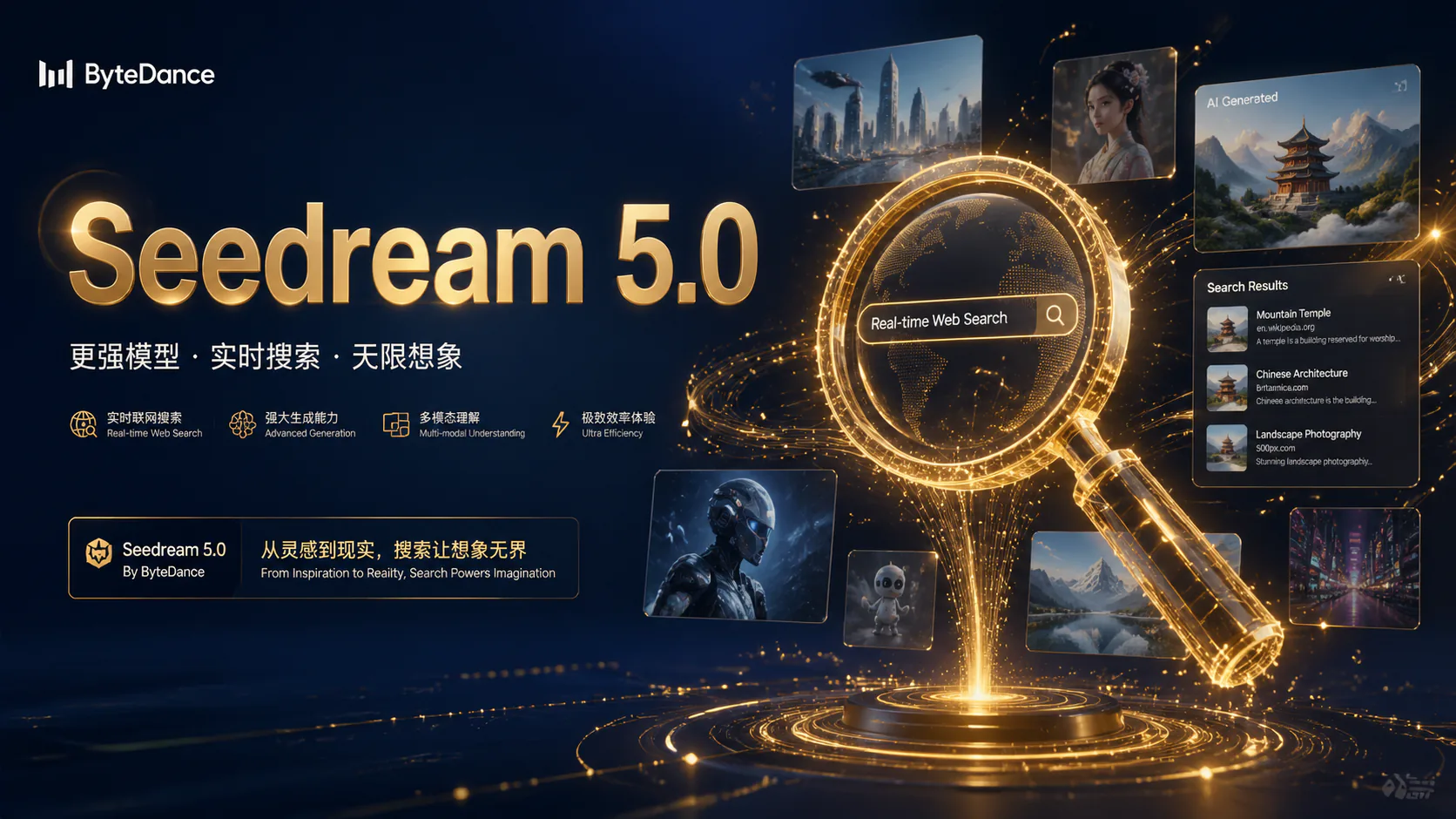
Seedream 5.0 is ByteDance's multimodal image generation model. Use a text prompt to describe the image you want, then review the selected model's available options and credit cost before generating. Results depend on your prompt and the model settings you choose.

About Seedream 5.0
Feature overview

Seedream 5.0 Features

Explore image creation with Seedream 5.0. Available options and credit costs depend on the selected model and settings.

Create Images Using Current Information example

Create Images Using Current Information

01

Describe any up-to-date details you want the image to include

If current facts or trends matter to your image, include them in your prompt and check the result against a reliable source. Whether a model can use current information depends on its capabilities and settings.

Prompt

Create a composite image showing the weather, temperature and local time in Beijing, New York, Tokyo, Sydney and Madrid on February 4, 2026. Blend visual cues from all five cities.

Example prompt for a five-city weather composite; check any factual details before use.

Turn Merriam-Webster's 2025 Word of the Year into a concrete visual concept. Include the word and a fitting visual metaphor.

Example prompt based on Merriam-Webster's 2025 Word of the Year; verify the details before use.

Create a red-carpet look for a greyhound inspired by the 2025 Met Gala fashion theme.

Example prompt inspired by the 2025 Met Gala theme; check the theme details before use.

Output example
3
Build a Detailed Image Prompt example

Build a Detailed Image Prompt

02

Describe a complex scene in clear, specific steps

For a complex image, spell out the elements you want, how they relate to one another and the style or context to use. Review the result, as the model may interpret details differently from what you intended.

Prompt

Create a glassmorphism-style chart card showing the gold price trend over the past seven days. Include dates and values, and label the data as illustrative unless verified figures are provided.

Example chart prompt. Supply verified prices if you need the figures to be accurate.

Show a row of spheres under consistent lighting, with roughness gradually increasing from left to right.

Example prompt for comparing surface finishes; inspect the result to see how clearly the differences appear.

Output example
2
Include Text in an Image example

Include Text in an Image

03

Describe the wording and typography you want

You can ask for text, mixed-language layouts and particular font styles in your prompt. Results can vary, so check all wording and layout carefully before using the image in a poster, presentation or other design.

Prompt

Create four presentation images in a digital hand-drawn style, with “2025 WRAPPED” in colourful bubble lettering.

Example prompt for presentation visuals with hand-drawn lettering; check the text in the generated result.

Create a realistic educational poster featuring an elephant, with the headline “Let elephants be seen, not imagined”.

Example prompt for a poster with an English headline; check the wording and layout in the result.

Output example
2
Create Visuals for Design Projects example

Create Visuals for Design Projects

04

Draft e-commerce imagery, app interface concepts and stickers with image prompts.

Use prompts to explore ideas for e-commerce imagery, app interface concepts, brand stickers and marketing materials. Treat generated results as drafts and review them before production use.

Prompt

Create a premium aromatherapy product page concept with product imagery, packaging design and key selling points. Use a dark and light green colour palette.

Example prompt for a premium aromatherapy product page concept with a green brand palette.

Design a playful blind-box shopping app interface with a purple gradient background, shopping cart, notification bell and mystery box.

Example prompt for a blind-box shopping app interface in a purple gradient style.

Create a set of vintage museum-themed stickers featuring ancient artefacts, fossils and sculptures. Use a hand-drawn style and a vivid, playful colour palette.

Example prompt for vintage museum-themed stickers with a vivid, playful palette.

Output example
3
Edit Images with Text Prompts example

Edit Images with Text Prompts

05

Describe the image and the changes you want

You can provide an image and describe the changes you want in your prompt, where supported by the selected model. Review the result carefully; generated edits may change other parts of the image too.

Prompt

Describe the food shown and ask for approximate calorie estimates to be added as labels. Treat the estimates as unverified and check them against reliable nutritional information.

Example prompt for adding calorie estimates to food imagery; check the estimates against reliable nutritional information.

Add a cartoon pink rabbit sticker inside the green rectangle and cartoon pink heart stickers inside the red circles.

Example prompt for placing sticker elements in specified areas; check their placement in the result.

Output example
2
FAQ

Seedream 5.0 FAQ

Seedream 5.0 FAQ

You need to sign in to generate images. Check your account's credit balance and the displayed cost for Seedream 5.0 before starting. Available options and costs depend on the selected model and settings.

Seedream 5.0 is an image generation model from ByteDance. Its capabilities and available output options depend on the model version and settings shown in the generator. Check those options before creating an image.

Watermarking and usage terms depend on the selected model and service settings. Check the terms that apply to your generation before using its result.

Whether a model can access current information depends on its capabilities and settings. If factual accuracy matters, include the details you want and verify the generated result against a reliable source.

Available resolutions depend on the selected model and its settings. Check the output options shown in the generator before you start.

Usage rights depend on the selected model and the applicable service terms. Check those terms before using an image for business or commercial purposes.

You can include wording and a preferred style in your prompt, but generated text may contain errors. Check spelling, figures and layout carefully before using the image.

Reference image support and limits depend on the selected model and settings. Check the options shown in the generator before adding images.

Current-Trends Campaign ConceptExplore a campaign concept based on a current topic. Include the details you want in your prompt, then verify any time-sensitive references in the generated image.
Poster with Text ConceptExplore a poster concept with a headline and mixed-language typography. Check all generated text carefully and edit any errors before using the design.
Product Image ConceptExplore a product image concept and specify the output options you need. Review the image for detail and check the selected model's resolution options before planning print use.
ai.models.seedream-5-0.testimonials_badge

Illustrative Seedream 5.0 Project Ideas

Explore creative examples
Current-Trends Campaign ConceptExplore a campaign concept based on a current topic. Include the details you want in your prompt, then verify any time-sensitive references in the generated image.
Poster with Text ConceptExplore a poster concept with a headline and mixed-language typography. Check all generated text carefully and edit any errors before using the design.
Product Image ConceptExplore a product image concept and specify the output options you need. Review the image for detail and check the selected model's resolution options before planning print use.

Explore More AI Image Models

FLUX.2

FLUX.2

New

FLUX.2 is an image generation model designed to follow detailed instructions, including requests for text in images, hand poses and the spatial relationships between objects. Results can vary with the prompt and settings.

Try now
FLUX.3 Klein

FLUX.3 Klein

New

FLUX.3 Klein from Black Forest Labs creates images from text and edits images using up to 10 references. Choose 1K, 2K or 4K output; review the result before use.

Try now
Z-Image

Z-Image

A text-to-image model designed to turn detailed prompts into visual elements, including conceptual and abstract ideas.

Try now
GPT Image 2

GPT Image 2

New

A multi-reference image generation model that accepts up to 16 reference images for projects requiring consistency, detailed direction and complex commercial workflows. Supports both text-to-image and image-to-image generation.

Try now
Seedream 4.5

Seedream 4.5

New

Seedream 4.5 is an image generation model for prompts that describe a scene, mood or lighting. It can be used for realistic photography or surreal artwork; results depend on the prompt and settings.

Try now
GPT-Image 1.5

GPT-Image 1.5

A photorealistic image generation model for detailed light and shadow, natural expressions and realistic textures. It supports text-to-image and image-to-image generation, for work where a realistic look is important.

Try now

Create Images with Seedream 5.0

Try Seedream 5.0 for image creation. Select the available model options and check the displayed credit cost before generating.
Create an Image
Nano Banana Pro
Nano Banana ProNano Banana Pro

Nano Banana Pro gives you access to advanced AI image models for creating professional-quality images.

Email
FAQShowcasesChangelogAPIManga ColorizerCyberpunk
العربيةDeutschEnglishEspañolFrançais繁體中文日本語한국어Bahasa MelayuTürkçeไทยTiếng ViệtPortuguês (Brasil)中文עבריתPolski
© 2026 Nano Banana Pro· All rights reserved
Privacy PolicyTerms of ServiceRefund PolicyRefund RequestAbout Us
HomeAI ToolsAssetsProfile