01
Describe the shot
Prompt tips: Use the fun, normal or spicy mode to guide the style.

Create images with xAI’s Grok Imagine model from text prompts. Choose the model and review its available options and credit cost on Nano Banana Pro .
Grok Imagine is xAI’s image generation model. Describe the image you want in natural language; the result depends on your prompt and the options available for the selected model. Suitable for quick creative ideas, playful social content and exploring experimental art styles.
Prompt tips: Use the fun, normal or spicy mode to guide the style.
Generation mode: Text-to-Video / Image-to-Video. Reference image: 1. Only use source material you can process, and say what each reference should guide. A reference cannot guarantee identical details.
Aspect ratio: 2:3 / 3:2 / 1:1 / 9:16 / 16:9. Check the controls for the active generation mode before submitting. Watch the entire clip for continuity, unintended objects, timing and audio where available before using it.
Generation mode
Text-to-Video / Image-to-Video
Aspect ratio
2:3 / 3:2 / 1:1 / 9:16 / 16:9
Reference image
1 ·
Prompt (max)
5000
Create images from text prompts, with options depending on the selected model
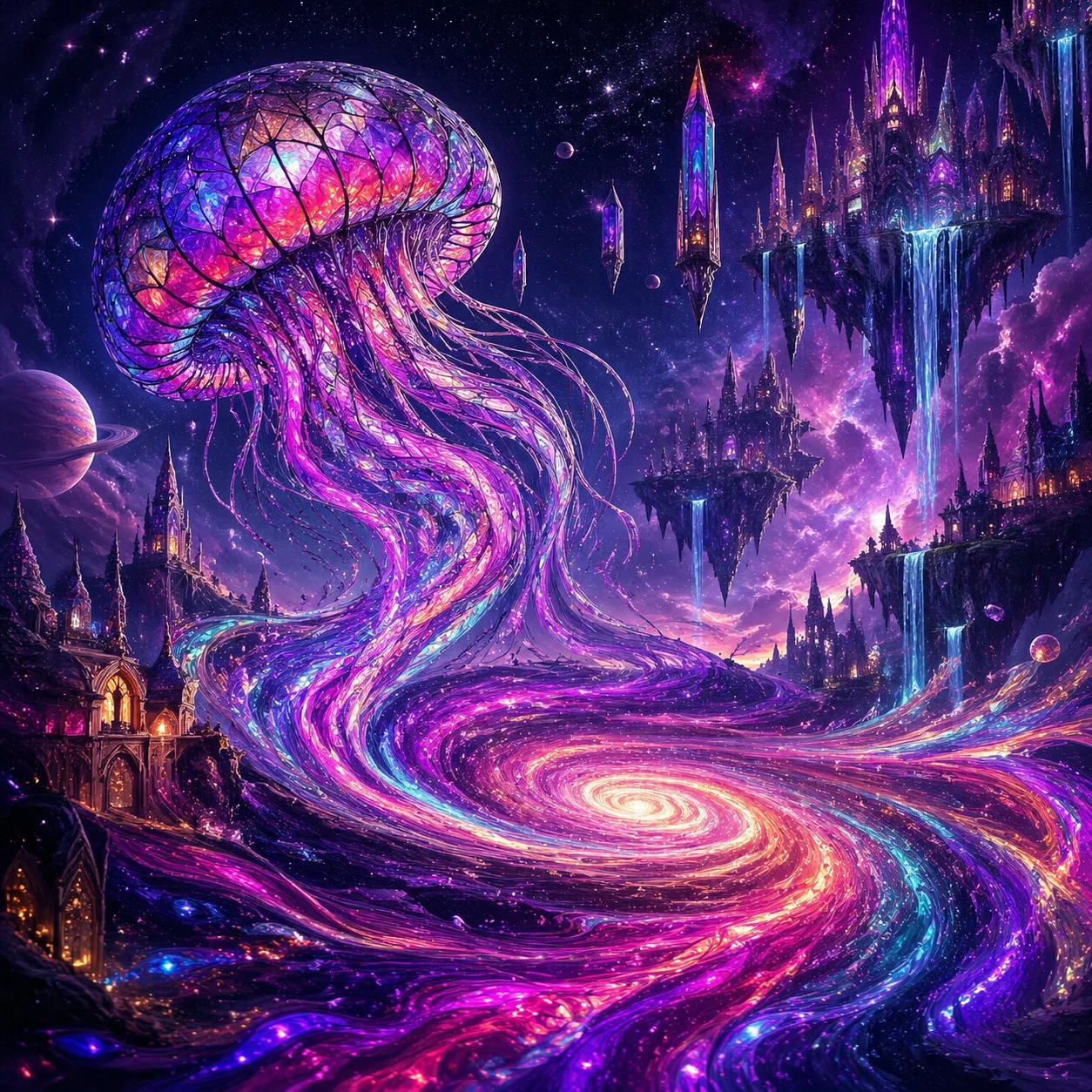
Use a detailed prompt to describe a surreal or imaginative scene.
For an imaginative image, describe the scene, subjects, composition and colour palette you want. For example, you could request floating stained-glass jellyfish drifting through a starry sky, with tentacles that trail colourful ribbons across galaxies. Add details such as crystal spires and inverted waterfalls to guide the composition. Results depend on the selected model and prompt.
Surreal cosmic scene with giant floating jellyfish made of stained glass, drifting through a starry sky. Their tentacles trail ribbons of colour across galaxies. Add impossible architecture, floating crystal spires and inverted waterfalls. Use rich purple, magenta and teal, with a dreamlike mood.
Illustrative prompt idea for exploring a surreal, imaginative scene
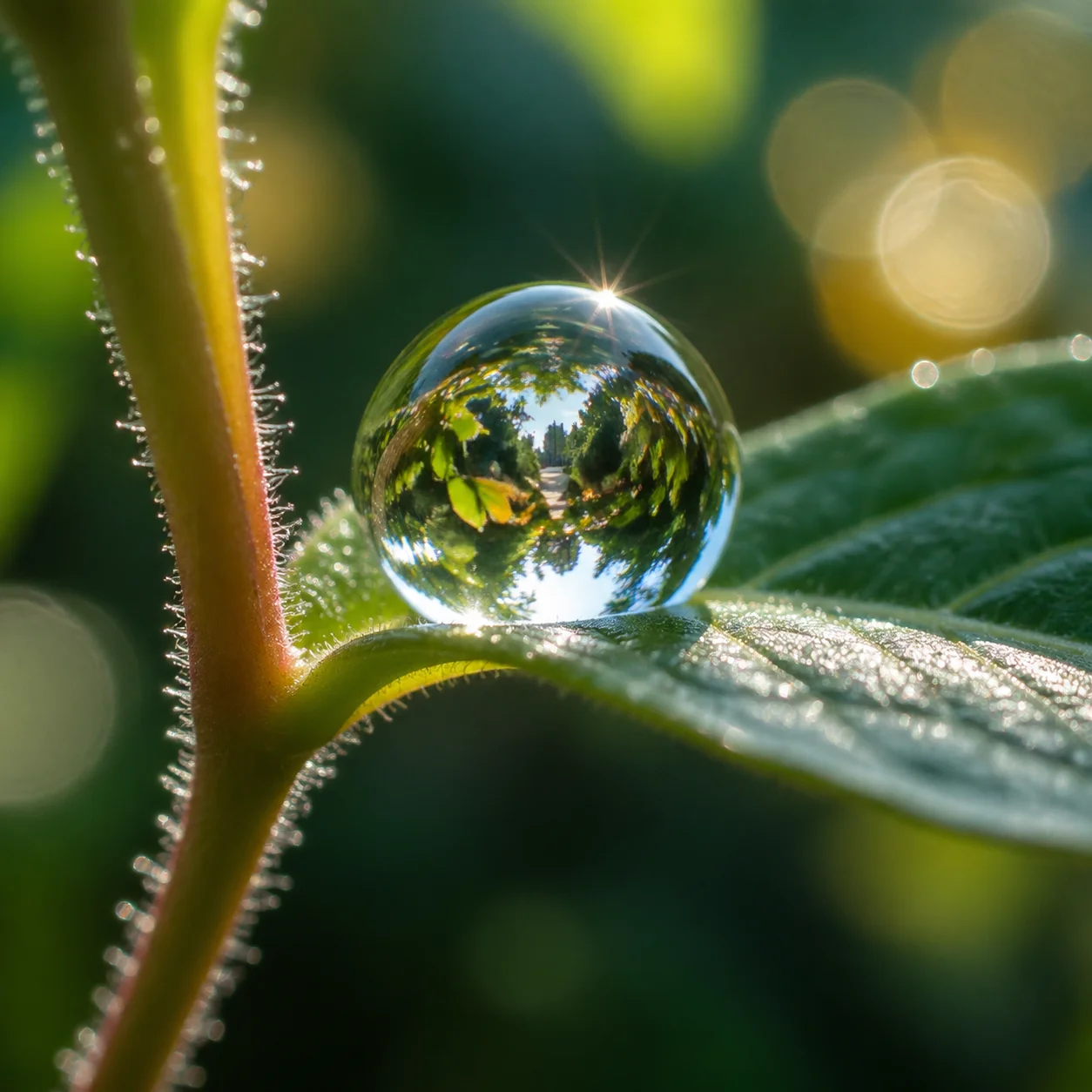
Describe the lighting, textures and details for a realistic photographic style.
To guide a realistic photographic style, describe the subject, lighting, focus and background. For example, a prompt can request a macro view of a dewdrop on a green leaf, with the garden reflected in the droplet, visible leaf veins and soft morning light. The result depends on the selected model and prompt; fine details may not render exactly as described.
Macro photograph of a dewdrop on a green leaf, with the garden reflected in the droplet. Sharp focus on the drop and a softly blurred background. Include visible water surface tension, leaf veins and tiny stem hairs. Morning sunlight creates subtle prismatic colours.
Illustrative prompt idea for a realistic-looking macro scene with detailed lighting and reflections
Suitable for quick creative ideas, playful social content and exploring experimental art styles.
View example prompt 1
Suitable for quick creative ideas, playful social content and exploring experimental art styles.
A surreal dreamscape with floating clocks and colourful clouds, in vivid, imaginative colours.
View example prompt 2
Prompt tips: Use the fun, normal or spicy mode to guide the style.
A cyberpunk street racer speeds through a chase, with motion blur, glowing neon and an intense atmosphere.
View example prompt 3
Creative exploration,Social media content,Stylised visuals,Short playful clips
A cute 3D character explores a colourful, playful candy world.
Grok Imagine FAQ
Image
JPG, JPEG, PNG, WEBP · 10MB
Drop an image or click to upload.


