Nano Banana Pro
  • Home
  • Reviews
  • Assets
  • Pricing
Nano Banana ProNano Banana Pro

AI Layer Separator: Image to Layers

Separate editing layers require multiple aligned transparent images, not a line-art filter. Layer separation is not available on Nano Banana Pro.
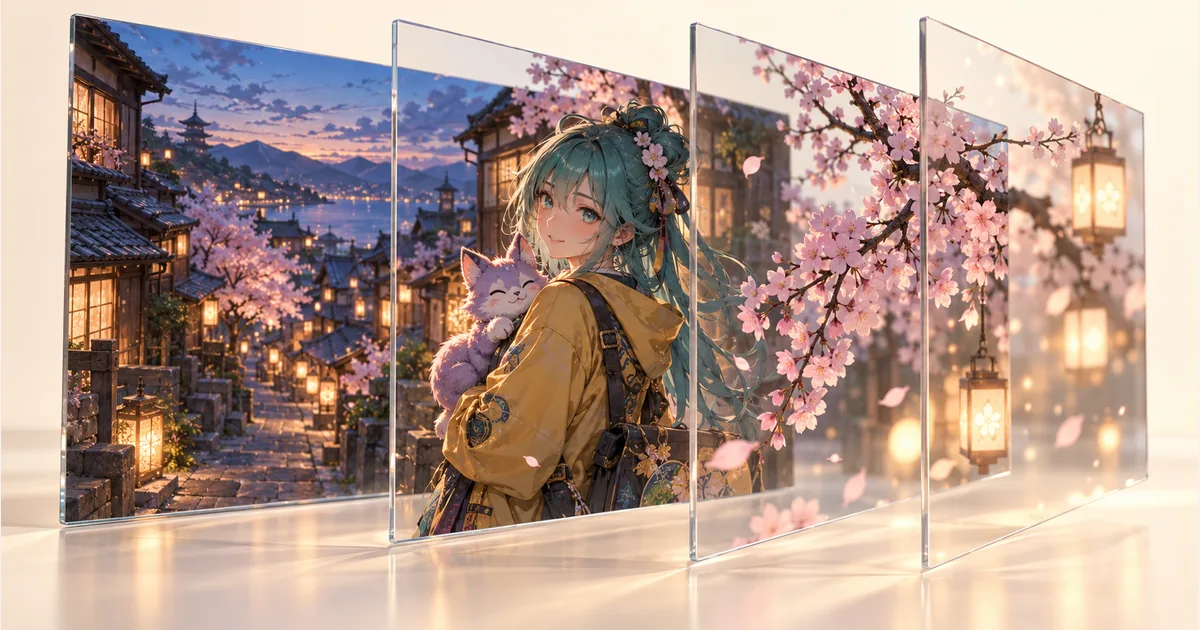
AI-generated illustration of layer separation; not exported layers.

What an AI layer separator actually produces

A real image-to-layers workflow decomposes a flattened picture into several independently editable images. In Qwen-Image-Layered's official example, the output uses RGBA layers. Each layer needs transparency and a shared canvas so foreground, subject and background can be moved or edited without changing their original alignment.

Layer separation, background removal and line extraction

Background removal isolates a foreground object; line extraction produces outlines. Neither operation alone provides a complete set of foreground, character and background layers. A preview that looks exploded or shows transparent planes is also insufficient: check the actual downloadable outputs and whether they can be recombined in an editor.

Useful scenarios for illustration editing

Separate layers can help an illustrator change a background, recolor a character or move a foreground element while protecting other regions. They can also provide starting assets for limited-motion animation. Those uses require reviewing overlap and edges; a generated layer set does not automatically become a clean animation rig.

How to review a candidate layer workflow

Start with a clear illustration containing distinguishable regions. Export the layers, place them on the same canvas in the documented order and compare the recombined image with the input. Then hide and move one layer at a time. Check hair edges, shadows, transparent objects and areas that were hidden behind another object.

Hidden pixels and editable-file limitations

A flattened image does not contain the original hidden pixels, layer names or drawing history. AI may infer covered regions, and its layer grouping may differ from the artist's original construction. RGBA output is not a promise of the original PSD, vector paths or named adjustment layers. Human cleanup can still be necessary.

Where to learn about layer separation

This page explains how to choose a layer-separation workflow; Nano Banana Pro does not offer separated-layer downloads here. Qwen’s official model card describes editable layered output. Follow the source link for its capabilities and use the related tools below when you want to explore coloring or background removal.

Questions before choosing a workflow

Can I separate and download layers here?

Separated-layer downloads are not available on this page. Use the guide and source links to learn about layer editing; the illustration is an explanatory image, not a set of editable layers.

Can AI recover my original Photoshop layers?

A flattened image cannot reveal the original document structure or exact hidden pixels. An AI workflow can estimate a new decomposition, but that is different from recovering the original PSD and its editing history.

How do I recognize genuine layer output?

Look for independently downloadable transparent images that remain aligned on a shared canvas. Recombine them in an editor, then hide or move one layer. A single line drawing or background-removed image does not meet that requirement.

Can I use recoloring while waiting for layer export?

A coloring tool may help explore a different visual palette, but it still returns an image. It does not become a layer separator just because a local area has been recolored.

Related creative tools

Line Art Colorizer: AI Colorize Line Art and Sketches Free

Upload clean line art or a rough sketch, choose a color treatment and line-fidelity level, then generate color without replacing the drawing’s composition.

AI Manga Colorizer

Colorize manga and black-and-white line art with AI while preserving original lines.

AI Background Remover

AI Background Remover is built for people who need to cut clean transparent PNGs for ecommerce listings, profile photos, marketplace images, and ad creatives. Fix messy backgrounds, uneven lighting, and busy product photos without manual masking.

Sources and availability

  • Sources and availability · Qwen Image Layered
Nano Banana Pro
Nano Banana ProNano Banana Pro

Nano Banana Pro is an AI image generation platform providing access to advanced models for professional-quality output.

Email
FAQShowcasesChangelogAPIManga ColorizerCyberpunk
DeutschEnglishEspañolFrançais繁體中文日本語한국어Türkçe中文עבריתPolski
© 2026 Nano Banana Pro· All rights reserved
Privacy PolicyTerms of ServiceRefund PolicyRefund RequestAbout Us
HomeAI ToolsAssetsProfile