
One Continuous Walk
The shot is designed as a single tracking move with an even walking pace, not a cut between separate camera angles.
Turn one photo of a person into a fictional walking-away shot with a stylized blast, dust and smoke behind them in a chosen environment.
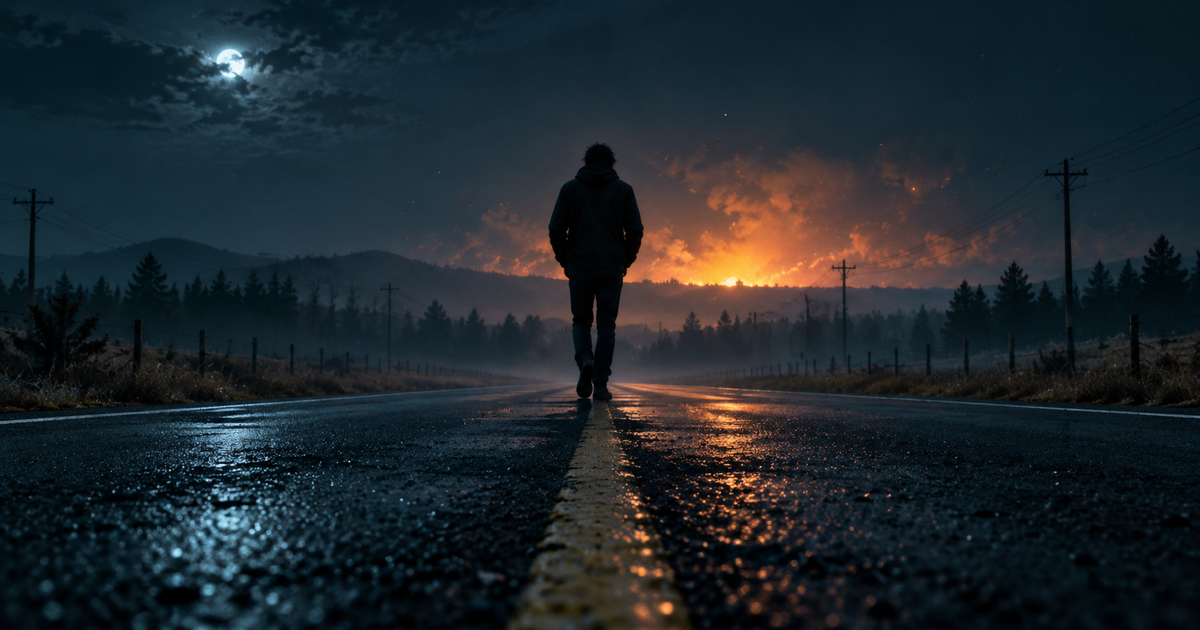
Turn one photo of a person into a fictional walking-away shot with a stylized blast, dust and smoke behind them in a chosen environment.
Compare the source photo with the finished clip and check the walking rhythm, the silhouette of the blast, the direction of the smoke, and whether the person still reads as the same individual.
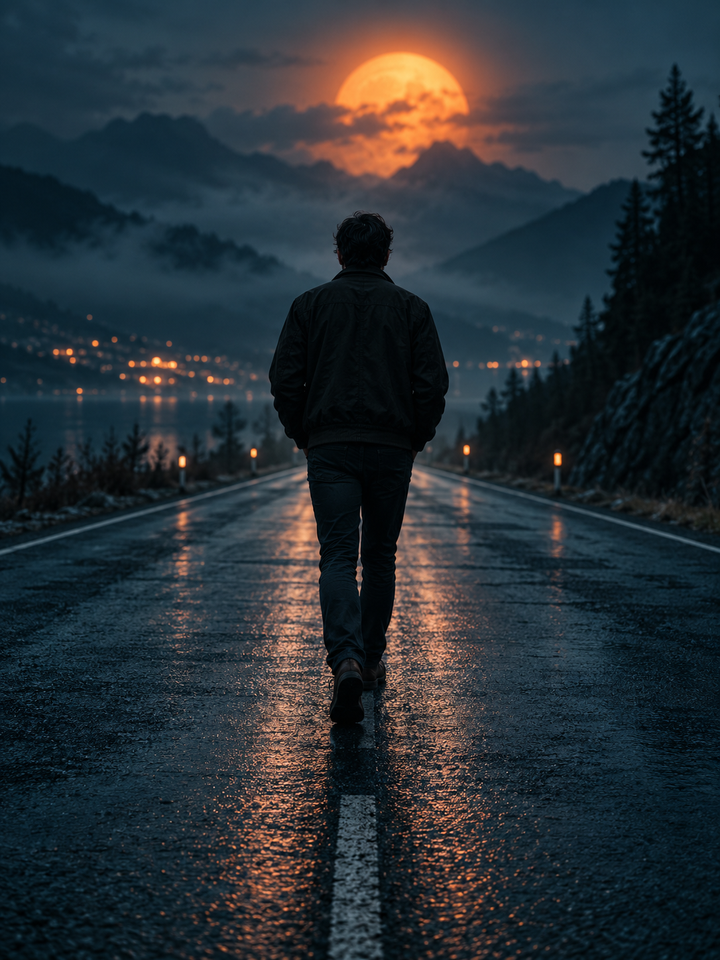
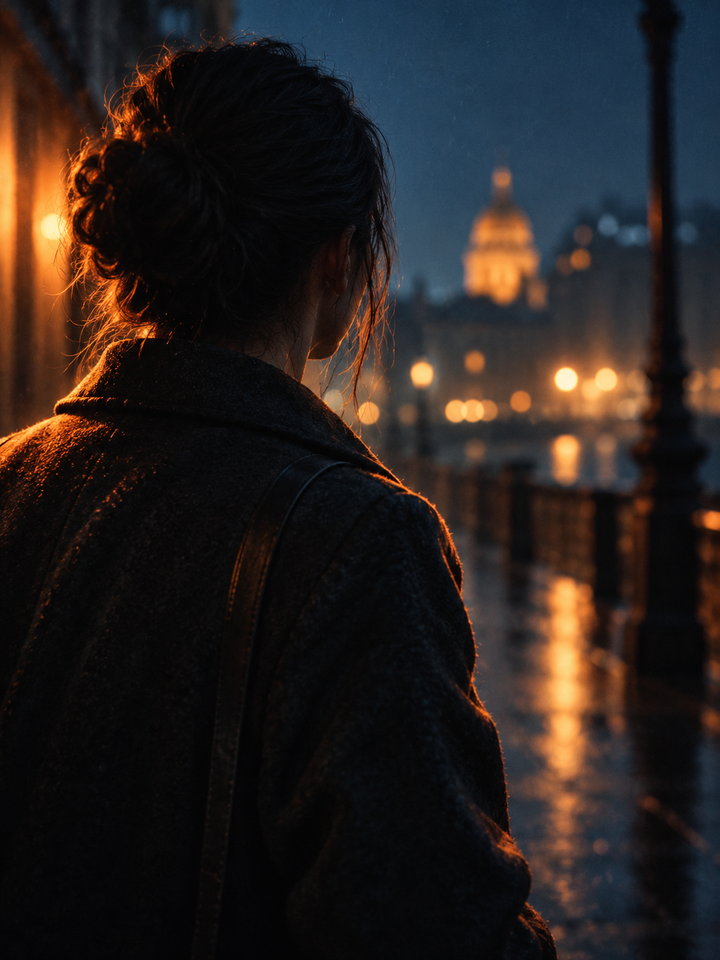
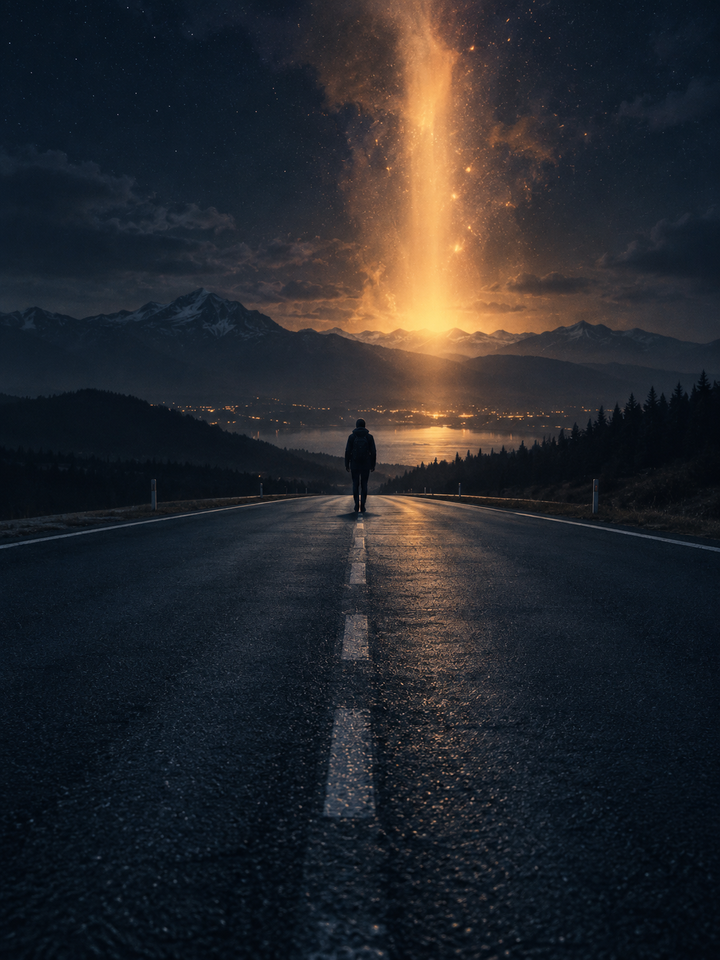
This effect animates a still photo into a short cinematic moment: one person keeps walking at a steady pace while the camera tracks with them and a stylized blast with a plume of dust and smoke rises in the distance behind. The chosen scene preset sets the ground, the lighting and the surrounding scenery. Nothing in the shot is real: the fire and smoke are generated visual effects.
The shot is designed as a single tracking move with an even walking pace, not a cut between separate camera angles.
The blast is a distant plume of fire glow, dust and smoke. It is not aimed at anyone, and no injury, debris damage or gore is part of the effect.
Night Road, Desert Road, Warehouse and City Street change the ground, the light and the background, so one photo can read as a different scene.
Pick one person with the full body, or at least the legs, visible and un-cropped at the ankles. Leave some empty ground so the walk can be extended.
Use Night Road for dark low-light photos, Desert Road for warm daylight, Warehouse for indoor shots and City Street for urban backgrounds. Similar lighting keeps the result believable.
The default is 8 seconds in a vertical frame. Shorten it to 6 seconds for a quick beat or extend to 10 for a longer walk, then watch the feet, the leg rhythm and the plume before downloading.
A single person, a clear silhouette and an uncluttered lower frame work best. Side and back views suit the walking-away angle, while a sharp full-body photo with even light gives the model the clearest leg and torso structure.
This is a fictional cinematic effect. It does not show a real blast, it does not provide explosives, ingredients or any guidance for building or using them, and it must not be used to depict or encourage a real attack or dangerous imitation. Frames can also change hands, legs, clothing, the shape of the plume and the ground. Example images on this page are original illustrations, not samples produced by this site's generator.
Choose your photos and a style, then check the credit cost shown in the generator. Review faces, movement and small details before sharing.
Back to the video generator