
Single-Shot Motion
The effect asks for one uninterrupted camera move rather than a montage of unrelated scenes.
Start from one photo and pull the camera outward from the original scene toward a wide aerial and planetary-scale reveal.
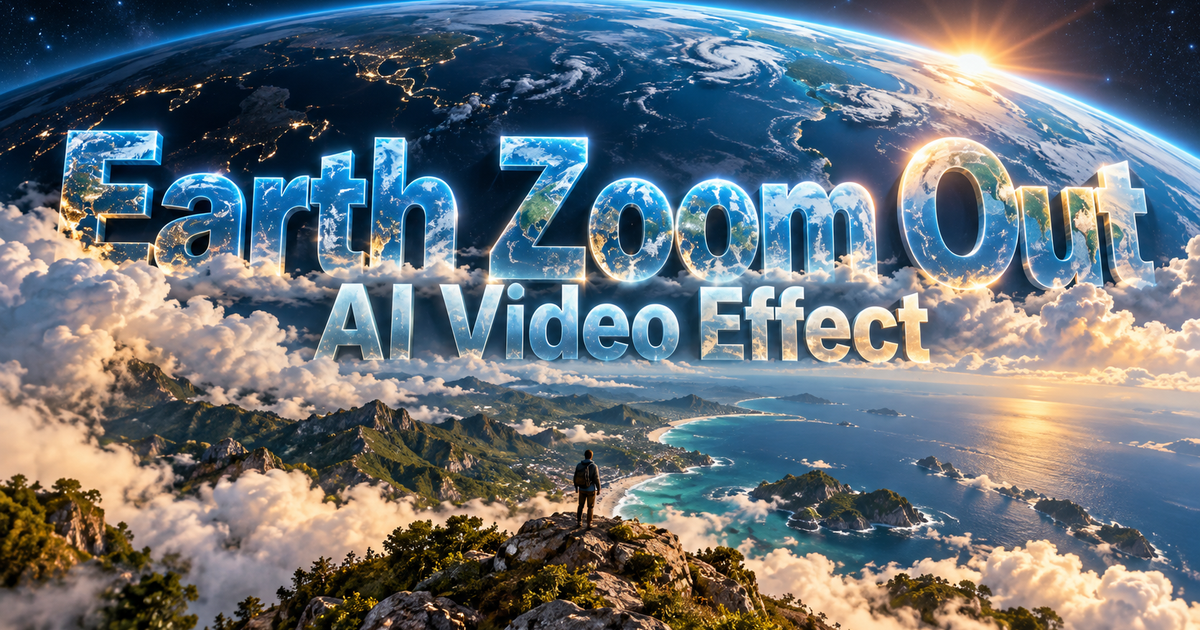
Start from one photo and pull the camera outward from the original scene toward a wide aerial and planetary-scale reveal.
Compare the starting photo with the final wide view and look for stable landmarks, smooth scale changes, and a continuous camera path without scene jumps.
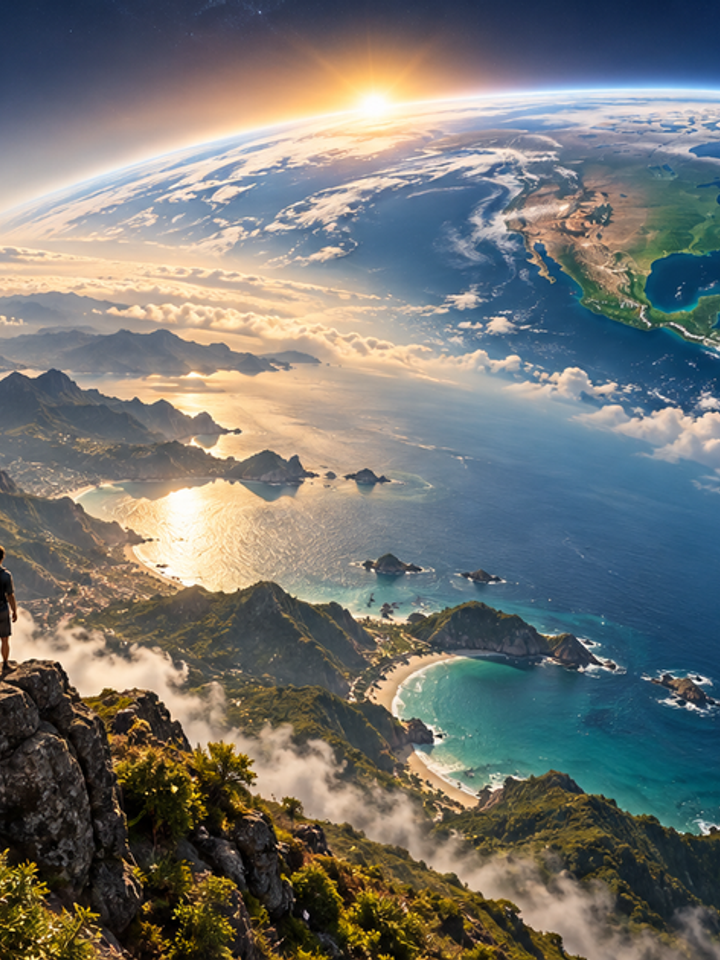
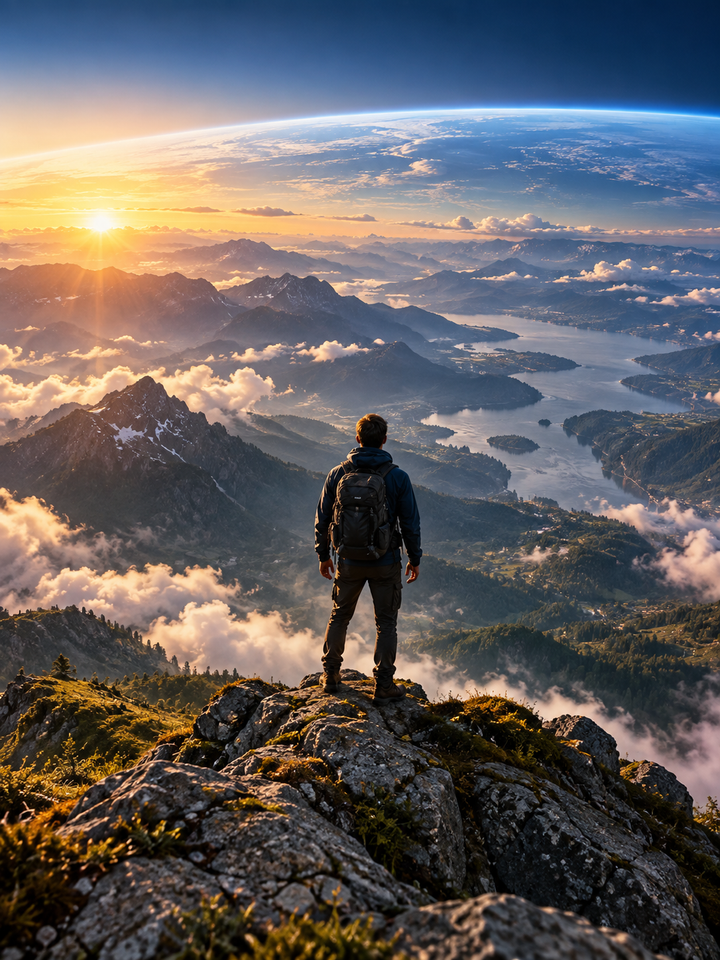
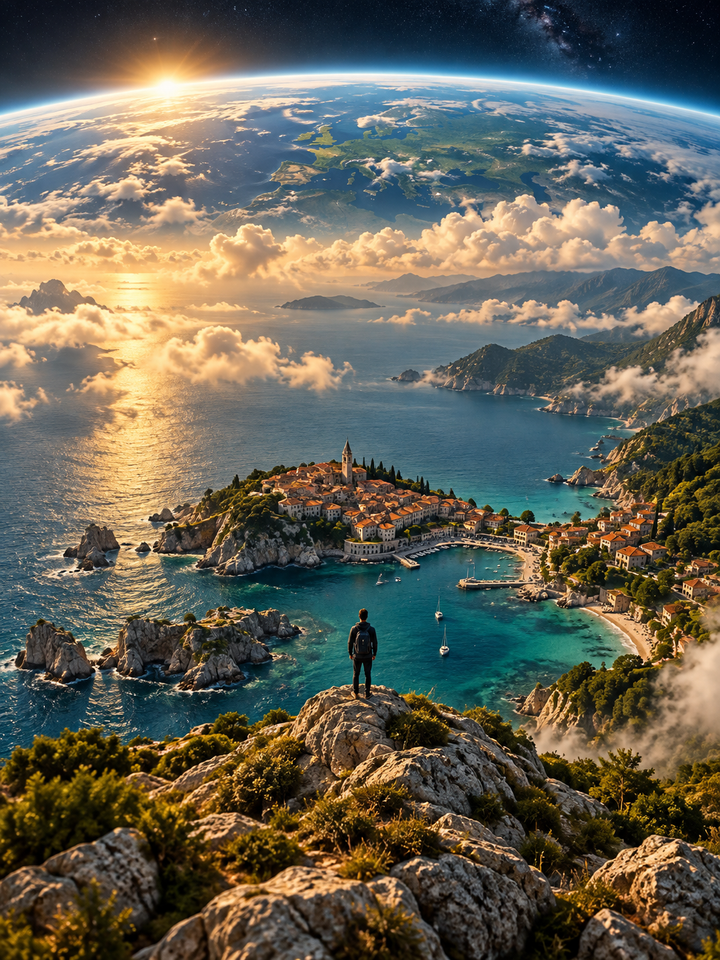
The Earth Zoom Out effect treats your photo as the opening frame, then expands the viewpoint through a continuous aerial pull-back. It works best when the starting image has clear geography, architecture or an outdoor scene that can be extended convincingly.
The effect asks for one uninterrupted camera move rather than a montage of unrelated scenes.
Landmarks and surroundings are encouraged to stay connected as the viewpoint rises and widens.
Choose Smooth for restraint, Dramatic for faster movement or Epic for the strongest planetary reveal.
Choose a clear photo with recognizable surroundings. Outdoor locations and wide scenes usually extend more naturally.
Use Smooth when you want continuity, or Dramatic/Epic when the reveal matters more than exact scene detail.
Watch the middle of the clip carefully for duplicated buildings, warped terrain or abrupt scale jumps.
Travel photos, city views, beaches, mountain scenes and visible landmarks give the model useful spatial cues. Tight indoor portraits and flat backgrounds are harder to expand into a believable aerial environment.
The model may invent or simplify distant geography while expanding the scene. Treat the result as a cinematic visual effect, not an accurate satellite reconstruction of the location.
Choose your photos and a style, then check the credit cost shown in the generator. Review faces, movement and small details before sharing.
Back to the video generator