
Identity-Aware Transformation
The effect prioritizes the original face, hairstyle and recognizable appearance instead of redesigning the person.
Turn one photo into a smooth muscle-growth video while keeping the face, pose and scene as stable as possible.
Turn one photo into a smooth muscle-growth video while keeping the face, pose and scene as stable as possible.
Compare the source photo with the result to check facial identity, body proportions, clothing consistency, and whether muscle growth progresses smoothly.
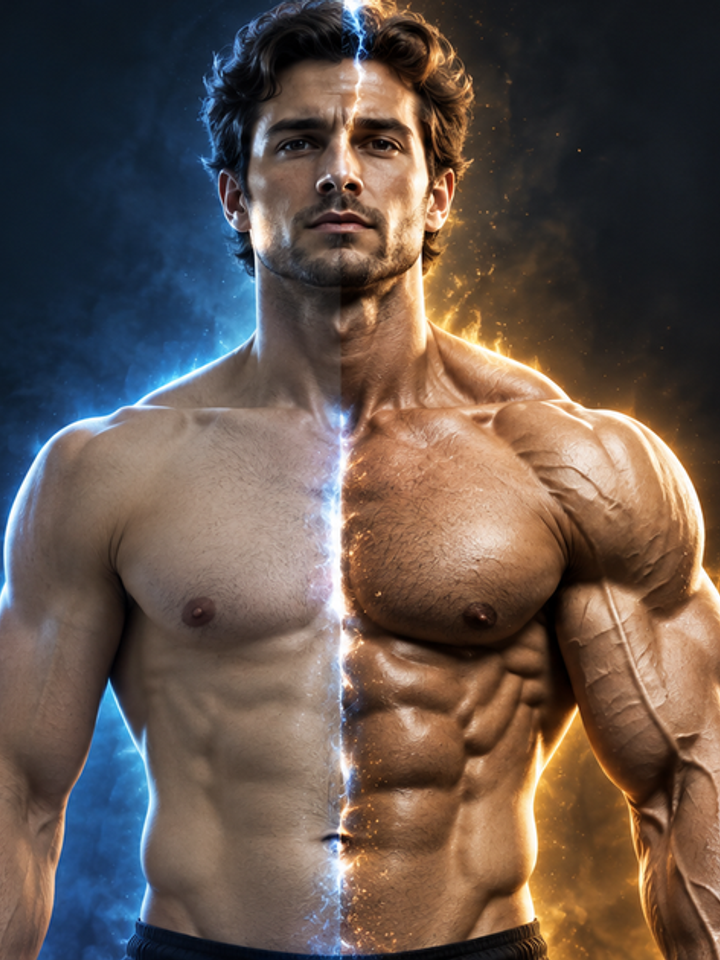
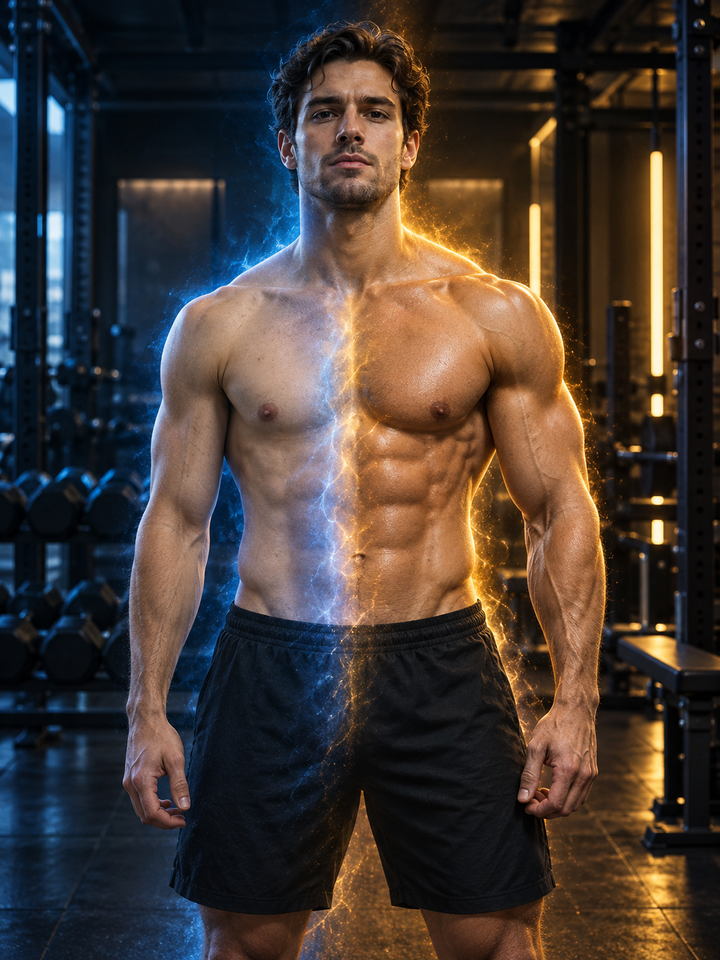
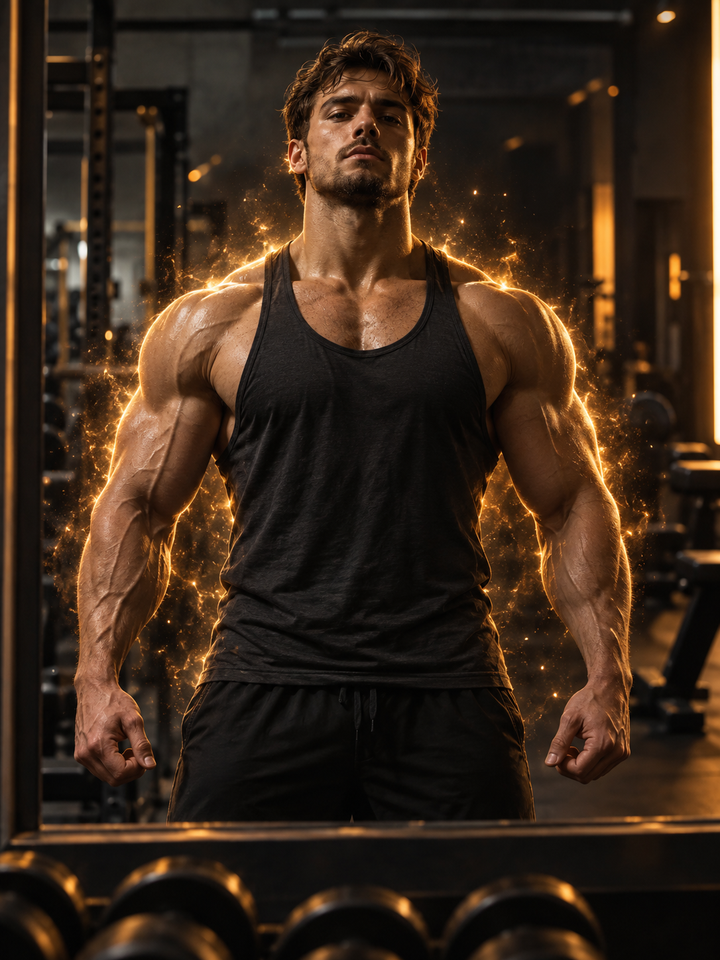
This effect animates a still portrait into a gradual muscle-growth sequence. The prompt is tuned to increase definition in the shoulders, arms, chest, back and torso while protecting facial identity, clothing coverage, camera angle and background continuity.
The effect prioritizes the original face, hairstyle and recognizable appearance instead of redesigning the person.
Muscle definition increases progressively rather than jumping between unrelated body shapes.
The default timing works well for vertical social edits while still allowing longer model-supported durations.
Upload one person with the shoulders, arms or upper body visible. Avoid tiny subjects and heavily blocked limbs.
Natural is restrained, Bodybuilder is stronger, and Superhero is the most dramatic cinematic transformation.
MiniMax H3 is the default. Adjust duration or resolution before generating if you need a different balance of cost and detail.
Use a sharp image with one main person, good lighting, limited obstruction and enough visible body structure for the model to track. Upper-body and full-body portraits usually work better than crowded group photos.
AI video can still alter hands, fingers, clothing folds, small accessories or facial details during a large body transformation. Review the full clip frame by frame when identity consistency is important.
Choose your photos and a style, then check the credit cost shown in the generator. Review faces, movement and small details before sharing.
Back to the video generator