
Three Intensity Levels
Holding It In is restrained, Tears Rolling adds visible tears, and Full Cry gives the strongest emotional build.
Animate one portrait into a short cinematic crying close-up with three intensity levels, from held-back tears to a full sob.
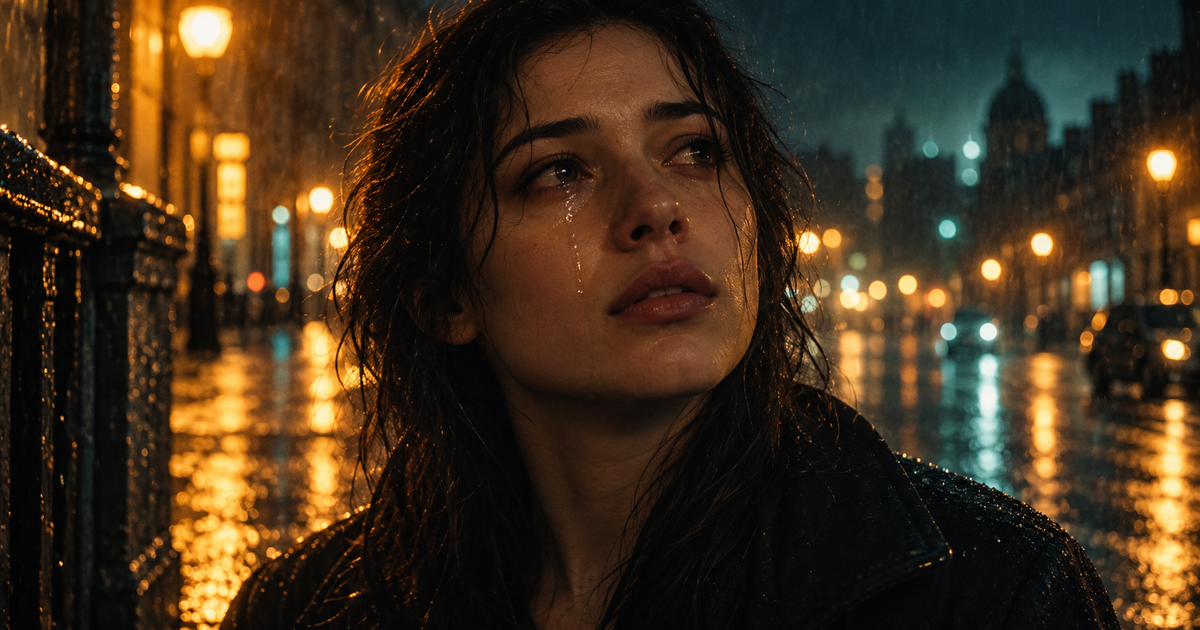
Animate one portrait into a short cinematic crying close-up with three intensity levels, from held-back tears to a full sob.
Watch the eyes, cheeks and mouth at each intensity level, then compare skin tone, lighting and facial proportions with the source portrait.
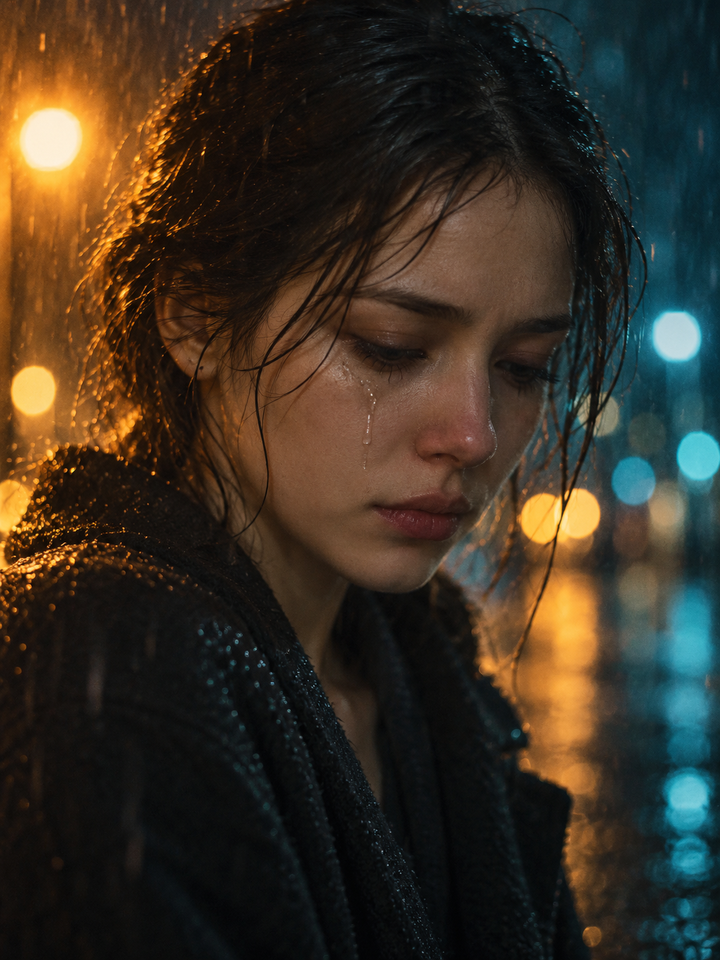
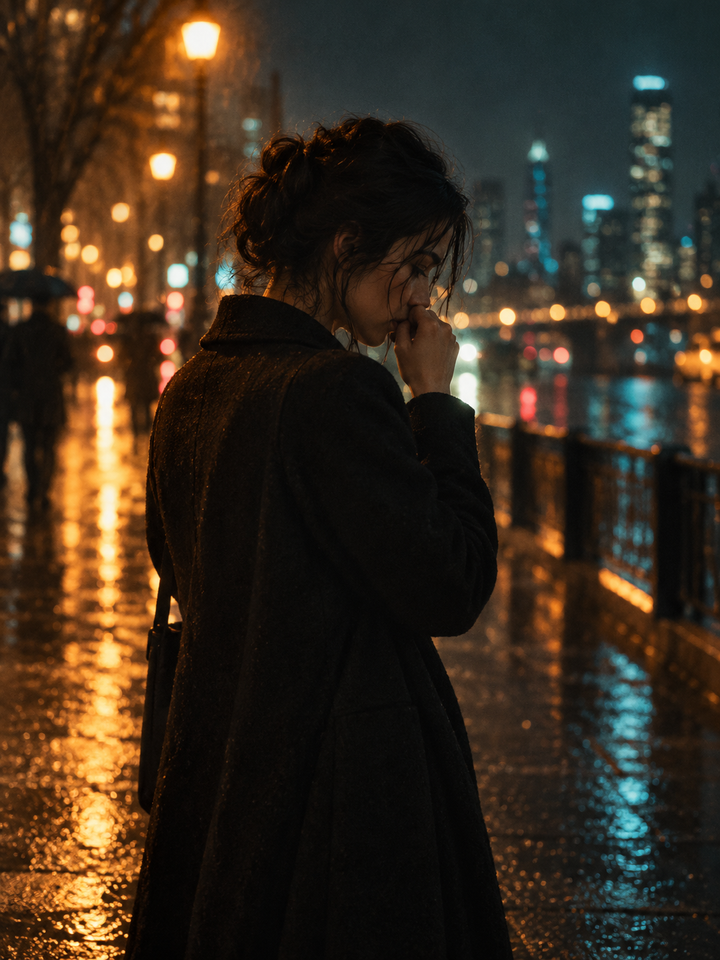

This effect creates a short, close-range emotional shot from one still portrait: the eyes glisten, the brow and mouth tighten, and the movement builds according to the intensity you choose. The camera stays close and largely steady so the face carries the shot. It is different from the 2022 Snapchat crying lens, which placed a static overlay or an AR effect over a live camera feed; here the frames themselves are generated from your photo, so the head, hair and background can move as well.
Holding It In is restrained, Tears Rolling adds visible tears, and Full Cry gives the strongest emotional build.
The framing stays close and calm so the expression, not the background, carries the moment.
The result is a fictional film-style moment and cannot be treated as proof that the person really cried.
Choose one sharp, front-facing photo where both eyes are open and clearly visible, with no sunglasses, deep shadow or hair across the face.
Start with Tears Rolling for a balanced test, use Holding It In for a subtle moment, or Full Cry when you need a stronger emotional beat.
Check the eyes, teeth, mouth shape and skin texture across the whole clip, and confirm the face still looks like the person in the source photo.
A single, well-lit, front-facing portrait with a large face and no obstructions gives the model the most information to work with. Group photos, tilted or heavily shadowed faces and low-resolution crops are harder to animate consistently.
This effect is not the 2022 Snapchat static or AR crying lens, and it is not evidence of a real emotion: it generates synthetic frames from one still photo. Eyes, teeth, mouth shape and tear streaks can change during the shot, so review the clip before publishing. Use only photos you have the right to use, and do not present the result as proof that a person actually cried. Example images on this page are original illustrations, not samples produced by this site's generator.
Choose your photos and a style, then check the credit cost shown in the generator. Review faces, movement and small details before sharing.
Back to the video generator