xAI image-to-video model

Grok Imagine Video 1.5 Preview

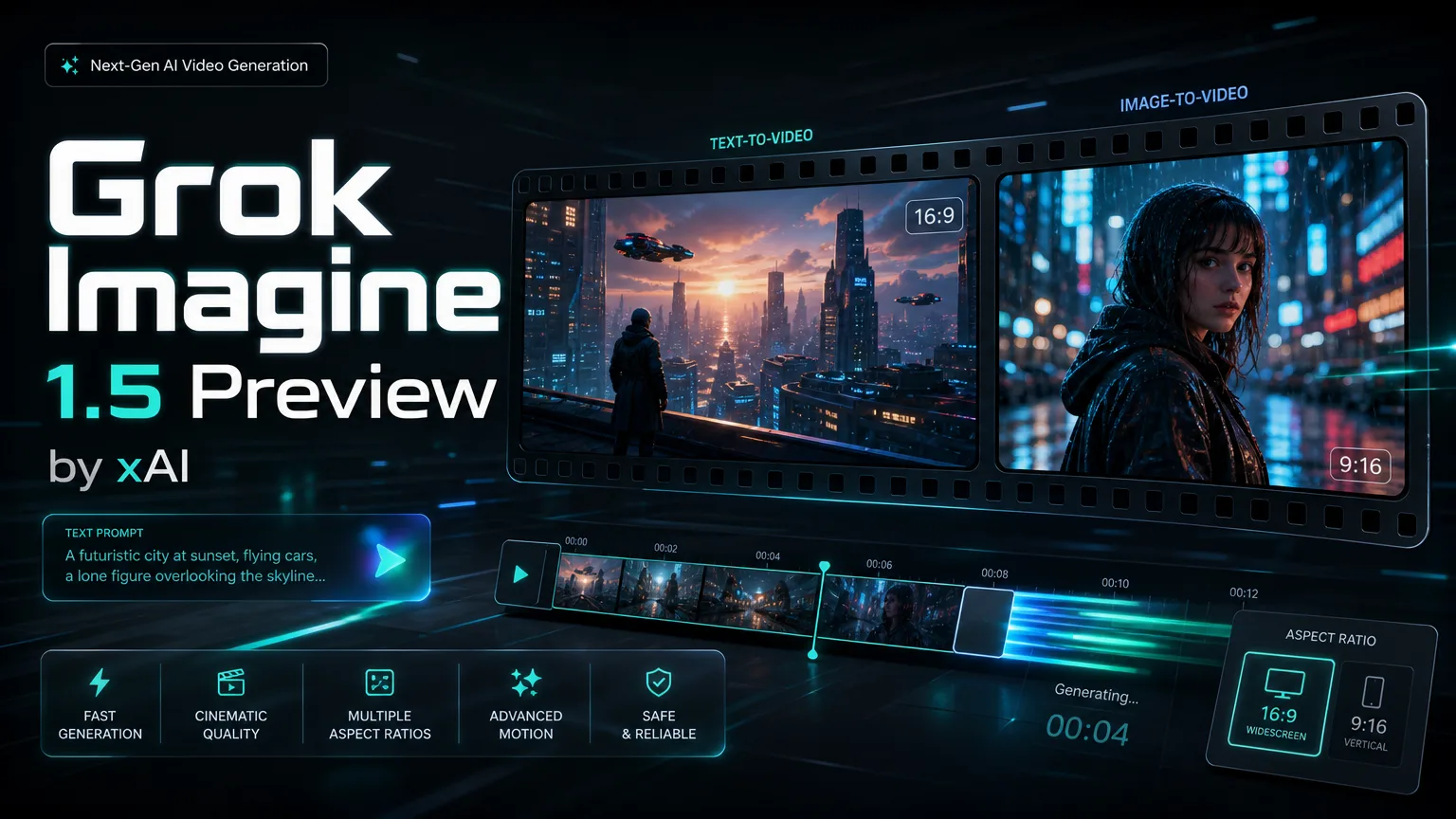
Generate 720P image-to-video clips from one reference image. Grok Imagine Video 1.5 Preview supports 5-15 second durations and seven aspect ratios for social, product and creative drafts.

Grok Imagine Video 1.5 Preview 모델 사양

이 PearAPI 모델 페이지는 단일 참조 이미지를 업로드하고 고정 720P 이미지-투-비디오 클립을 생성하는 Grok Imagine Video 1.5 Preview 워크플로에 집중합니다.

기능

생성 모드
이미지-투-비디오 전용
참조 이미지
최대 1장
해상도
고정 720P
길이
5-15초
화면비
16:9, 9:16, 3:2, 2:3, 1:1, 3:4, 4:3

크레딧 가격

5초는 30 크레딧부터 시작하며, 1초가 추가될 때마다 10 크레딧이 더해집니다.

720P 전용
5s
30 크레딧
6s
40 크레딧
7s
50 크레딧
8s
60 크레딧
9s
70 크레딧
10s
80 크레딧
11s
90 크레딧
12s
100 크레딧
13s
110 크레딧
14s
120 크레딧
15s
130 크레딧
About

Create image-to-video clips with Grok Imagine Video 1.5 Preview

Grok Imagine Video 1.5 Preview is an image-to-video model. Upload one reference image, choose 16:9, 9:16, 3:2, 2:3, 1:1, 3:4 or 4:3, and generate a fixed 720P video from 5 to 15 seconds.

Create image-to-video clips with Grok Imagine Video 1.5 Preview
주요 기능

Grok Imagine Video 1.5 Preview capabilities

Single reference image, fixed 720P output, 5-15 second duration control and seven supported aspect ratios.

Built for image-to-video

01

Animate one reference image

Grok Imagine Video 1.5 Preview focuses on image-to-video generation. Upload a single reference image and use the prompt to describe motion, camera direction, lighting and scene behavior.

Prompt idea

Animate this product image with a slow cinematic camera push, soft studio light and subtle background movement.

Single-image video transformation

Output (Example)
1

One reference image maximum

02

Keep subject control simple

The model supports one reference image at most. This keeps the subject, composition and style focused during generation.

Reference rule

Use one uploaded image as the subject reference, then describe the desired motion in the prompt.

Single reference image control

Output (Example)
1

Fixed 720P output

03

Consistent output resolution

Grok Imagine Video 1.5 Preview is configured for fixed 720P output. There is no 480P or 1080P selector for this model.

Output rule

720P output is used for every generation.

720P video quality preview

Output (Example)
1

5-15 second duration and linear billing

04

Duration controls cost directly

5초부터 15초까지 선택할 수 있습니다. 크레딧 가격은 5초 30 크레딧부터 시작하며, 1초가 추가될 때마다 10 크레딧이 더해집니다.

Duration guide

Use 5 seconds for quick motion tests and 15 seconds for fuller visual stories.

5-15 second video draft preview

Output (Example)
1

Seven supported aspect ratios

05

Fit common creative formats

Supported aspect ratios are 16:9, 9:16, 3:2, 2:3, 1:1, 3:4 and 4:3.

Aspect ratio guide

Use 9:16 for vertical feeds, 16:9 for wide previews, and 1:1 for square placements.

Aspect ratio workflow preview

Output (Example)
1
FAQ

Grok Imagine Video 1.5 Preview FAQ

Grok Imagine Video 1.5 Preview FAQ

How teams use Grok Imagine Video 1.5 Preview

How teams use Grok Imagine Video 1.5 Preview

모든 이야기 보기
N
Nina PatelSingle-image input keeps the subject stable, and 720P is enough for fast review clips.
E
Eric ChenThe 5-15 second range maps cleanly to cost, so we can control spend per draft.
L
Laura KimThe extra aspect ratios make it easier to adapt one product visual for multiple placements.
M
Marcus ReedSingle-image input keeps the subject stable, and 720P is enough for fast review clips.
S
Sofia GarciaThe 5-15 second range maps cleanly to cost, so we can control spend per draft.
D
Daniel WongThe extra aspect ratios make it easier to adapt one product visual for multiple placements.
M
Maya SteinSingle-image input keeps the subject stable, and 720P is enough for fast review clips.
O
Owen MillerThe 5-15 second range maps cleanly to cost, so we can control spend per draft.

더 많은 AI 비디오 모델 탐색

Start a Grok Imagine Video 1.5 Preview generation

Try Grok Imagine Video 1.5 Preview for fixed 720P image-to-video drafts from one reference image.