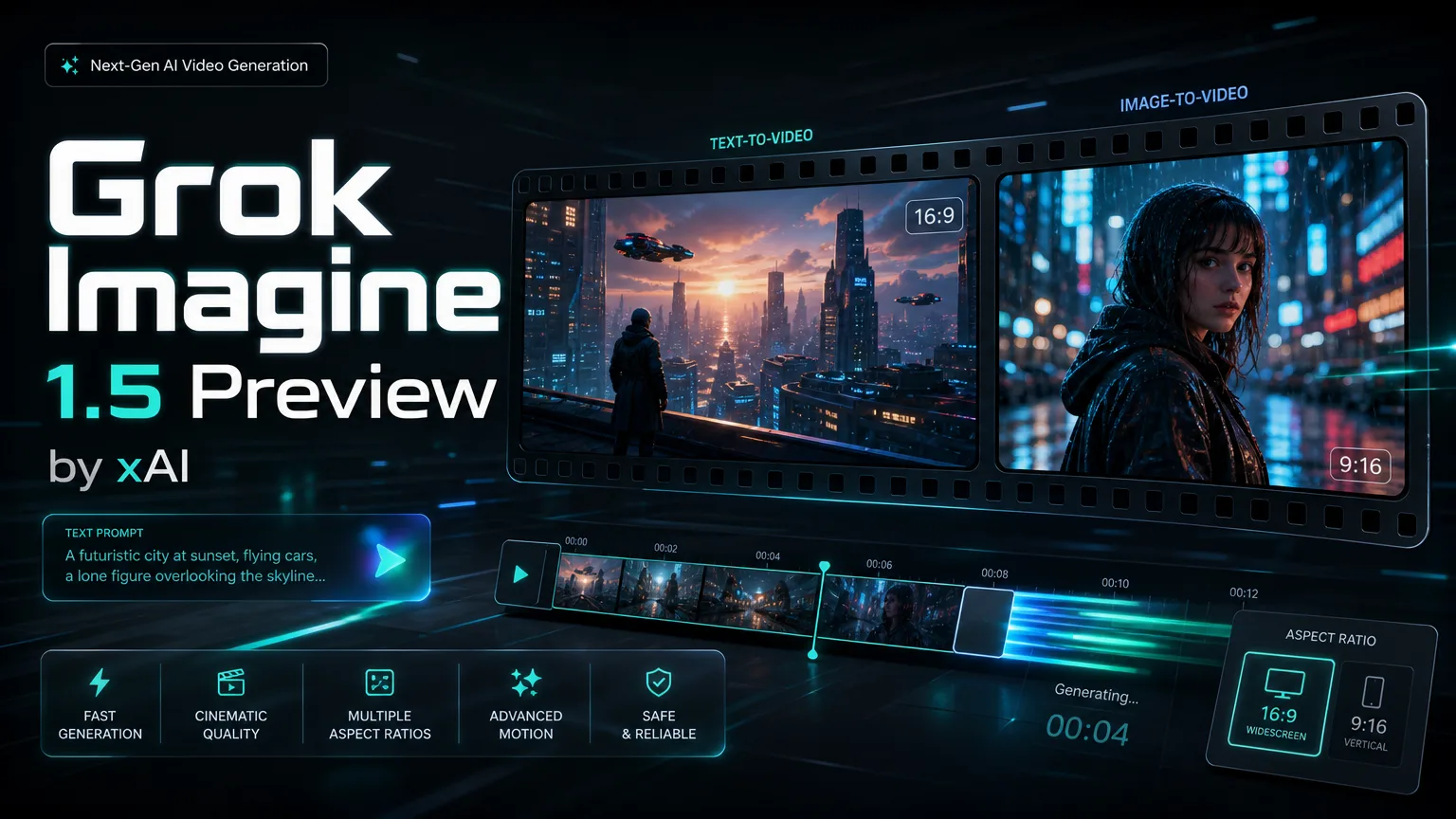
xAI image-to-video model

Grok Imagine Video 1.5 Preview

Generate 720P image-to-video clips from one reference image. Grok Imagine Video 1.5 Preview supports 5-15 second durations and seven aspect ratios for social, product and creative drafts.

Loading generator...

מפרט המודל Grok Imagine Video 1.5 Preview

עמוד מודל PearAPI זה מתמקד בזרימת עבודה אחת של Grok Imagine Video 1.5 Preview: העלאת תמונת ייחוס אחת ויצירת קליפ תמונה לווידאו ברזולוציית 720P קבועה.

יכולות

מצב יצירה
תמונה לווידאו בלבד
תמונת ייחוס
עד תמונה אחת
רזולוציה
720P קבוע
משך
5-15 שניות
יחסי תצוגה
16:9, 9:16, 3:2, 2:3, 1:1, 3:4, 4:3

תמחור בקרדיטים

מתחיל ב-30 קרדיטים ל-5 שניות, ואז מתווספים 10 קרדיטים לכל שנייה נוספת.

720P בלבד
5s
30 קרדיטים
6s
40 קרדיטים
7s
50 קרדיטים
8s
60 קרדיטים
9s
70 קרדיטים
10s
80 קרדיטים
11s
90 קרדיטים
12s
100 קרדיטים
13s
110 קרדיטים
14s
120 קרדיטים
15s
130 קרדיטים
About

Create image-to-video clips with Grok Imagine Video 1.5 Preview

Grok Imagine Video 1.5 Preview is an image-to-video model. Upload one reference image, choose 16:9, 9:16, 3:2, 2:3, 1:1, 3:4 or 4:3, and generate a fixed 720P video from 5 to 15 seconds.

Create image-to-video clips with Grok Imagine Video 1.5 Preview

Grok Imagine Video 1.5 Preview capabilities

Single reference image, fixed 720P output, 5-15 second duration control and seven supported aspect ratios.

סקירת יכולות מרכזיות

Built for image-to-video

Grok Imagine Video 1.5 Preview focuses on image-to-video generation. Upload a single reference image and use the prompt to describe motion, camera direction, lighting and scene behavior.

Prompt idea
פלט לדוגמה

Animate this product image with a slow cinematic camera push, soft studio light and subtle background movement.

Single-image video transformation

Reference rule

One reference image maximum

The model supports one reference image at most. This keeps the subject, composition and style focused during generation.

Use one uploaded image as the subject reference, then describe the desired motion in the prompt.

Single reference image control

Output rule

Fixed 720P output

Grok Imagine Video 1.5 Preview is configured for fixed 720P output. There is no 480P or 1080P selector for this model.

720P output is used for every generation.

720P video quality preview

Duration guide

5-15 second duration and linear billing

בחרו בין 5 ל-15 שניות. התמחור בקרדיטים מתחיל ב-30 קרדיטים ל-5 שניות, ואז מתווספים 10 קרדיטים לכל שנייה נוספת.

Use 5 seconds for quick motion tests and 15 seconds for fuller visual stories.

5-15 second video draft preview

Aspect ratio guide

Seven supported aspect ratios

Supported aspect ratios are 16:9, 9:16, 3:2, 2:3, 1:1, 3:4 and 4:3.

Use 9:16 for vertical feeds, 16:9 for wide previews, and 1:1 for square placements.

Aspect ratio workflow preview

Grok Imagine Video 1.5 Preview FAQ

Grok Imagine Video 1.5 Preview FAQ

Grok Imagine Video 1.5 Preview FAQ

01למה Grok Imagine Video 1.5 Preview מתאים במיוחד

הוא מתאים ליצירת וידאו מתמונה אחת עם פלט 720P קבוע ושליטה במשך של 5 עד 15 שניות.

02תמיכה בטקסט לווידאו

אין תמיכה. התצורה הנוכחית מיועדת לתמונה לווידאו בלבד ודורשת תמונת ייחוס אחת.

03מספר תמונות הייחוס הנתמך

נתמכת תמונת ייחוס אחת לכל היותר.

04רזולוציית הפלט

המודל מפיק וידאו ברזולוציית 720P קבועה.

05משכי הזמן הנתמכים

נתמכים 5, 6, 7, 8, 9, 10, 11, 12, 13, 14 ו-15 שניות.

06יחסי התצוגה הנתמכים

נתמכים היחסים 16:9, 9:16, 3:2, 2:3, 1:1, 3:4 ו-4:3.

07אופן החיוב

חיוב 720P מתחיל ב-30 קרדיטים ל-5 שניות, ואז מתווספים 10 קרדיטים לכל שנייה נוספת. 10 שניות עולות 80 קרדיטים ו-15 שניות עולות 130 קרדיטים.

How teams use Grok Imagine Video 1.5 Preview

How teams use Grok Imagine Video 1.5 Preview

Single-image input keeps the subject stable, and 720P is enough for fast review clips.

N

Nina Patel

מפיקת תוכן

The 5-15 second range maps cleanly to cost, so we can control spend per draft.

E

Eric Chen

משווק צמיחה

The extra aspect ratios make it easier to adapt one product visual for multiple placements.

L

Laura Kim

מנהלת קריאייטיב

Single-image input keeps the subject stable, and 720P is enough for fast review clips.

M

Marcus Reed

מייסד SaaS

The 5-15 second range maps cleanly to cost, so we can control spend per draft.

S

Sofia Garcia

אסטרטגית סושיאל

The extra aspect ratios make it easier to adapt one product visual for multiple placements.

D

Daniel Wong

מוביל אוטומציה

Single-image input keeps the subject stable, and 720P is enough for fast review clips.

M

Maya Stein

מעצבת מוצר

The 5-15 second range maps cleanly to cost, so we can control spend per draft.

O

Owen Miller

מהנדס וידאו

גלה עוד מודלים של וידאו AI

Start a Grok Imagine Video 1.5 Preview generation

Try Grok Imagine Video 1.5 Preview for fixed 720P image-to-video drafts from one reference image.