
text-to-image
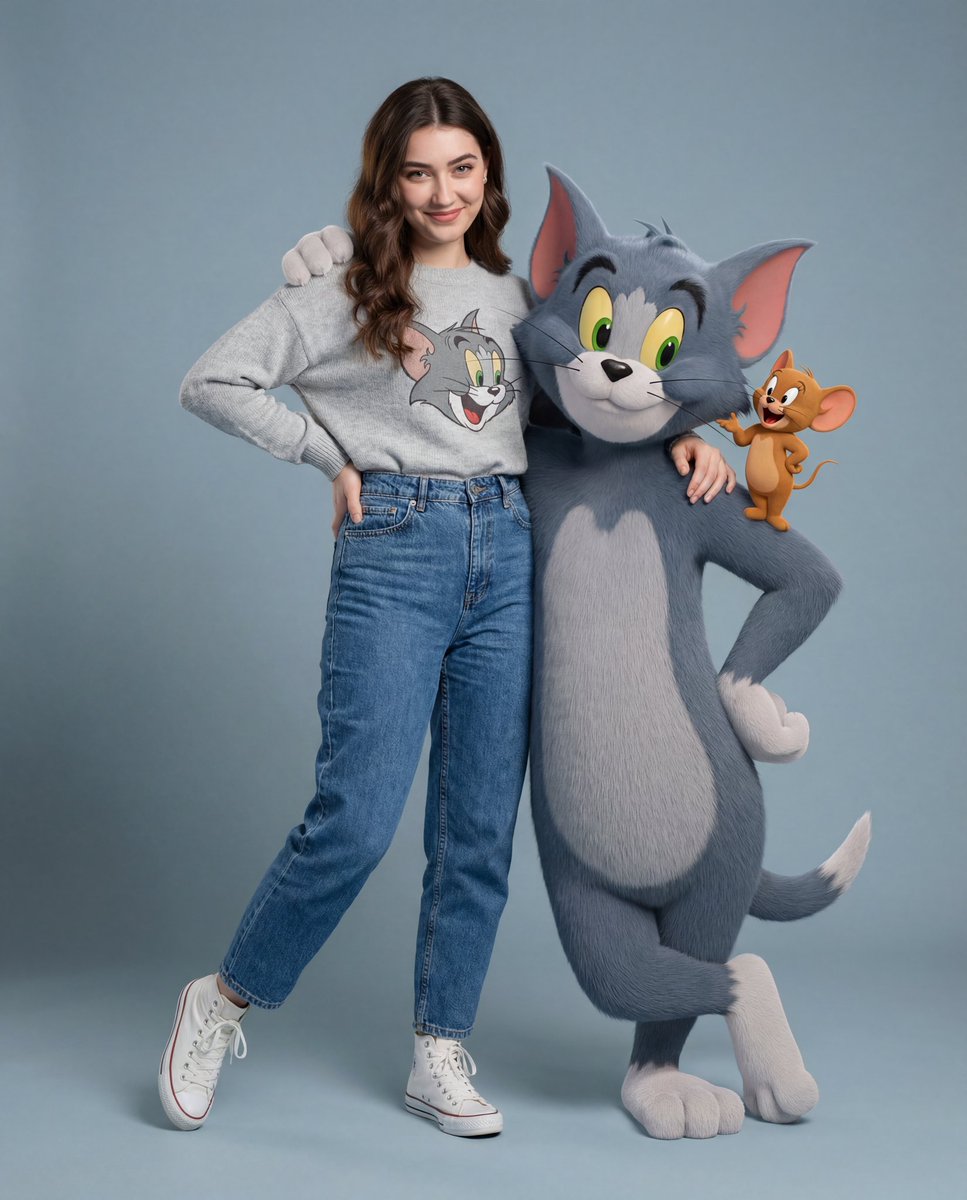
3D 토킹 톰과 함께 사진 찍기
이 3D 토킹 톰과 함께 사진 찍기 사례에서 어떤 점을 확인할 수 있나요?
이 사례에서는 3D 토킹 톰과 함께 사진 찍기 결과와 함께 원본 프롬프트 및 생성 설정을 확인할 수 있어 작업 과정을 살펴보는 데 도움이 됩니다.
Nano Banana Pro 팀 제작
이 3D 토킹 톰과 함께 사진 찍기 예시는 어떤 프롬프트로 만들었을까요?
이 3D 토킹 톰과 함께 사진 찍기 예시를 만드는 데 어떤 설정을 사용했을까요?
화면 비율2:3
해상도4K
출력 형식JPG
모델nano-banana-pro
함께 볼 사례
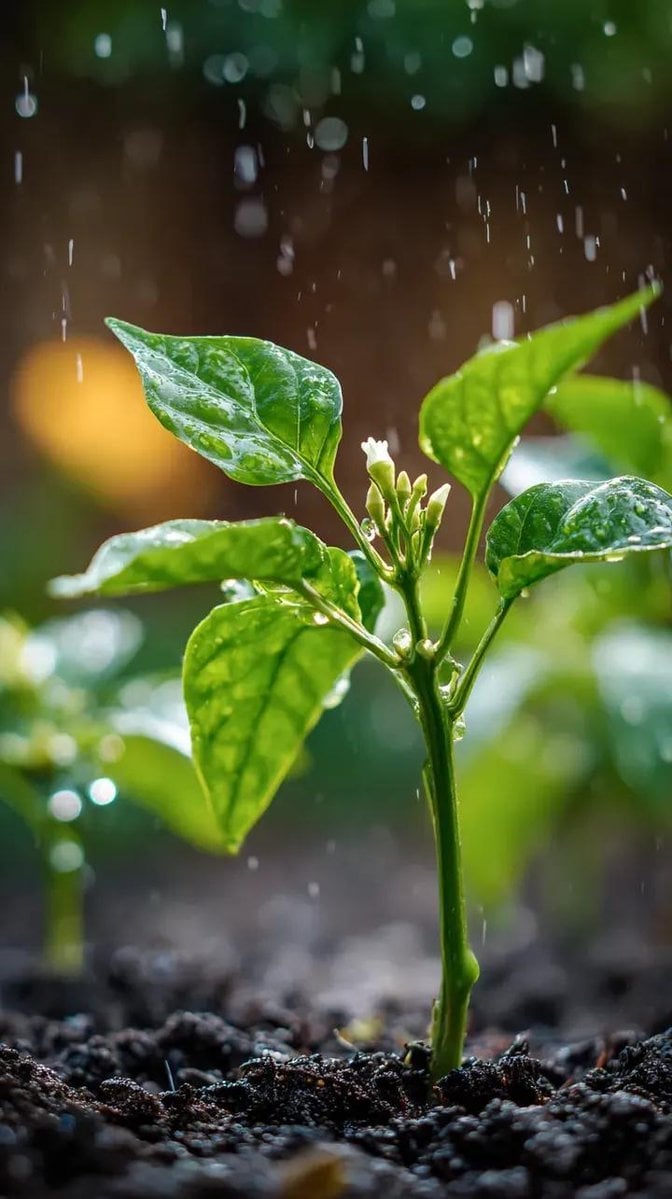
고추 매크로 비 – Nano Banana 이미지 프롬프트
윤기 잎, 흰 봉오리, 가랑비와 정원 보케의 고추 모종을 만드는 Nano Banana 매크로 프롬프트, 100mm f/2.8 얕은 심도 스타일.
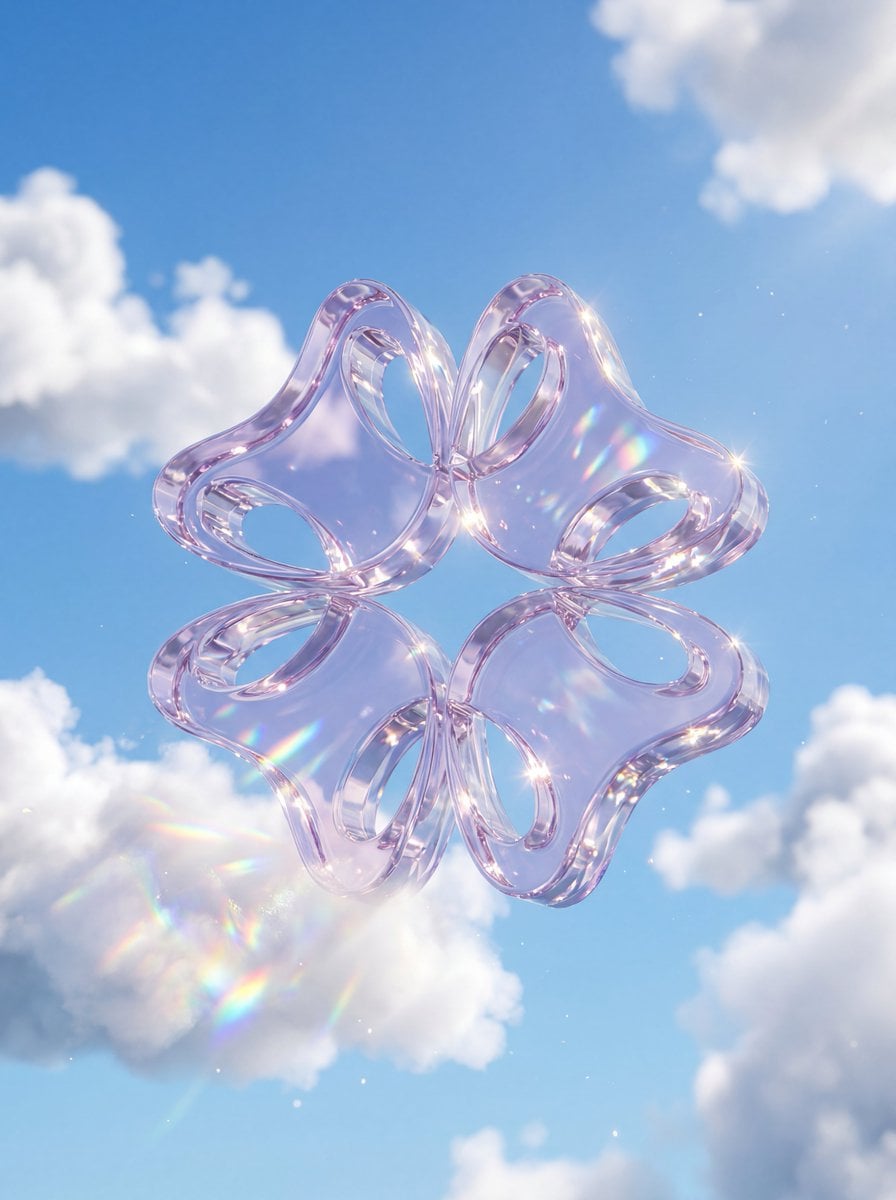
구름 속 크리스탈 유리 로고 - Nano Banana 3D 프롬프트
Nano Banana 이미지 생성으로 구름 속 크리스탈 유리 로고 제작: 두꺼운 반투명 유리, 파란 하늘과 적운, 코스틱과 무지개 분산의 광택 3D.
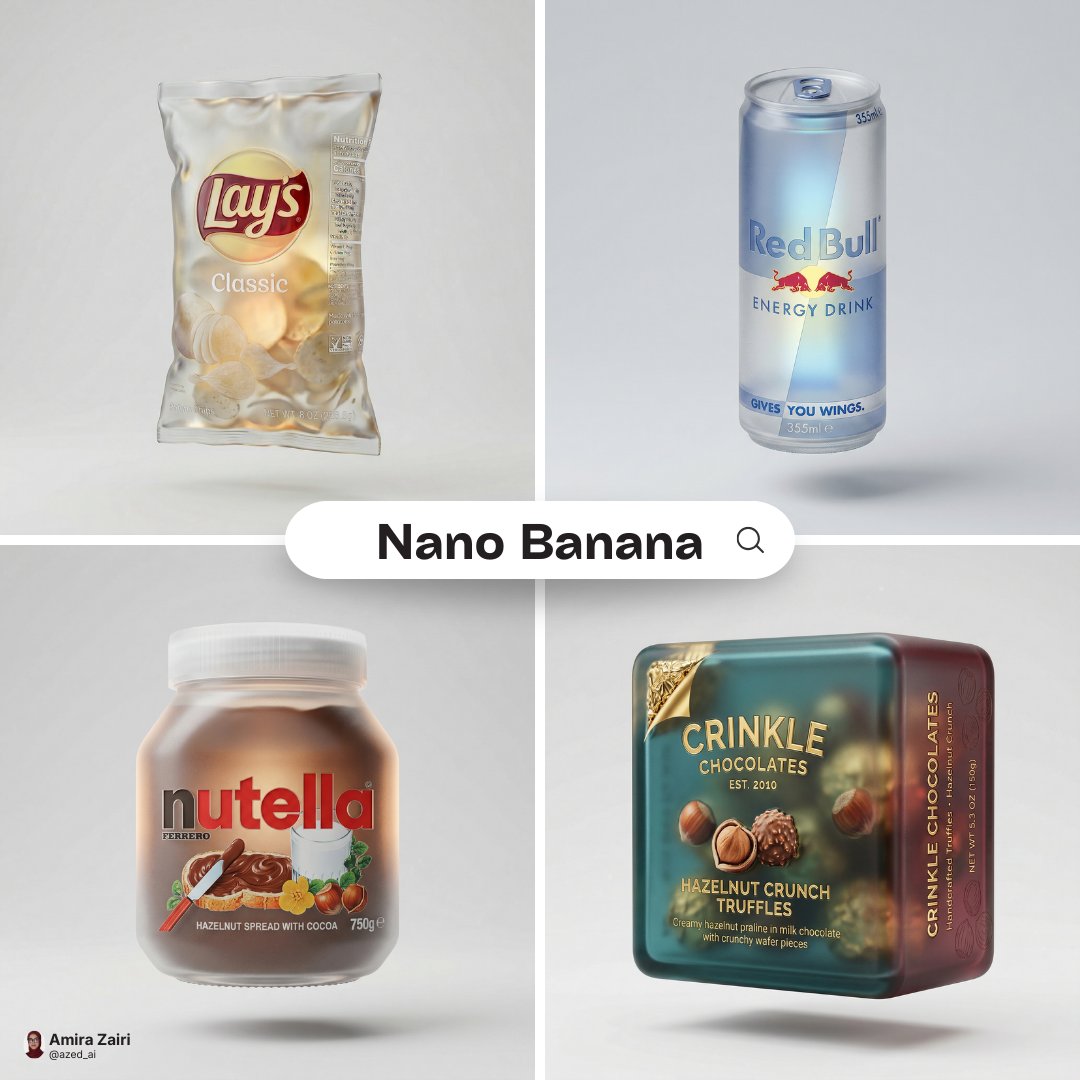
프로스티드 유리 패키지 렌더 – Nano Banana 이미지 생성
Nano Banana 이미지 생성으로 제품 패키지를 프로스티드 반투명 유리 렌더로 변환. 원래 색상과 비율을 유지한 플로팅 스튜디오 연출.