
text-to-image
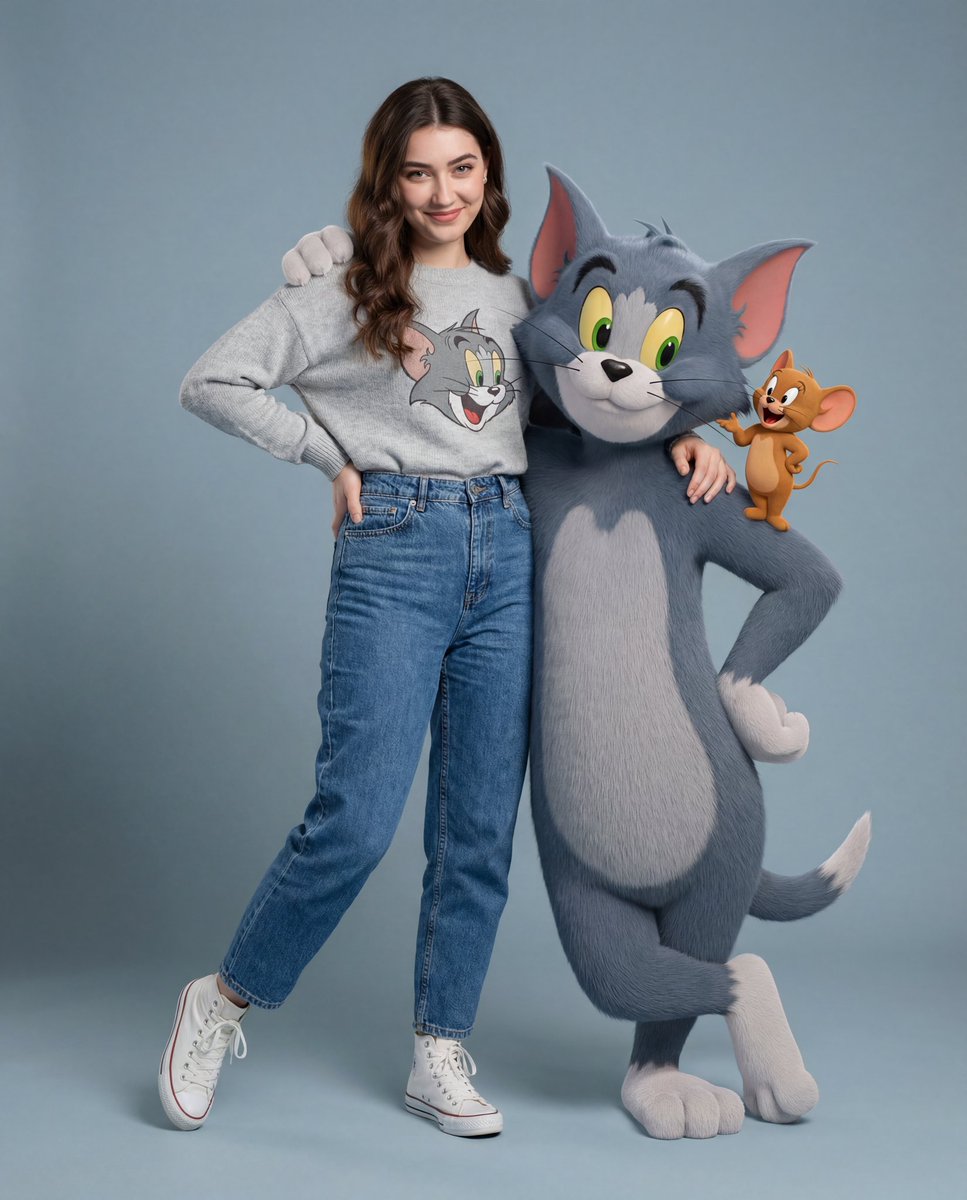
Mach ein Foto mit 3D Talking Tom
Was zeigt dieses Beispiel für Mach ein Foto mit 3D Talking Tom?
Dieses Beispiel dokumentiert das Ergebnis „Mach ein Foto mit 3D Talking Tom“ und enthält den ursprünglichen Prompt sowie die Generierungsparameter. So lässt sich der kreative Ablauf besser nachvollziehen.
Erstellt vom Nano Banana Pro-Team
Mit welchem Prompt wurde dieses Beispiel für Mach ein Foto mit 3D Talking Tom erstellt?
Welche Einstellungen wurden für dieses Beispiel für Mach ein Foto mit 3D Talking Tom verwendet?
Seitenverhältnis2:3
Auflösung4K
AusgabeformatJPG
Modellnano-banana-pro
Ähnliche Empfehlungen
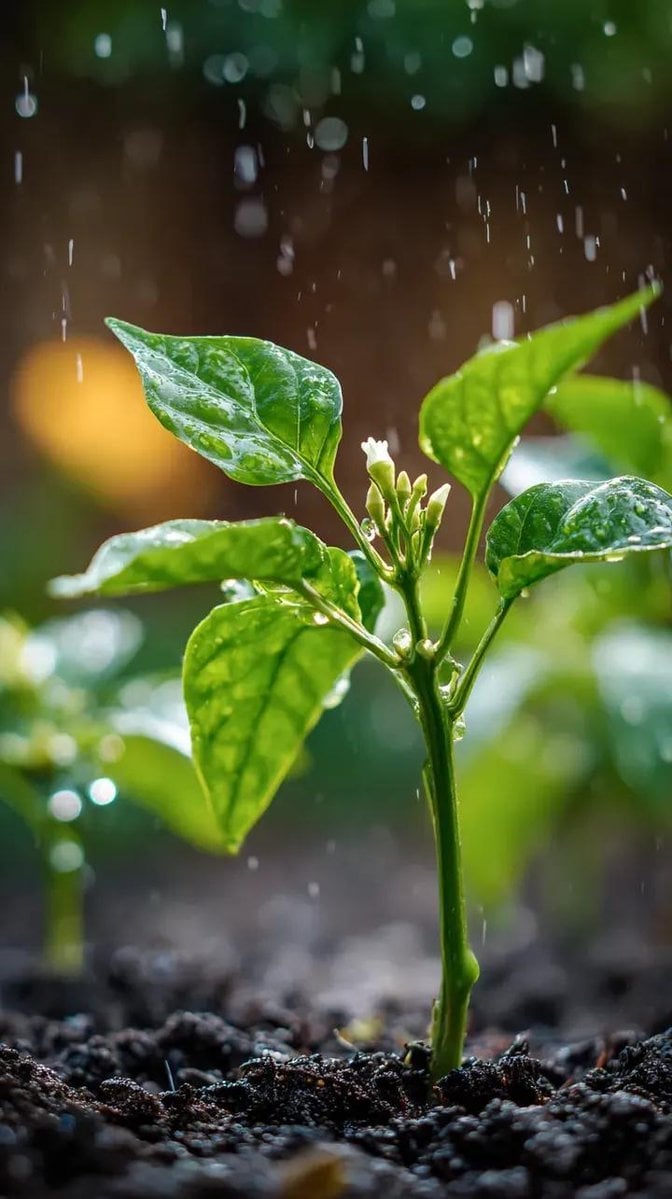
Chilipflanze Makro Regen – Nano Banana Bild-Prompt
Erstelle eine Chilipflanze im Makro-Regen mit glänzenden Blättern, weißer Knospe und Garten-Bokeh – Nano Banana Prompt, 100mm Makro f/2.8.
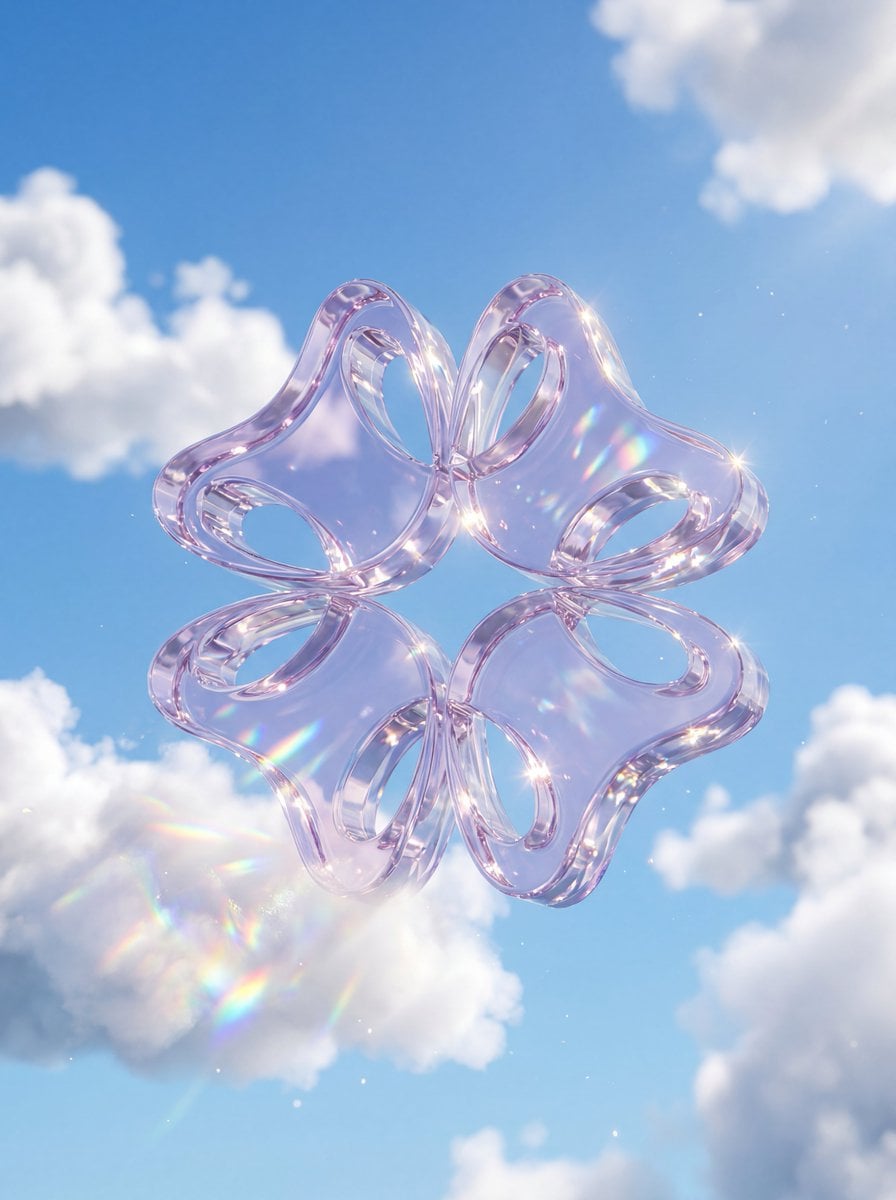
Kristallglas-Logo in Wolken – Nano Banana 3D-Prompt
Kristallglas-Logo in Wolken mit Nano Banana Bilderzeugung erstellen: dickes transluzentes Glas, blauer Himmel, Kaustik und Regenbogen-Dispersion, poliertes 3D.
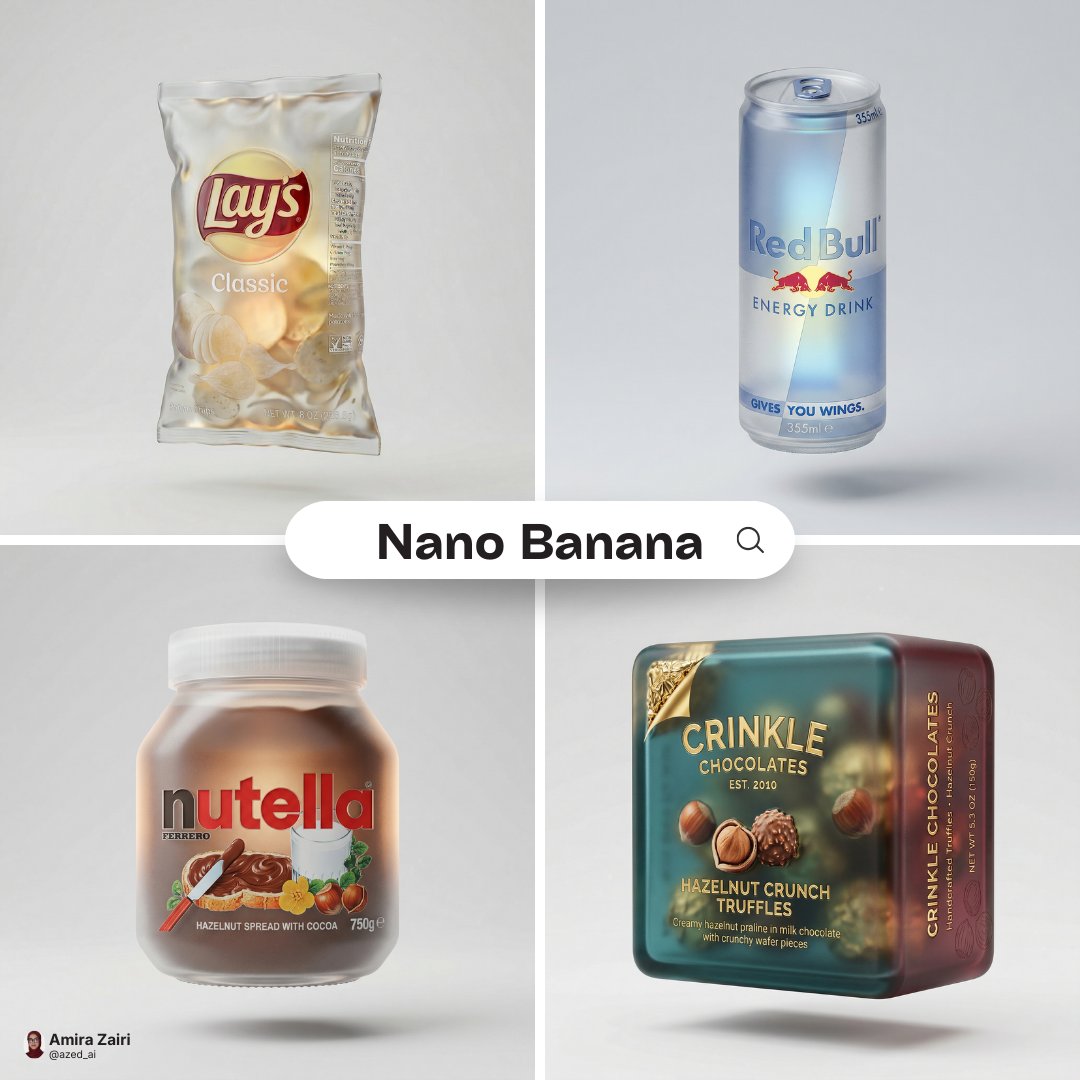
Mattglas-Verpackungs-Render – Nano Banana Bildgenerierung
Mit Nano Banana Image Generation Produktverpackung als Render aus Mattglas erstellen: Originalfarben, Refraktion, Soft-Glow und schwebende Studio-Inszenierung.