
text-to-image
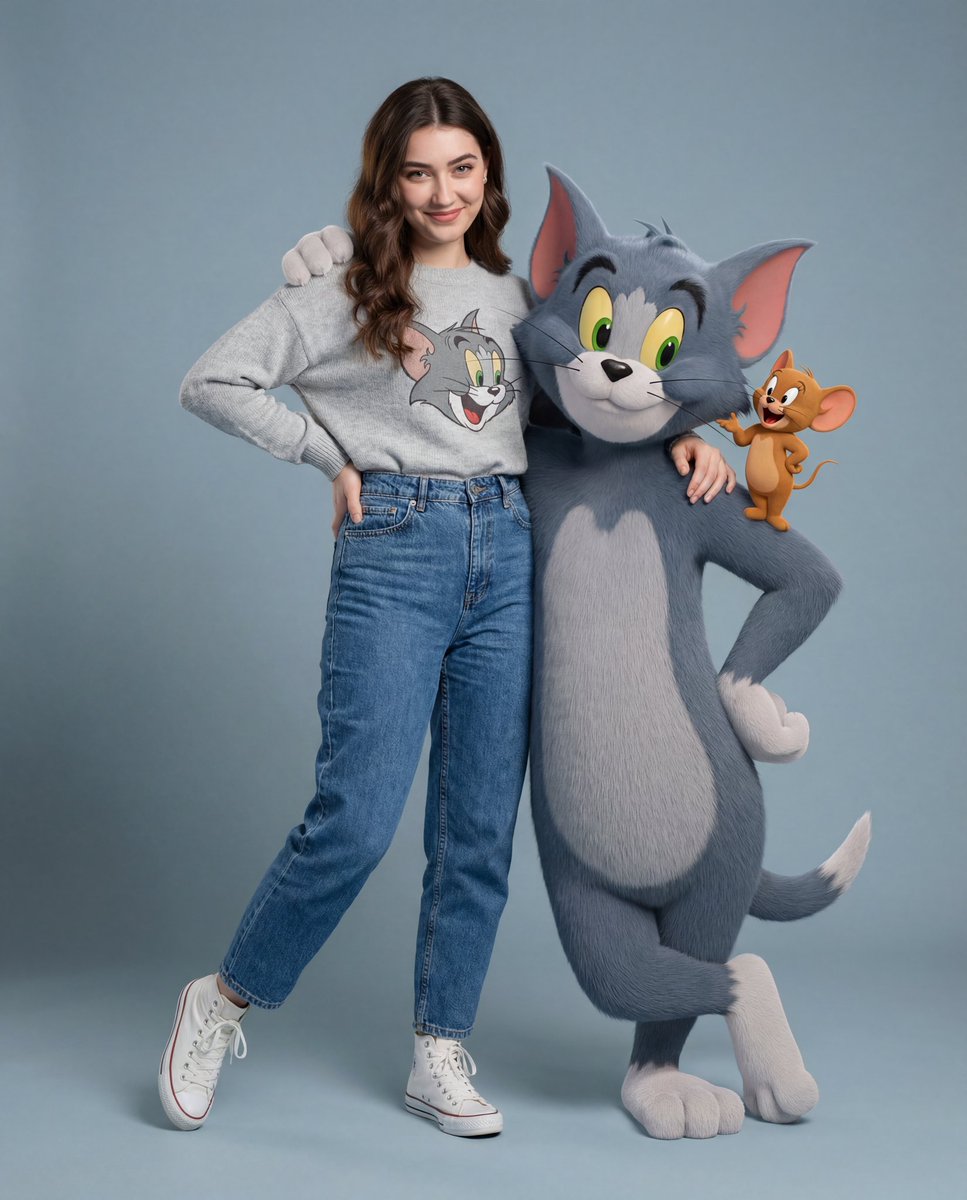
Prends une photo avec 3D Talking Tom
Que présente cet exemple de Prends une photo avec 3D Talking Tom ?
Cet exemple présente le résultat Prends une photo avec 3D Talking Tom et conserve le prompt d’origine ainsi que les paramètres de génération pour vous permettre de consulter plus facilement le processus créatif.
Créé par l’équipe Nano Banana Pro
Quel prompt a servi à créer cet exemple de Prends une photo avec 3D Talking Tom ?
Quels réglages ont servi à créer cet exemple de Prends une photo avec 3D Talking Tom ?
Format d’image2:3
Résolution4K
Format de sortieJPG
Modèlenano-banana-pro
Recommandations associées
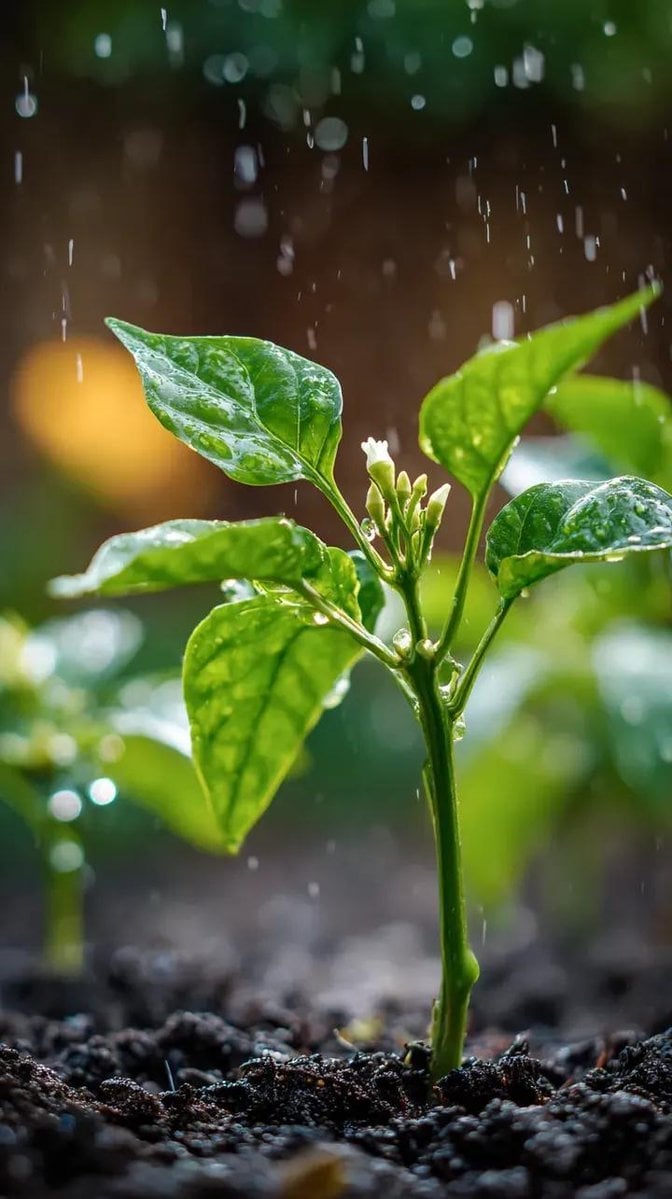
Piment Macro Pluie – Prompt Image Nano Banana
Générez un plant de piment en macro sous pluie fine, feuilles brillantes, bouton blanc et bokeh de jardin avec ce prompt nano banana, style 100mm f/2.8.
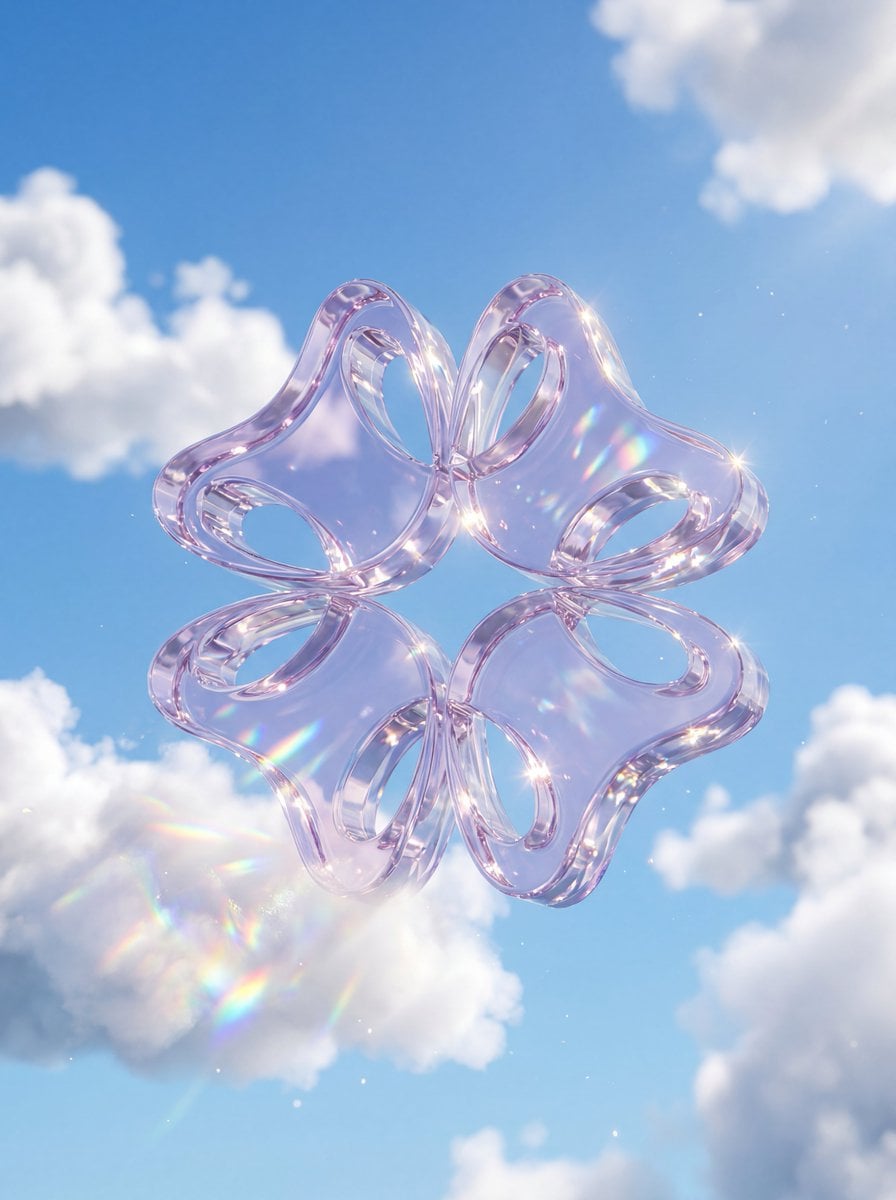
Logo Cristal dans Nuages - Prompt 3D Nano Banana
Générez un logo cristal dans nuages avec Nano Banana : verre épais translucide, ciel bleu, cumulus, caustiques lumineuses et dispersion arc-en-ciel, 3D polie.
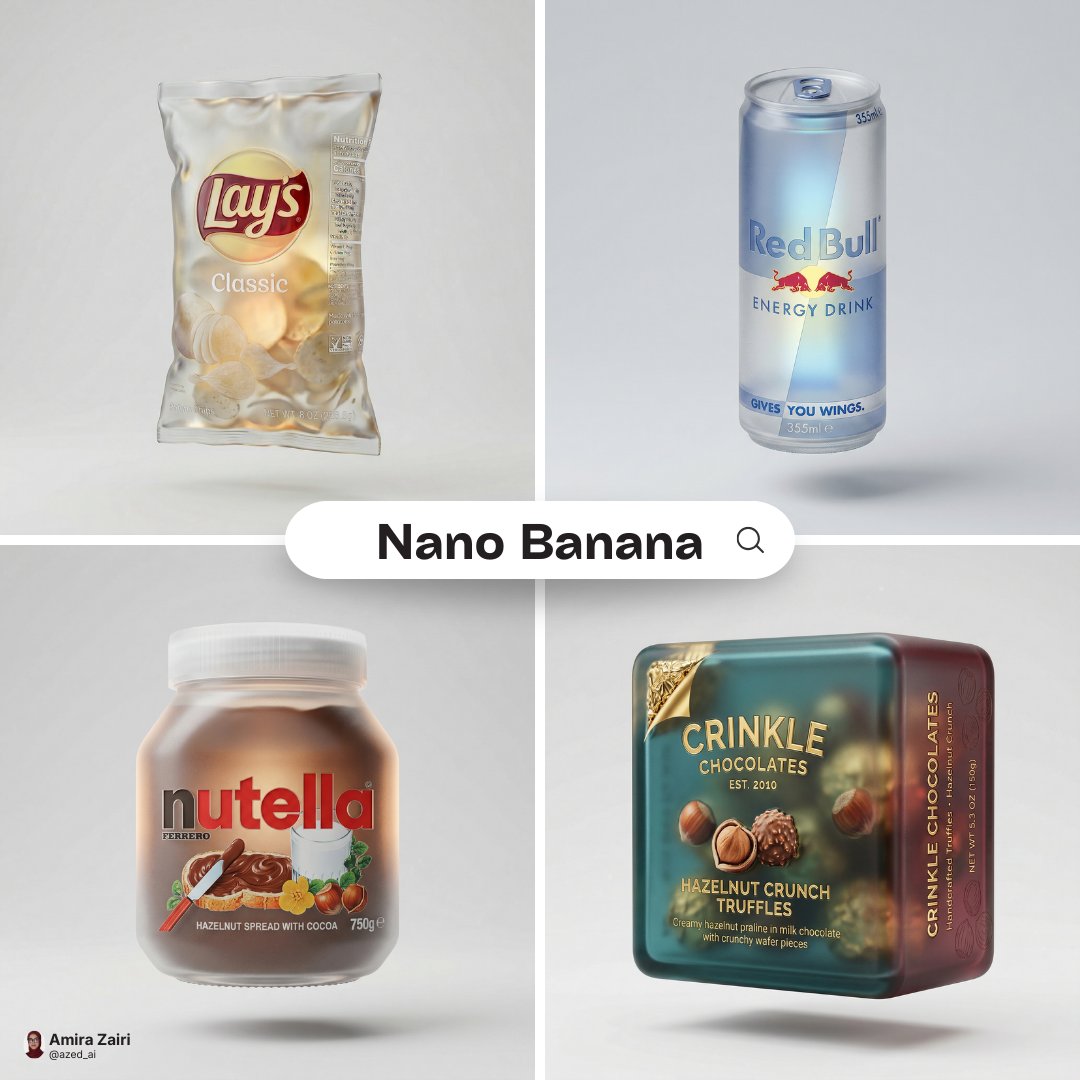
Rendu packaging verre dépoli – Génération d'image Nano Banana
Avec la génération d'image Nano Banana, transformez un packaging en rendu verre dépoli translucide, couleurs d'origine, éclairage studio et effet flottant minimaliste.